

What Does The R Symbol Mean On Your Android Phone?

Your Android phone uses symbols and icons to show key statuses at a glance. For example, your Samsung phone may display a shield icon in the battery indicator to show that your device is protected from charging beyond the maximum level set in your Battery settings. However, the R symbol relates more to your network settings. If you see an R in your Android phone's status bar, it generally means you are roaming, indicating that your phone is operating outside your provider's coverage. A seasoned traveler may be well aware of the risks this poses to their monthly phone bill. Still, for someone who isn't, roaming can happen domestically or internationally, and depending on how long and where, it can get expensive based on how much data you use, as well as your carrier and plan. The R itself doesn't tell you whether the roaming is domestic or international, so it's worth checking your carrier's policies if you weren't expecting to see it.
Unless you've packed a travel eSIM card, you may have accidentally triggered roaming without realizing it. Fortunately, Android phones have a simple way to turn it off in the settings. Manufacturers usually include a Data roaming toggle under Mobile network settings, which you can find under "Connections" or "Network & internet," depending on the smartphone. Essentially, this toggle turns off your data when you're out of range of your provider's network, meaning anything that needs internet stops working until you reconnect to Wi-Fi. Another quick way to turn off roaming is to use Airplane mode, which disables your device's ability to search for and connect to any nearby cellular tower.
Other important symbols that appear on your Android status bar
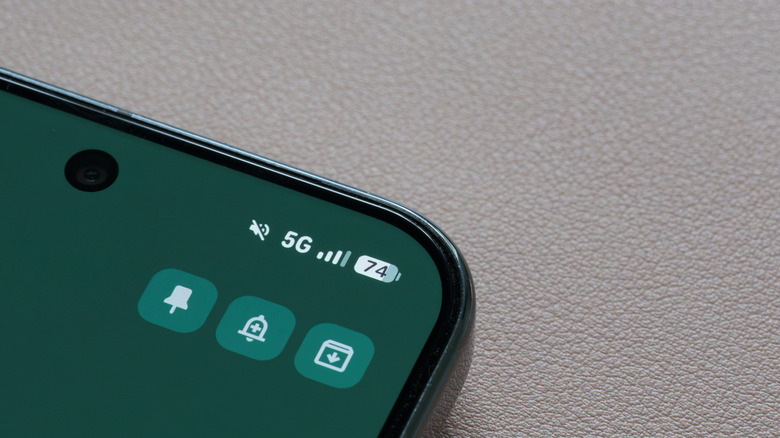
Another icon that might affect your network connectivity is the key symbol. On Android phones, the key symbol indicates that a Virtual Private Network (VPN) is connected. Normally, you won't see this unless you're using a VPN service like NordVPN, Surfshark, Proton VPN, or even VPN by Google on a supported Pixel device. Turning off your VPN will make the key disappear, but if you didn't intend for that to happen, double-check your VPN status in the dedicated app or your phone's settings.
The N symbol is another icon to look out for in your status bar. This one tells you that the near-field communication (NFC) function is currently enabled. NFC allows compatible devices and terminals to interact with your phone, and contactless payments through Google Wallet or Samsung Wallet rely on the technology. Like other statuses, you can toggle it off in your settings, usually under "Connections" or "Connected devices," then look for the NFC option. You can also check for an NFC toggle in Quick Settings.
Lastly, another interesting sign you might spot on a Samsung phone is the triangle symbol. The triangle symbol means that Data Saver mode is enabled on your Samsung device. It's an easy way to conserve your mobile data so you don't have to worry about sneaky high data usage or going over your monthly allowance. It does this by limiting how much data apps can access, and you can customize which ones through Samsung settings by going to "Connections" > "Data usage" > "Data saver."