

5 Apple CarPlay Features Android Auto Still Lacks
Apple CarPlay and Android Auto lead the way when it comes to in-vehicle mobile software extensions. Each platform has gained capabilities and features since its initial release, expanding to suit drivers and their vehicle's touchscreen interface. There have been several recent Android Auto features to look forward to, including dashboard widgets and YouTube playback when parked. The tech giant has also been focusing on integrating Gemini AI more deeply into the Android Auto interface.
But Apple has been improving CarPlay along the way as well. There are quite a few CarPlay features Apple has added to vehicles recently, including its Liquid Glass design, Video AirPlay, and a new notification system. CarPlay and Android Auto do have some crossover when it comes to basic features, but Apple's continued improvements to the platform make several features unique to CarPlay users.
Because Apple puts so much emphasis on the software experience its users get across a range of devices, many of its most useful mobile features are part of the driving experience. Here we're taking a look at some CarPlay features Android Auto still lacks. Among them are some deeply integrated hands-free messaging features and a way for passengers to participate in the CarPlay experience, among several others.
Live Activities on vehicle display
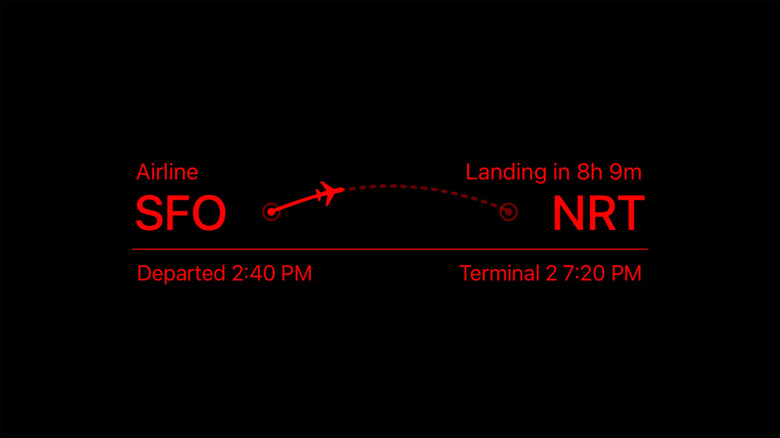
Live Activities have to be one of the best iOS features implemented in CarPlay. iPhone users may already be familiar with this feature, as Live Activities come in handy in a number of different ways. The feature provides users with real-time updates from individual apps, and CarPlay presents these updates right on a vehicle's dashboard display. One of the most useful Live Activities integrated with CarPlay is turn-by-turn directions through Apple Maps.
Android Auto has a way of keeping drivers updated on tasks taking place within connected apps, though it does so in a more standard, notification-based way. The Android platform supports ongoing notifications on Android mobile devices, but Android Auto makes looking at these in detail more of a process. Food delivery apps, for example, typically run an active status tracker. Android Auto will provide notifications on such a delivery, but the specifics of it require tapping on the notification and launching the full app.
CarPlay, however, utilizes the same Live Activity interface iOS devices use. On iPhones, Live Activities will display on the lock screen and in Dynamic Island. This same interface appears on a CarPlay user's vehicle display. The CarPlay system automatically scales the interface to fit different vehicle screen sizes, but drivers can view live progress bars and real-time activity updates without having to touch their mobile device or a single button on their vehicle display's touchscreen.
Photo descriptions
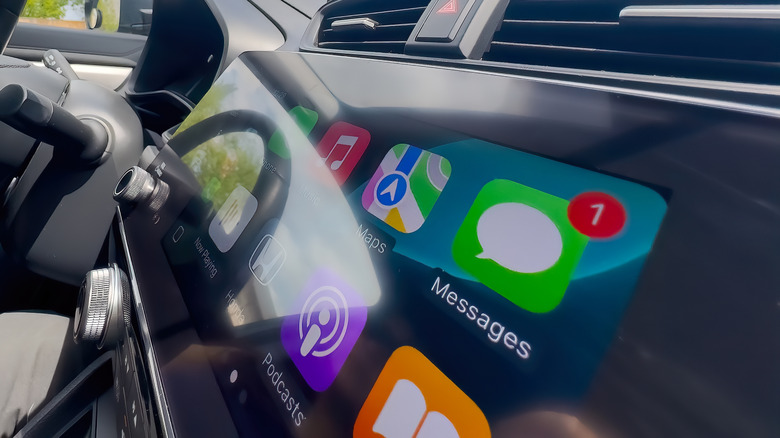
Having a device read incoming text messages aloud isn't a feature that's exclusive to any one platform. It's pretty commonly used by many mobile device users, but on iOS-specific devices, when a photo is received through iMessage, Siri is capable of describing that photo. It does this with the help of Apple's Visual Look Up technology, which can identify specific objects, settings, landscapes, and more. The photo description feature is available through CarPlay, allowing drivers to get a sense of what photos are texted to them without taking their eyes off the road.
Android Auto is still not capable of this. There are some clever ways to use Gemini on Android Auto, but the ability to recognize and verbalize images through a messaging app isn't yet one of them. Gemini can summarize long texts and group chats, and even suggest replies and quick actions like sharing locations or an estimated time of arrival. But photos meant to reach a user in the midst of driving will only be announced as a photo, with the specific contents of the image needing to be checked visually once a driver is able to open the messaging app.
While CarPlay's photo description feature may initially seem like a minor convenience, it can also be looked at as a safety feature. Siri's descriptions are a legitimate reason for drivers not to take their eyes off the road when a text message arrives. Android Auto's ability to relay text-only messages to drivers eliminates the distraction in most cases, but CarPlay takes the safety factor one step further with photo descriptions.
Third-party AI chat
One of the newest features added to Apple CarPlay is the integration of third-party AI chatbots. OpenAI was one of the companies that jumped on the opportunity. With its ChatGPT app installed, drivers can hold back-and-forth voice conversations with the AI directly through the CarPlay interface. Siri was previously the only AI option within CarPlay. It's capable of handling a lot of basic assistance tasks, but expanding support to third-party AI providers opens up a lot of possibilities for CarPlay users.
Android Auto, on the other hand, limits its users to Google's Gemini AI. For years Google used its Google Assistant with Android Auto, replacing it with Gemini more recently. In a broad sense, Gemini is more capable than its predecessor, allowing for conversational interactions. But Android Auto's Gemini switch has left some drivers frustrated, and Android Auto users who'd like to turn to other AI options are unable to do so directly through the platform. Such apps can still be accessed through an Android phone, but Gemini remains the only assistant Android Auto actually integrates into a vehicle display.
While Apple at least opens the door to third-party AI integrations, CarPlay is still somewhat limited in that regard. Chatbots like ChatGPT can be accessed through a vehicle's main display, but the app's usage is limited mostly to conversational support. An app like ChatGPT isn't able to access other apps like Apple Maps, Messages, or Contacts. It's also not able to integrate with the functions of the vehicle itself. But it can be helpful for entertainment and general knowledge, as it can carry on conversations and answer questions.
Tapback message reactions

Reacting to a text message with a quick emoji, a thumbs up, or a laugh has been a basic part of iMessage for some time. CarPlay users received the ability to do this with iOS 26, which introduced the Tapback feature to the platform. In the Messages app within the CarPlay interface, drivers can select a quick reaction to an incoming text message. Previously, CarPlay users could only have Siri read the message aloud and then speak an entire response to send back.
Android Auto doesn't have a direct equivalent to Tapback, though it does have some similar functionality. The platform offers one-tap suggested replies to incoming messages, which can sometimes be as short as a quick emoji. But these are sent as new messages within the same conversation, rather than attached to the specific text they're meant to be a reaction to. CarPlay's Tapback functionality more closely resembles a mobile texting experience.
In fact, Apple's implementation of Tapback message reactions on CarPlay almost perfectly mirrors the way it works on an iPhone. Tapping a message in the CarPlay Messages app brings up the same reaction options, and drivers can even pin their most important conversations for easier access while driving. The reaction sent from CarPlay shows up attached to the original message for the recipient as well, making the messaging experience within a vehicle display nearly identical to the rest of Apple's software ecosystem.
SharePlay integration
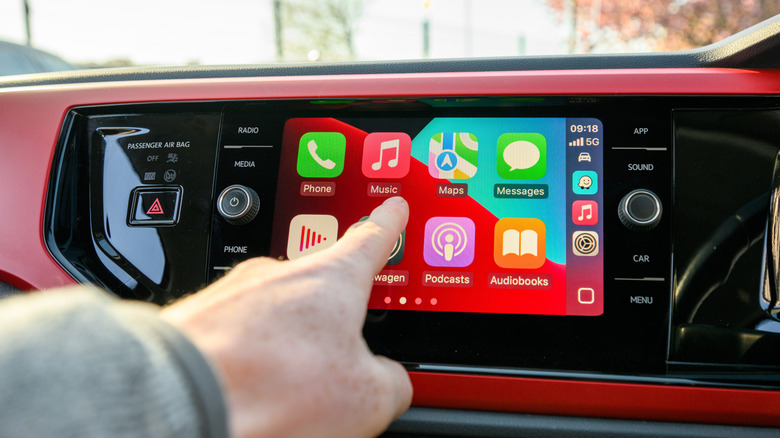
For years, one of the major flaws of in-vehicle software platforms like CarPlay and Android Auto was that music selections had to go through the driver. When there's more than one person in the vehicle, selecting the right music for the ride required passing around an unlocked phone. Alternatively, the passengers could choose the music, requiring the driver to take their eyes off the road to manually select a track. But Apple has integrated SharePlay into CarPlay, which allows passengers to tap into the CarPlay interface with their own iPhone.
While apps like Spotify have similar features, Android Auto lacks a native equivalent to CarPlay's SharePlay integration. The Android Auto platform actually demands a third-party solution, with Spotify Jam being one of the more popular options. Passengers in an Android Auto-enabled vehicle can participate in building playlists through Spotify Jam, though it requires everyone on board to have the Spotify app installed on their mobile device. Because the feature is handled through Spotify rather than Android Auto, even iOS users could jump in.
But Apple's SharePlay offers CarPlay users a way to get in sync at the platform level. When the driver launches Apple Music in CarPlay, nearby contacts are sent lock-screen join prompts, and non-contacts can scan a QR code to join. The driver must approve all collaborators and can do so directly on their vehicle's display.