

This Simple Swap Makes It Easy To Keep TV Cables Hidden
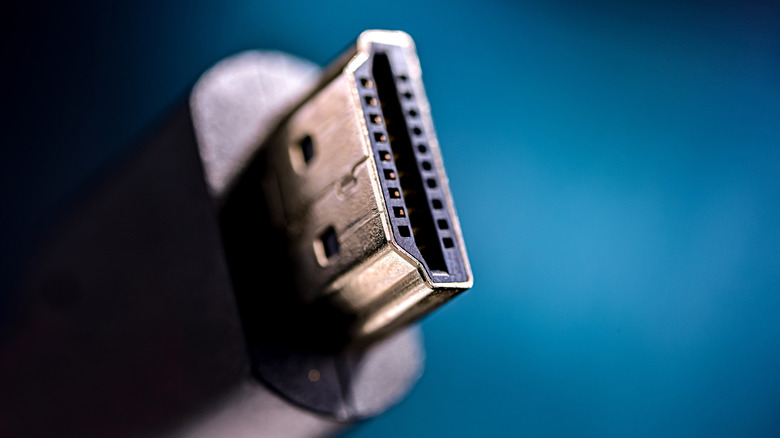
A home theater owner can never have too many HDMI cables. The all-in-one AV wire is a staple of modern connectivity, and it's the only way to experience the best of HDR, Dolby Atmos, and gaming optimizations. Now, shopping for home theater tech may get a tad overwhelming; there are more TVs, projectors, and AV components to choose from than ever before. That said, we have some advice we'd like to impart: don't buy a surplus of long HDMI cables just because.
On the surface, this might seem like a foolproof plan; you'll have plenty of AV cables when you need one. You also won't need to confirm that a new streaming device or game console comes with an HDMI, and length won't be a concern either. The issue is that a 20-foot-or-longer HDMI cable adds a lot of excess cabling to your AV setup, especially if you're not running wires in-wall. And if you're using an open-back entertainment center, you'll be more likely to see those leftover cord lengths.
By focusing on one device and HDMI cable at a time, it'll be much easier to pick the right cable length for each new product. You'll be able to say things like, "This 4K Blu-ray player will do just fine with a three-foot HDMI, because it's plugging into my AV receiver, which it's sitting right next to." This approach will help keep your home theater free of disorganized wires, and it'll probably keep costs down, too (longer HDMI cables are often more expensive than shorter ones).
Too much cabling can quickly become an eyesore, but you need to make sure your wires are long enough, too
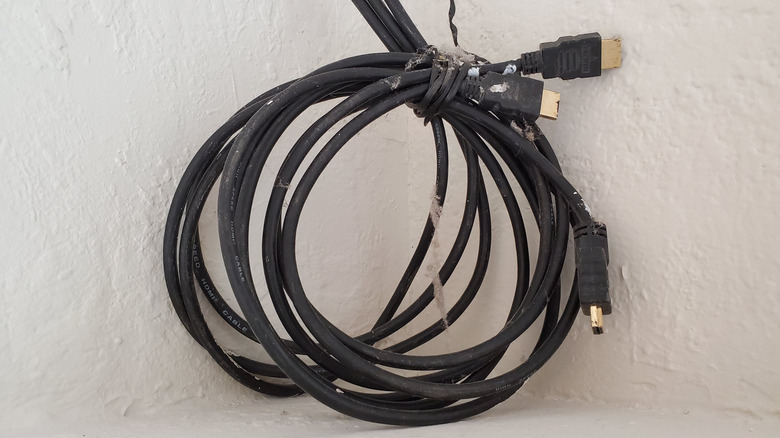
Shorter HDMI cables mean less fussing around with zip ties, Velcro straps, and cord covers. Still, make sure you're not investing in cables that are too short. Even if you know for a fact that the measured distance between your TV's HDMI ports and a brand-new AV device is 10 feet, you'll be shooting yourself in the foot if you only buy a 10-foot HDMI cable. Unless you've discovered the world's most flexible HDMI (we can keep a secret!), you should account for at least two extra feet of HDMI cable length — that's one foot at each end — for a single A-to-B connection.
This ensures your cables have enough flex to safely plug the connector into each port; a wire that's too short can put too much strain on the cable head, which could damage both the connector and the device input. This is particularly relevant when your display hardware, be it a TV or projector screen, lives on one side of the room, and all your AV components are at the opposite end; the last thing you want to deal with is figuring out an HDMI cable is too short after snaking 90% of it across your basement and up a stud bay.
Stick to HDMI 2.1 cables or newer, and don't forget to see if your new game console comes with an HDMI
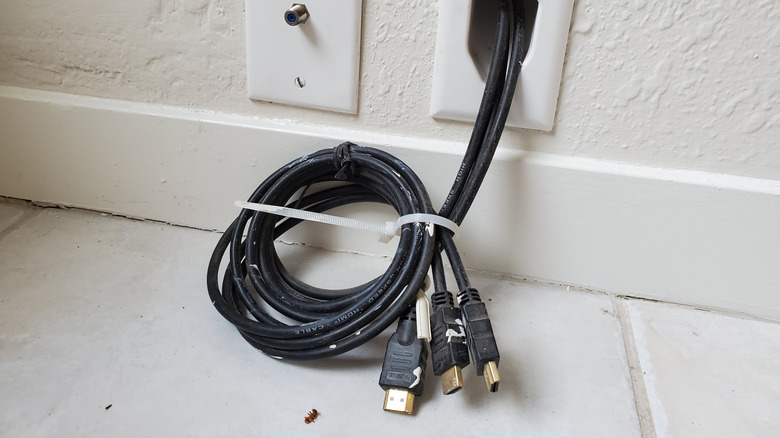
Also, make sure you're investing in the right type of HDMI cables for the equipment you own or plan to buy. A good rule of thumb for 2026 and beyond is to buy only HDMI 2.1-certified cables or newer (HDMI 2.2 is just starting to roll out). The 2.1 standard is supported by most TVs, projectors, AV receivers, and game consoles, and all HDMI generations are backward-compatible; that means that you can a.) plug an HDMI 2.1 cable into an HDMI 2.0 port, or b.) plug an HDMI 2.0 cable into a 2.1 port.
Oh, and don't forget: many new AV devices come with an HDMI cable, including hardware like the PlayStation 5 and Xbox Series X|S. You don't have to use the in-box HDMI cable, but there's nothing wrong with saving a few bucks if the supplied wire isn't too long or too short. Lastly, if push comes to shove, you can always invest in an HDMI coupler if you just need a couple of extra feet to complete your A-to-B connection; it wouldn't be our first choice (couplers can be rather finicky), but it's a cheap solution when your back is to the wall.