

Why Your Bluetooth Audio Quality Randomly Degrades (And How To Fix It)
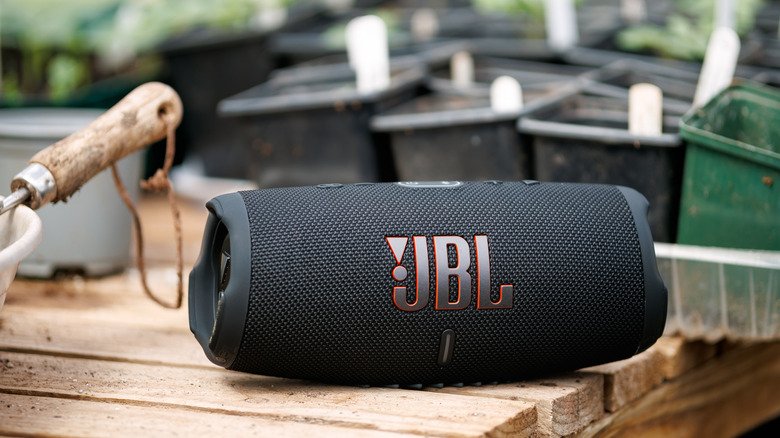
Bluetooth technology has come a long way over the last couple of decades. What was once a dedicated communication tool has now evolved into one of the leading wireless protocols for media playback. Bluetooth headphones, earbuds, and speakers are sold just about everywhere you can buy electronics, and nowadays, it can be pretty difficult to tell the difference between a wired and wireless audio connection — at least until the latter randomly degrades or cuts out for no reason. But guess what? There's always a reason, and sometimes there's more than one.
One of the simpler causes of Bluetooth quality loss is a strained connection with an app or operating system. Phones and laptops are typical host devices for Bluetooth pairing, and it's not uncommon for software to cause handshake issues. Music-streaming platforms like Spotify and Apple Music need a solid internet connection to deliver the best audio quality, and the same goes for YouTube, Netflix, and other entertainment portals. Should your network begin to bottleneck, bad Wi-Fi can easily trickle down to your Bluetooth connection. If resetting these apps doesn't help the issue, you might also try resetting your internet equipment.
Bluetooth and Wi-Fi both use the 2.4-gigahertz frequency band, but too many cooks in the kitchen can quickly cause congestion. Fortunately, most routers carry dual-band functionality these days, allowing you to migrate some of your more demanding devices over to the 5-gigahertz network band (many routers do this automatically). And while the world's mobile coverage is the best it's ever been, you can apply a lot of the same principles of residential Wi-Fi to cellular data. Thus, if you're in an area where cell data is hard to depend on, prepare for Bluetooth trickle-down degradation.
Bluetooth keeps getting better, but better isn't perfect
You may also experience Bluetooth degradation when the app you're using can interface with the microphones built into your headphones. When software requires your Bluetooth technology to support audio playback and mic functionality simultaneously, your headphones switch to a more compressed signal path so your cans or buds are able to split the bandwidth between playback and recording. But there's a pretty jarring difference between SBC/AAC Bluetooth codecs and wireless phone call quality. The degradation can also be further compounded by features like active noise-canceling and certain audio presets.
While closing apps and tools that support both audio playback and recording often solves the problem, your Bluetooth headset may still sound muffled or caked in static. In that case, you can try unpairing your Bluetooth tech from your host device. Power down your headphones and your host gear, give everything 10-15 seconds to rest, then boot your equipment back up. Pair your headphones to your device again and test things out with an app or video. If the choppiness is gone, pat yourself on the back — you've vanquished that lackluster connection.
If you're comfortable doing so, you can also dig through the settings of your headphones' or speaker's companion software (if such a resource is available). I personally use the Sony Sound Connect app to update and customize my Sony WH-1000XM4. There's a sound quality setting that lets you manually prioritize either better sound quality or a better connection. The latter is selected by default, but there's nothing wrong with giving another setting a shot.
Doing laundry taught me how sensitive a Bluetooth connection can be
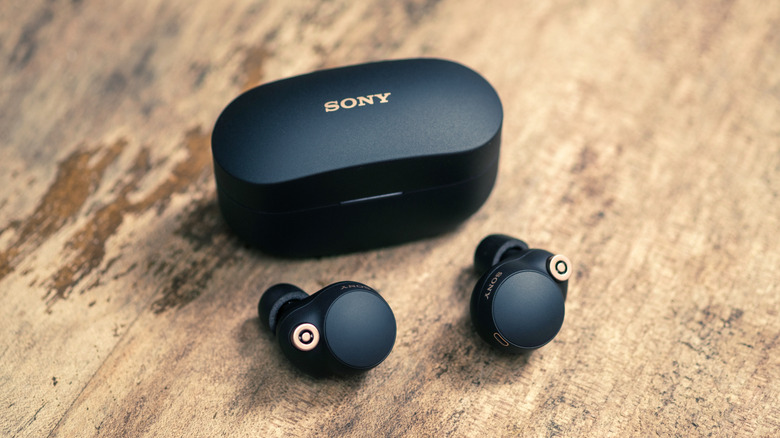
From one Bluetooth generation to the next, the wireless technology continues to improve. That said, it's still wireless, and even the best wired connections (e.g., HDMI and USB) can fall victim to signal interference. Not only are your Bluetooth headphones competing for 2.4-gigahertz connectivity, but they're also warring against the electrical noise generated by things like home appliances, fluorescent lights, security cameras, and power cables — and sometimes your headphones lose the battle.
This past summer, I was using my AirPods Pro 2 and streaming Apple Music on my iPhone. My clothes dryer was active at the same time, and I swear that the appliance caused my Bluetooth quality to ebb and flow. I'm determined this was the culprit because once I got about 10 feet away from the dryer, the quality drastically improved. Learn from my example: If you think a nearby device or wire(s) is wreaking havoc on your Bluetooth signal, there's a good chance you're onto something.
Lastly, the connectivity range of Bluetooth is pretty remarkable in 2026. Many devices are able to maintain a connection at distances over 300 feet when conditions are ideal, but let's be honest: Conditions are never ideal. There's always going to be a wall, floor, or interfering signal to darken your day. So, while it may be convenient to listen to music outside via a Bluetooth speaker — while keeping your phone indoors — the closer you are to your host device, the better if sound quality is your priority.