

Can Mesh Wi-Fi Solve Your Gaming Lag
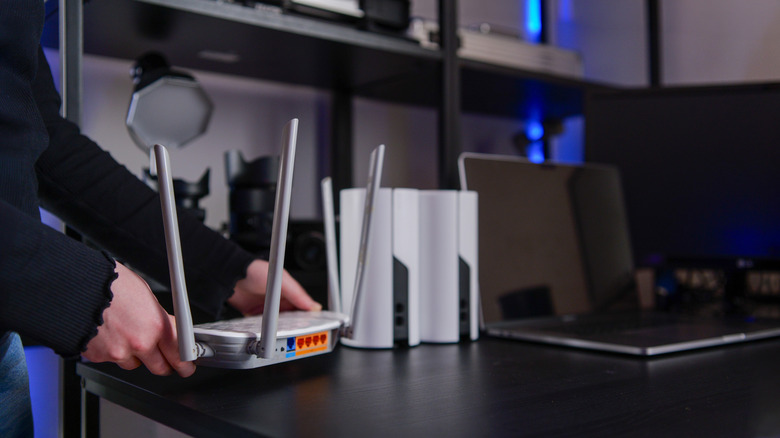
Gaming lag often gets blamed on Wi-Fi because latency is inherent to it. It happens because Wi-Fi usually shares its airwaves with other devices, such as phones, tablets, computers, and various IoT devices. Wi-Fi also runs in half-duplex mode, where traffic is either coming or going (never at the same time). Signal encoding and processing also add delay, but they don't automatically cause lag while gaming.
A strong, stable Wi-Fi signal can help avoid these problems (and an Ethernet connection will avoid them altogether). With poor Wi-Fi signal and coverage, lag becomes more noticeable, which is when a Wi-Fi mesh system might help. A mesh system won't outright fix your lag, but it typically will improve the signal strength and stability if you have dead zones. A mesh router uses interconnected nodes to create a unified network that spans a wider area than a single router can cover.
If your network is slow because of device congestion or interference from other frequency emitters and obstacles, a mesh system with dedicated wireless backhaul can reduce latency. It uses a less congested frequency band, such as 6 GHz, to communicate with the main hub, so your gaming device can maximize the Wi-Fi connection. Wi-Fi also helps if you're in a home dead zone where the signal doesn't reach or frequently drops because it's unstable.
What to check before getting Wi-Fi mesh

Before investing in a mesh system, it's a good idea to make sure the lag isn't caused by a problem with your home network or internet connection. For instance, ask yourself if you've placed the router in an optimal position. In a small home, placing the router in a central position can help minimize the impact of distance, interference, and obstacles. Also, if you haven't in a while, restart the router to clear temporary bugs that may be slowing your internet speed.
You should also ensure the router isn't outdated. One sign you need to replace your router is slow, laggy internet. You don't need a fancy gaming router either, since modern routers can handle your gaming needs, especially if they support Wi-Fi 6 or Wi-Fi 7.
A mesh system also won't help with bandwidth limitations. This can happen if you're cloud gaming while someone else streams 4K video or downloads a really large file. You may need to upgrade to a plan with higher bandwidth limits. Your ISP may also be throttling your internet speed. This can happen during peak hours or when you exceed your data cap. You can check by installing a VPN and running a speed test. Compare the results with the VPN off, then on, to confirm.