

5 Non-Negotiable Features When Buying A Mesh Wi-Fi System In 2026
We may receive a commission on purchases made from links.
With Wi-Fi having a limited range, dead zones are a common annoyance when moving from one part of the house to another. A familiar solution is to get a repeater or extender. These devices connect to the router, process its signal, and re-broadcast it to eliminate dead zones. However, the biggest problem with that is that it effectively cuts the internet speed by half. A more modern alternative to Wi-Fi extenders is a Wi-Fi mesh system, where one node connects to a modem or broadband router, becoming the main hub. The other nodes connect to the main hub and broadcast its signal instead, creating a unified network that eliminates dead zones.
The biggest advantage of mesh Wi-Fi systems is that they offer seamless automatic switching from one node to the next as you move through the house. Repeaters and extenders create their own separate network that you'll often have to manually switch between, while mesh systems use one name and one password. However, not all mesh systems are equal, and there are several things you shouldn't compromise on when picking a mesh system that you intend to use for a long time.
For instance, it should use the latest Wi-Fi technology and be able to connect to the router using its own dedicated channel to prevent losing bandwidth. Also, the connection should be able to move from node to node seamlessly. If the mesh Wi-Fi system doesn't do this, among other things, it might not be worth spending your money on it.
Support for Wi-Fi 6 at a minimum
If you're using a modern device, it probably supports Wi-Fi 6. So in 2026, there is no reason you should not be taking advantage of the current Wi-Fi technology. Compared to WiFi 5, it's significantly faster, offering theoretical speeds of up to 9.6 Gbps, making it a great option for high-bandwidth activities, such as 4K video streaming, video conference calls, cloud gaming, and downloading or syncing large files.
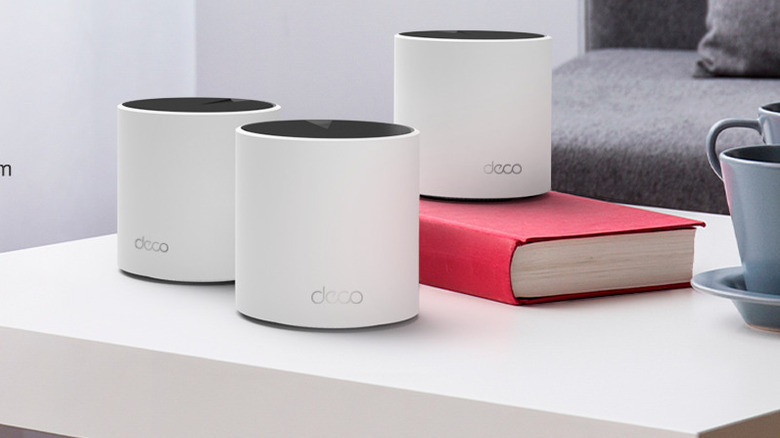
Wi-Fi 6 can handle up to four times more devices than Wi-Fi 5, making it better at handling congestion. This makes it an excellent solution for smart homes. Also, it's backward compatible with Wi-Fi 5 and older, but devices that don't support Wi-Fi 6 won't benefit from the increased speed and efficiency. Wi-Fi mesh systems like the TP-Link Deco X55, which costs $195.29, support Wi-Fi 6 with speeds of up to 2.402 Gbps.
There's also Wi-Fi 6E — an improvement of Wi-Fi 6. A major advantage it brings to mesh systems is the 6 GHz frequency band, allowing for a cleaner, dedicated connection between the main hub and the nodes (more on that in the next section). Keep in mind that many modern devices still use the 5 GHz frequency band, which is why 6 GHz is considered practically empty. On top of that, it has a very wide spectrum capacity, meaning it can transmit data at incredibly fast speeds. This allows the mesh system to make the most of the available bandwidth, especially if it's compatible with Wi-Fi 7.
A dedicated wireless backhaul
Backhaul is what allows nodes in a mesh system to communicate with the mesh router and extend its internet connection. When the backhaul is shared, meaning the nodes use the same frequency band as your personal devices, like phones, computers, and gaming consoles, it can become a problem. This is especially true if you're constantly engaging in high-bandwidth activities. The mesh system will have less bandwidth to broadcast, leading to reduced internet speeds and high latency. That's why it's essential to use a mesh system with a dedicated wireless backhaul.
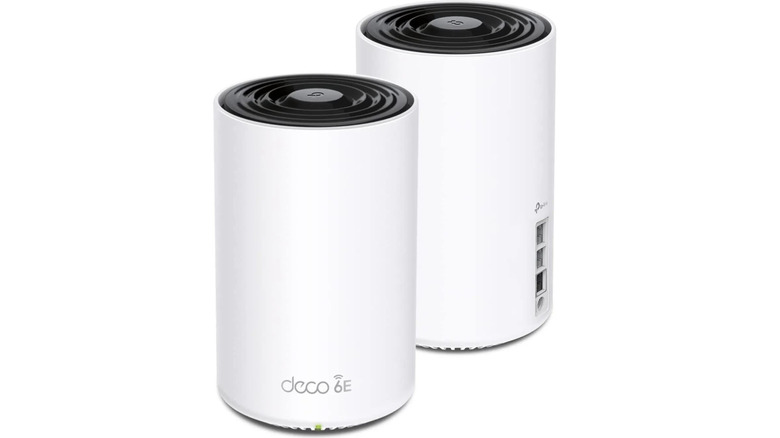
One way to help here is to ensure that you're using a tri-band mesh system instead of a dual-band mesh system, since the former usually comes with a band that can be reserved for the backhaul. An example of a tri-band router is the TP-Link Deco XE75 Pro, and it costs $195.29 for three nodes. It's a Wi-Fi 6E mesh system, meaning the third frequency band is 6 GHz with speeds of up to 2.402 Gbps. In Wi-Fi 6 mesh systems, this would have been an additional 5 GHz frequency band. But either way, this means that the nodes can communicate using their own special band. They don't have to deal with the congestion that forces them to fight for bandwidth.
Seamless roaming
By definition, true Wi-Fi mesh systems will have a unified network, but not all of them have seamless roaming capabilities. Seamless roaming means that a mesh system will connect your device to the nearest and fastest node without you experiencing a drop in connection. This can be useful when you're on a call or matchmaking in an online game while on your phone or laptop, and decide to move from one room to another. Without seamless roaming, the call can be cut off, or you can get kicked out of the lobby, which can be frustrating for everyone involved.
To improve seamless roaming, a mesh system can use the 802.11k, 802.11v, and 802.11r standards, so these are a few specs to look out for. 802.11k helps identify nearby nodes for your device to connect to when the signal weakens. 802.11v helps the device "decide" which node to connect to based on factors like the quality of the connection and the network's load. 802.11r, which is the most important for seamless roaming, pre-authenticates the device on the node it has "decided" to connect to so it can switch without interruption. This happens very quickly thanks to a feature called Fast Transition (FT).
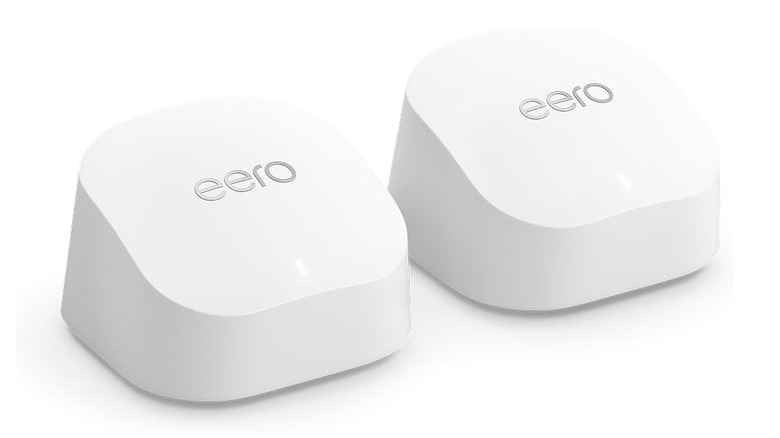
So when purchasing a mesh system, check its listing, specification, packaging, and companion app for labels like "802.11r," "Roaming," "Fast Transition," or "FT." It might have a marketing name, such as TrueRoam in eero mesh routers like the Amazon eero 6+ Mesh Wi-Fi System, which costs $239.99 for a two-pack.
Years' worth of firmware updates

Just like you shouldn't use a router that has stopped receiving firmware updates, the same goes for mesh systems. They're essentially specialized routers in a sense, so you need to ensure that they have years' worth of support ahead of them. The last thing you want is for your Wi-Fi mesh system to get hacked, especially if it forms the connectivity backbone of your smart home. That would mean a lot of the devices connected to the mesh system don't have additional security measures like antivirus and VPN simply because they cannot even install them. A hacker can gain access to your mesh system through an exploit that was never patched because the manufacturer has moved on. They could, for example, use that opening to steal information and spy on you with your speakers and camera.
Mesh Wi-Fi systems can be on the market for several years. After that, it's said they have entered their end of sales (EoS) period. The final nail in the coffin is when they reach end-of-life (EoL) status, which means that the manufacturer has stopped supporting them completely. You should look for routers that have at least three years' worth of service after they reach EoS. This is something that major manufacturers like TP-Link and Netgear guarantee. However, support might continue for several more years, as we've seen in routers with the longest software support.
Multi-Gig Ethernet
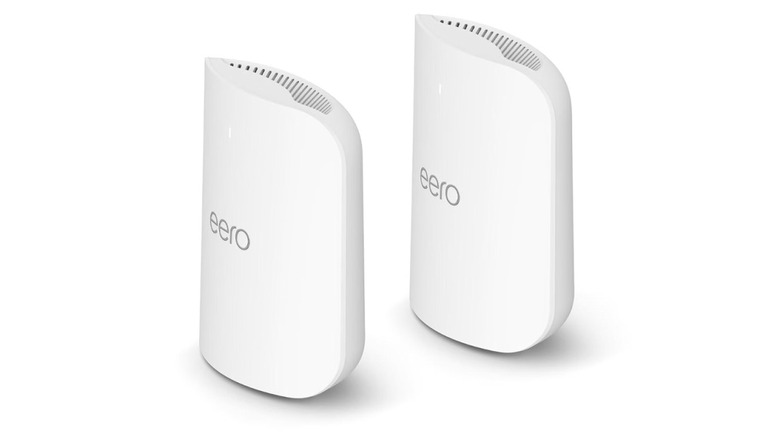
Multi-Gig Ethernet is designed to deliver speeds greater than 1 Gbps over a wired connection. Many ISPs nowadays offer internet speeds that are in the gigabits per second range. These plans are becoming more affordable than many people realize, starting from around $50 for 1 Gbps. You might even be paying for one yourself already, so getting a mesh system with units that support Multi-Gig Ethernet can help you take advantage of those incredible speeds. These are Ethernet ports labeled 2.5 Gbps, 5 Gbps, or 10 Gbps. A good option is the Amazon eero Pro 7 Tri-Band Mesh Wi-Fi 7 Router, and you can get a two-pack for $549.99. It features two 5 GbE (Gigabit Ethernet) ports built for multi-Gig internet plans of up to 5 Gbps.
It's important to mention that Wi-Fi 6, Wi-Fi 6E, and Wi-Fi 7 can indeed deliver incredible theoretical speeds, eliminating the need for Multi-Gig Ethernet if speed is the only concern. However, Ethernet still wins when it comes to reliability. The devices connected to Ethernet get their own dedicated channel to the mesh system's internet. Furthermore, Ethernet is free from interference from signal emitters that can mess with Wi-Fi. So if you have something like a network-attached storage (NAS), transferring files and even streaming videos becomes smoother and faster. The Multi-Gig ports can even come in handy when you need to establish a wired Ethernet backhaul.