

This Cheap Home Network Upgrade Could Fix All Your Mesh Wi-Fi Problems
We may receive a commission on purchases made from links.
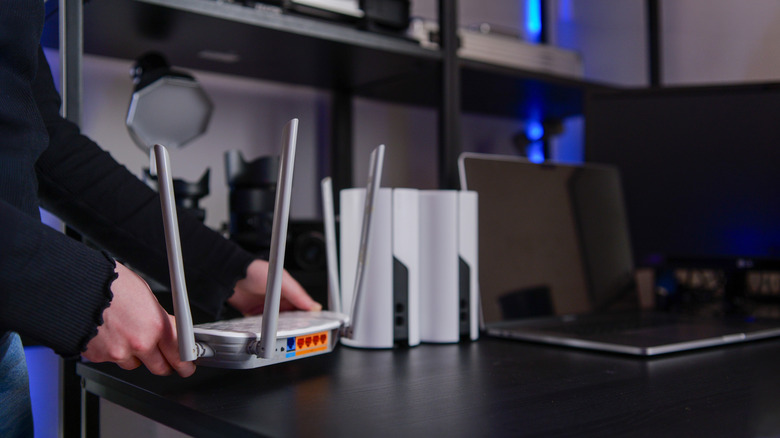
Mesh nodes do a good job of upgrading your home Wi-Fi setup. However, once the dead zone has been eliminated, a major downside of mesh Wi-Fi can rear its ugly head: shared wireless backhaul. A mesh node does not produce its own internet, so it has to connect to the router's internet to become an access point for devices within the dead zone.
This process is essentially what wireless backhaul is all about. The downside becomes clear — that mesh node is just another network device connecting to the router and consuming bandwidth. It has to fight for network resources with your personal devices, meaning less bandwidth and increased latency for the devices that depend on it for internet access. This can reduce internet speed, affecting high-bandwith activities like gaming, HD streaming, and downloading large files.
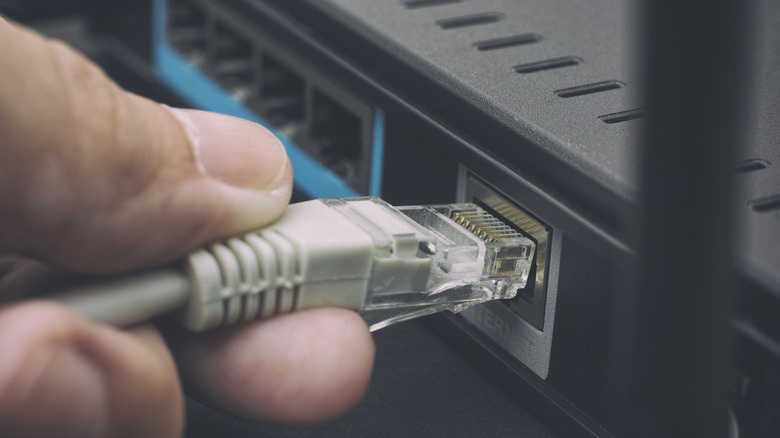
An Ethernet cable can fix all that by giving the mesh node a direct and dedicated connection to the router. Ethernet cables are actually quite cheap, and you can get one that reaches the mesh node for less than $10. While setting up the Ethernet to run through the house can be a hassle, the benefits you get in terms of speed and reliability more than make up for it.
Ethernet will save you money and improve your mesh network
Wireless backhaul is a big problem for dual-band routers since the mesh node is sharing airspace with personal devices on the 5GHz band. Tri-band Wi-Fi routers are able to give the mesh node its own dedicated wireless backhaul (either 6GHz or another 5Ghz frequency band), offering better performance since the extra frequency band won't be congested.
However, these routers, which usually support Wi-Fi 6 and Wi-Fi 7, can be more expensive and can even set you back hundreds of dollars if you want a unit from a reputable router brand. Not to mention, you'll also need tri-band mesh nodes to use the faster and more reliable 6GHz frequency band, which can also be even more expensive.
When you run that cable from the router to the mesh node, you create what's known as wired backhaul. You can achieve this with something like the Jadaol Cat6 Ethernet Cable 50FT, which costs only $9.99. Since this is a category 6 (Cat6) Ethernet cable, it's capable of speeds of up to 10Gbps and can maintain them for up to 100 meters. It's able to do this because its copper wire is twisted more tightly to reduce crosstalk and signal noise. With that low price, your mesh node has its own special lane that it can use to communicate with a router. So not only is there less interference from other devices, but you also get a more stable connection thanks to the Ethernet.
The drawbacks of wired backhaul
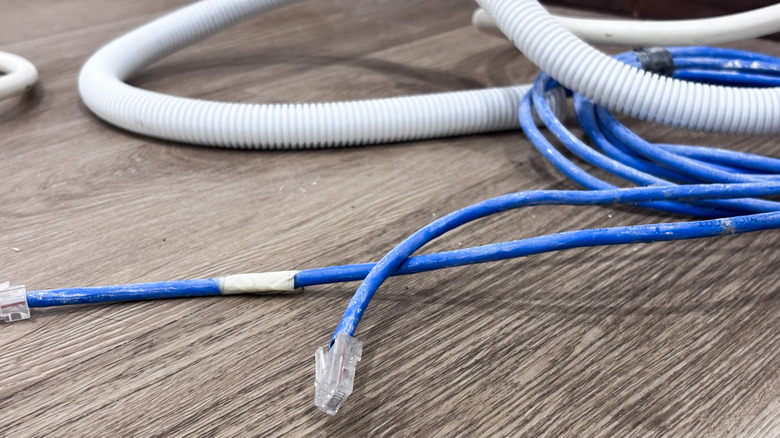
While an Ethernet cable is cheap and can reliably carry high-speed internet through the house, bypassing Wi-Fi bandwidth, the problem comes with getting it from the router to the mesh node, especially if they're far apart. The best way to keep it hidden and not have it become a tripping hazard would be to run it inside the walls, but that's more costly and one heck of a DIY job.
Furthermore, if you're in a rental property, you may not be allowed to do any drilling or permanent modifications to the building if you need the cables to pass through walls. The easiest and cheapest way to make things work is to run the Ethernet cable along the walls instead of inside.
You can keep it attached to the walls using cord clips with adhesive on the base, like these XHF 5/8" Adhesive Cable Wire Clips, which cost $6.99 for 60 pieces. Either way, it'll look a little messy, especially if you have more than one mesh node. Using these cord clips can ensure better organization of your cables while still keeping Ethernet a more affordable solution for dual-band routers.