

Your Nvidia RTX GPU Can Make Old Videos Look Better - Here's How
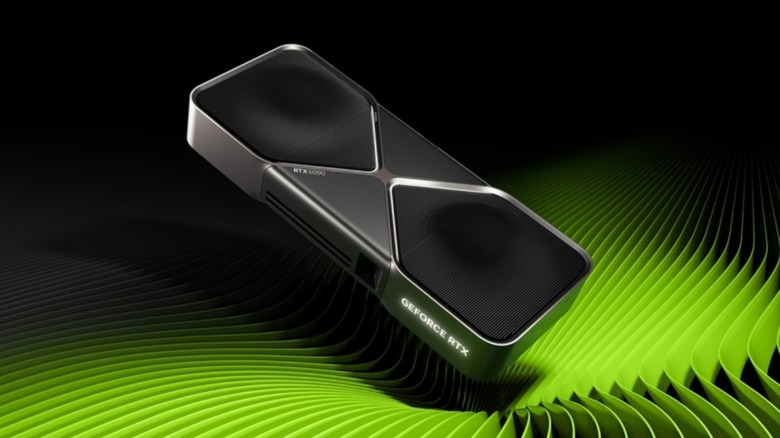
If you own an Nvidia RTX graphics card, you probably use it mostly to play video games. However, GPUs can do more than just render the latest games. Nvidia graphics cards (and, by extension, AMD GPUs) are essential for generating images, and not just the AI kind. These GPUs can even make old pictures and videos look the way you remember them using the same technology they use to improve old video games.
Nvidia RTX Video Super Resolution (VSR) is an upscaling technology that combines the power of an RTX's Tensor Cores (the hardware components that enable computer graphics rendering) and AI to improve video quality. Unlike most Nvidia technology, which focuses on video game graphics, Super Resolution applies to any video that passes through the GPU. Whether you're watching a live Twitch stream or a home movie you converted from physical format to digital, VSR upscales it all.
Enabling Nvidia RTX VSR is easy. All you need to do is follow these simple steps:
-
Open the Nvidia Control Panel.
-
Select "Adjust video image settings" under "Video."
-
Click the " Super Resolution " box under "RTX Video Enhancement."
-
Use the dropdown menu under "Quality" to choose the enhancement intensity.
-
Click "Apply."
That's it. Once active, your GPU will automatically upscale images depending on the "Quality" you chose. You may need to experiment to find the setting that works best for you and your setup. Some people say anything below intensity "4" doesn't provide noticeable (or satisfactory) results, so you might want to start there and work your way down.
Roll the dice
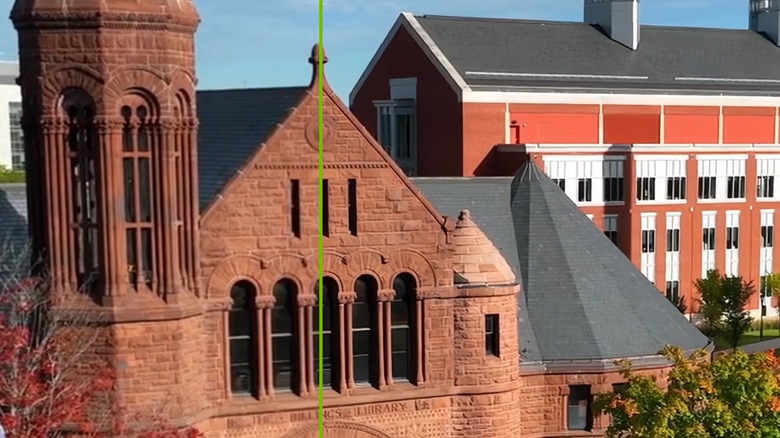
Since VSR relies heavily on AI, its results are hit-or-miss. While the feature can clean up old videos and images and make them look sharper and more legible, VSR is just as likely to mistake artifacts and noise for real parts of the original image and include them in the final product. VSR then cleans up the blemish, because AIs lack any critical thinking skills and sharpen everything they see.
Sometimes, Nvidia RTX VSR just gets information wrong and adds details that go beyond mere artifacting. A finished video could include material textures that never existed in the first place, all because VSR misinterpreted certain aspects of an image. You might only notice these mistakes if you zoom in to any particular frame, so the average viewer probably won't realize VSR got something wrong. And that's assuming VSR actually works, as fast movements in videos receive little to no improvement. While Nvidia RTX VSR can upscale your older videos and make them clearer than ever, it can't work miracles. Your results ultimately depend on the source material and a bit of dumb luck.
AMD's analogous app
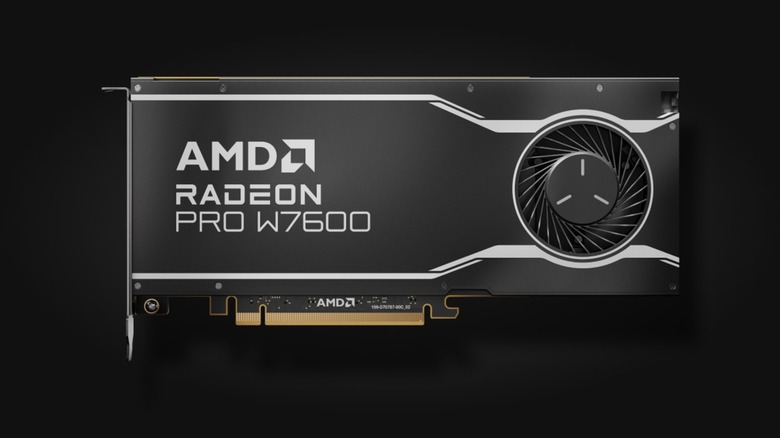
While Nvidia controls the lion's share of the computer graphics card market, many computer owners have switched from Nvidia to AMD. However, these exchanges aren't seamless, as users lose access to proprietary features such as Deep Learning Super Sampling. Thankfully, AMD adopters don't lose access to video upscaling, just the robustness of Nvidia's version.
AMD chips have their own upscaling program known as FidelityFX Super Resolution (FSR). This feature's most obvious application lets users make older games look sharper, but it can also upscale low-resolution images and videos. Unlike VSR, FSR doesn't utilize AI; some AMD upscalers do, but not this one.
Setting up FSR requires more work than VSR. Go to AMD's Adrenalin control panel, open the "Gaming" window, go to the "Graphics" tab, and enable "AMD FSR Upscaling" (if your computer doesn't do it automatically). You also need to open "Video playback" in your PC's settings menu and toggle "Process video automatically to enhance it". AMD also has several other image-sharpening technologies that can bring new clarity to fuzzy visuals, but they each have different applications that don't make them as universal as Nvidia RTX VSR.