

How Long Does RAM Last In Your PC?
We may receive a commission on purchases made from links.
This is actually one of the more difficult questions to answer in the world of PC components. Every single component inside your computer has a theoretical end-of-life date attached to it and the problem with the question is that every case is going to be a little bit different. For example, I've had RAM go bad in a machine after a year, while the Macintosh 512k that my dad bought in 1985 is still going strong.
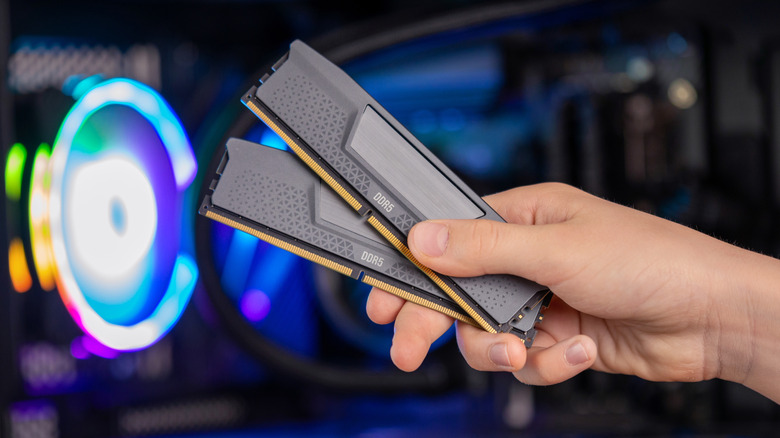
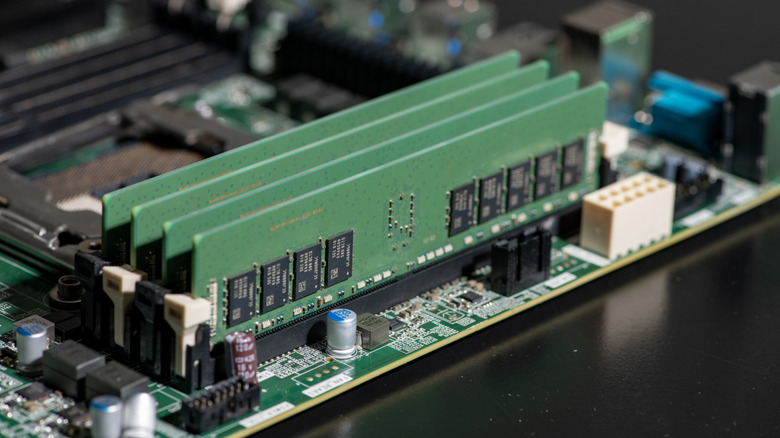
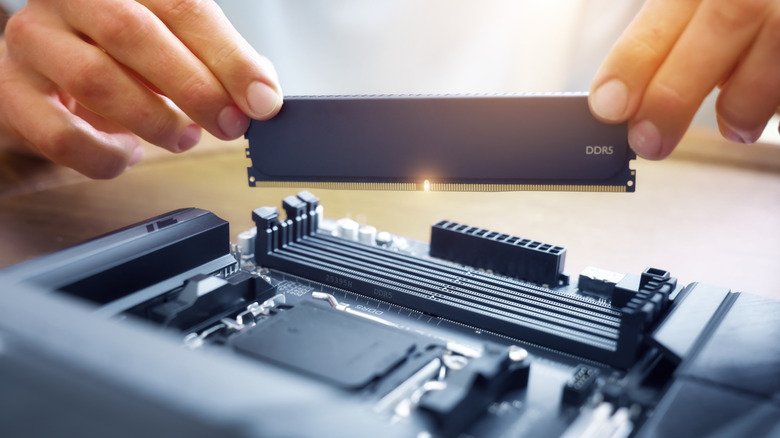
RAM is located on memory modules known as DIMMs. These sticks slot into their dedicated ports on your motherboard, typically either in two or four slots, depending on the motherboard. The thing about RAM is that it has no moving parts, so unlike your graphics card that has fans, there isn't really anything that can physically break.
And because RAM typically doesn't get very hot while used normally, it doesn't face overheating issues like a CPU might. The short answer is that it depends, but typically your RAM should last for as long as you have your system. If conditions are ideal, and you're mindful, RAM can last for decades, but there are a number of things to consider that could impact its lifespan.
With current prices, you might hope it's forever
There is no definitive way to tell how long your RAM will last, but there are things that can end its life quicker, as well as things to look out for if you think your RAM might be about to fail. My main gaming PC has 32 GB of DDR4 RAM and has been running strong since 2021, snagging two 16 GB sticks for under $100 before the RAM crisis. While 32 GB is enough for now, DDR4 is older technology that won't soon be able to keep up.
With DDR6 set to arrive in 2027, I'm living on borrowed time. This means that while my RAM probably won't fail, it won't be compatible with future motherboard upgrades. Time isn't really the main factor against your RAM's lifespan; obsolescence is. Even as manufacturers ramp back up production of DDR4 RAM and motherboards, a temporary stop-gap to help alleviate the ongoing global RAM crisis.
One thing that you might be seeing lately is the proliferation of RAM from companies that you've never heard of. The reputation of the manufacturer is an important factor, with major names using higher-quality parts and production methods, and generally coming with multi-year warranties.
What to keep in mind
You are as responsible for how long your RAM might last as the components themselves. What sort of loads are you placing your system under on a regular basis? If you're doing a lot of memory-intensive work, especially on a machine with underpowered and cheaply manufactured RAM, you could be shortening its life by stressing it with high loads.
While cooling RAM isn't generally necessary, heat can affect components, which is something possible in a system with poor airflow. If heat is a concern, you could always purchase a dedicated RAM fan such as the Thermalright MC-2, or even invest in some RAM heatsinks like the EZDIY-FAB RH01, something I have tried in the past with cheaper exposed RAM sticks that don't include built-in heatsinks.
Unless you're constantly overclocking your RAM at unrated voltages, chances are you have very little to worry about, especially if you buy from a respected manufacturer. Most modern RAM modules can handle several hundred thousand read/write cycles per cell. In non-technical terms, this means depending on your RAM's specifications, you can generally expect a lifespan of anywhere between 10 and 20 years of heavy use.