

The Big Problem Of Using A Soundbar With A Mac
We may receive a commission on purchases made from links.
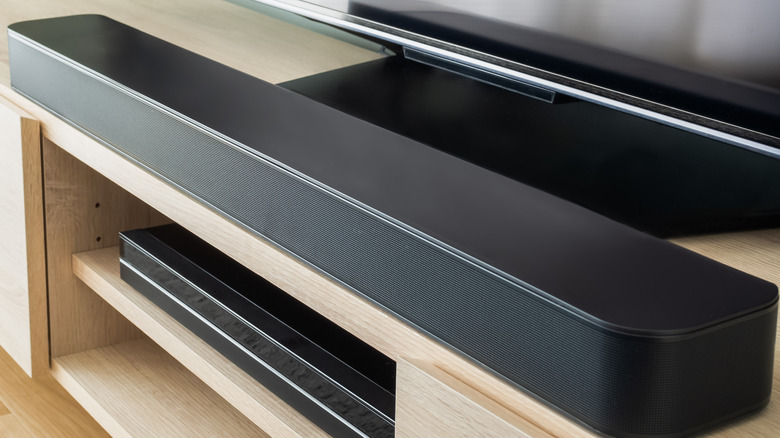
A great way to upgrade your home theater or home computer setup is to add external speakers. Some people particularly prefer soundbars as their primary audio source, and there's a wide array of cheap options and top-tier favorites that can enhance your computer with pristine audio. However, not all devices are created equal, and some may particularly struggle to deliver the superior auditory experience you may be hoping for. Such is the case for Macs, which are not fit to marry soundbars without experiencing some glaring problems.
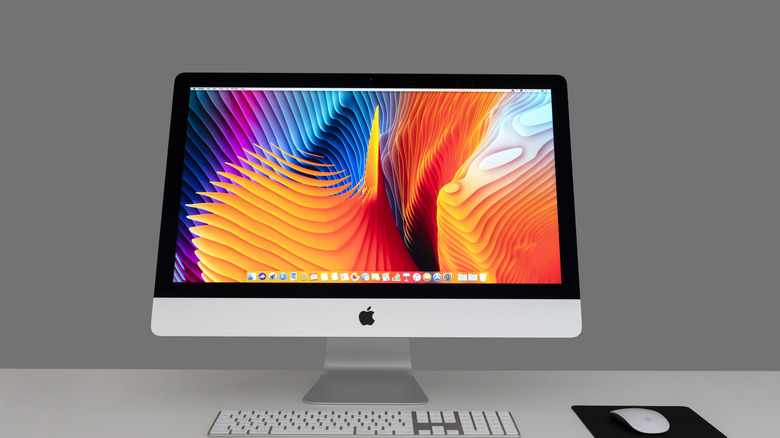
Some consumers may make the common mistake of buying a sound bar without first researching whether or not it's compatible with the device to which they plan on connecting it. Certain Mac owners will be especially disappointed to learn that systems without HDMI ports will fail to deliver the same quality of audio as those that possess such connectivity. Owners would, instead, be forced to resort to a Bluetooth connection, thus sacrificing the overall audio quality and creating a delay between the sound and picture.
You can purchase an HDMI adapter — especially if your only options to plug into are USB-C ports or headphone jacks. While an easy and convenient solution, this would take up additional space and potentially add to the jungle of cables already connected to your Mac.
There are other options to achieve superior Mac audio.
Mac owners who are jonesing for quality sound but are disappointed by how soundbars interact with their computers may be delighted to learn there are other speakers more compatible with Macs that would deliver the crisp audio they're looking for. Twin external speakers, in general, seem to be the better route to take, both for their HDMI connectivity and audio quality. Some Reddit users recommended products from Bose, B&W, Logitech, and more. One user particularly championed Yamaha's Studio Monitors, including the HS5, HS7, and HS8 models, which range from $252 to $775. "You can't go wrong with Yamaha studio monitors," the user wrote.
If you're willing to take the hit with wireless audio, Apple offers its own products that will fit your Mac like a glove. The HomePod and HomePod mini are some solid options retailing for $349 and $129, respectively, as of October 2026. Both devices are capable of connecting to your Mac via AirPlay rather than Bluetooth, thus delivering a more stable connection, lower latency, and better audio quality. HomePods may also substitute for typical external speakers as a stereo pair if you own two devices, thus making them clever Bluetooth devices to pair with your Mac.