

10 Features Cheap TVs Usually Sacrifice First

It's a great time to be a TV enthusiast, because there some incredible technologies at the high-end, but even cheap TVs can offer excellent performance and features. It's a far cry from the early days of flat panel LCD TVs, where some budget models were barely watchable.
With companies like TCL and Hisense making quality TV sets at the low-end of the price range, the wild west of no-name budget TVs with genuinely poor image quality seems to be in its twilight years. However, that doesn't mean there aren't big differences between budget TVs and more expensive models.
Not every advanced feature will matter to the average viewer, and so can be a fair omission from cheaper sets in order to get the price down. However, others really do help improve your experience substantially, and future-proof your purchase. Unfortunately, there are so many TV specs to consider, it can be bewildering. So, if you're considering a budget TV, these are the features likely to be left out.
Local dimming

Unlike OLED TVs, where every pixel is a self-emissive light source, an LCD TV requires some sort of backlight. This shines through the LCD layer, making the image formed by the liquid crystals visible. This is why an OLED has such deep blacks and intense contrast. When a pixel wants to be dark or black, it only has to dim itself, or turn off.
In LCD TVs, even when a pixel is black some light still passes through from the backlight, creating something closer to dark gray. To combat this, new backlight technologies have been developed. Local dimming uses an array of LED backlights behind the LCD panel that can be dimmed as individual zones. So you might, for example, have twelve dimming zones, making it possible for the image to achieve better black levels without dimming the entire screen at the same time.
The latest mini-LED technology allows for hundreds or even thousands of individual dimming zones, which has a dramatic impact on image quality. The cheapest modern TVs do not offer local dimming, and you're stuck with a single backlight brightness level across the entire screen. Don't be fooled by a large screen size for a low price. Local dimming is the least you should aim for, and budget mini-LED models from TCL and Hisense (like the U6 Pro) really punch above their weight when it comes to contrast and attempting pure blacks.
Variable Refresh Rate (VRR)
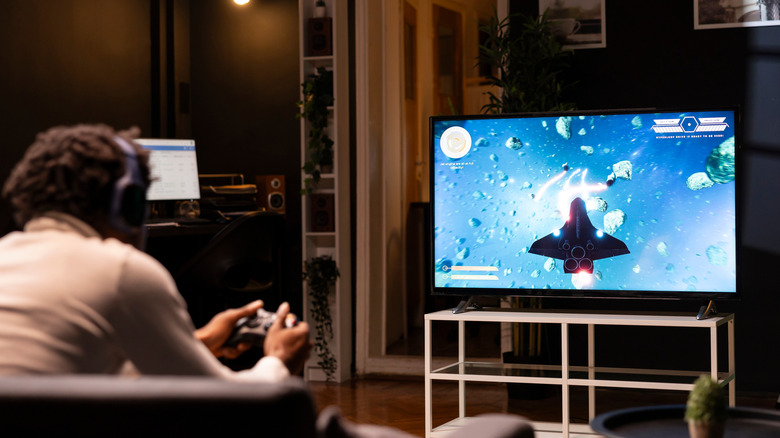
A display like an OLED or LCD has a refresh rate measured in Hz. Many entry-level TVs out there are still 60Hz models, which means the screen can completely refresh its content sixty times per second. By extension, this also means it can display at most sixty whole frames of video in a second.
If you have a video file that's been produced at 30fps or 60fps, that works perfectly. But what if you have content that doesn't stick to a steady, fixed frame rate? In this situation, the video will appear to lurch and jump as the latest frame arrives either too late, or too early for the next refresh, and the gaps between new frames become unevenly paced. What sort of content does this? Video games! If you've ever played on a console like the PlayStation 4 or Xbox 360, you know that games rarely stick perfectly to their frame rate targets.
Today, consoles and TVs that support Variable Refresh Rate (VRR) technology can dynamically alter the TV's refresh rate to match the frame rate coming from the gaming system. So, if your frame rate drops by a few frames momentarily, VRR smooths it all out, and you don't even notice. In cheaper TVs, VRR technology can be left out. That doesn't mean you can't play and enjoy video games on these TVs, but you won't benefit from that smooth, evenly-paced motion those with VRR-capable TVs enjoy.
Native 120Hz/144Hz panels

Remember when we just said that many TVs out in the wild run at 60Hz? Well, now it's common to have 120Hz and 144Hz TVs. These TVs can refresh their screen content up to 120 and 144 times per second, respectively. While there isn't much in the way of video content for these panels at those frame rates, it's once again gamers who benefit the most from these higher refresh rates.
Since modern consoles like the PlayStation 5, Switch 2, and Xbox Series can exceed 60fps, these TVs allow for that extra performance to be visible on-screen — resulting in a more fluid and responsive gaming experience. It can also be great if you like to use your TV as a computer monitor.
Cheaper TVs are more likely to have 60Hz panels, and there are fake 120Hz TVs too. This is when the panel's native refresh rate is 60Hz, but the TV uses tricks to give the appearance of higher frame-rate motion. These models use names like "TruMotion" or "Motion Rate" in the spec sheet. Instead, you should look for "panel rate" or "native panel refresh" if you want a real 120Hz TV. The TCL F8D series are affordable TVs with native 120Hz panels, as well as gamer-friendly features like VRR.
Enough brightness for convincing HDR
High Dynamic Range (HDR) is one of the most important advancements in TV technology. It expands the range of colors and contrast levels content can be mastered in, and TVs can reproduce. It also increases the maximum brightness TVs are capable of beyond Standard Dynamic Range (SDR) content.
Unfortunately, some of the various HDR formats are a little permissive when it comes to whether a TV can actually produce the colors and contrast levels contained in the content. This means there may be a cheap TV you're eyeing that proudly has an HDR sticker on it, but for all practical purposes isn't really HDR. A TV can accept an HDR signal, even if it doesn't have the peak brightness, contrast, and color gamut to do HDR justice.
Depending on who you ask, real HDR starts at around the 600 nits level, but really you want 1,000. This is where HDR content mastering starts and it's a good baseline to work from. If an LCD TV does not have local dimming, you can be almost certain it's not going to produce a proper HDR image, as these two features often go hand-in-hand. TCL's QM64L is a good example of a budget TV that mostly hits 1,000 nits where it matters.
A wide color gamut

The color gamut of a display is simply the range of colors that it can display. This is expressed as a percentage of a specific color space. For example, sRGB is a standard colorspace for SDR content. It describes the white point, and all the colors that can be displayed within that space. So, you might see that a screen is rated for "90% of sRGB" or "100% of sRGB," telling you how close that display is to meeting the sRGB standard.
HDR content uses the DCI-P3 colorspace as its baseline, and premium UHD certification from the UHD alliance requires that a TV produce more than 90% of DCI-P3. The Rec.2020 standard is even wider than DCI-P3, and represents top-tier color reproduction, but currently very few displays are even close to offering 100% of Rec.2020. You can use a computer and the Wide Gamut Test Page to see if your TV or monitor supports a wide color gamut. This is useful if you want to test a TV in the showroom, using a laptop.
If you're deciding between affordable TVs, then one that covers at least 90% of DCI-P3 is best for HDR content such as movies and video games. When RTINGS reviewed the TCL QM6K, for example, it found that its coverage of DCI-P3 was just short of 90%, which is still an excellent result for a TV so low in the price range.
Effective anti-reflection and glare treatments

One way TVs can overcome lower levels of peak brightness is by coating the screen in something that diffuses light and prevents glare and reflections, or at least reduces them. This isn't a real concern for a TV that's only used in a dark room with no direct light sources shining on it, but if you want to use a TV in a normal brightly-lit living room, glare and reflection can quickly spoil the party. It turns out that where you put your TV can have a profound effect on image quality.
But, treating a screen with these coatings isn't free, and it's one place a TV maker can cut some cost. Especially since not every TV buyer will care about anti-reflection or anti-glare technology. However, if you plan to use your TV in a bright environment where this is likely to be an issue, you'll need to look for it on the spec sheet.
Even then, not all coatings and technologies are made equal. Although a budget TV might say it has a coating to combat these problems, that doesn't mean it will do it effectively. That's why it's a good idea to carefully check reviews of that TV to see if there's a mention of glare or reflectivity.
Good upscaling and image cleanup
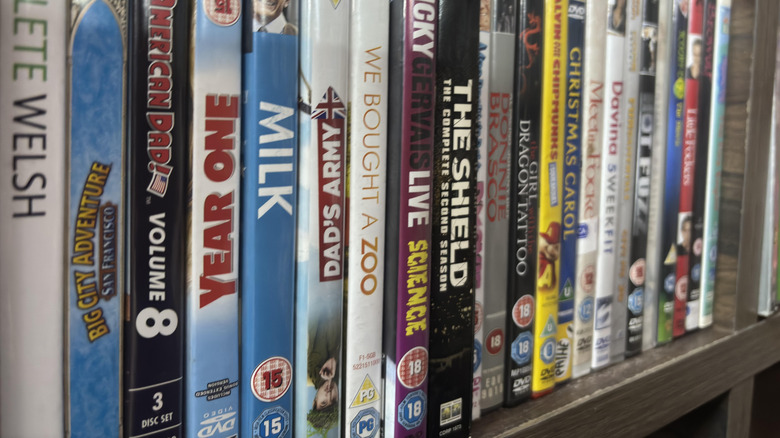
You may have two 4K TVs that both do a great job playing back 4K UHD content, and even 1080p content, because 1080p scales exactly into 4K without any special effort. However, as soon as you try playing video content that's not a precise integer of the TV's native resolution, the differences come out. A DVD or old 480p TV show might look smooth and sharp on one panel, while it's a pixelated mess on the other. That's the difference between good and bad upscaling and image post-processing.
While there is a decent amount of 4K, and quite a lot of 1080p content out there, during the majority of film and television history fidelity was much lower. This means that most of us need a TV that can do a good job of handling lower-res content, using a powerful processor and sophisticated software algorithms.
Upscaling algorithms are often trade secrets. Sony, for example, isn't going to share a brilliant piece of upscaling math with its competitors — if its TVs are otherwise similar in quality, it's the secret algorithmic sauce that improves the final image quality and makes the difference. As this is a qualitative feature, your best bet is to either test a DVD in-store on a TV, or make a point of looking for reviews that assess upscaling and post-processing.
Fast pixel response times
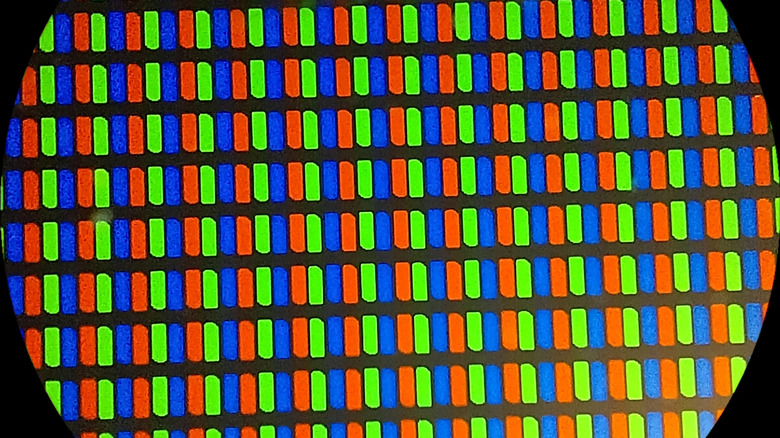
It is admittedly overwhelming how many different technical details about TV technology have a significant impact on image quality, but one that doesn't get enough attention in the TV world is pixel response time. This is a key factor when it comes to PC gaming monitors, but rarely seems to be brought up when talking about the big, living-room bound siblings.
The pixel response time is how long a pixel takes to fully transition from one state to another, in milliseconds. If a pixel is not fully transitioned in time for the next frame to be displayed, you end up with smearing and ghosting in your image. Early LCDs had such slow response times that a fast cut from one scene to the next in a video or game could leave a large visible afterimage. OLEDs however, are renowned for instant pixel response, possibly be too fast for 24fps or 30fps content. With such sharp and clear motion, frame rates look choppier than on LCDs with built-in motion blur.
Very cheap panels may have pixel response times too slow for high frame-rate content like video games. Generally, you want a gray-to-gray pixel response time of 5ms or less, but there is no universal number. It's best to look for ghosting or smearing tests in reviews as well, since the numbers won't beat the eyeballs of an experienced TV reviewer.
High-bandwidth HDMI inputs
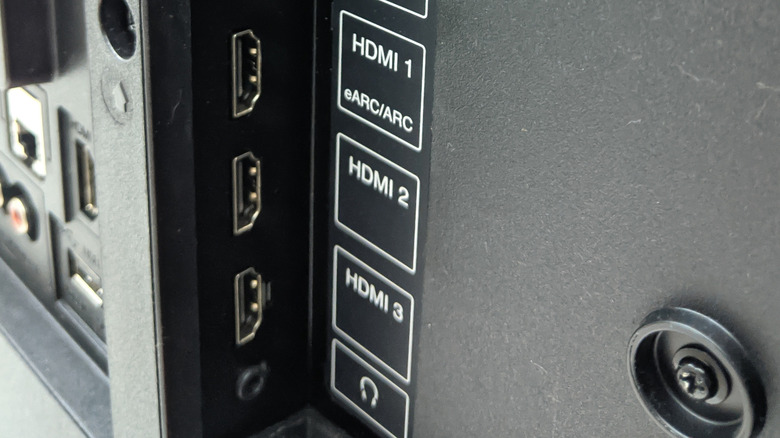
HDMI has been around for a long time at this point and so there are many versions out there in the world. As TV resolutions, refresh rates, color gamuts, and dynamic ranges have expanded, the need for more bandwidth has exploded. That's the primary, but far from only, difference between something like HDMI 2.0b and HDMI 2.1 — bandwidth.
More expensive TVs are more likely to feature the latest high-bandwidth HDMI connections. Less expensive TVs may not feature them at all, or crucially, offer you a mix of HDMI ports. So, for example, HDMI ports 1 and 2 might be version 2.2 and support all the latest features a games console, PC, or UHD Blu-ray player can dish out. HDMI 3 and 4, on the other hand, might be limited to 4K 60Hz, or have no support for VRR.
Is that a problem? It all depends on what you want to hook up. If you only have one or two devices that benefit from all the HDMI bells and whistles, then that's no loss. After all, it's rather a waste to plug your old gaming console or a regular Blu-ray player into these high-end ports. You can also use accessories to add more HDMI ports. Still, even if you use an HDMI 2.1 switch, your TV needs at least one of these ports for that to be of any benefit at all.
Decent built-in speaker hardware
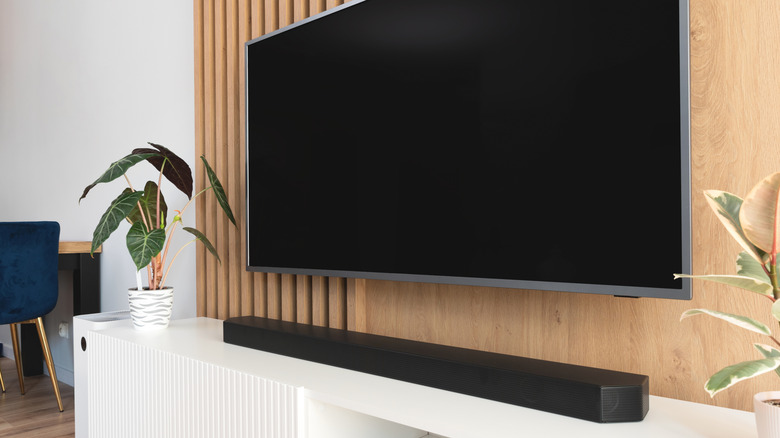
Even expensive high-end flat panel TVs generally don't have the best speakers. The thin bodies don't lend themselves to decent speakers, and the manufacturers probably assume you're going to buy a soundbar or some other external audio solution anyway.
However, in some cheap TVs the included speakers are so weak and tinny, it's hard to imagine anyone actually using them. You'd have a hard time making out what was being said on the news or a YouTube video, much less a TV show or movie. Worst of all, it doesn't have to be this way. For example, some of TCL's affordable entry-level TVs, such as the QM6K, now feature a 2.1 speaker system created in partnership with Onkyo.
They don't sound amazing, but they're good enough that many people won't feel the need to buy a cheap soundbar. It's very easy to overlook speaker specifications when buying a TV, and it's also an easy place for TV makers to cut costs. Your budget TV isn't as big of a bargain if you need to spend more money on external speakers.