

Where You Put Your TV Can Have An Unexpected Effect On The Picture And Your Eyes
We may receive a commission on purchases made from links.
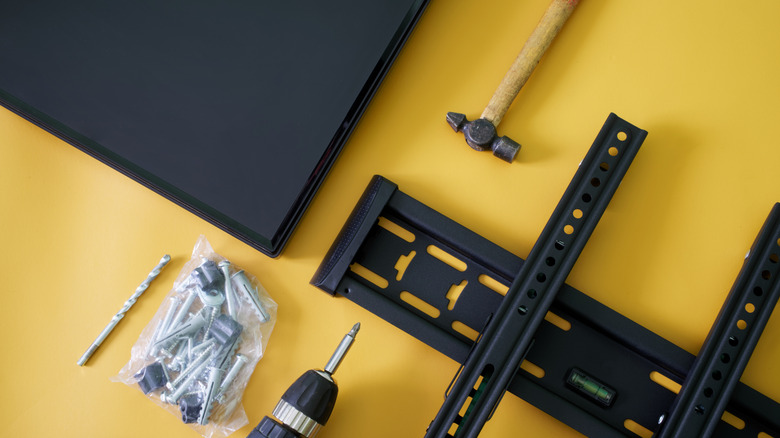
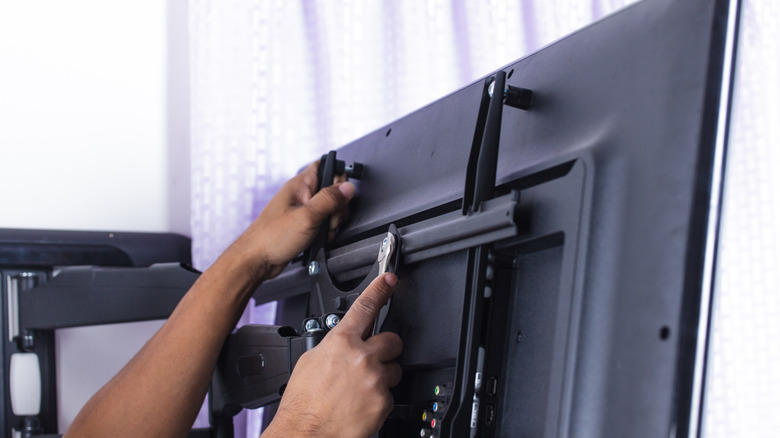
Mounting a TV to the wall isn't all that difficult. If it's a small model, you probably won't even need a hand lifting it onto the bracket. As long as you've got a drill, a stud finder, and some drywall anchors, it shouldn't take long to get your TV floating, but did you know where you mount a TV could affect both picture quality and your physical comfort? Many TVs are prone to image degradation when you're not sitting centered with the screen.
If you're trying to maximize the picture quality of a wall-mounted TV, most pros will tell you to place the bottom third of the screen below eye level. If your TV is mounted higher than this — say above a fireplace — you could strain your neck, head, and eyes. The picture quality may also take a hit, because looking up at a TV mounted too high can cause degradation (the same goes for looking down at a screen mounted too low).
While vertical alignment (VA) panels are more susceptible to color and contrast loss, in-plane switching (IPS) screens aren't immune to degradation. They're just better at maintaining brightness and colors when sitting off-center. Another variable to consider is how bright the room is where your wall-mounted TV will live. Afternoon sun is pleasant to behold, but you may not feel so rosy if it starts affecting your picture quality.
Everything from mounting height to ambient lighting can affect your TV's picture quality
Today's leading LED and OLED sets handle glare and reflections much better than in years past, but they're not perfect. If you happen to be mounting your TV in a brightly lit room with lighting that's hard to mitigate, you'll want to invest in a TV that gets bright enough to overcome the ambient illumination. Fortunately, anti-glare coatings are standard on most modern panel types, but they don't guarantee they'll eliminate all glare and reflections.
If you can't avoid an ultra-bright viewing space, we suggest loading up on blackout curtains; they come in many lengths and colors (not just black) and are easy to find on Amazon and at stores like Walmart and Target. You can also invest in bias lighting to naturally boost your home theater ambiance. These lighting kits often include peel-and-stick LED strips for the back of your TV; more advanced bundles may even include tabletop lamps, or a camera that auto-adjusts room lighting based on the movie you're watching or game you're playing.
One final section to cover: don't buy a TV that's too big or small for your viewing area. Sitting too close to a massive screen may reveal image artifacts like noise and color banding, artifacts you probably wouldn't see if you were sitting far enough away. That said, a screen that's too small for a distant couch or chair could also make it hard to pinpoint details. Think twice about where you're going to mount your TV; it'll save you from over-stressing down the line.