

4 Reasons Mini LED Beats OLED (And 4 Ways OLED Still Wins)
We may receive a commission on purchases made from links.
For most of the existence of OLED displays, the gap in quality compared to LCD was more like the Grand Canyon and less like a crack in the pavement. The biggest barrier to everyone enjoying OLED technology was price, but LCD technology did not stand still by any means.
Over time, engineers kept chipping away at the advantages of OLED, improving LCD panel technology, and perhaps most importantly, the backlighting systems that drive them. That's one of the largest differences between OLED and LCD displays. OLEDs produce their own light, but LCD panels don't. So you need to shine a light through the LCD panel to see anything. This is why OLEDs can have such high contrast and offer perfect black levels. With LCDs, even when a given pixel is set to black, light from the backlight still bleeds through, washing it out to a gray color.
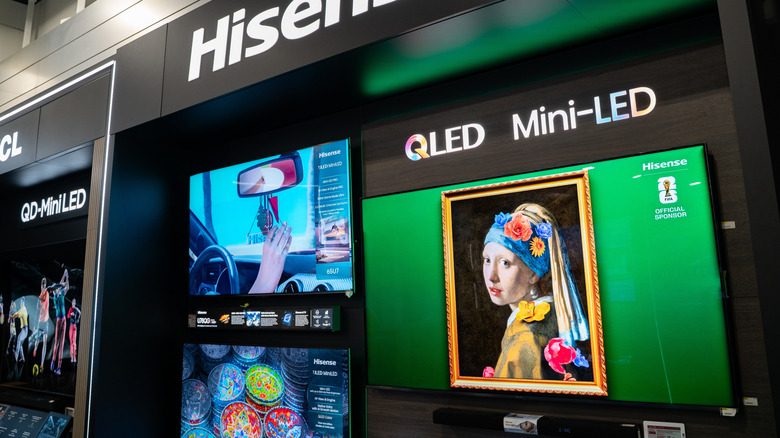
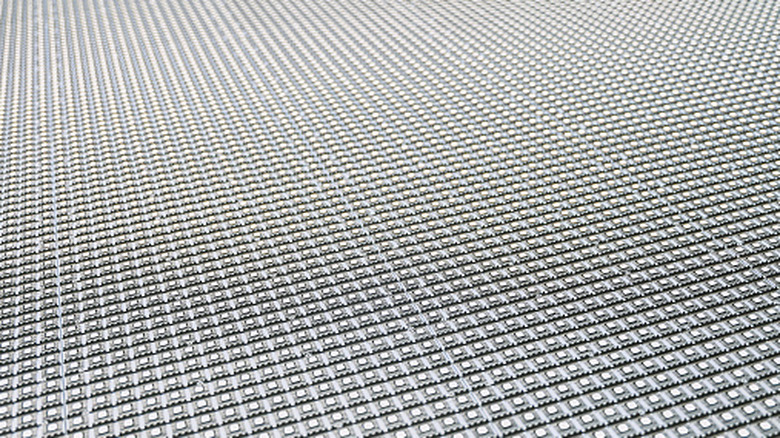
With Mini LEDs, the backlighting is provided by an array of hundreds or thousands of small LED lights. These can be precisely controlled to deliver amazing black levels, even in scenes with both bright and dark objects in the same frame. While Mini LED technology still doesn't match OLED in the more expensive technology's core strengths, it has closed that vast gap to the point where OLED's price premium may no longer seem justified. So, should you save your money and embrace Mini LEDs, or stick with the enthusiast's choice, OLED?
Go Mini LED for a brighter full-screen
The Achilles' heel of OLED technology has generally been brightness. Because OLED panels produce their own light, each pixel also generates heat when shining brightly. OLEDs can produce decent brightness for small sections of the screen (e.g., candle flames on a dark background) but have to dial full-screen brightness down to preserve the lifespan of the organic materials that make up OLED pixels.
A new generation of tandem OLED panels has addressed this by simply having two (or more) OLED panels stacked precisely on top of each other. This allows for more light output in total, without over-stressing a single panel. There are currently a few different kinds of OLED displays all trying to tackle different limitations of the technology, but stacked panels seem to be the most sensible approach to making screens that are both bright and long-lasting. The downside is obvious, however. If you're stacking two or three screens' worth of OLED panels into a single unit, that's going to significantly inflate the cost.
Tandem OLED or not, Mini LEDs are currently the king of brightness. Even inexpensive Mini LED TVs like the 2025 TCL 65-inch QM6K have enough brightness to overcome glare in brightly lit rooms. One of the brightest Mini LEDs as of this writing is the TCL X11L with a claimed peak brightness of 10,000 nits. The brightest OLEDs, on the other hand, are made by Samsung and peak at a "mere" 4,500 nits.
Go Mini LED if you will use it as a PC monitor
It took a long time for OLED PC monitors to become a thing, and that's largely due to OLED's biggest weakness: burn-in. Also known as "permanent image retention," this is when some parts of an image's elements appear to stay even when the image changes. It's one of the disadvantages of OLED TVs and monitors that everyone should know about.
Image elements like lower-thirds or channel logos are common culprits, and it's why most of these logos are transparent these days. It prevents every pixel of the logo from remaining static. Why do OLEDs have this problem? The organic materials in each pixel degrade at different rates, and if you have one spot on the screen always running at a certain brightness and color, those pixels will start to deviate in the shape of that image element.
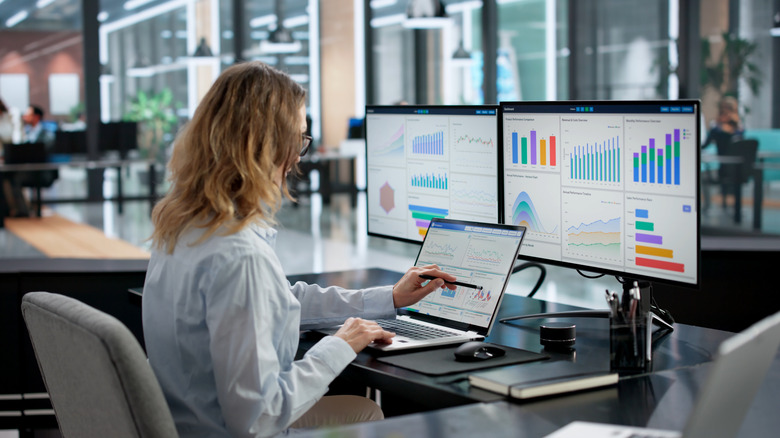
Modern OLEDs have several tricks to reduce (but not eliminate) the risk of burn-in, such as pixel shifting and a compensation cycle. Here, the TV or monitor runs a diagnostic on each pixel and adjusts its voltage to compensate for the loss in brightness. The thing is, if you're going to use your OLED TV or monitor as a PC monitor for normal productivity stuff with windows and icons, you run a significant and perhaps inevitable risk of burn-in. The burn-in risk with Mini LED TVs and monitors is orders of magnitude lower, and even when image retention happens, it's usually temporary.
Go Mini LED if size and budget matter
Let's be honest here, if money were no object, we'd all just buy OLED TVs, run them into the ground, and then replace them. OLEDs remain the premium technology when it comes to overall image quality and performance, but they command a significant price. What makes Mini LED so exciting and attractive is that it closes the gap significantly, without the staggering cost.
That's not to say that OLED panels haven't become more affordable. The best budget OLED TVs aren't cheap, and they don't have the brightness or fancy image processing of midrange or higher OLEDs. However, you get all the built-in strengths of OLED. Consider the LG B-Series. A 65-inch model will run you around $1,200. See? Not cheap, but within reach.
On the other hand, a 65-inch TCL QM6K Mini LED goes for $600 or often less. It's half the price but far from half the TV. If you had $1,000 to burn, you also have the option of getting an 85-inch QM6K. That's a staggering 20 inches larger in the diagonal than the OLED. An enormous TV by anyone's standards, and you still have $200 left for a soundbar compared to the OLED price. The choice then is between an 85-inch TV with great black levels and excellent specs in other categories, or a 65-inch OLED with perfect black levels but not particularly bright and lacking the immersive presence of a truly large screen.
Go Mini LED for heavy daily use
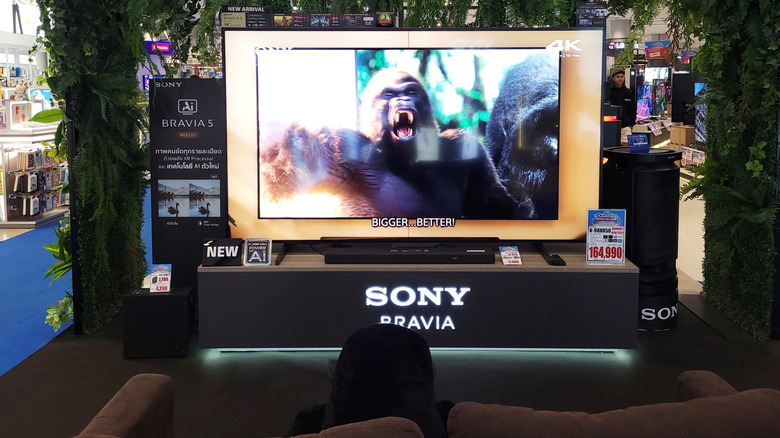
We researched expert answers to the question of how long OLED TVs last and the separate (but related) question of how long OLED computer monitors last. An OLED TV might typically see a few hours of use after work and perhaps longer over weekends, but an OLED computer monitor could be pulling in a 40-hour workweek, or even more if you also spend the small hours of the night gaming online.
A modern premium OLED's specifications might say it takes 100,000 hours for an OLED's pixels to reach half their brightness. That's over 11 years of continuous operation, but clearly, lab conditions and the real world don't match. If you're wearing down your pixels uniformly, that's realistic, but we aren't looking at blank, single-color screens!
It seems experts peg the real-world peak performance period for OLEDs around the three-to-five-year mark. After this, degradation can lead to noticeable image quality issues. But how long can you expect your Mini LED TV to last? They have the same 100,000-hour rating, but the weakness here is in backlight failure, not panel failure. Mini-LEDs have a better track record than edge-lit LCDs. However, if just a few of the LEDs fail, you might notice. But a backlight can be replaced, while OLED panels can't be repaired. On average, your Mini LED should be usable for longer than current OLED technology. But don't forget that tandem OLEDs address this for a price.
Go OLED if you just can't stand bloom
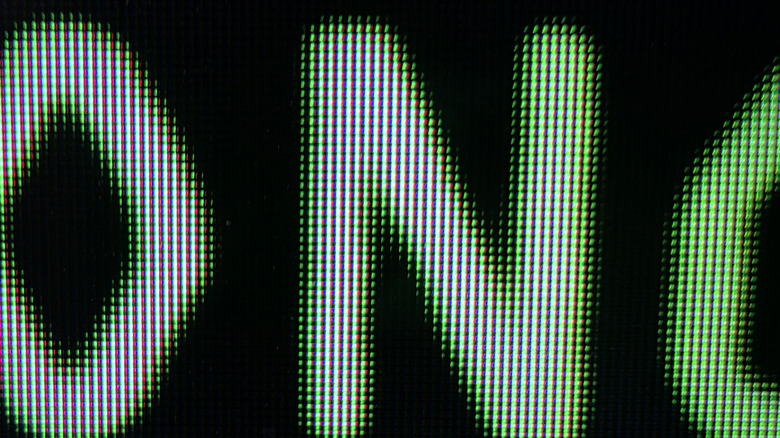
It only seems fair that if OLED has this inherent weakness in the form of burn-in, then surely Mini LED does too? You'll be happy to know that there is some poetic justice here, because Mini LEDs all share the fundamental problem of bloom.
This happens when you have a very bright and a very dark (or even black) segment of an image side by side. While the LEDs behind the black parts are turned off or very dim, the light from the bright parts of the image bleeds into the dark parts, causing a bright halo to form. You'll see this most easily with white text on a black background, such as during a movie's credits. They appear like little islands of light on a black screen.
Bloom control has been a key issue for display makers, and modern Mini LEDs have significantly reduced its visibility. One part of the solution is to have more LEDs, which can be divided into even smaller zones. The more precise the backlighting, the less bloom you'll have. The other part of the solution is how good the algorithm controlling the backlight is. If the TV understands a given frame, it can precisely adjust the backlight's brightness and timing to minimize bloom. Anecdotally, I almost never notice bloom on my TCL Mini LED, but it still happens, and different people tolerate it to different degrees.
Go OLED if you watch movies in the dark

This is partly connected to the bloom issue and to the lack of brightness in most OLEDs, but if you like watching movies in a darkened room, the choice is clear. OLEDs offer a superior experience in the dark.
Because OLEDs can control light output precisely on a per-pixel basis, they offer superior image quality in dark environments. It's especially important if you like to watch dark films in genres like horror or space-based science fiction. While Mini LEDs do a much better job than older types of LCD backlight TVs in dark rooms with dark scenes, this is still where the biggest visual difference is apparent between the two TV types. As soon as you have even a little bit of ambient lighting in the room (and especially if you use TV bias lights) that advantage diminishes, because your eyes adjust to the higher light level and become less capable of picking up that nuance in the image.
Dark rooms also help mask the lack of absolute brightness in OLEDs. Because they have infinite contrast (thanks to perfect blacks), OLEDs can give powerful, vivid HDR results in a darker room even with relatively low peak brightness. That said, if you're going to be doing all of your viewing in a dark room, you might consider channeling your OLED budget to a laser projector instead.
Go OLED if image quality matters more than anything
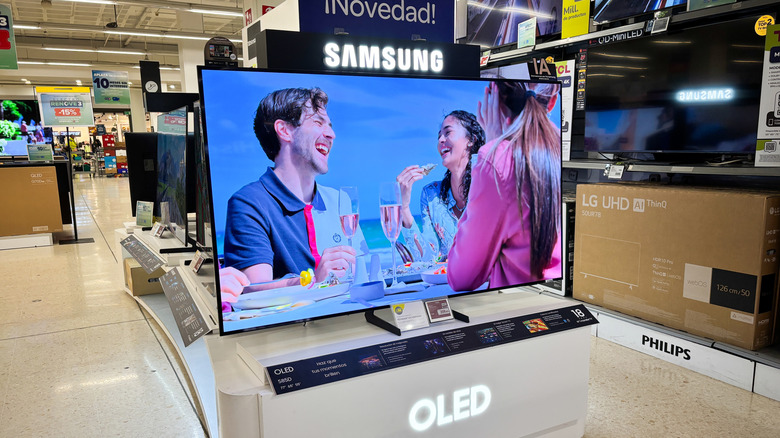
It's important to point out that the image quality comparison between Mini LED and OLED technology isn't "good" versus "bad." It's more like "very good" against "excellent." The final image quality of an OLED TV is generally better than that of Mini LED technology. It's clearly visible when you run these two types of TV side by side, but who does that?
Image quality is tricky to define as well, because in the end, it's about perceived quality more than objective measurements. To your eye, for example, a (hypothetical) 1080p OLED (or plasma, which was like OLED in a lot of ways) might produce an image that your brain prefers to a 4K Mini LED. Resolution might not be as important to perceived image quality as saturation, contrast, and motion clarity.
You should absolutely go down to your local department store and actually look at both OLED and Mini LED TVs with your own eyeballs. What you'll probably find is that OLEDs offer better image quality, and you decide that's what you want, until you see that this increase in quality will cost two or three times as much. In other words, OLEDs look objectively and (to most people) subjectively better than Mini LEDs, but you need to value that gap in image quality above everything to justify the price premium. Because current Mini LEDs look pretty darn good.
Go OLED if you're a competitive gamer
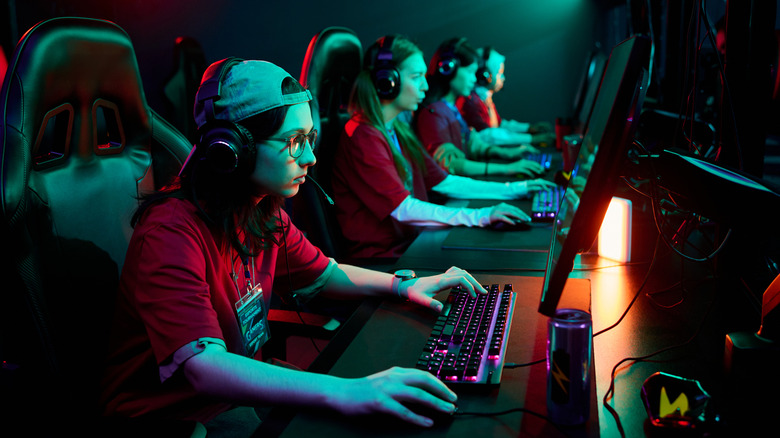
Mini LEDs are great for gaming. My 144Hz TCL Mini LED TV has all the bells and whistles, like VRR and a high refresh rate. There's nothing wrong with using a Mini LED or any LCD for gaming. However, if you're extremely competitive, then LCD technology has an inherent level of latency and motion blur that doesn't affect OLED.
In an LCD, there are crystals that have to physically twist to change how light filters through them. This takes time, and so the response times of LCDs are measured in milliseconds. Some gaming LCDs boast a 1ms response time, but that's in a specific pixel change scenario and doesn't represent the slowest possible response time. OLEDs work by exciting organic materials to emit a varying mix of light frequencies. This is much faster than LCD, with most OLEDs posting a panel response time below 1 millisecond.
There are two gaming benefits to this. First, with much faster pixel response times, OLEDs reduce the total latency of the input-to-display chain. That is, the time between pressing a button and something changing on-screen. So, at the elite level, players can notice a snappier game. The second benefit is that OLEDs lack the ghosting caused by pixels being unable to keep up with new frame information. Hardly an issue when playing a 60fps console game, but significant when you're running a 500Hz Samsung OLED gaming monitor at 500 frames per second.