

How Much Mobile Data Does Waze Use?

The Waze navigation app presents drivers a variety of features designed to enhance their road experience and ensure a safer drive – from well-intended functions including hazard alerts and police warnings, to more novel elements like custom GPS voice packs which include "Halo's" Master Chief, "The Shawshank Redemption" star Morgan Freeman, basketball legend Shaquille O'Neal and more. Although Waze has become a must-use for certain people on their daily commute – some would argue it's better than Google Maps – drivers with limited mobile data may need to be careful with how costly the handy app can be per trip.
Per Firsty, the self-proclaimed "world's first free mobile data provider," Waze can consume approximately 20 to 30 MB of cellular data per hour in typical navigation scenarios. Situations involving constant rerouting, like city driving in dense traffic, may bump that number up 40 MB per hour. One could drain 1 GB of data after about 40 hours of use. Some Redditors reported their individual usage of the app amounted to a lower number, 200 MB, of data eaten up per month. "Waze is usually a light data user," one user wrote. "I run it every day for at least an hour, and it takes about 200 MB per month." Thus, while Waze's data cost could be worse, those with limited plans should be wary of how often they use the app.
Significant data usage can be avoided
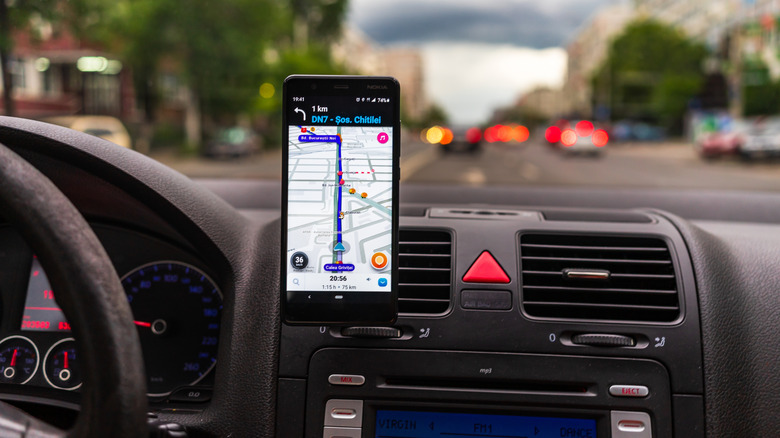
If you're concerned about the Waze app consuming too much mobile data per month, there are ways you can mitigate its total usage. Firsty advises Waze users to download any routes, voice packs, and downloads on Wi-Fi prior to starting their journey. Avoiding unnecessary habits like compulsively panning and zooming the app's map and using its provided music player will also help conserve data. If in the event the app is rapidly sucking data, one Reddit user recommended uninstalling and redownloading the app in case a corrupted file was installed. "Sometimes a corrupted voice file will cause heavy data use as the app tries, tries, and tries again to download the corrupted files," they said.
Those concerned about Waze running in the background can turn the app off on iPhone and Android by either canceling an ongoing navigation route or fully closing the app. Waze also has some hidden features – iPhone's sleep mode and Android's shut off — which both take extra steps to ensure the app isn't performing any of its functions behind the scenes. While it would still use data whenever you access the app, these measures will at least prevent you from being blindsided by unwanted data consumption.