

4 Of The Safest Router Brands, According To Experts

We may receive a commission on purchases made from links.
Since your router is a gateway through which all of your internet browsing and usage passes, it's a device where security is of utmost concern. Using caution and taking extra measures to ensure your Wi-Fi network is secure makes sense, especially if you have an advanced threat model where you can't afford to put safety last. You can, in fact, gain better peace of mind by targeting specific brands as you shop for your next router. While worries about whether TP-Link routers are safe are overblown, other brands have better reputations among experts thanks to better critical flaws histories and free security software.
Many of the most secure router brands — including Peplink and GL.iNet — tend to market themselves to businesses and enthusiasts who aren't afraid to roll up their sleeves and learn some advanced networking skills. For those who want to avoid a technical challenge, you have a safe bet in Asus' consumer-friendly routers, and Netgear has its safety advantages if you don't mind shelling out. We based these recommendations on reading experts' reviews in publications like Consumer Reports and Tom's Guide, plus networking enthusiast websites like Router Security and SmallNetBuilder.
1. Asus
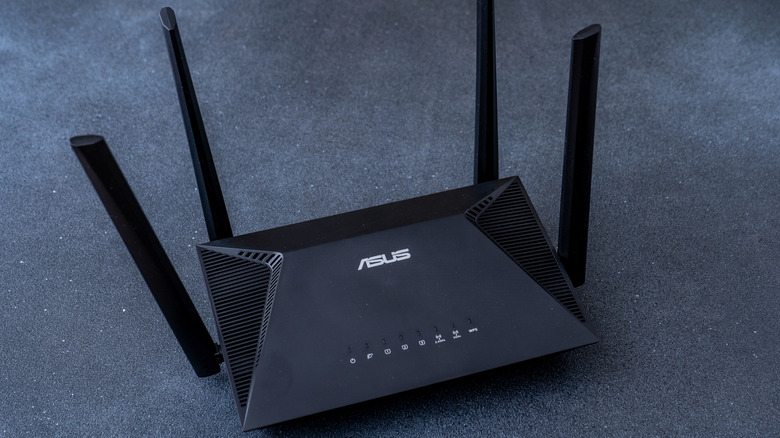
While some experts caution against consumer-oriented brands in general, since they prioritize convenience and user-friendliness over security, experts tend to agree that Asus is the best of popular brands in balancing convenience and security. That's thanks in part to the long-term router firmware updates that Asus is known to provide. Security holes in firmware are some of the worst vulnerabilities you can face, since they can allow the worst of the worst hacks, like remote code execution to your home network. Regular and continued firmware updates are important to mitigate those threats, and Asus is known for its long-term support.
Additionally, Asus doesn't lock safety features behind a subscription service like many of its competitors do. When exploring the most secure routers, HighSpeedInternet.com highlighted the Asus RT-AX68U as one of the most budget-friendly options, pointing out that it "packs a lot of features for the money, including free security and parental controls." PC Guide noted that the Asus GT-AXE16000 came with an active monitoring service called AiProtection Pro. They were impressed with its implementation of Trend Micro's malware database, and they went on to note that "the best part is that this feature is free. You don't have to pay a yearly or monthly subscription to benefit from it; it's part of the package." A built-in free security suite along with a record of long-term support and a user-friendly management system is hard to beat, as you'll see.
2. GL.iNet
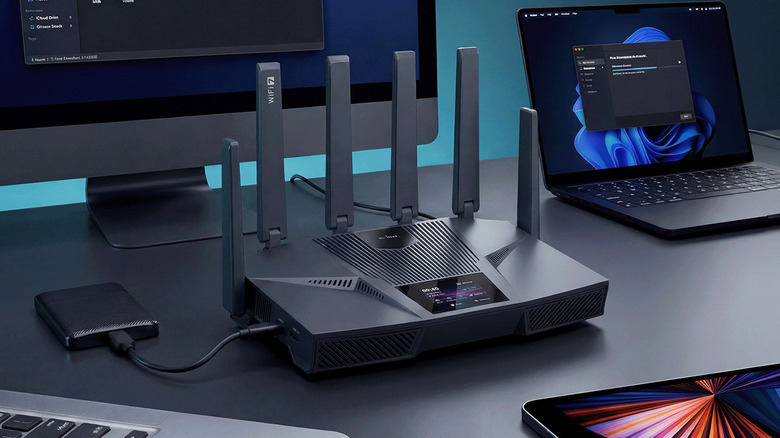
One recommendation you'll find among experts is a lesser-known brand of routers called Gl.iNet. PC Guide listed the GL.iNet GL-AXT1800 as its most budget-friendly secure router, and on the SmallNetBuilder forums, longtime member Tech9 recommended GL.iNet over Asus, saying, "One of the best price/performance Wi-Fi 6 class routers is GL.iNet GL-MT6000 or Flint 2. It has OpenWRT-based stock firmware and vanilla OpenWRT support."
While most routers put their own proprietary firmware on their routers, OpenWrt is open source, free, and not dependent on (or sending data back to) any specific manufacturer. Of course, installing OpenWrt is something you can do on any old router yourself (as long as it is supported), but that takes some technical know-how. That's where GL.iNet comes in, pre-flashing their routers with OpenWrt so you don't have to.
This is a double-whammy for safety and security. First, avoiding manufacturer firmware means you can generally trust that your browsing data isn't being transmitted back to the vendor for who-knows-what purpose. Second, as long as you're consistent about updating it, you can also expect to benefit from long-term security updates from OpenWrt. While learning to interact with OpenWrt to manage your network can be challenging, the safety that learning curve brings can make a GL.iNet purchase worth it.
3. Peplink
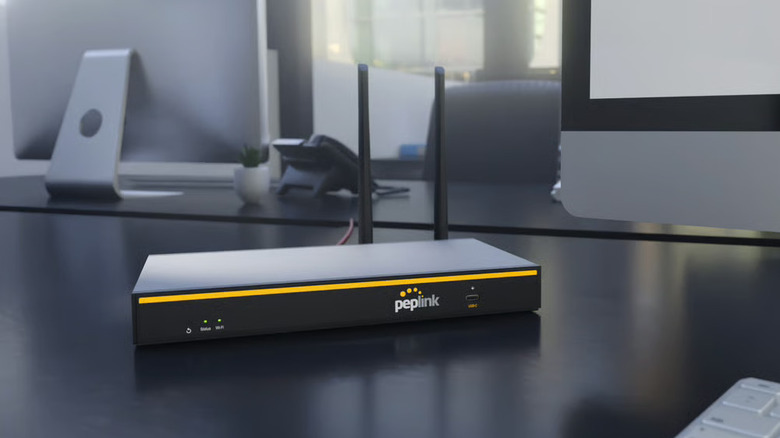
For those who want a more absolute guarantee of safety and security, and those who aren't afraid of some technical work, Peplink comes highly recommended by professionals. Router Security recommends Peplink above all because of its lack of known security issues compared to most other brands. In their own words, "Peplink has not had one critical security flaw. No headline grabbing bugs. Their software has bugs, of course, but never the critical security flaws that everyone else has."
Technically, Peplink is targeted at enterprise customers, not the average home user. Still, there's nothing stopping you from buying a Peplink router and setting it up for your home. Be warned, though, that since Peplink designs its products for enterprises and high-tech users rather than the everyday internet user, the setup will be no simple task. Still, Router Security remarked, "The Peplink user interface is, in my opinion, simpler than that of other techie oriented routers." So a Peplink router is about as close as you can get to enterprise-level security without the enterprise-level configuration headaches.
4. Netgear
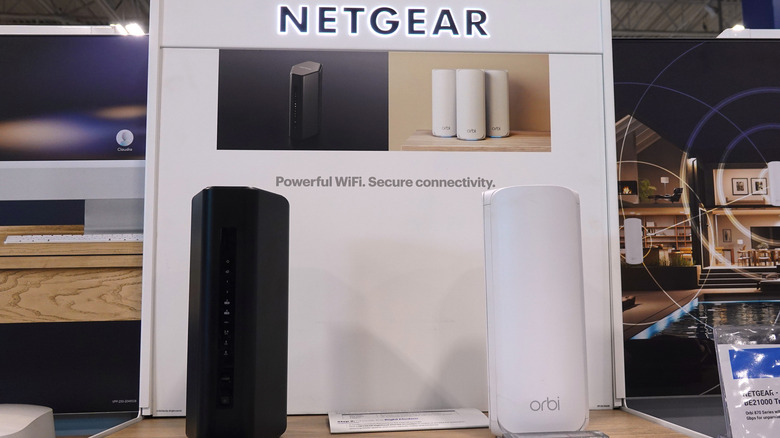
While Netgear comes recommended with caveats, you can easily find it rated near the top in terms of browsing safety. Consumer Reports, in its 2026 router buying guide, rated Netgear's routers typically on the better side for data security and data privacy. The Netgear Nighthawk RAX70 and Orbi 750 mesh system were some of its top-recommended routers overall while getting good marks for safety. While Netgear's critical flaw record isn't immaculate, especially compared to Peplink; you're still making a reasonable choice by going for an easy-to-set-up Netgear system.
When reviewing the Netgear Nighthawk RAXE500, Tom's Guide praised Netgear's Bitdefender-infused security suite called Armor. However, unlike ASUS' AiProtection Pro system, Netgear Armor is not free, costing $99.99 every year. The review noted that extending the warranty added even more costs on top of that, explaining that "Unfortunately, Netgear makes extended protection and additional security updates a subscription-based extra that could add nearly $200 to the already expensive price of the RAXE500." So, while you can do worse for your internet safety in terms of router brands, Netgear is one that you'll have to be ready to open your wallet for.
How we chose the safest expert-recommended router brands

We created our list of four recommended router brands for safety by reading discussion forums of networking enthusiasts and by reading professional reviews. The expert recommendations of fellow publications PC Guide, Tom's Guide, HighSpeedInternet.com, and Consumer Reports, plus trusted resources like SmallNetBuilder and Router Security, all informed our choices.
Since cybersecurity is a tricky topic to make broad recommendations on, we chose to include a range of options from consumer-friendly to enthusiast-targeted brands. We specifically provided both well-known brands that make it easy to set security configurations without much know-how and lesser-known brands that will cover the advanced security requirements of those doing highly sensitive work.