

I Made The Switch To Linux Years Ago — Don't Make The Same Mistakes I Did
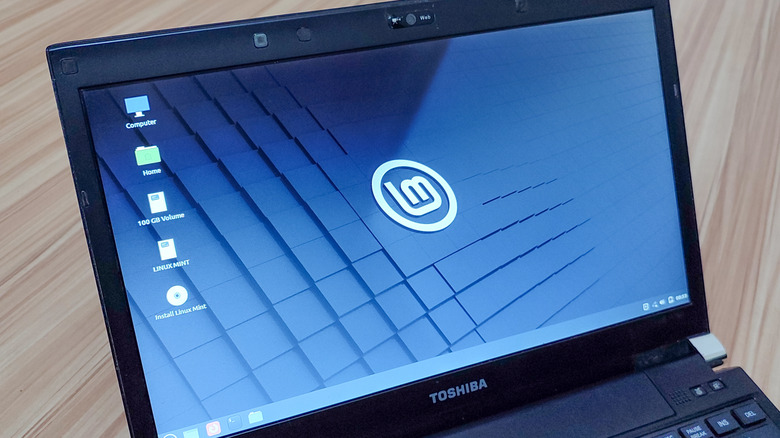
As Microsoft continues to let the latest AI craze drive the development of Windows (just watch Microsoft's October 2026 Windows and Surface event if you don't believe me) and computer costs in general climb higher, the freedom of Linux has more appeal than ever. It costs nothing to install and use, and it's great for reviving old laptops. You maintain complete control of the operating system and everything installed on it, so AI assistants, telemetry, ads, and other invasive features are completely optional.
I personally made the jump to using Linux full-time as my main desktop operating system back in 2020, leaving Windows and all its issues (mostly) behind. I'm still happy with that decision, but there were several pitfalls that I had to overcome. Jumping ship too early, trying to "debloat" by deleting random packages, getting bogged down with the terminal, and hopping distros to stay up with trends are all mistakes I recommend avoiding from personal experience.
Immediately abandoning Windows
When I first left Windows, I was having the same frustrations many people have with modern Windows: sluggish performance, annoying ads, and mandatory features I didn't want. I was so infuriated, in fact, that I completely wiped the hard drive and fully replaced Windows with Linux — consequences be damned. I didn't concern myself with the fact that, as Coursera points out, a lot of popular software simply doesn't work on Linux.
In practice, I was able to complete my digital to-do lists on Linux just as easily as on Windows. Eventually, though, I was faced with a few niche tasks that, for technical reasons, my Linux operating system just couldn't handle. Using a very old printer I'd pulled out of the closet, completing a specific tax form, and playing certain online games with my friends all required me to temporarily switch back to Windows.
Eventually, I set up a dual-boot configuration so I could go back to Windows whenever I needed to. There are other options for keeping Windows accessible, like running Windows as a virtual machine or using Windows compatibility layer software. For me, though, I like the convenience of being able to choose at boot-up which operating system I use that a dual-boot configuration affords.
Indiscriminately deleting what looks like bloat software
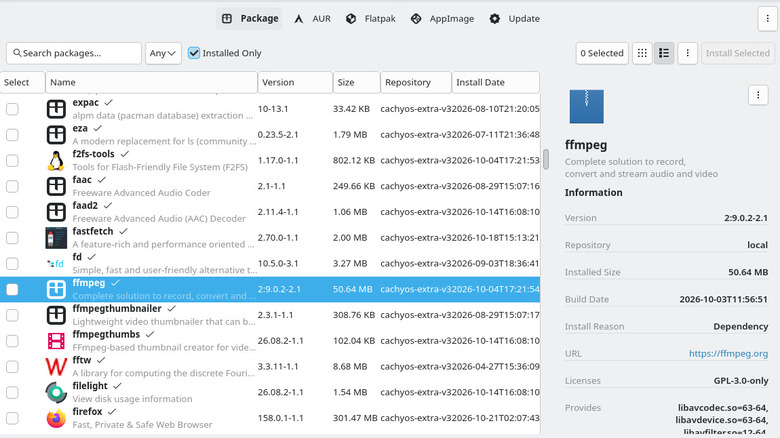
Coming from Windows, I'd grown accustomed to the need to regularly "declutter" my PC thanks to the massive amount of bloatware Windows usually comes with. To that end, I opened my brand-new Linux distribution's package manager (which lets you mass-install or uninstall software) and started trying to identify packages (a term meaning any piece of software or firmware) that I didn't think I needed. I thought I'd reclaim storage space that way, and thereby enjoy a leaner operating system.
Any gains from my "cleanups" were canceled out by the instability that removing random packages naturally comes with. Underlying system packages are usually there for functionality reasons on Linux, and it's a real challenge to anticipate how deleting one will impact your experience now or in the future.
Of course, it does make sense to delete preinstalled graphical apps you have no use for, and most software managers make that easy to do. Sometimes underlying system packages do become obsolete and unnecessary, but as sites like Baeldung demonstrate, built-in commands identify and remove them for you, and modern Linux desktops run those commands automatically in the background, or at least ask permission to during updates. There's little reason to go hunting for "bloat" on your Linux computer, at least.
Fixating on terminal commands for no reason
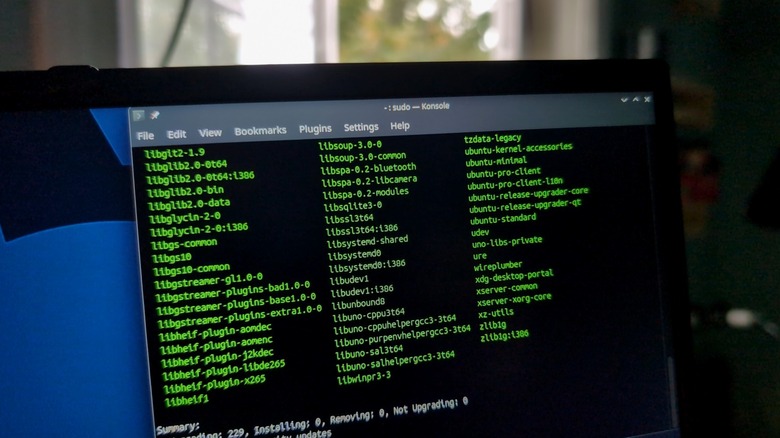
A common mistaken assumption about Linux operating systems is that they cannot be used without regularly opening a terminal window and typing commands into it. I had that assumption, too, and I dutifully took it upon myself to learn several basic Linux commands when I installed my first distribution. It turned out, though, that modern desktop-designed Linux distributions have greatly minimized the need for interacting with the terminal. You always have a file manager similar to Windows File Explorer, a web browser for going online, a settings app for tweaking important controls, and a software browser for finding and installing new apps — none of which require complex commands to open or use.
These days, I rarely open a terminal except for managing my remote servers and other advanced technical work. So, unless you're also doing systems administration, or you need highly specialized software or drivers, then you can probably get away with never opening a terminal on your Linux desktop.
Worrying about choosing the best distribution
Soon after installing my first Linux distribution, Linux Mint, I started hearing from Linux subcultures about all the other distributions I could be using instead. That gave me a serious case of FOMO, thinking if I don't hop to the latest distro making a splash online, I could be somehow missing out on a potentially more perfect computing experience.
In reality, the differences between most distros tend to be mostly philosophical, cosmetic, and based around use cases. It's easy to find recommended lists, like Linux distributions for low-resource computers, and just about any of the options in a list that describe your situation will probably work for you. Personally, I settled on CachyOS for my workstation desktop, Kubuntu for my laptop, and Debian for my server. The reasons for those preferences are mostly incidental, and I have enough experience to know that, even if I couldn't use them, just about any mainstream distribution would still suit most of my needs.
While it can be worth the time to try live-booting a few different distributions so you get a feel for what's out there, completely replacing one already-installed Linux distro with another is hard to justify. If the first one you install suits your needs, then it's unlikely that switching will solve more problems than it creates.