

Can You Use Isopropyl Alcohol To Clean Battery Corrosion?
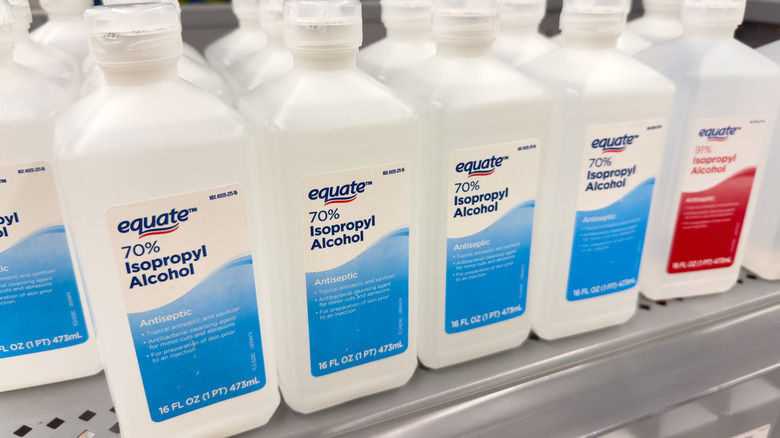
It can be scary to open up the battery compartment of your TV remote or game controller and find it full of corrosion. What can you safely use to clean it? You may have heard of battery remedies like cleaning parts with Coca-Cola or WD-40, but they're bad ideas. Not only do they leave behind unwanted residue, but they also weren't made for electronics in the first place. You should turn to isopropyl alcohol instead. The common household cleaner dries up quickly and, at higher concentrations, won't leave behind a residue.
Don't start with the isopropyl alcohol yet, though. When cleaning a corroded battery compartment, but it's best to first dissolve the corrosion with an acid. Alkaline batteries like AA, AAA, C, and D leak a basic compound that mixes with air and produces crystals you see as battery corrosion or, mistakenly called, "battery acid." Since it is actually a base, the corrosion can be dissolved through a chemical reaction with an acid such as vinegar or lemon juice. So, when you're cleaning battery corrosion out of a toy or a flashlight, it's best to start with an acid to effectively eliminate the corrosion. Then you can use isopropyl alcohol to get any remaining debris in the nooks and crannies, and to clean up the acid you used. Of course, don't introduce electricity until everything is dry.
How to clean up battery corrosion with the proper tools
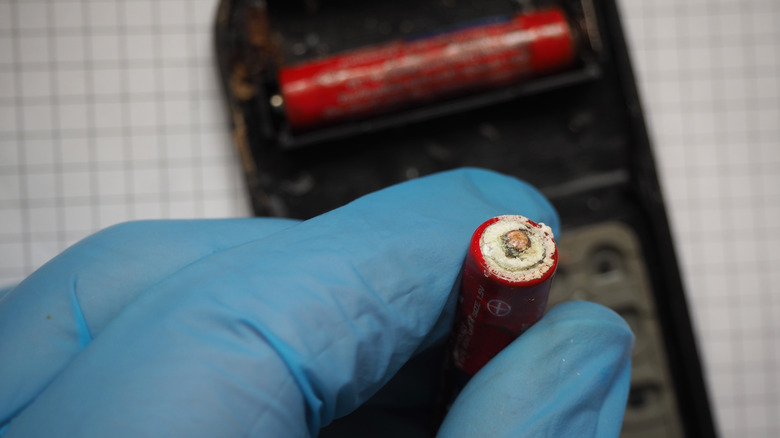
So, what do you actually need to clean up battery corrosion? First and foremost, wearing personal protective gear like goggles, latex or rubber gloves, and a respiratory mask will also ensure you aren't exposed to harmful chemicals in the corrosion. You also need the acid — ideally white vinegar — and the isopropyl alcohol.
If you're cleaning electronics with sensitive components, like smartphones, PCs, and laptops, you should use at least 91% isopropyl alcohol. More diluted solutions like the common 70% have more water, which tends to leave residue behind. Even if you wait until the cleaning solution dries, that dried residue can damage your device's circuit boards when they're powered on.
You may also need a toothbrush or a static-free brush to physically knock buildup out of the battery compartment. This is especially true if a battery is stuck, and you should do this before applying any liquids. A glass container is safe and useful for holding the batteries while you find out how to properly dispose of them in your area.
With the batteries out of the way, use cotton swabs to apply small amounts of the vinegar at a time rather than pouring it directly onto the device. When the corrosion neutralizes, use microfiber cloths for both applying the alcohol and for the final drying.
How to prevent corrosion from coming back
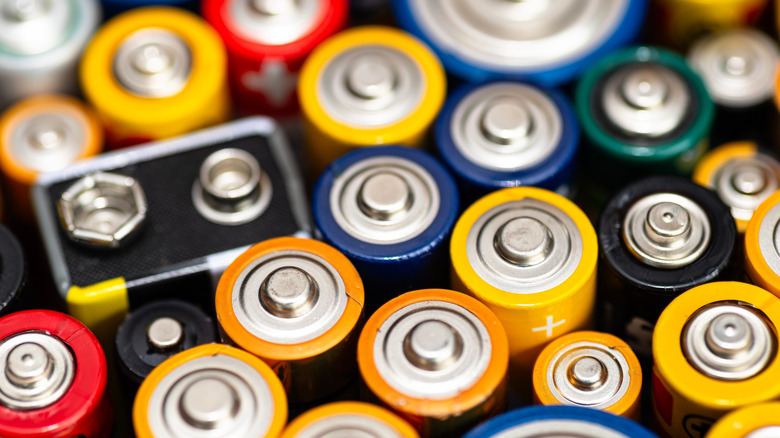
After cleaning up your electronics, you probably want to make sure you don't have to go through that process again. You can ensure corrosion doesn't come back by remembering to remove batteries before storing electronics long-term. You should also keep old and new batteries separate.
How you store batteries even short-term is also important. Leaving electronics in your garage will cause internal batteries to break down. Instead, it's best to keep them in a dry location that's at least a little below room temperature. While the labeled "expiration date" on a battery isn't a hard cutoff, batteries do have limited lifespans, and using ones that are too old is a recipe for corrosion buildup. Follow those steps, and hopefully you can keep from having to break out those vinegar and isopropyl alcohol bottles in the future.