

5 Disadvantages Of Switching From Samsung To LG TVs
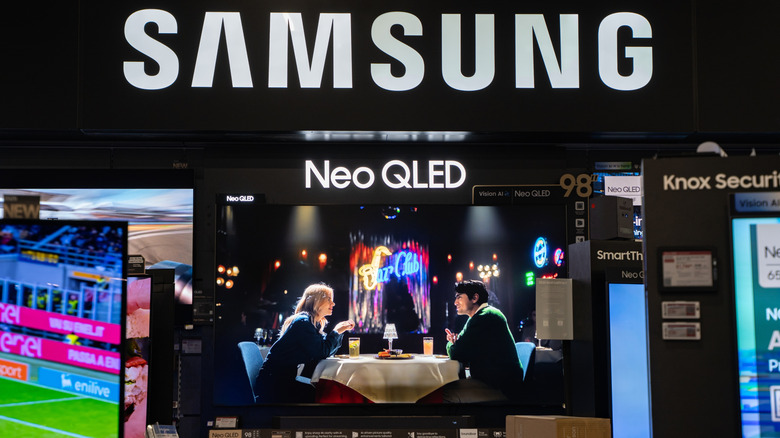
Switching from an old Samsung TV to a new LG can bring some disadvantages, especially if you're already used to the interface and features of your old set. In the excitement over a new screen, it's easy to realize afterward that a feature that seemed minor on the old TV is something you find yourself missing now that you've switched brands.
It's also worth looking beyond screen size and resolution, since two different LG models can deliver different results with colors or reflections. Some versions also lack certain HDR formats, which can be a drawback if you care about picture quality. It may even take some time to get the hang of webOS and find the controls you used without thinking on your Samsung.
Much of this depends on the models involved, so knowing the common problems with LG TVs also helps you understand what to watch for when buying. To avoid surprises after hanging the TV on your wall, we gathered some disadvantages of making this switch, considering different factors.
You lose HDR10+ support when switching to LG
For users who care about higher picture quality, losing HDR10+ is one of the biggest disadvantages of switching from Samsung to LG. Since this format sends picture instructions to the television for each scene, that data helps your TV better adjust to bright and dark scenes. That means it doesn't have to rely on the same information throughout the entire movie.
Samsung backs this format and doesn't support Dolby Vision, while LG took the opposite path, offering Dolby Vision but leaving out HDR10+. If a streaming service or Blu-ray offers a movie in that format, which LG TVs don't support, the set can't use those instructions, resulting in a slightly worse picture.
That doesn't mean the movie or TV show will look terrible, since the result still depends on the television and how the content was mastered. But if you enjoy watching 4K Blu-rays, check the formats on the disc, since a new TV might miss out on something your Samsung already offered.
Q-Symphony no longer works
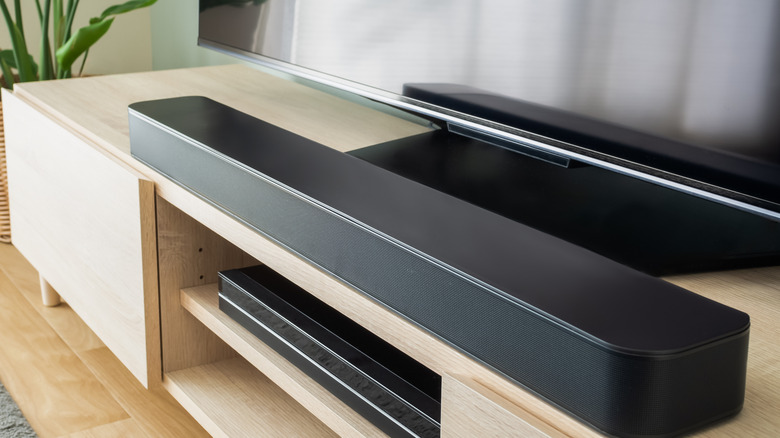
If you set up your living room or bedroom to go all-in on Samsung's ecosystem, with a TV and soundbar that support Q-Symphony, switching to an LG means giving up that integration. The feature lets the speakers in both devices work at the same time rather than leaving all the audio to the soundbar, creating a greater sense of space.
If you switch to an LG TV, your Samsung soundbar will continue working through HDMI ARC or eARC. Although you don't need to retire the soundbar, you'll lose the coordinated contribution from the TV speakers that Q-Symphony offered. If you already used the feature, replacing just the screen also changes part of your sound system.
LG offers alternatives to Q-Symphony, such as WOW Orchestra, but that only works with LG soundbars. So, although matching brands isn't mandatory, you often get the most out of the TV and soundbar only when both come from the same brand.
Some Samsung TVs have higher color volume
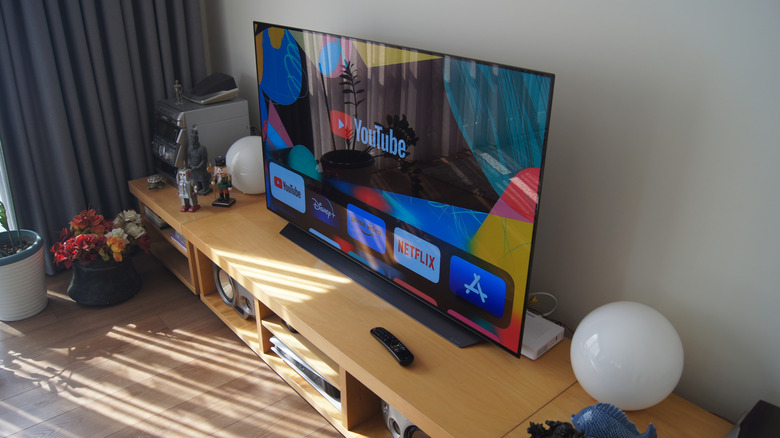
Samsung and LG OLED TVs differ in their ability to reproduce the intensity of certain colors, especially when a movie or game has a brighter HDR scene. If you're not especially critical of the picture, the differences between Samsung and LG OLEDs might not jump out at first, but even though both technologies fall into the same category, they don't produce the image in the same way.
In RTINGS' tests of the Samsung S90F and LG C5, the Samsung model had an advantage in color volume. In practice, this can make neon lights and other highly saturated elements on the screen pack more of a punch. If you enjoy that visual impact, switching from one TV to the other can result in less vibrant images across several scenes.
It's worth checking which panels are involved in the switch. Not every Samsung OLED uses QD-OLED, since the technology only appears in certain models. So, the change might not affect your experience, and this comparison doesn't make LG an inferior TV across the board.
Reflections may become more visible on an LG TV
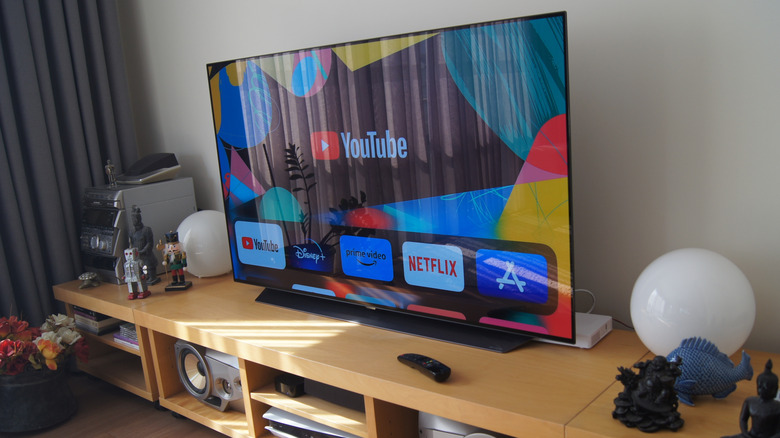
A window behind the couch can become more of a nuisance after replacing a Samsung that has Glare Free treatment with an LG. Glare Free, available on certain Samsung models, disperses the light hitting the screen, reducing the reflection that can make the TV look like a mirror. Depending on the LG model, lamps and objects in the room may still appear on the screen, especially during darker scenes.
On the Samsung S95H, for example, a lamp's reflection looks more diffuse, while on the LG G6, you may still be able to make out its shape. If you watch TV with the lights on or have a window behind the couch, that difference can be a disadvantage. Even a television with excellent picture quality can become annoying if you spend the movie watching your room's reflection overlaid on the characters.
This advantage doesn't mean the Samsung TV offers a better picture in every situation. An LG G6 can preserve blacks better and reveal more shadow detail in certain scenes, so when buying a model from either brand, look at the room's lighting and choose the model that will give you the best experience.
Getting used to webOS takes time
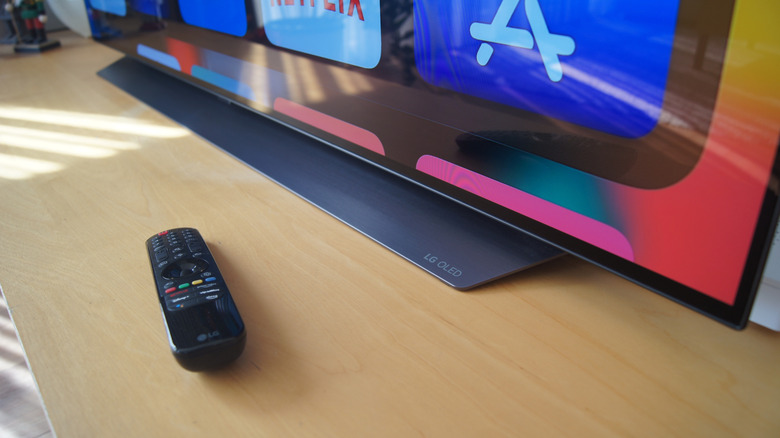
Going from a Samsung TV to an LG TV also means going from Tizen to webOS, and having to re-learn the menus you use to navigate the system. So, changing from a console input to streaming or even just going into the picture settings can be a little confusing at first. The remote is different, too: The button layout is different, and some commands may require extra input.
Learning the symbols on an LG remote can take some getting used to, especially when the buttons do different things based on how you press them. For instance, you need to hold Home Hub on some LG Magic Remotes to get to the input list, and if you just want to start up the console and play, that shortcut might not be obvious. It might also take some practice to get used to the pointer that follows your hand movements.