

This Hidden Roku Feature Is Perfect For Having Guests
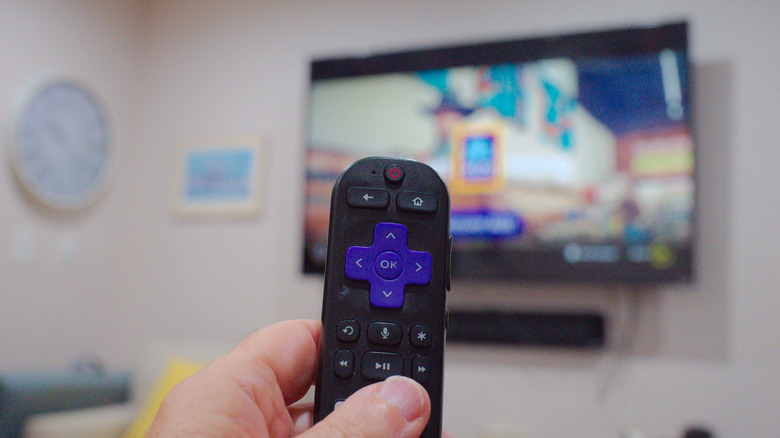
Roku Streaming Sticks and Roku TVs, like other streaming devices, offer a buffet of video and audio apps, including more than 500 free live channels all in one convenient space for users' instant entertainment needs. The user experience has grown even easier across Roku products as the company continues to add new features to them. The ease of having all of your streaming services in one accessible space raises an interesting dilemma whenever guests hang around – Should you let them access your subscriptions? Users' immediate access to their services extends to anybody else in the home with their hands on the Roku remote, including visitors whose viewing habits could mess up your personalized algorithm. Some people may also prefer to access their own accounts on the same services. Thankfully, Roku devices contain a simple solution for all parties involved.
Roku streaming devices offer a Guest Mode setting for when a visitor needs to temporarily use your device. The feature, which may also be labeled as Auto Sign Out, provides guest users their own experience, including being able to download apps and make purchases. When a set time expires, or the guest logs out, all their information is wiped, and the Roku returns to how it was before, including apps and personalization. So, if someone were to enlist a friend to pet sit for a week in your home, they'd be able to access their own accounts as if they hadn't left their house to begin with. Owners, meanwhile, wouldn't have to worry about altered streaming feeds or unauthorized downloads and purchases.
How to enable Roku's Guest Mode
Enabling your Roku Streaming Stick or Roku TV's guest settings is as easy as accessing any streaming app on these devices. Users must navigate to the Home menu, select Settings, click on Guest Mode or Auto Sign Out, and then enter your Roku PIN. Those who'd like to use the Roku website should log in to my.roku.com, select My streaming devices & TVs, choose your desired device and select Enable Guest Mode. The site will then prompt you to enter your account's PIN.
Owners who want to, once again, take full advantage of their streaming sticks in their name can switch off Guest Mode almost as smoothly as it was enabled. Simply find the Home and Settings menus, click on Guest Options, hit Sign Out and clear info, and, once again, enter your PIN number. Web users should navigate to the same devices and TVs page, find your device and click Disable Guest Mode, enter your PIN, and then select Disable again. Roku users may consider these extra steps a win-win process both for themselves and their guests, given everyone can access their respective subscriptions without interfering with another's. Thus, everyone's respective feeds can remain separate.