

4 Of The Biggest Problems I Have With Siri AI (And How They're Improving)
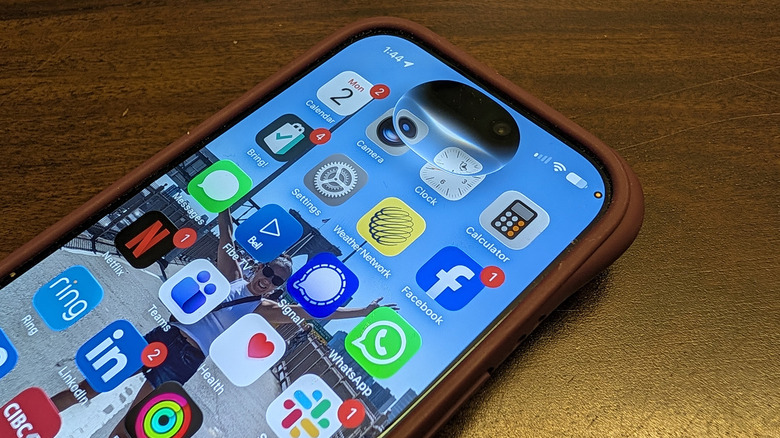
Apple's new Siri AI, released in 2026, represents a huge upgrade from previous iterations of the smart assistant, but it's still flawed. The voice assistant works with compatible iPhones, MacBooks, iPads, and Apple Watch. Powered by Apple Intelligence, it provides contextual responses and flowing conversation with broader real-world knowledge. There's even a dedicated Siri app where you chat with the assistant and review past conversations.
One of Siri's most promising new features is its ability to look up relevant information across apps, like the name of the restaurant your friend mentioned in an e-mail, or when your doctor's appointment is. I even asked it to confirm my upcoming vacation dates and to remind me of the location name, and Siri searched my e-mails, located the information, and gave me the answer in seconds.
Siri also has a feature called on-screen awareness, which knows what app you're in. I called up the e-mail booking for this vacation and asked about transfer to the airport. It searched, found a related iMessage in a group chat from my friend, and noted that she confirmed there's free transfer from the airport to the resort. From there, I asked Siri to open a message window to confirm with her that it was booked.
Apple's improvements are impressive, and I have been using Siri AI since it launched in beta. While it's a noticeable improvement, there have been some hiccups.
Doesn't always work on the first try
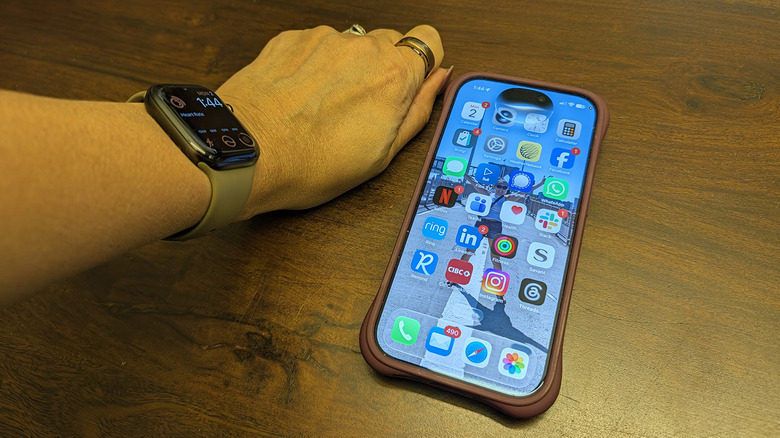
Sometimes I get ghosted by Siri. I've had times where I open Siri, see the AI indicator bubble, and give my query. Then, it goes silent. This doesn't happen all the time, but it's enough to be a trend.
When I try to trigger Siri, sometimes it doesn't seem to know whether I'm talking to my iPhone or my Apple Watch. This was a problem before the new Siri, even if I held my Apple Watch right up to my mouth and spoke quietly. Despite my best efforts, if my iPhone is too close — sometimes even in the other room — Siri will always prioritize iPhone.
The only way I've found to get around that issue is to press and hold the Digital Crown on the smartwatch to force Siri to respond from that wearable. For what it's worth, Google's competing Gemini AI seems to be able to better determine which device is closer when I begin to speak, and often prioritizes the correct device.
Speaking of the Apple Watch (see our Apple Watch Series 12 review), sometimes it seems unwilling to respond even when I try to use it with my iPhone nowhere in sight. I am sure I have been caught looking strange, screaming "Hey Siri!" into my wrist in the middle of the street, frustrated it doesn't reply. Comparatively, Gemini has a better handle on both when I'm talking to a device like the Google Pixel Watch 5 versus a nearby Google Pixel 11 Pro, and rarely fails to trigger properly.
Still not as good as Gemini, but getting there
Siri AI has continued to evolve since its launch, recently expanding its language options beyond English. Still, Siri feels stuck behind Google Gemini in terms of being able to provide detailed responses that take context into consideration.
One example comes from I asked Siri about a movie I wanted to watch in theaters, to see if it was playing and when. Siri said it was not playing at all, which didn't make sense. I asked Gemini and it informed me that the movie was not available in my city. But, Gemini said, the film was playing at another location in a neighboring city that is the exact same distance away, a mere 10-minute drive.
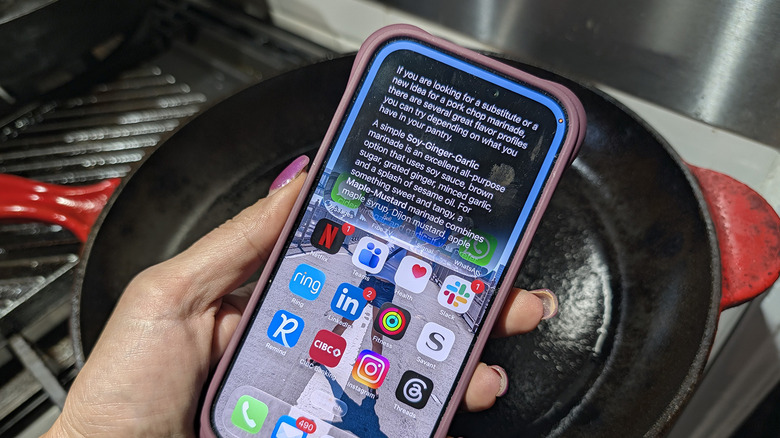
Evening entertainment challenges aside, Siri does a good job in many instances. I asked both Siri and Gemini assistants to give me a good marinade idea for pork chops. Siri responded with the measurements visually laid out more nicely than Gemini did, and it provided more substitute options for Dijon mustard when asked.
Visual Intelligence doesn't always work properly
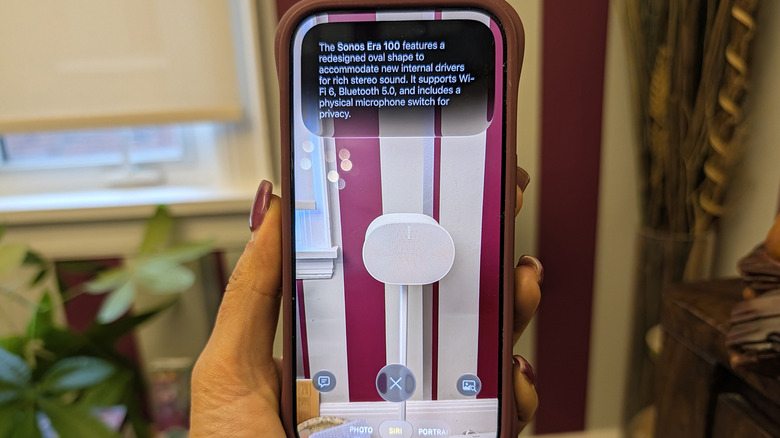
Another feature Apple touts for Siri is Visual Intelligence whereby you can hold the camera up to an object and press the side button to get more information, has been expanded. The technology was even promoted from a confusing button gesture to a setting in the camera app.
Apple markets Visual Intelligence as a way to "learn what's around you," but it's not always right. I pointed it at a Sonos Era 300 speaker, for example, and Siri correctly identified it. But when I tried a second time, Siri said it saw a Sonos Era 100, which is a much smaller speaker that looks markedly different.
When holding my camera up to a houseplant, Siri correctly identified it and provided a couple details about it. Gemini on a Google Pixel 11 Pro did the same but also provided a list of websites to visit for more information. What's more, I'm not able to ask a follow-up question in Siri AI when using Visual Intelligence whereas Gemini and Google's earlier equivalent product, Google Lens, allow me to do so.
Writing isn't perfect
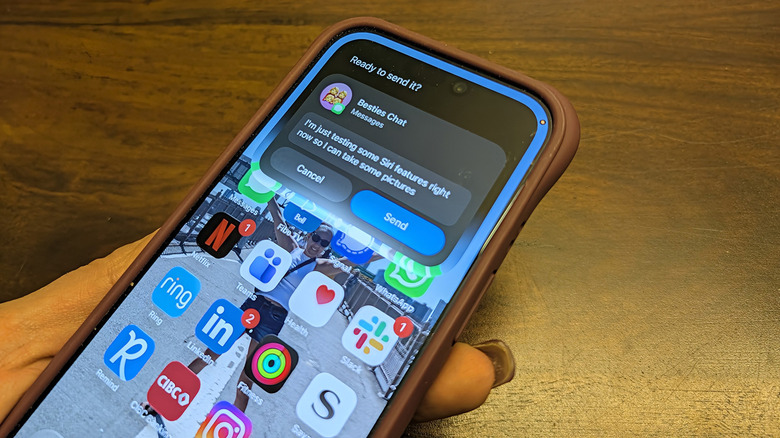
Siri AI includes new tools for writing, including composing e-mails and messages, brainstorming ideas, and more. But there are some kinks to work out. I tried using Siri to compose a message, for example, while in a message window. In theory, Apple's on-screen awareness should know what's on my screen and be able to help. So, I spoke the message — then, nothing appeared on screen. I thought that was odd until Siri asked if I wanted to send. I confirmed yes, then nothing happened again.
That Siri app with conversation history had a record of our conversation, and the message along with the prompt: "ready to send it?" with the option to choose Cancel or Send. It's possible that since I said "yes" instead of "send," it did not work. I tried a second time, however, confirming with a "yes," and it worked fine. The end result was that Siri sent my message, but it took some work, and a lot more time and patience than I'd expect.
All of that said, Siri AI works well in many other instances. There are a lot of things that are very impressive about it, and it continues to improve. As with any new software, there are still a few quirks and inconsistencies to work out that will likely be corrected over time.