

Your SSD And GPU Might Be Fighting Over Something You Didn't Even Know They Shared
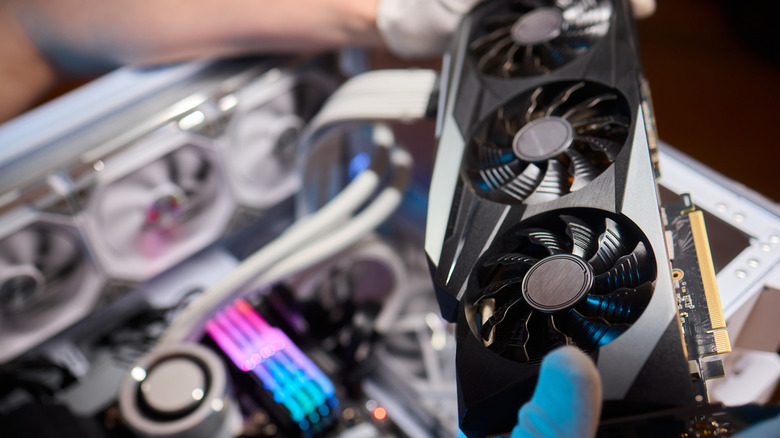
There are plenty of PC builders who want to add another M.2 SSD to their gaming rig, but do these drives affect GPU performance by taking up more PCIe lanes? They can, but it depends on a number of different factors. Most modern graphics cards occupy a full x16 slot, which means 16 PCIe lanes, with high-speed M.2 NVMe SSDs requiring four lanes to reach their maximum sequential read/write speeds.
But what are PCIe lanes? A single PCIe lane is two pairs of wires, one for sending and one for receiving, that enable bidirectional data transfer, which allows components to send and receive data simultaneously at high speeds. Motherboards and CPUs have a physical limit on how many PCIe lanes they can support.
Consumer CPUs generally provide 20 to 28 direct-to-CPU PCIe lanes, so populating multiple M.2 slots can force motherboards to reallocate resources and shrink the main PCIe slot that supports a GPU down to x8 instead of the standard x16. Some builders who ignore their motherboard manual plug M.2 drives into shared bandwidth slots, which is also going to take bandwidth from a GPU. It's one of the 10 common mistakes people make when setting up a new computer.
It's understandable that gamers will think that the more storage they can fit in, the better, but if a CPU or motherboard doesn't have enough PCIe lanes to support a GPU and a quad M.2 drive setup, they're actually throttling performance. That said, on PCIe 4.0 and 5.0 boards, running a GPU at x8 usually costs only a few percent in games, with bigger losses showing up at x4 or on older PCIe generations.
Intel vs. AMD architecture and why real-world performance rarely suffers
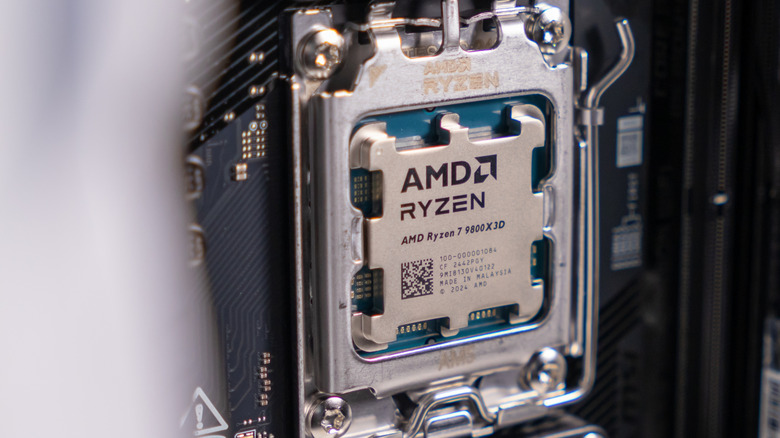
CPU platform architecture can affect whether an M.2 slot will interfere with a graphics card's bandwidth. Intel 13th and 14th Gen CPUs feature 16 PCIe 5.0 lanes shared directly between the x16 slot and a PCIe 5.0 M.2 slot on certain Z790 motherboards, plus four separate PCIe 4.0 lanes for the main M.2 slot. AMD's Ryzen 7000 and 9000 processors provide 24 usable PCIe 5.0 lanes, enough to run a GPU at x16 and an M.2 SSD at x4 simultaneously.
PCIe bandwidth tends to double every generation, meaning an 8-lane PCIe 4.0 connection delivers the exact same total bandwidth as a full 16-lane PCIe 3.0 slot, which keeps modern GPUs well below limits. People worry that dropping to x8 will completely bottleneck their GPU, but benchmarking shows the real-world frame rate drop is next to nothing. Running a flagship card, like an RTX 4090 or 5090, at x8 instead of x16 results in a minimal 1% to 3% drop in gaming performance, proving that lane sharing won't land your card among the biggest GPU flops in history.
If a rig is suffering from storage slowdowns or system crashes, this is most likely down to the operating system glitching out rather than hardware PCIe lane sharing. Even Windows updates can cause issues, as Windows 11 often runs file indexing and background maintenance tasks afterward. If this happens, rebuild the search index or trim the indexed locations by going to the Indexing Options inside Windows Control Panel.
How to avoid lane contention and optimize your PC build
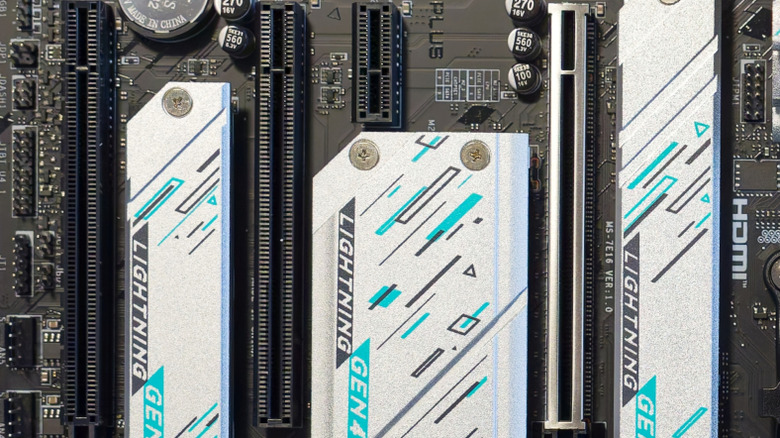
There are certain ways to get around shared PCIe lanes when adding secondary storage without taking away from a graphics card's direct CPU access. Motherboards usually have two types of PCIe lanes: CPU lanes, which provide direct high-speed connections for the GPU and a primary M.2 slot, and chipset lanes, which manage secondary SSDs and peripherals.
So users need to get out their motherboard manuals and make sure they're using chipset-connected M.2 slots. It's a quick way to optimize PCIe lane use and makes sure the primary PCIe slot for a GPU receives its full 16-lane allocation without triggering automatic motherboard lane splitting. Just keep in mind that chipset slots share the chipset's single link to the CPU with USB, networking, and SATA, so those drives can run slightly slower under heavy load.
To be honest, this only really makes a difference when handling big workloads outside of gaming, such as training AI models, rendering in Premiere Pro, or handling huge compute tasks that need to constantly swap memory. As for gamers? Don't worry about it and enjoy the extra storage, but for those operating a workhorse for all of the aforementioned tasks and more? It's well worth paying attention to where PCIe lanes on a motherboard lead.