

These Google Nest Accessories Can Improve Your Wi-Fi Coverage
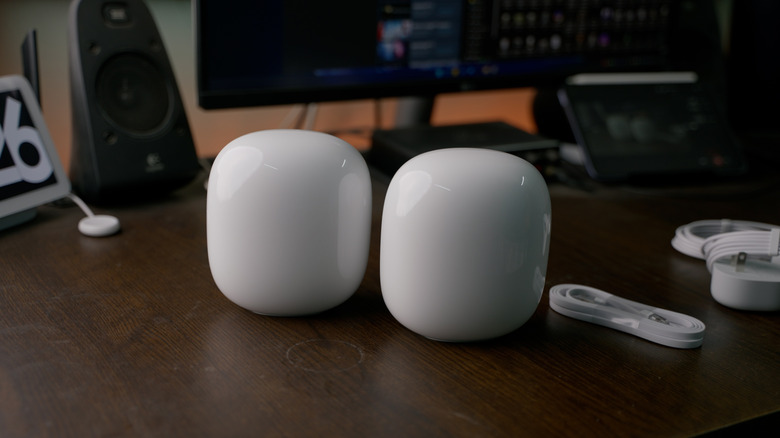
If you want to ensure you get quality Wi-Fi around your entire home, you may want to consider devices that improve the Wi-Fi coverage. They can improve the strength of the connection for devices even if they are farther away from your router. There are even ones specially designed to enhance the signal of Google Nest, no matter where it may be found inside your place.
Nest Wifi and the older Google Wifi are built to improve your Wi-Fi signal throughout your house, apartment, or business. They are mesh Wi-Fi routers you can replace your old one with that can be paired with additional mesh nodes if you have a larger area that needs to be covered. This means instead of having to place a device closer to the main router, you can place it further away — the router and nodes work in tandem to create a single network with a larger physical footprint. If you already have a single Nest Wifi or Nest Wifi Pro router, you can pick up mesh nodes for as low as $79 and add them to your system to improve your Wi-Fi coverage.
But not all Google Wifi, Nest Wifi, and Nest Wifi Pro systems are cross-compatible, so you'll need to know which mesh nodes work with your system if you want to expand its coverage. Below, we'll talk about your options if you have a Google Wifi or Nest Wifi unit, then we'll explain the situation around Nest Wifi Pro.
Nest Wifi and Google Wifi mesh nodes
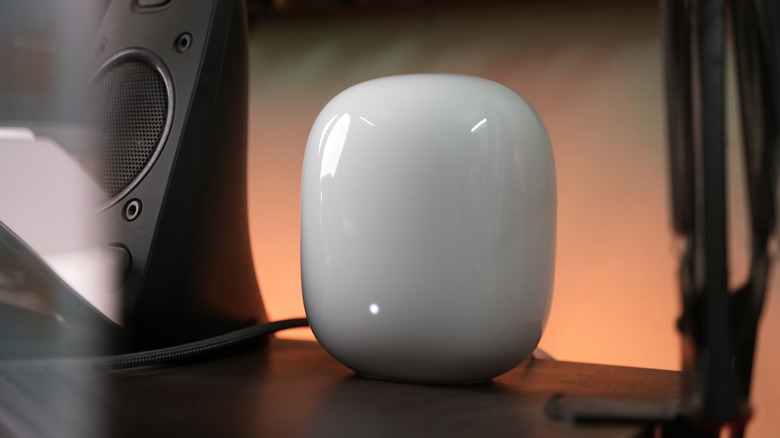
Nest Wifi and Google Wifi are both owned by Google — the company opted to switch to Nest branding after its first generation of mesh routers — and they function very similarly. Note that since Google Wifi is the older generation, units are harder to come by nowadays, and the company no longer sells these units new on its official store.
Importantly, Google Wifi and Nest Wifi units are cross-compatible. So if you have a Nest Wifi router, you can add a Google Wifi node to your system to expand coverage. Things will work the other way around, too (a Nest Wifi node can extend coverage from a Google Wifi router), but with Nest being the newer generation, you're better off using a Nest unit as your router and turning the old Google Wifi router into a node, should you pick up a Nest Wifi unit to add to your system. There's a noteworthy distinction here, though: Google Wifi units can serve as either nodes or routers, but Nest Wifi nodes can only be nodes. Put differently, there are two types of Nest Wifi units — Nest Wifi routers and Nest Wifi nodes — and while the routers can serve either role, the nodes cannot.
Considering there's an even newer generation, Nest Wifi Pro (more on that next), standard Nest Wifi units are fairly cheap these days — around $54.99 for a router and about $89 for a node. A Google Wifi unit, meanwhile, will cost around $54.99 and can serve either role. If you're looking for a way to boost your coverage, there are other Wi-Fi extenders on Amazon that may do the trick. Keep in mind that signals from both the router and the points can be blocked by thick walls, thus reducing their effectiveness.
Nest Wifi Pro mesh nodes
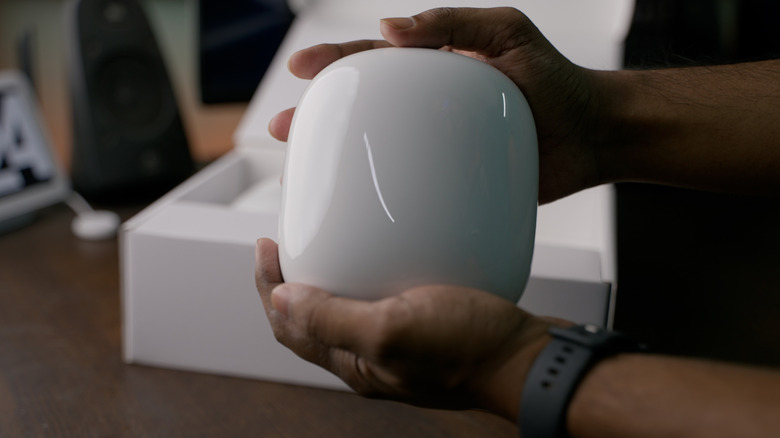
Google's current generation of mesh Wi-Fi systems is the Nest Wifi Pro, which takes advantage of advancements included in the Wi-Fi 6E standard. This means the Pro models come with a few extras that the Nest Wifi and Google Wifi do not offer. Instead of just having two bands, the mesh system adds a third band that can be used to power the wireless backhaul system (the way the router and the mesh nodes connect to each other), which can help reduce signal interference in the mesh network itself.
The Nest Wifi Pro also has advanced features that make it a smarter smart device. If you start to experience dips in speed or slower speeds while streaming or playing games, the Wifi Pro is able to scan your network, figure out what is causing the problem, and fix it so you get enough speed to stream properly. And like the older generations, if you have guests, you can use the Nest Wifi Pro to make a guest network — an added bonus that improves the Wi-Fi experience for you and your guests, making it a useful accessory for your home Wi-Fi.
Importantly, however, a Nest Wifi Pro router can only be paired with other Nest Wifi Pro devices — you cannot add a Google Wifi or standard Nest Wifi node to the system to increase coverage in your home. Since it's the latest generation, units are more expensive than Google Wifi or regular Nest Wifi nodes — the official Google Store sells units for $199.99 apiece. But thankfully, Nest Wifi Pro units can be used interchangeably as routers or nodes, so if you find a good deal on any unit with the name "Nest Wifi Pro," you can add it to your existing Nest Wifi system.