

How Much Does Data Recovery Usually Cost?
We may receive a commission on purchases made from links.
Few things are as frustrating as losing crucial project files or precious family photos because of a broken hard drive. One study found that 50% of hard drives fail way too soon, and this can leave you unexpectedly losing a lot of important data. Fortunately, data recovery specialists have special tools and software they can use to retrieve files from most defunct devices. But how much should you expect to pay for a data recovery service?
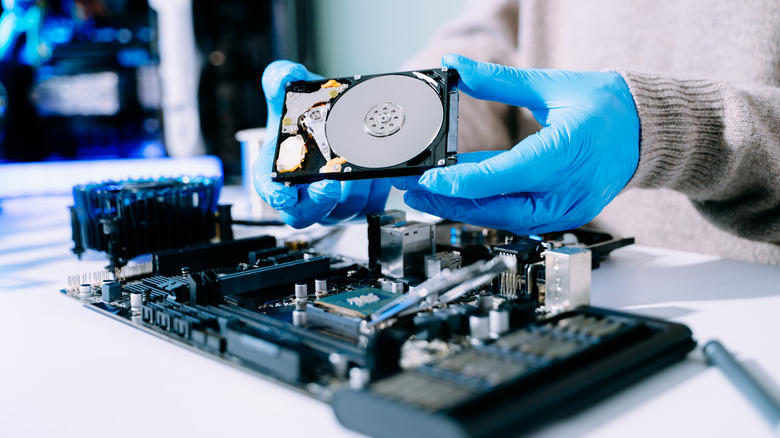
Best Buy offers data recovery as part of its Geek Squad service. It costs $49.99 to meet with a Geek Squad agent and diagnose your data loss. After that, it costs $200 to recover files that were deleted or lost in a reformatting. If the file system or operating system needs to be restored, it will cost $450. When the team has to use advanced hardware, the price increases to $550. For a physically damaged hard drive, Best Buy will charge $1,450 to cover the time and labor it takes to carefully break into the hard drive and recover the data from within.
There may be a local data recovery service near you that you can visit instead, but these independent repair shops might charge very different prices. They often charge based on the data capacity of the drive and its physical condition. For a four-terabyte hard drive or solid-state drive, it will usually cost anywhere between $250 and $900 to recover the data, depending on the amount of labor needed.
Can you recover lost data by yourself?
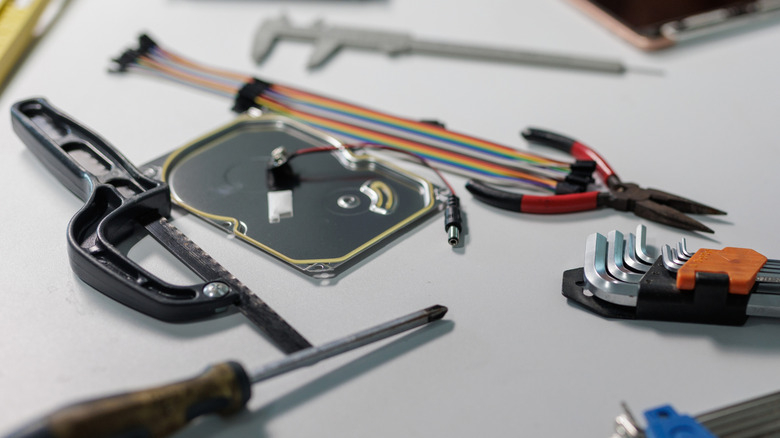
Professional data recovery is expensive, so it's only natural to look for a do-it-yourself (DIY) solution. Sometimes, you actually can recover deleted files from USB drives without paying for software or professional help. If you lose or delete a file, it's usually not gone for good. The file might still exist in a digital trash bin, a Recently Deleted folder, or some other hidden location that you can find by reconfiguring your file system settings.
For more complex situations, there are DIY recovery tools you can try. Just keep in mind that this comes with a certain degree of risk. There's always the chance that one mistake during data recovery could make the situation worse and cause further corruption on the drive. Realistically, the best DIY method for protecting your data is to back up your PC often.
If you lose access to something truly important, it's worth finding a professional data recovery service for the best chance at success. Then, once you successfully recover your data from a dead or dying hard drive, your next step is to find a place where you can shred a hard drive safely. After all, if you were able to recover sensitive information from the drive, someone with nefarious intentions could do the same thing.