

4 Unexpected Benefits Of Your Phone's Always-On Display
Displays have evolved tremendously over the years. Tiny 1.5-inch liquid crystal displays, such as those in the iconic Nokia 3310, dominated the early 2000s. Near the end of the decade, the industry transitioned toward bigger, more colorful, touch-based LCDs. The next stage of evolution arrived in the form of organic light-emitting diodes. Modern OLED panels utilize millions of self-emissive pixels instead of a single white panel at the back. These pixels work independently of each other, making blacks appear perfectly black and the overall colors a lot more punchy. The independent operation of the lights in OLED screens also improves energy efficiency and battery life. These myriad benefits have made it the standard for midrange and flagship phones today. However, one of the most underappreciated aspects of OLEDs is the always-on display (AOD).
The always-on display keeps a fraction of the pixels awake while the rest of the screen stays off. The active pixels can be used to show the battery percentage, time, upcoming events, and other essential information. A major benefit of the AOD is that it saves users time by presenting information quickly. The AOD also has several other perks that go overlooked, leaving users who elect to leave the feature turned off unaware of what they are missing out on. This guide presents four unexpected benefits of using always-on displays, including how they save time, reduce mechanical wear, and prevent users from going down the rabbit hole of doomscrolling.
Always-on displays help you stay in the moment and absorb key information at a glance
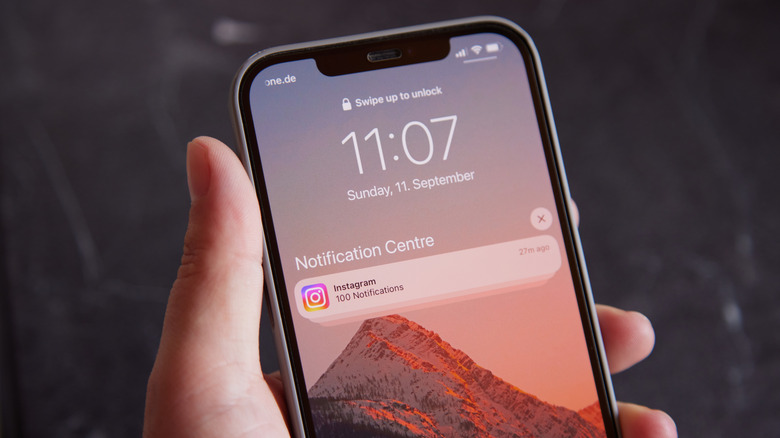
Convenience is what truly makes an always-on display so great. Incoming calls and texts continuously appear on the screen, relieving users of having to get actively involved. Checking the time, battery level, and unread messages becomes immediate, without the need to unlock the device. A simple glance is all it takes to stay in the loop in case any important notifications drop. Likewise, depending on the phone's brand and software, some always-on displays can show weather updates. Others are nifty in that they stick upcoming calendar events on the front. This feature becomes especially handy given modern phones have hundreds of apps installed and navigating to find one specific thing can take up to a minute.
Another benefit of always-on displays is the discretion. Using a phone in classrooms can be disruptive. Similarly, users may consider it rude to pick up their phones while attending a meeting. An always-on display proves invaluable in situations like these since essential info is readily accessible without the need to lift a finger. These perks highlight how always-on displays make routine checks easier, especially when the phone is lying on a nearby desk or bedside table. A quick glance provides all the important updates, leaving any ongoing activity the user may be involved in undisturbed.
Always-on displays can reduce excessive screen time
There's another unexpected, beneficial effect an always-on display can have on a person: preventing them from doomscrolling. More often than not, people pick up their phones to check for messages or see the time — however, they end up doing anything but. An hour trapped inside YouTube Shorts or Instagram Reels follows, and by the time they put their phone down, chores are already overdue. In the same way, work sessions get interrupted too when there is a tendency to constantly grab the phone. This behavior eventually develops into a habit — one that becomes annoyingly difficult to suppress.
With an always-on display, though, there's often no need to pick up the phone itself. The things that might kickstart this vicious cycle — time, date, and essential notifications — are displayed on the screen with no other distractions. When the need to touch the phone goes away, screen time becomes easier to handle. Of course, an always-on display doesn't always prevent getting sucked into that loop — sometimes the dopamine cravings win. That said, the always-on display has still saved more people from going down the road of doomscrolling than it gets the credit for.
Smart software minimizes mechanical wear and tear
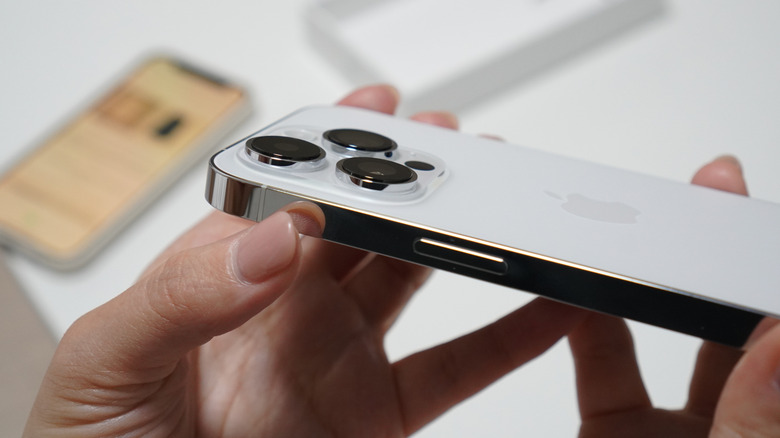
Devices without an always-on display can require users to tap the power button several times a day. This leads to dozens of button presses to check the time, date, and notifications. These excessive interactions cause mechanical degradation of the button, which may ultimately create the need to get it replaced. Always-on displays completely do away with the repeated use. Since information is available at a glance, there's less stress on the power button. Modern devices may be built to last, but minimizing unnecessary presses can prove useful in the long run.
Similarly, devices with an always-on display are efficient with battery management. Only certain pixels are illuminated on an OLED screen, and specific sensors, as well as smart software optimizations, can automatically adjust settings depending on the situation. Apple's approach to AOD on iPhones is a great example. The newer models like the iPhone 17 and 18 series lower their refresh rate to 1 Hz when the always-on display is in use. Furthermore, if the phone is lying face down on a surface or inside a pocket, the sensors detect this and automatically turn off the AOD function.
Other brands have similar mechanisms. In Xiaomi phones, the AOD has a set timer. It turns off after a brief period, and when an important notification drops, it lights up again, notifying the user. Using an always-on display on the iPhone 18 series consumes roughly 2% of the battery life per day, according to Reddit users. It's a bit higher on Samsung devices and varies between the different series. Intelligent software has made the system efficient, and considering the upsides, the benefits outnumber any potential disadvantages.
Always-on displays can merge practical functionality with aesthetics
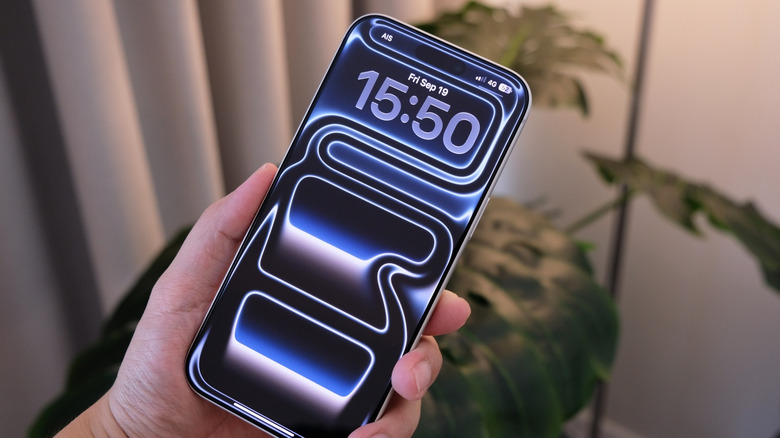
Finally, the biggest benefit of using an always-on display is that a user can personalize it. The screen isn't just limited to basic information. The clock's size, layout, and color are often customizable. Different artworks can be used as the main wallpapers. Most brands let users add widgets and display information like weather and upcoming calendar events. Notification visibility can be adjusted to set how much content is visible. Moreover, users can tailor their display to what suits them. The always-on display orientation is adjustable on some phone models too.
In portrait mode, the always-on display can be a slick information hub. In landscape mode, users have the option of reducing clutter and setting a scenic wallpaper. That way, the always-on display can function as a minimalistic photo frame. All these features add a touch of personal aesthetic to the display, and such flexibility allows the AOD to serve as a visual attraction on top of an information panel.