

4 Tesla Settings Every Driver Should Check Before A Road Trip
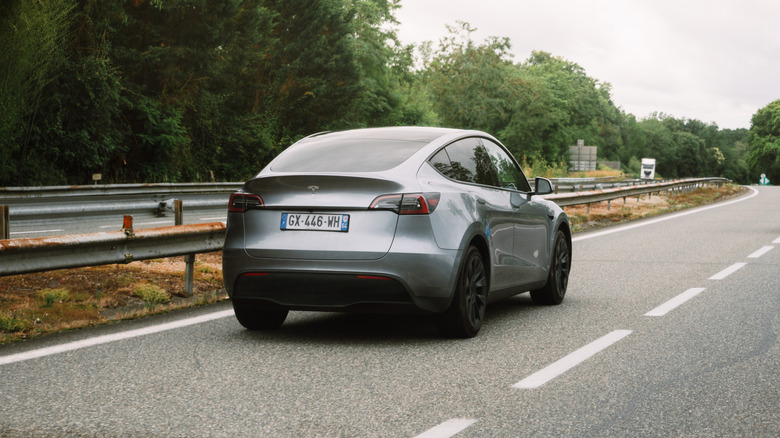
Extended road trips used to be reserved for gas-powered vehicles. But electric vehicle charging infrastructure has reached a point in which it can not only offer extended road trips, but in many cases, may even be preferable to gas-powered trips. The Tesla Supercharging network and in-vehicle software take a lot of the logistical heavy lifting of putting a trip together out of the hands of the driver. In a more general sense, Tesla does a lot to ensure its vehicles can take on the open road. It's among the most reliable electric vehicle brands and the Model 3 can be found among the most reliable electric vehicles of all time.
But Tesla owners venturing out on a road trip should get familiar with more than basic settings they may encounter on a typical daily drive. While there are a number of useful car gadgets you need for your next road trip, certain Tesla vehicle settings can contribute as well. Ensuring things are set correctly can go a long way toward ensuring you have a smooth journey. From automatic navigation decisions to setting up your vehicle for different people to take the wheel along the way, here are some settings every Tesla driver needs to look at before hitting the road.
Trip Planner settings
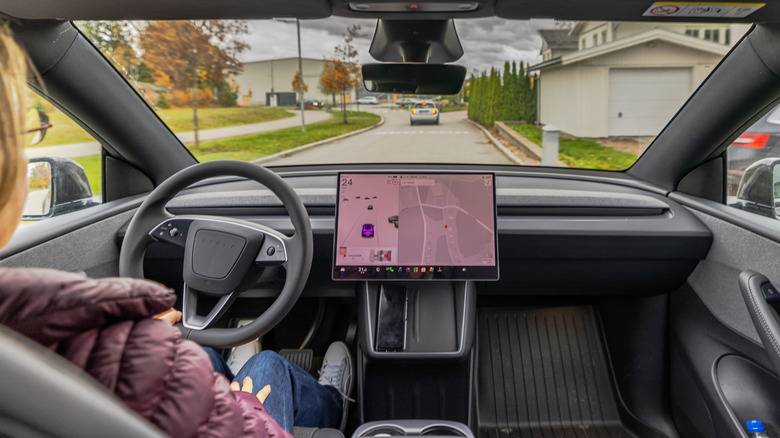
While there are a number of hidden features Tesla owners may not realize exist, Trip Planner is one Tesla places front and center. It shouldn't be overlooked when setting out on the road, as its primary function is to lay out a route that ensures Supercharging stations can be easily accessed all along the way. Trip Planner is built into the navigation software, and once a driver enters a destination, it determines a route.
Individual settings and preferences are available to configure when it comes to determining a trip route, but Trip Planner takes a number of automatic factors into account when doing this. Things like elevation changes, temperature changes, traffic, and even the availability of charging stations at different locations all go into determining the route that's best for a specific trip. Utilizing the Trip Planner takes a lot of guesswork and estimation out of long distance drives, and there are some more settings within it that are worth looking at.
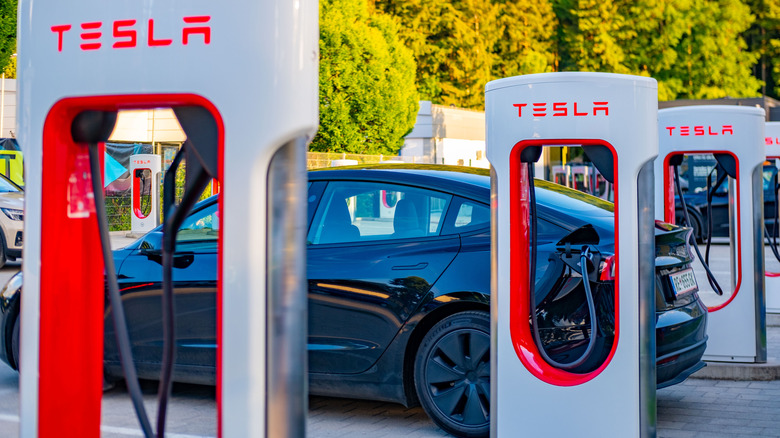
For drivers stopping off at campgrounds or other overnight locations where there will be no charging stations, a setting called Set Arrival Energy (sometimes displayed as Set Arrival %) is available. It allows drivers to select their preferred charge level for when they arrive at such a destination, so that they can ensure enough charge is left to return to the drive when ready. Additionally, nobody wants to spend the majority of their getaway hanging around charging stations. When Trip Planner is in use, a Tesla vehicle recognizes when it's getting close to a Supercharger and preheats the battery for fast-charging.
Energy display
When taking on long stretches of road, it's important to have a solid understanding of just how much battery life a Tesla vehicle has left at any given time. Tesla vehicles allow drivers to choose how their vehicles display a battery's remaining charge. It can be displayed as either a percentage of battery life remaining or as an approximation of the miles that can be driven before the battery is drained. The setting can be found within the Energy app on a Tesla vehicle's touchscreen. The app also gives drivers personalized suggestions for being more energy efficient with their driving habits.
Switching this setting to distance puts the battery estimation in the same units drivers are given for navigating a road trip. A battery percentage isn't particularly helpful when trying to determine if a vehicle will make it to the next major city or the next Tesla Supercharging station when all of the road signs are showing location distances in miles. Looking at battery life this way is a little more intuitive over long distances, as a destination that's 100 miles away is easier to make decisions about when you know you have at least 100 miles of battery life remaining. Tesla's mileage figures here are based on EPA test data and not the driver's specific driving patterns, so these do need to be looked at as estimations instead of absolute calculations.
Driver Profiles
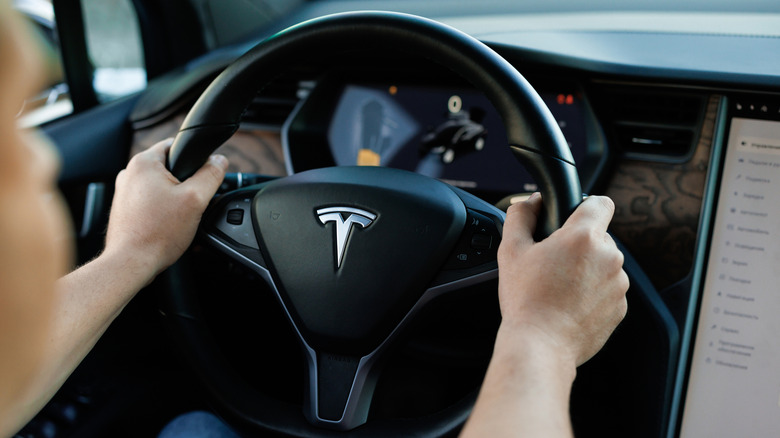
Every Tesla vehicle is equipped with the capacity to store numerous Drive Profiles. These allow the vehicle to remember how each person likes to drive and the settings they prefer when they're in the driver's seat. New profiles can be created and existing profiles can be accessed under Driver Profile Settings. During the initial setup of a profile, drivers will be prompted to set their favorite seat position, steering wheel position, and the angles of the side mirrors. Driver Profiles also save settings for navigation, temperature, and lights, as well as Autopilot and other driving preferences.
These may seem easy enough to adjust, but on a road trip, there's plenty of opportunities to switch drivers along the way. Whether the trip is part of a family vacation or the vacation itself for a group of friends, setting up multiple Driver Profiles is a quick way to switch seats. On truly long road trips this is a way to prevent drowsy driving as well as to give multiple people a chance to simply kick back and enjoy the view while somebody else drives. New drivers can also be set up through the Tesla app, which also gives the vehicle owner control when the trip is over and they want to remove drivers.
Automatic rerouting
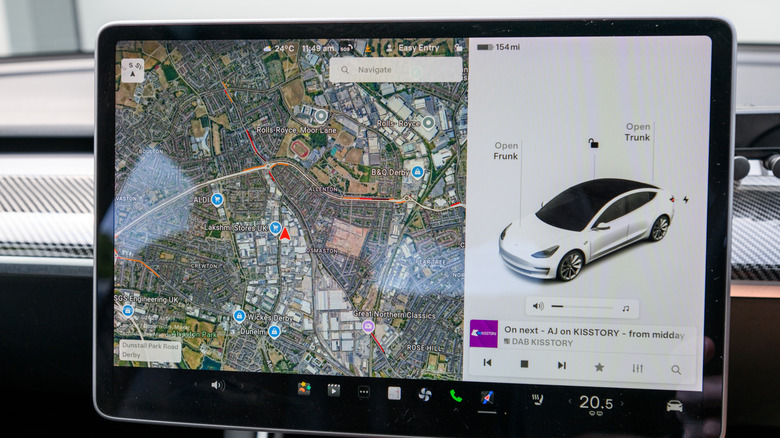
While Tesla's Trip Planner can be used to ensure you keep Supercharging stations within reach along the way, a more specific navigation setting you'll want to look into is called Online Routing. This is essentially an automatic rerouting tool that's built into Tesla's navigation system. Once a destination has been set, the vehicle identifies the fastest route and the most convenient charging locations on the way. With Online Routing enabled, the vehicle can detect real-time traffic conditions and adjust your route to ensure the most efficient path. It can be turned on or off by touching the navigation map's settings icon, then Online Routing.
This setting may be best turned on and off at various points throughout a road trip. It can be beneficial when navigating unknown territory, particularly in larger cities where traffic patterns may not have predictability. Conversely, while it can be helpful to use Online Routing when approaching and passing through cities, being rerouted around a city, even with traffic, could end up setting you back. It's worth considering turning Online Routing off while your road trip has you moving down open highways and turning it back on as you move into areas in which traffic patterns can truly affect your trip time.
How we chose these Tesla settings
There's no shortage of customizable settings in Tesla vehicles. Many are meant for entertainment purposes while others are meant to keep the vehicle in good health. Here we focused primarily on settings that can help drivers better experience a road trip. That meant finding settings that improve the experience of driving a Tesla on a long journey and enjoying the destinations along the way. Road trips are meant to be a combination of both, so the settings we've laid out here give Tesla owners an opportunity to enjoy their vehicle on the road and to be more hands-off with the trip's logistics in order to focus less on logistics.