

5 Disadvantages Of Using 2-In-1 Laptops
We may receive a commission on purchases made from links.
Over the last couple of decades, laptops have become the go-to computing device for those who want to break from a desktop but still need the right combination of software, connectivity, and performance. Entry-level models have become increasingly popular, as the needs of most laptop users are limited to typing, browsing the internet and social media, and keeping up to date with emails. Laptops are also capable of functioning as an entertainment device, though they can be somewhat cumbersome when used this way while out and about.
Tablets can step in here. They've carved out a major piece of the mobile computing market, and offer more portability than a laptop. As well, many users find the touchscreen interface to be more intuitive than the mouse and cursor interaction that accompanies the use of a laptop. Tablets have become more and more powerful over the last decade, with high-end models capable of handling pro-level tasks like video editing. Tablets can be incredibly difficult to type on, however, and in most cases, tablet apps are scaled-down versions of laptop software.
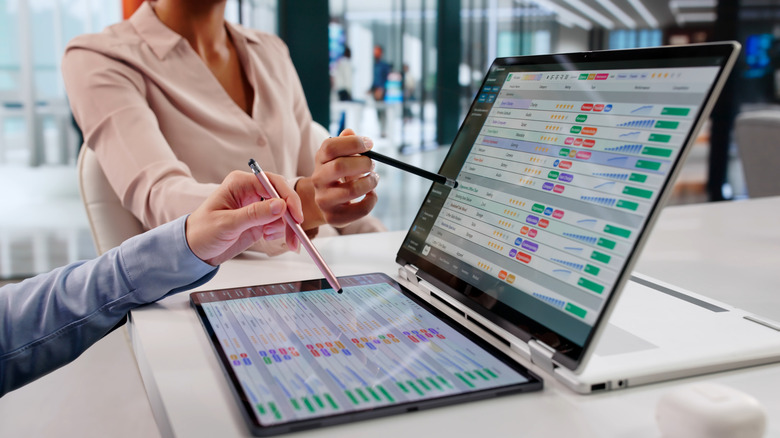
The best 2-in-1 laptops are meant to be the best of these two worlds. They come with a physical keyboard, trackpad, a touchscreen that folds back to give the device a more tablet-like form, and a number of different ways to hold it. 2-in-1 laptops offer a number of benefits over a standalone traditional laptop and a standalone tablet. But there's no perfect device out there, and 2-in-1 laptops have several disadvantages to consider, including pricing, durability, and limitations.
Pricing

The biggest draw of a 2-in-1 laptop is that it's essentially two devices bundled into one. From a pricing standpoint, that makes it a solid value play if you take advantage of both the laptop and touchscreen functionalities. But relative to its cousin devices, a 2-in-1 laptop is somewhat pricey. Entry-level 2-in-1s typically start in the $400 price range, though these are typically underspecced, with some models including just 4 GB of RAM and 64 GB of internal storage space.
There are some entry-level laptops with 4 GB of RAM and 128 GB of storage space that can be found in the $200 range, like the Lenovo Idea Tab. Mid-level 2-in-1s can be found in the $650 to $1,000 range, and some of these only double the RAM to 8 GB alongside various storage capacity increases. Additionally, upgrading specs comes with its own pricing scale, with premium 2-in-1-options like the Microsoft Surface Laptop Studio 2 running upwards of $3,500.
Configurations at this price will include much more impressive hardware like dedicated graphics cards, 32 GB of RAM, and 1 TB of storage space. However, high-end tablets and laptops are available for much less. The Apple iPad Pro 13-inch with an M5 processor and 2 TB of storage space is priced at $2,899, while laptops like the Dell Inspiron can be configured with an 8-core processor, 32 GB of RAM, and 1 TB of storage space for just $1,200.
Durability
Because laptops and tablets are generally used on the go, build quality and durability matter in a different way than they do for desktop equipment. Alongside their standalone counterparts, 2-in-1 laptops are meant to be tossed into backpacks, sit on shifty legs for extended periods of time, and be opened and closed numerous times throughout the day.
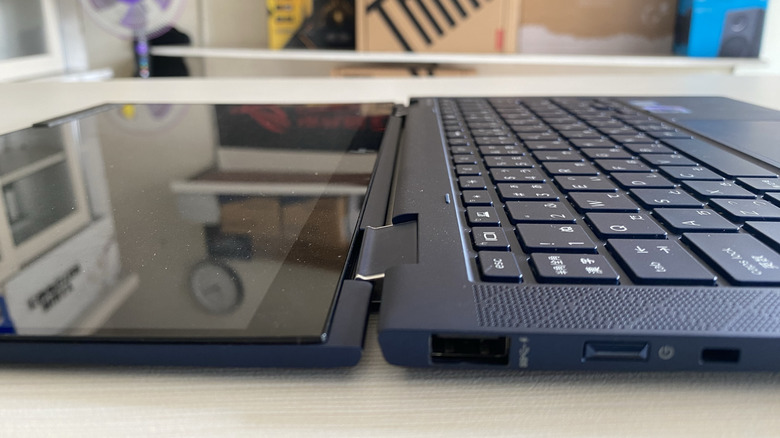
The basic open-and-close design of traditional laptops makes the wear and tear somewhat easy to handle, while tablets are designed and built with essentially no moving parts whatsoever. But with their 180-degree folding screen, and with the numerous positions in which they're meant to be held, 2-in-1 laptops often have more to survive. Unfortunately, not all 2-in-1 laptops come with the build quality users may be hoping for.
The hinges are a more complicated design than the hinges of traditional laptops, and on entry-level 2-in-1 models — and even on some higher-end options — these parts are usually made of plastic. That can make these parts somewhat flimsy right out of the box, and with medium to heavy daily use, the hinges of cheaper 2-in-1 laptops are bound to lose sturdiness over time. 2-in-1 laptop models that feature a detachable display are susceptible to even more wear and tear, with the hinges and contact points wearing down every time the screen's detachable functionality is taken advantage of.
Unoptimized software
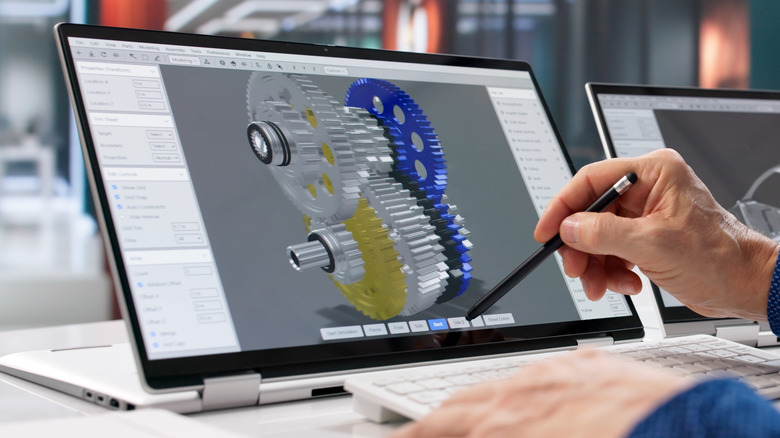
Many 2-in-1 laptop users have made it their primary computing device because they're getting the benefits of a touchscreen interface alongside the software accessibility of a laptop computer. Since most 2-in-1s run on some version of Windows, they are entirely capable of running full laptop and PC software, including full versions of Microsoft Office, Adobe Creative Suite, and other commonly used software.
Meanwhile, tablets often have scaled-down versions of such software, and they don't necessarily come with as much functionality. But for users excited to use this software in tandem with a 2-in-1 laptop's touchscreen, there may be a bit of a letdown. Having access to the software doesn't guarantee that it's designed to function any differently with a touchscreen. Most Windows programs are designed to be used with a mouse and cursor, and in most cases, using the software with a touchscreen simply means replacing the mouse with your finger.
PCWorld has noted that only a handful of Windows apps are designed to truly take advantage of a touchscreen interface, and we've expressed that the lack of unoptimized apps is one good reason why there's simply no need for 2-in-1 laptops anymore. The tablet half of the 2-in-1 design may still be beneficial to some users, however, particularly those who aren't looking for user experience upgrades when it comes to the available software.
Hardware limitations
Premium hardware is certainly available for 2-in-1 laptop users, and it's one of the perks of switching to a Microsoft Surface Laptop. But in a more general sense, the design of these computers can come with some compromises. Performance is often one of them. Not all 2-in-1 laptops are designed to be as slim as possible, but the ones that are can be short on space for the inclusion of complex cooling systems.
Processors can't maintain peak performance in these 2-in-1 laptops, slowing down heavy workloads and CPU-intensive tasks. In the 2-in-1 space, manufacturers lean heavily on efficient processors that run cooler and consume less power. The design compromises for 2-in-1s can also result in smaller batteries being used. With the touchscreen already being more of a drain than the batteries of traditional laptops face, the battery life of a 2-in-1 laptop is a common disadvantage.
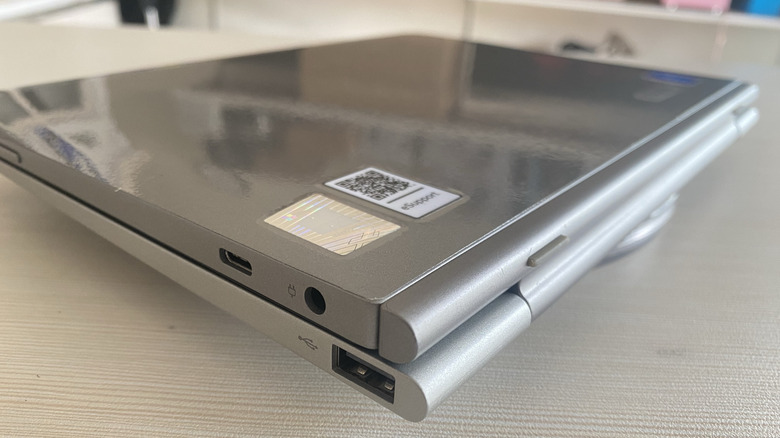
Connection ports can also be in short supply. It's not uncommon to find entry-level and even mid-level options with only a few ports, and on truly budget models the only USB-C port available may be used for charging the device. This lack of connectivity may not be an issue for users who are more attuned to working with a tablet, but for those who plan to use a 2-in-1 as a total replacement for a workhorse laptop or a desktop PC, some sort of connection hub will likely need to accompany it.
Ergonomics
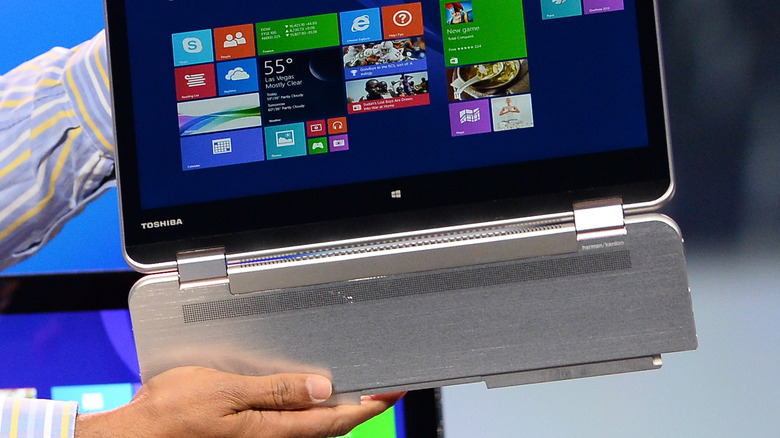
From a design standpoint, 2-in-1 laptops are meant to incorporate the best of two worlds. They have the touchscreen interface many users of the best big tablets love working with and, at the same time, provide a physical keyboard and trackpad, which are the kinds of features that users of laptops can find difficult to part ways with. Those who enjoy using 2-in-1 laptops will sometimes point specifically to the combining of the two form factors as a top attraction.
Some of the best parts of a laptop are there when they're needed, while some of the best parts of a tablet are there for more on-the-go kinds of use. But one person's treasure is another's trash, and for some the 2-in-1 form factor may come across as clunky and awkward. When folded into tablet mode, the keyboard and trackpad end up on the back, and holding the device without inadvertently tapping keys or bumping the trackpad can be an annoyance.
Using the touchscreen while in laptop mode can be similarly clumsy, with users needing to reach their arms out to interact with it, rather than simply having their hands and fingers already on the screen like they would in tablet mode. The form factor can also make a 2-in-1 laptop feel off balance or generally uncomfortable, as its center of gravity will change depending on which mode a user has it set up in.