

This Is What You Should Do If Your Smart Lock Stops Responding
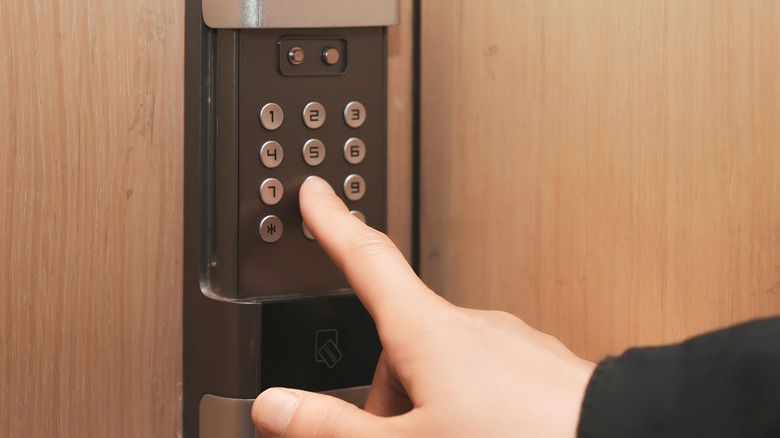
When all is operating smoothly, a smart lock is the kind of home security purchase you probably won't think much about. But a lot of smart home tech is built around the idea of little to no maintenance, and a smart lock is one of the best examples. Should you forget to check in every once in a while, though, you may find yourself in a situation where your smart lock stops responding, and usually when it's least convenient for it to do so. You can't plan for every possible failure, though, so it pays to learn what you actually can do if your lock starts misbehaving. First and foremost, you'll want to check its battery life.
Smart locks are typically powered by either a rechargeable lithium-ion battery pack or standalone alkaline batteries — often AA or AAA. Most locks are designed to send notifications when critical battery levels are detected, but it's always possible to miss an alert or to disregard it if you're in the middle of using your phone when they ping. Make it a routine to keep tabs on smart lock batteries; the last thing you want is to be barred from entering your own home because of this simple oversight. In the event that you do get locked out of your residence, some smart locks will accept emergency power from a 9V battery or portable power bank (via USB). That said, this isn't a universal failsafe, so be sure to check user manuals if you're unsure.
Your Wi-Fi network may be wreaking havoc on your smart lock's connectivity
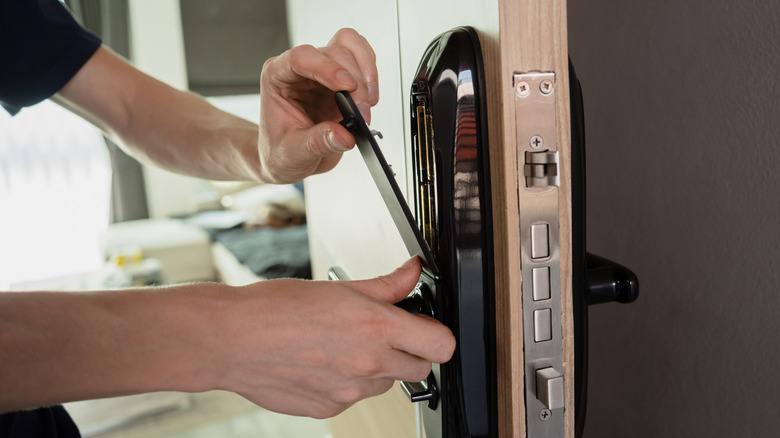
The majority of smart locks can be controlled remotely when connected to Wi-Fi or another wireless protocol like Zigbee or Z-Wave. Bluetooth gets mixed in, too, but it's the other wireless standards that afford the most control when you're away from home. If you're relying on Wi-Fi for remote controls, there's always the chance of your smart lock becoming unresponsive in the event of a network outage. If you've confirmed through a site like DownDetector that the internet is down, your lock's remote functions aren't going to work.
Your lock's proximity to your router could also be to blame for frequent disconnects. Many smart home devices can only connect to 2.4 GHz frequency bands; 5 GHz connectivity is less utilized and is better over shorter distances anyway. If you have a lot of hardware connected to your router's 2.4 GHz band (most households do), all that network traffic may be messing with your smart lock. To avoid bottlenecking and dropouts, see if you can move over some of your 2.4 GHz-connected tech to the 5 GHz band.
If Wi-Fi connectivity is an issue throughout the whole home, it may be worth investing in a mesh router system for improved network coverage. You could also consider introducing a Zigbee or Z-Wave hub to interface with your smart lock; just make sure to verify that Brand A works with Brand B, and so on.
Never deny the power and control that a firmware update can afford
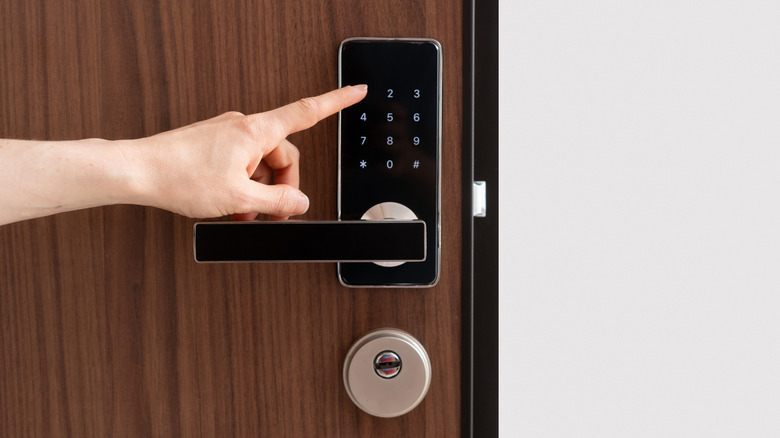
You can bet your smart lock's app will deliver a range of intuitive controls and customizations. You can also bet on outdated software potentially causing your lock to become unresponsive under certain conditions. This is a cause for concern if you're behind on your iOS and Android updates, too; device-to-device compatibility is always at its best when all your hardware is running its latest firmware versions — and smart locks are no exception.
Depending on how you set up your smart lock app and Android or iOS device settings, you may only be set up to receive manual updates. That means you'll need to be in the know when there's a new version to download and install. But if there's a chance of you forgetting, we recommend setting up automatic updates instead (if the lock app or your phone gives you the option). Doing so takes most firmware maintenance off of your plate entirely.
A word of caution: Make sure your smart lock has enough battery life before you initiate any type of update process. Should the batteries die in the middle of firmware patching, you could potentially brick the lock, or at the very least force yourself into needing to do a factory reset in hopes of bringing it back to life.