

7 Ways You Can Easily (And Irreparably) Break Your Computer
We may receive a commission on purchases made from links.
It doesn't take much to kill a PC. You can risk the untimely death of your setup by just brushing aside basic maintenance, but there are several common mistakes people make with their computers that can also prove damaging. For instance, fully charging a laptop's battery can degrade its overall lifespan. However, some of these habits, if repeated for long enough, are quite catastrophic.
What are the surefire ways to destroy your PC? Utilizing a cheap off-brand power supply unit can turn your computer into a ticking time bomb, but shunning a surge protector and ignoring your room's humidity are also potential problems. These decisions could have serious consequences for your PC. If you're lucky, just one component will fail, but in a worst-case scenario, the entire system will be wrecked. Therefore, we have compiled seven ways you can easily and irreparably break your computer so that you can avoid doing so before it's too late.
Cheap out on power supplies
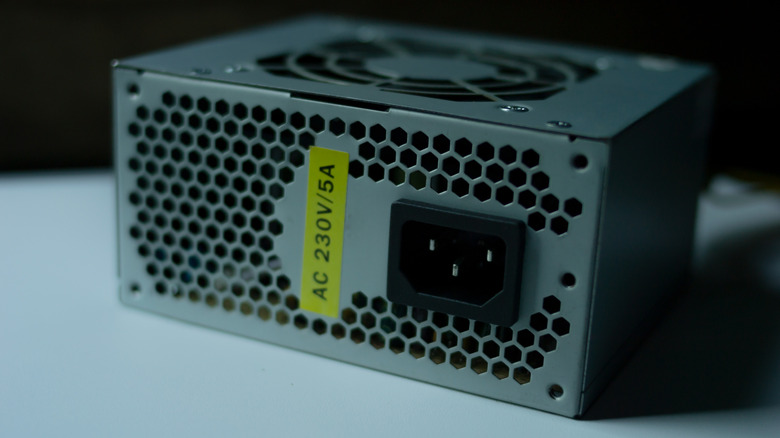
Buying off-brand power supply units (PSUs) is possibly the biggest mistake you can make when constructing a brand-new PC and can turn your build into a fire hazard. While you may be inclined to save a few bucks to make more budget for the rest of the components, if you do so, you risk blowing your entire PC because if the PSU goes out, so does everything else. According to PC building community members, especially those on the r/buildapc subreddit, off-brand PSUs have poor efficiency and can overheat. Cheaper internal components also tend to wear out quickly and be unstable.
Linus Tech Tips tested out various cheap off-brand PSUs under load, and the results were explosive, quite literally. Additionally, you should never buy a used PSU. Instead, purchase a new one from trusted brands such as Corsair, Seasonic, or MSI. Furthermore, consider models that have an 80+ efficiency rating and a capacity of 100 to 150 watts more than what your system will draw (however, buying a 1800W PSU isn't worth your money and is overkill). A 750W PSU is ideal for most users, but a powerful option with 20-30% more capacity than the overhead is best for those looking to overclock their GPU. You can estimate the recommended watts and amps for your build with an online power supply calculator such as the one on the Newegg website.
Update BIOS without a backup

Upgrading your motherboard's BIOS isn't recommended for most users. Even board manufacturers such as Asus advise against it unless necessary, since the process carries a high risk of bricking your entire PC. While the stability and performance boosts listed in patch notes may look enticing, you're playing with the lifeline of your computer. If your PC loses power during the process, the firmware will become corrupted, rendering your motherboard useless.
To combat this issue, many high-end boards nowadays offer Dual BIOS, which lets you switch to a backup BIOS if the other one fails. However, for mid-range options, you're usually stuck with a single BIOS, so be wary of updating it and only do so if it's crucial, such as when installing a new CPU, RAM, or NVMe SSD. Furthermore, when updating, secure a reliable power source; only keep minimal hardware attached, and back up the current BIOS if your motherboard allows it.
Run your desktop without surge protection
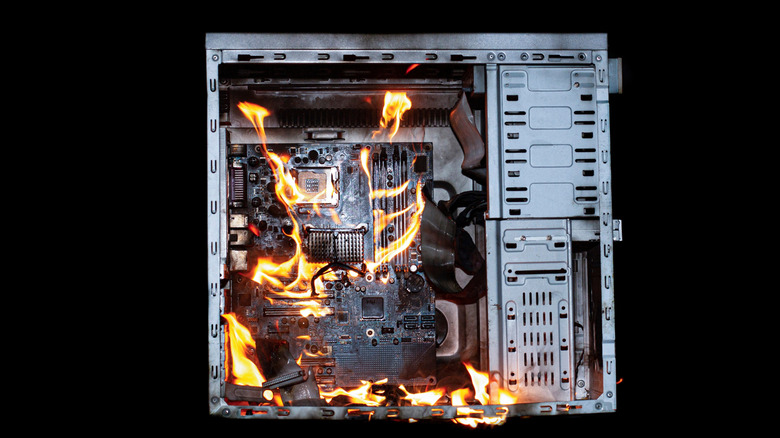
Thunderstorms, high electricity demands, poor power grids, and extreme AI usage might cause electricity surges. These power interruptions can corrupt your computer's data, degrade components, or in worst-case scenarios, fry them completely. While electricity surges are rare for most people, you should still take preventive measures by purchasing a surge protector that diverts excess currents away from your PC.
Even though many modern PSUs come with various protections to switch themselves off if they detect unsafe voltages or current levels, that isn't enough because a surge can still damage your power supply. A surge protector acts as the first line of defense and keeps your PC safe from permanent hardware damage. The Amazon Basics UPS Battery Backup & Surge Protector is an inexpensive option that safeguards against electrical surges but also provides a few minutes of backup power with its built-in battery. It's no wonder many users swear by this gadget.
Fail to control the room's humidity
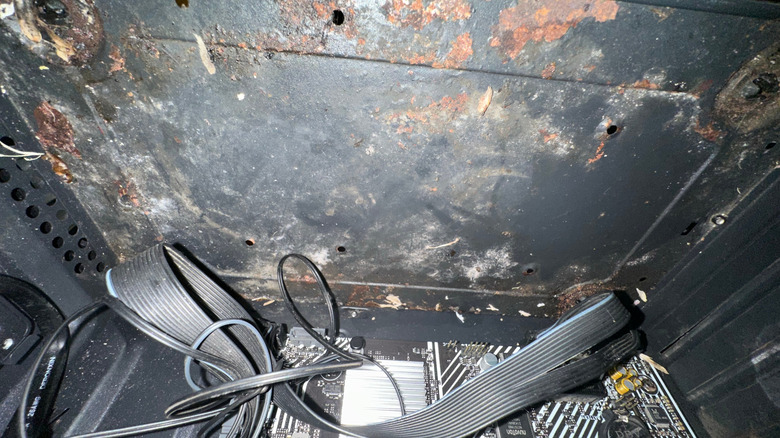
Computers are more susceptible to damage by humidity than other electronics due to their usage and open design. Humidity can start slowly corroding PC parts, and once enough moisture builds up, it can condense on your components, eventually damaging them beyond repair. Conversely, little to no humidity can cause electrostatic buildup (better known as static electricity), and even the slightest movements can transfer a current to your PC and fry it.
To prevent scenarios like this, you should try to control humidity in the room where you use your computer. Start by investing in a dehumidifier, like the one from TABYIK on Amazon. You can also place a silica gel pouch somewhere near your computer to absorb the moisture, although the first option is more effective. To combat low humidity, however, a humidifier, similar to the LEVOIT one on Amazon, will do the job. If possible, use a device like the TP-Link Tapo Temperature and Humidity Sensor to help maintain a humidity level of 30-40% and keep your electronics safe.
Too much movement on your PC
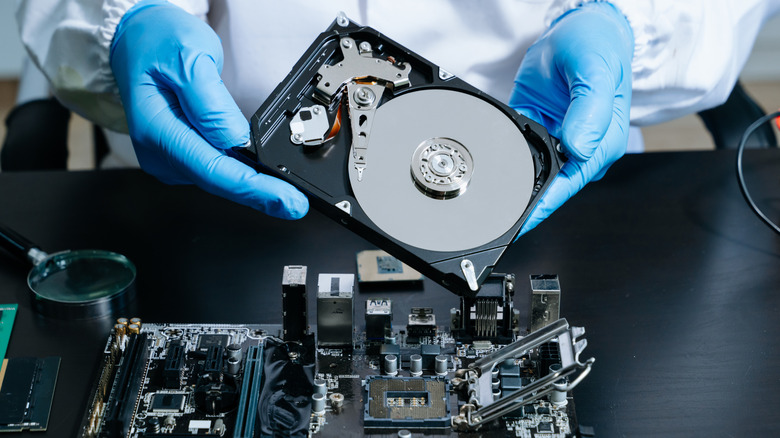
Even though solid-state drives (SSDs) are the standard these days for data storage, some users still stick with hard disk drives (HDDs) since they're more affordable. Plus, the AI boom has caused a shortage of chips that has driven SSD prices skyrocketing. While HDDs are reliable options for storing data, they're comparatively fragile due to their mechanical nature and moving parts. Therefore, you should always use caution and avoid mishandling them, as it may kill your drive completely.
HDDs are made of a stack of aluminum or glass platters, each coated with magnetic material used to store data. When handled improperly, the platters can fall out of place or even break, and your precious data is lost. Therefore, you should avoid unnecessary movements while handling your PC and use a mounting bracket to hold these drives in place.
Mix modular PSU cables
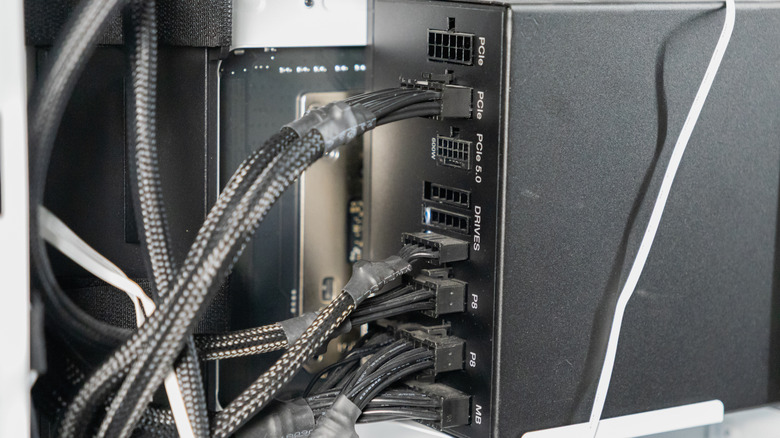
Standard PSUs often cause a PC build to clutter because of the jumble of cables they come with, some of which are left unused. To solve the cable management issue, modular PSUs were designed to keep your setup clean and feature detachable cables so you only keep the ones you require. However, when upgrading, some users might not change these cables, and mixing them with other models' cables can cause a blowout.
Manufacturers such as Thermal Take have published PSAs to address these issues and warn users of potential hardware damage. Different PSUs and brands use different voltage standards for each connector, and using the wrong one can send the wrong voltage. One user on the r/buildapc subreddit claimed they used an 8-pin connector from their old build, and as a result their room filled with smoke. Things could have gone worse, but they only ended up with a broken PC.
Electrostatic discharge
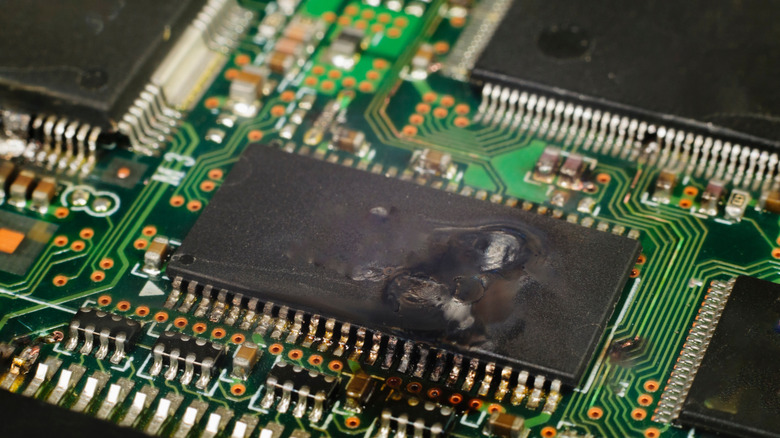
Electrostatic discharge used to ruin many electronics back in the day, but manufacturers now shield their products against this threat with better insulation and protected components. Even so, electrostatic discharge continues to be a major threat, at least for PCs, due to their exposed contact points.
That is why many tech-oriented YouTubers — including Linus Tech Tips and Gamer Nexus – wear anti-static wrist straps while building computers. These gadgets keep people grounded and prevent electrical charges from reaching PC components that would otherwise toast them.
If you want to construct a PC using individual parts but can't purchase anti-static wrist straps, avoid placing your computer on surfaces such as carpets. Instead, place PCs parts on non-conductive surfaces bases, such as cardboard or plastic tables. Furthermore, refrain from wearing static-inducing clothing like polyester or wool, and always ground yourself before working on your computer. Finally, if you have to handle components, grip their edges instead of pins or contacts.