

8 Apple Products You Should Buy And 4 You Should Skip
We may receive a commission on purchases made from links.
Buying Apple products used to be simple. You waited for a launch, compared a couple of models, and made a decision. That clarity no longer exists. Over the course of 2025, Apple refreshed much of its lineup, and as 2026 rolls in, more than 20 additional Apple products are still expected to arrive.
The result is a crowded catalog where new and old Apple devices sit side by side, all marketed with equal conviction. Their value, however, varies widely. Some products are obvious buys, some are poor value for the price, and a few look tempting, but make no sense once you dig deeper.
To cut through the noise, we have narrowed Apple's current lineup down to eight products that are worth buying today, and four that are best skipped. The picks are based on expert reviews, current pricing, and one simple question: Does this product justify its cost right now?
Buy AirTag 2
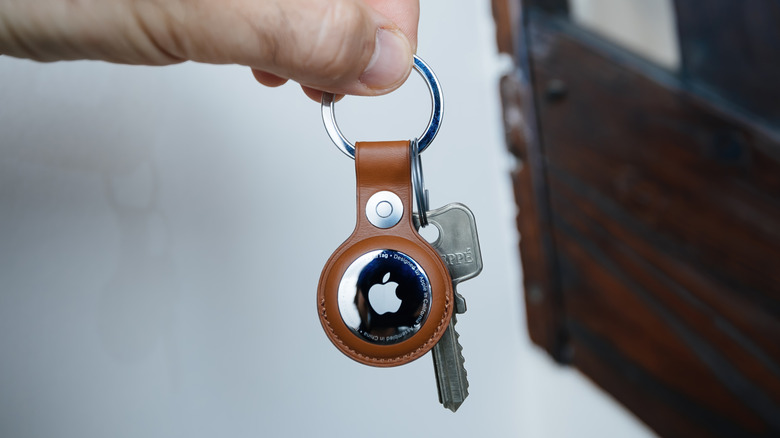
Apple's AirTag 2 is finally here. It's not a ground-up redesign, and the upgrades are exactly what the original needed. AirTag 2 is louder, reaches farther, and wastes less of your time. With a speaker that's 50% louder and a 50% improvement in the Precision Finding range, it's far better at doing the one thing it exists for — helping you find your stuff. It uses the Ultra Wideband chip, the same one used in recent Apple devices like the iPhone 17 lineup, and Apple Watch Series 11/Ultra 3.
According to Cult of Mac's hands-on-testing, the range improvement is real. In side-by-side use, the AirTag 2 maintained Precision Finding from nearly 50 feet away, even through walls, where the original AirTag dropped out. Bluetooth range also held up better outdoors, staying connected longer than the previous generation.
At the same $29 price, the older AirTag no longer makes sense to buy. If you already own one and it mostly lives on your keys at home, upgrading isn't urgent. But if you are buying an AirTag today, or rely on it while traveling, commuting, or parking in large public spaces, the AirTag 2 brings improvements that make it worth every penny.
Buy iPhone 17 (Standard Model)
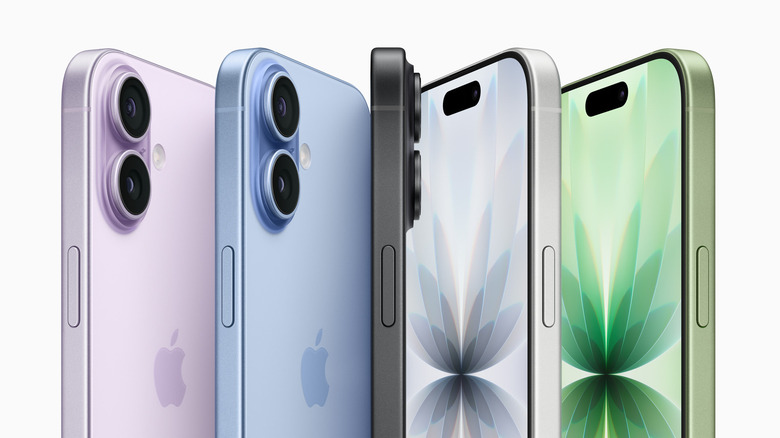
Here's the thing about the iPhone 17: It finally delivers what people have been asking Apple to do for years. Always-on display? Check. A reasonable 256GB base storage? Check. ProMotion 120Hz HDR? Finally, check. What's more, all of that comes at $799, instead of forcing everyone to shell out for the Pro models. Consumer Reports calls it the true star of Apple's 2025 lineup, and honestly, that's not wrong. The iPhone 17 provides genuinely excellent value and represents a significant shift in how Apple thinks about its base model.
The display jumps to 3,000 nits peak brightness from 2,000 nits on the iPhone 16. Even if it sounds like marketing speak, the difference is obvious when using the phone outdoors. No more squinting at the screen in sunlight or seeking shade just to read a text. Plus, the ProMotion 120Hz refresh rate makes scrolling feel smoother.
The camera system gets a major upgrade with dual 48-megapixel sensors, including an ultra-wide lens that was previously exclusive to Pro models. The 18-megapixel front camera supports Center Stage, which automatically adjusts framing during video calls. Plus, you get to take landscape selfies without having to rotate the phone awkwardly. Furthermore, the front's Ceramic Shield 2 offers three times better scratch resistance, and the phone's battery life holds up for a full day of actual use. At this price, the iPhone 17 remains a safe buy with no replacement until spring 2027.
Buy MacBook Pro 14 (M5, Base Model)
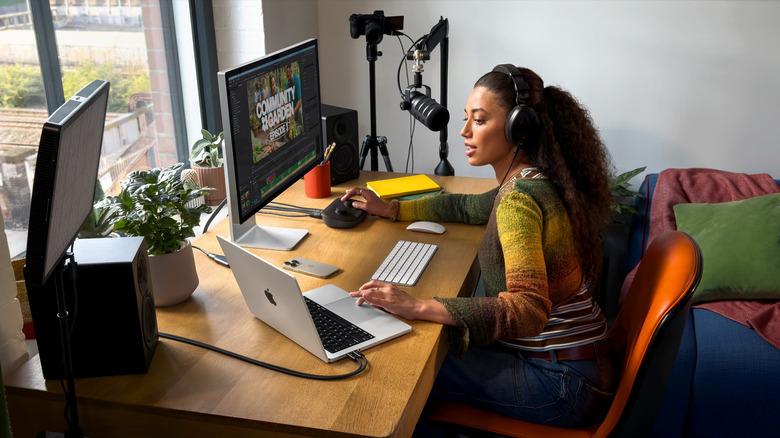
Apple finally stopped nickel-and-diming customers on RAM. The base MacBook Pro M5 now includes 16GB as standard. Earlier models required a $200 upgrade from 8GB. This single change transforms the base model from a compromised entry point into a capable professional machine. Fstoppers describes the M5 MacBook Pro as a "powerhouse," highlighting its ability to deliver "desktop-class performance" in a portable form factor.
The M5 device is significantly faster on average than the last gen M4. In Geekbench 6 scores, it has just under 19% faster single-core and 19% faster multicore performance compared to the M4, with GPU performance jumping to 31%. The GPU boost means tangible improvements for video editing, 3D modeling, and advanced machine learning tasks, enabling more complex AI features to run directly on a thin, power-efficient device. The 14.2-inch Liquid Retina XDR display remains stunning with 1,600 nits peak HDR brightness and ProMotion up to 120Hz. Three Thunderbolt 4 ports instead of two provide better flexibility. The battery life can extend to 24 hours.
If someone has an M4 MacBook Pro, this upgrade probably isn't necessary unless they specifically need that GPU boost. But for anyone using M1, M2, or Intel models, the M5 is a massive leap available at $1,499 on Amazon. The OLED MacBook Pro, with some anticipated new features, is also expected to launch this year as part of a staggered rollout.
Buy AirPods Pro 3
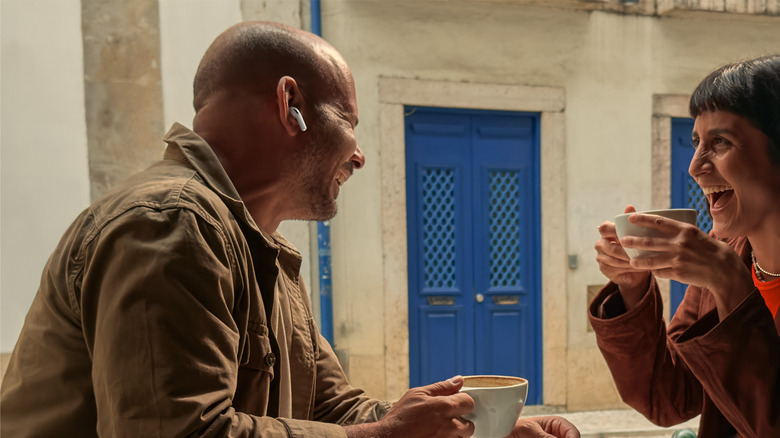
You don't buy the AirPods Pro 3 expecting hearing aids. A few minutes in, though, that's exactly what sets them apart. The AirPods Pro 3 are better than the previous models in every way. They are the first mainstream earbuds to get FDA authorization as clinical-grade hearing aids, expanding their role beyond music and calls. The devices, which are priced at $239 on Amazon, bring regulated hearing-aid functionality, compared with the $2,000 to $6,000 cost of traditional hearing aids.
At the core is Apple's H2 chip, which can process sound 48,000 times per second with zero perceptible lag, allowing conversations to sound more natural than robotic. Prevention describes the AirPods Pro 3 as a near-faultless pair of earbuds with best-in-class noise cancellation, excellent sound quality, and standout hearing-health features. The active noise cancellation is roughly twice as effective as the previous generation, and battery life reaches up to 10 hours with the hearing aid feature active, or up to 24 hours with the charging case.
Features like Conversation Boost help amplify voices in noisy restaurants, while Hearing Protection automatically reduces harmful sound levels at concerts without flattening the experience. Apple has also refined the fit, expanding ear-tip options from three to five sizes. With no successor likely until 2027, the AirPods Pro 3 serve a rare dual role: premium wireless earbuds that also function as FDA-authorized hearing aids, making them one of Apple's most practical and forward-looking audio products.
Buy Apple Watch Series 11
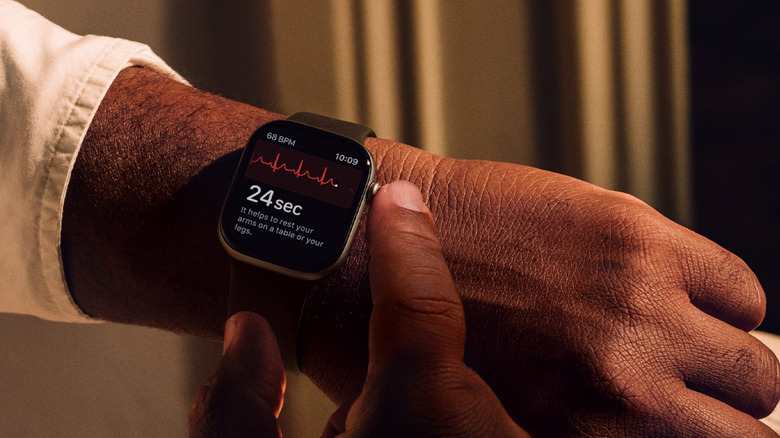
We can finally say the Apple Watch Series 11 is no longer just about counting steps or closing rings. It's more focused on spotting health issues people might not know they have, and nudging them to act before those issues become serious. The standout addition is hypertension detection. Instead of relying on one-off readings, the watch reads blood vessel patterns over a 30-day period to flag signs of persistent high blood pressure. It's not positioned as a medical diagnosis. However, it works as an early warning system that prompts users to get proper testing. Mostly though, the Apple Watch Series 11 sticks to minor upgrades, refining the Apple Watch's core strengths without pushing unnecessary additions.
Sleep tracking also gets a long-overdue usability upgrade. The new Sleep Score replaces dense charts with a simple 0 to 100 score, combining sleep duration along with quality, consistency, and stages into something users can actually understand. Beyond these features, the Series 11 retains the full-suite of health tools: ECG for atrial fibrillation, blood oxygen monitoring, temperature sensing for cycle tracking, and Fall and Crash Detection. The Guardian points out that longer battery life — up to two days — was the upgrade users had been anticipating for some time.
Apple has also improved durability, with the Ion-X glass now twice as scratch-resistant. Available at $379 on Amazon for the 42mm GPS model, the Series 11 offers one of the most complete health-tracking experiences available. If you don't require advanced medical sensors, the $239 Apple Watch SE 3 is a solid alternative.
Buy iPad Pro M5 (11 or 13)
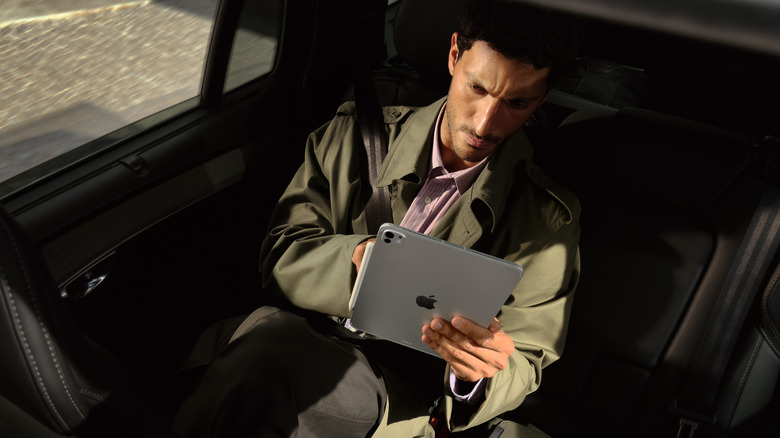
The iPad Pro's biggest leap came with the redesign that introduced the tandem OLED screen, first seen on the M4 generation. That dual-layer OLED panel remains one of the best screens Apple has ever shipped, delivering deep blacks and extreme brightness without compromising battery life. It reaches 1,600 nits peak, making HDR movies and high-contrast content look striking. Tom's Guide called the iPad Pro's OLED one of the finest displays ever. The M5 model carries this display forward unchanged, and that's a good thing.
The M5 chip gives the iPad enough performance headroom for video editing, illustration, 3D design, and multitasking across different apps. And with the new iPadOS 26, the software matches the power of the hardware. Apple finally reworked window management to behave in a more predictable, Mac-like way, which makes multitasking a breeze on an iPad.
Also, it is worth being clear about the upgrade story. The iPad Pro M5 does not radically change what Apple introduced in the M4. If you own an M4, you do not need an upgrade. But for anyone buying an iPad Pro today, especially those switching from other tablets or older generation iPads, the M5 is the version that makes the most sense. Currently offered at discounted prices on Amazon, $899 for the 11-inch and $1,149 for the 13-inch, the iPad Pro M5 will be a great addition to your Apple ecosystem. The class-leading display, extreme thinness, and M5 performance make the M5 iPad Pro worth the upgrade.
Buy MacBook Air M4 (13 or 15)
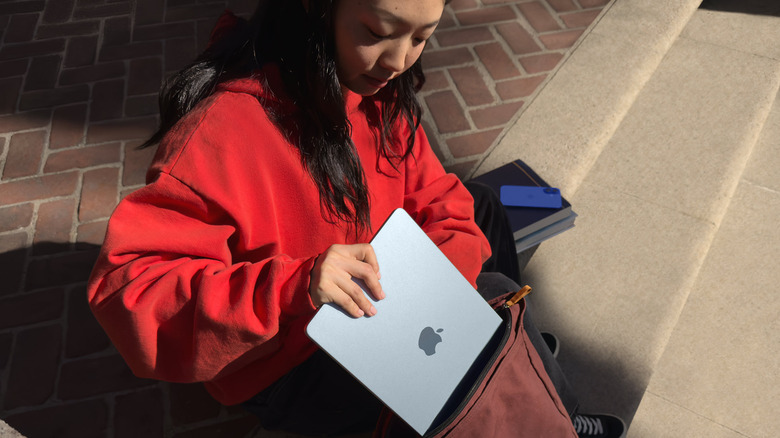
The MacBook Air M4 is Apple's most sensible laptop, and that's exactly why it continues to be one of its best products. It's light, fast enough for everyday work, reliable, and easy to live with. All these qualities matter far more to some people than chasing peak performance numbers. Also, these newer MacBook Air models do not have fans. So you won't be distracted during Zoom calls — no whirring under load, and no sudden spin-ups mid-sentence. Apple gets away with this thanks to the efficiency of its silicon chips. For browsing, sending emails, working on documents, light photo editing, and video streaming, the Air stays responsive without getting warm or throttling.
Battery life typically lands between 15 and 18 hours, removing the need to plan your day around power outlets. TechRadar ranked the MacBook Air M4 as the best laptop overall for everyday users. The 13-inch MacBook Air M4 weighs 2.7 pounds, and the 15-inch version weighs 3.3 pounds, making it one of the best options for anyone who wants a large display without giving up portability. The 500-nit display is bright and color accurate, Touch ID works perfectly, and MagSafe 3 adds peace of mind. At $925 on Amazon for the 13-inch with 16GB RAM and 256GB storage, the MacBook Air M4 is unbeatable. An M5 version with a stronger GPU is expected in 2026, but for students, writers, and day-to-day professional workers, the MacBook Air M4 already delivers what most people need.
Buy Mac Mini M4
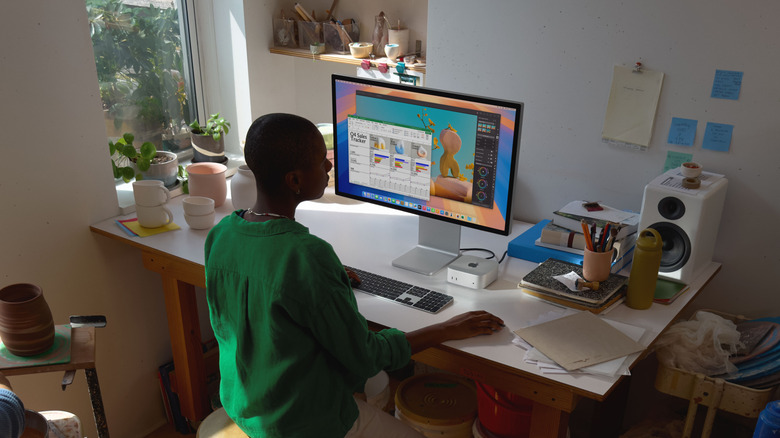
The Mac Mini M4 is absurdly good value. Currently listed on Amazon at $549 with 16GB RAM and 256GB storage, the Mac Mini equals desktop-level performance in a compact machine. For anyone who already owns a monitor, keyboard, and mouse, adding a Mac Mini can be a cost-effective way to begin utilizing Apple's silicon. Multiple tech reviewers have named it Apple's best price-to-performance Mac, especially for everyday users with creative workloads.
And if you were happy with what the M1 and M2 Mini could handle, the M4 keeps the same experience but cuts down lag during multitasking. The M4 pairs a 10-core CPU and 10-core GPU, which according to user benchmarks, delivers 30-35% faster single-core tasks and about 50-60% faster multi-core workloads than the M2. Talking Tech And Audio calls the M4 "possibly the best Mac ever."
Despite a compact 5-by-5-inch footprint, the Mac Mini's connectivity is its major strength. You get three Thunderbolt 4 ports for displays and fast storage, two front-facing USB-C ports for quick access, HDMI, Ethernet, and a headphone jack. Performance holds up across different use-cases. It handles 4K video editing smoothly, large RAW libraries don't slow it down, and code compilation is quick. Even light gaming is surprisingly capable at reasonable settings. With no major redesign expected anytime soon, buying a Mac Mini M4 now means years of solid performance without worrying about immediate obsolescence.
Skip Apple iPhone Air
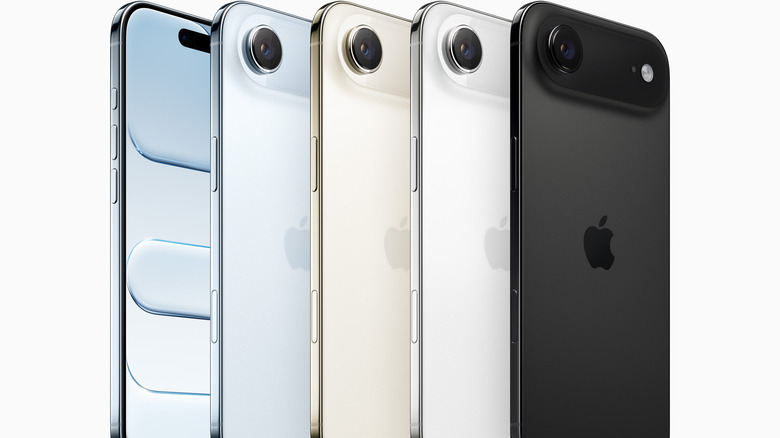
The iPhone Air is Apple's thinnest iPhone ever at 5.6mm, but the gamble failed spectacularly. Within months of launch, the phone has seen unusually steep price cuts across multiple markets. As Forbes observes, iPhones are seldom discounted aggressively, with the usual markdowns on Amazon ranging between $68 to $136. The iPhone Air breaks that pattern entirely, with cuts of $204 in the UK, $384 in China, and up to $206 in Australia.
The problems became obvious quickly after its launch. Battery life struggles to last a full day. Several Reddit users posted about returning the phone for this reason alone. The ultra slim design left little room for a larger battery — a compromise many users have been unwilling to accept. At $999, the value proposition looks even worse when the $799 iPhone 17 offers dual 48-megapixel cameras and better battery life. A single-camera setup at the Air's price point has proven to be a hard sell.
The new CIRP survey found that only 6% of U.S. iPhone buyers chose the Air between October and December 2025, compared to 22% for the standard iPhone 17. The resale market is even more brutal: SellCell reports the Air lost 44.3% of its value on average within 10 weeks, the steepest depreciation recorded for any iPhone since 2022. Apple has reportedly cut production and delayed a second-generation model, highlighting the lack of confidence in the current version. Even at discounted prices, the iPhone Air fails to justify itself. If it's in your cart, this Apple product is best left there.
Skip Apple Vision Pro
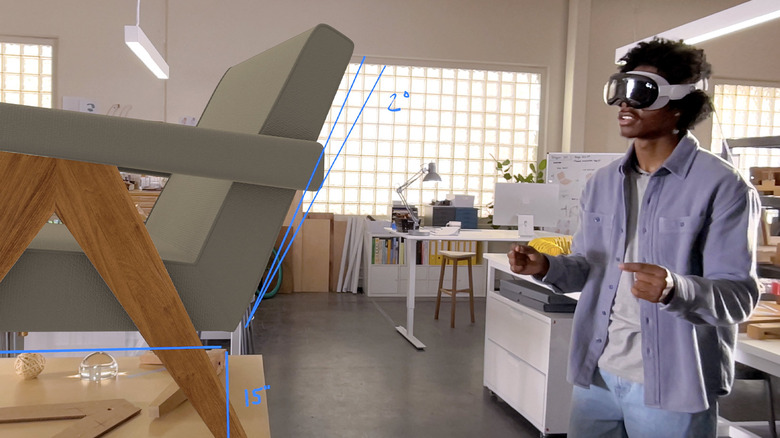
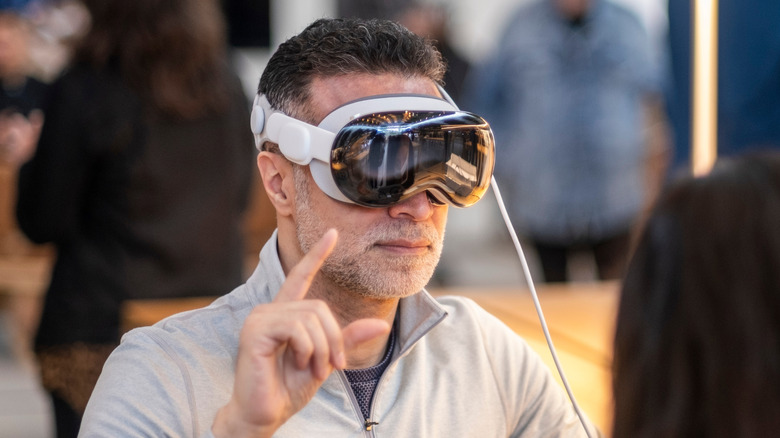
The Apple Vision Pro is technologically impressive but remains a poor consumer product. At $3,499, it costs more than a high-end MacBook Pro, yet struggles with basic wearability. Weighing 1.65 to 1.76 pounds, its front-heavy design causes neck strain and facial pressure for many users within less than an hour. MarketWatch cites user complaints of experiencing headaches and even facial bruising, underscoring that ergonomics remain a serious limitation more than a minor inconvenience.
The commercial momentum also appears limited. Apple reportedly cut Vision Pro production after selling only 45,000 units in Q4 2025, a figure far below Apple's usual scale. A pullback of 95% in digital ad spending across important markets further suggests Apple's lack of confidence in the product's current form. The software ecosystem doesn't help. Vision Pro shines in narrow professional use cases like 3D visualization, spatial design, and immersive video, but fails as a general-purpose device. Many developers have not invested in visionOS apps because the user base is tiny, leaving the platform thin on compelling everyday experiences.
The Apple Vision Pro feels like the future — extraordinary, but not a practical device for daily use. For its cost, buyers could purchase a MacBook Pro M5, iPad Pro M5, and Apple Watch Series 11 combined, a setup that is far more practical for daily use. Unless you are developing visionOS apps or have a clear professional use case, the Vision Pro is best skipped for now.
Skip iMac M4
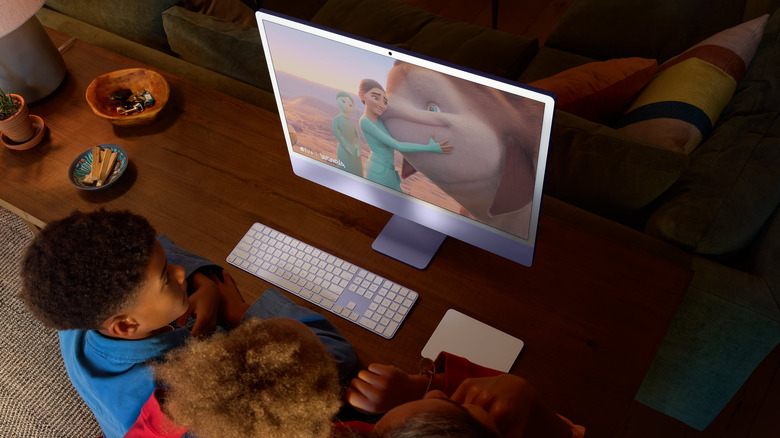
The iMac M4 sits in a shrinking category that offers limited flexibility, and weaker value at $1,299. Buyers can get far more mileage by choosing the Mac Mini M4, for $599, and pairing it with a good external display; or by spending more on a MacBook Pro that adds portability.
The all-in-one design, once the iMac's strength, has become its limitation. The 24-inch 4.5K Retina display is excellent, but permanently attached — meaning future upgrades force users to replace a perfectly good screen. Macworld goes as far as to say the iMac is "dying a slow death," pointing to Apple's increasing focus on other products.
The value gap is hard to ignore. A Mac Mini M4 with the same 16GB RAM and 256GB storage costs nearly half as much, and adding a quality 4K display still leaves room in the budget for upgrades, while offering more long-term flexibility. Of course, the iMac M4 still makes sense for classrooms or shared spaces. For most buyers, however, the Mac Mini or MacBook Pro delivers better value and flexibility.
Skip Magic Mouse (USB-C)
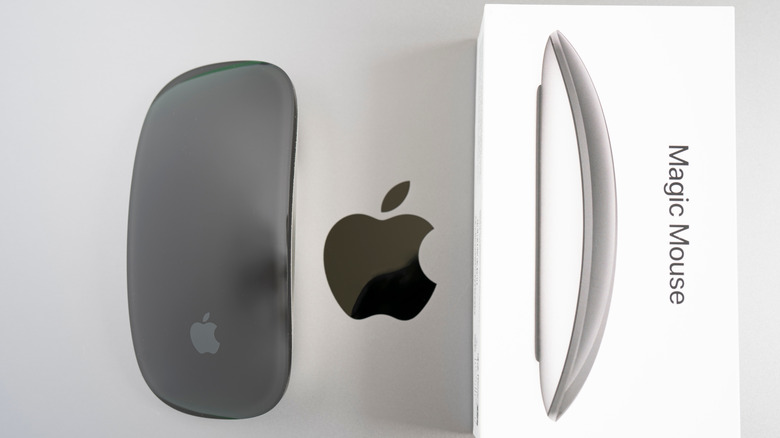
The Magic Mouse is a reminder that Apple sometimes confuses consistency with progress. Over a decade since release, and the design remains unchanged. Its most criticized flaw is still there. Despite switching from Lightning to USB-C, the charging port remains on the bottom of the mouse. The mouse has to be flipped upside down to charge. If the battery dies mid-workday, the mouse becomes unusable until it has enough power. Apple says that a short charge lasts weeks, but the design choice feels indefensible.
Ergonomics is another sticking point. The low, flat profile forces a palm-down grip that can strain the wrist during long sessions. The touch-sensitive surface enables gestures, but lacks tactile feedback. Users define the experience of using the mouse as disappointing, and many suggest avoiding the Magic Mouse altogether, citing discomfort and the charging design as deal breakers, with plenty of better third-party alternatives. Logitech's MX Master 3S, at $89 on Amazon, offers far superior ergonomics, customizable buttons, and multi-device support. Even Apple's own Magic Trackpad, at $129, offers better value and eliminates the charging issue.
It's 2026, and there's no reason to live with such compromises. Skip the Magic Mouse and choose a better-designed alternative.