

5 Ways Android Is More Powerful Than iOS
Whether you're buying your first smartphone or upgrading to a more capable model, for most consumers, the choice comes down to Google's Android vs. Apple's iOS. There's a lot of overlap between the two, as Google and Apple routinely replicate software features that were first released by their rival. People who aren't loyal to either platform would not go wrong picking the device that meets their immediate needs, regardless of the operating system. But more savvy users may tell you differently, saying it's a choice between variety, customization, and freedom, or high-quality products built around privacy and security that do not offer the same liberties. In what follows, we'll explain why Android is more powerful than iOS.
We're no longer in the early years of the Android vs. iPhone rivalry. We're looking at two mature operating systems that are each very capable. Android 16 and iOS 26 are the latest software versions available for Android and iPhone, each turning the handset in your pocket into a powerful personal computer. The phone may be the first device you pick up for chores that would have required a laptop or desktop in previous years. That mobile computer is even more versatile if it runs Android, as it makes possible a few types of actions not available on iPhone.
An Android phone will handle multitasking better than iOS, and it'll give you access to a richer file management system. Android phones can run almost any app via sideloading, whereas iPhones are mostly restricted to the App Store. All of that adds up to a more PC-like experience on Android than you get on iPhone. And finally, we can't ignore the emergence of AI, where Google has a massive advantage over Apple.
An Android phone (and skin) for every whim, taste, and budget
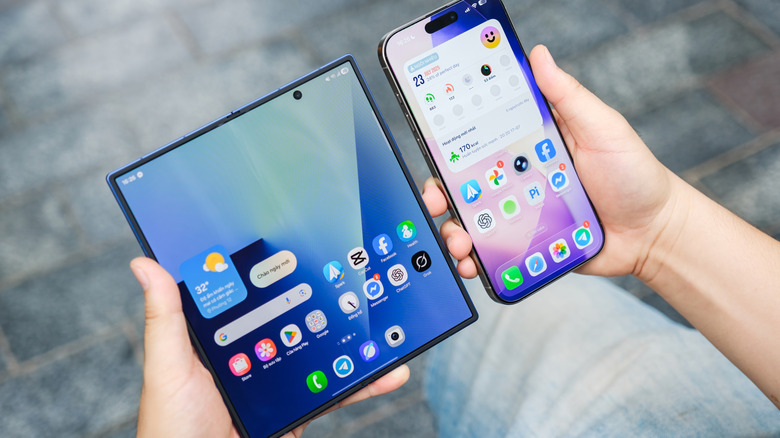
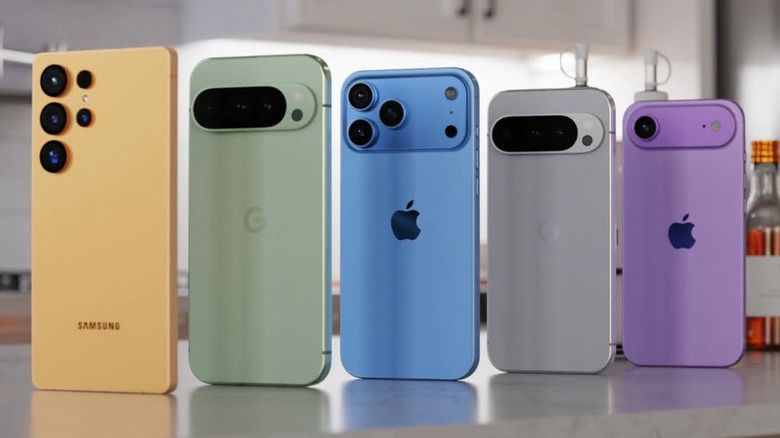
iPhones are often described as boring, as Apple prefers to refine an existing design for several years before introducing novelties. The Android camp offers a much wider selection. Want the closest thing to an iPhone that Android has? You buy one of Google's latest Pixel 10 phones, which feature high-end specs, great camera capabilities, the latest Gemini AI features, and Google's ideal version of Android, which receives the latest software update the fastest. Want a foldable phone? Samsung and Motorola make clamshell handsets, while Google, Samsung, and others sell book-type foldables. Samsung also has a new Galaxy Z TriFold model, a phone that might completely change tablets forever.
Price is another reason why Android as an ecosystem is more powerful than iOS. For $499, you can buy the Pixel 10a mid-ranger, which offers the same chip as the Pixel 9, a strong camera, and lots of AI features. British vendor Nothing has a series of Phone A-series models that target budget buyers. The entry-level Galaxy A16 was Samsung's best-selling handset of 2025. The budget iPhone 16e starts at $599, while the most affordable iPhone 17 retails for $799.
But that's just one side of the equation. Because Android is open source, device manufacturers can customize the OS to fit this wide variety of hardware. These bespoke versions of Android are known as OEM skins, with Samsung's One UI being the most famous example. As a result, Android offers power-user features like Good Lock on Galaxy phones for major UI tweaks, Mind Space on OnePlus devices for AI-assisted memory, or Moto Actions on Motorola phones for quick gesture shortcuts. Put simply, Android's hardware variety drives software innovations that Apple's ecosystem is less equipped to foster.
The computer experience: Customization, multitasking, and file management
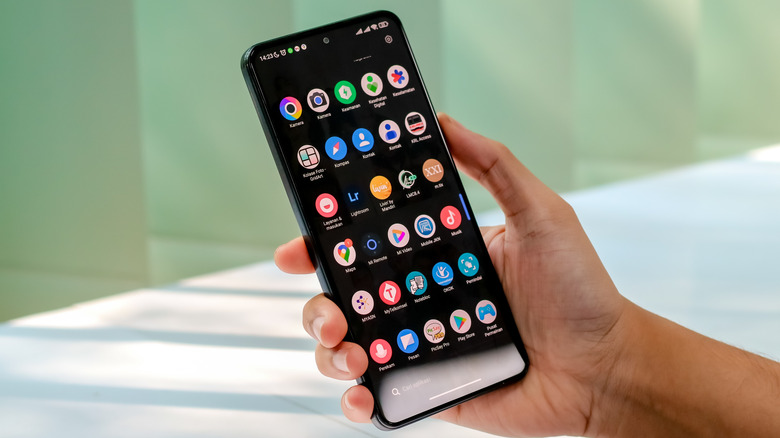
Generally, the more money you spend on an Android device, the better the experience will be. Android has always offered better customization options that allow users to configure the phone as they see fit. It's not just the ability to use dynamic wallpapers, modify icons, or install custom launchers. Android lets users replace default apps in ways iOS might not. For example, you can pick your browser of choice, your digital assistant, and the phone and messages apps you want to use on Android.
Then there's Android 16's massive redesign that makes the user interface more reactive and intuitive than before. Actionable menus are more obvious, thanks to the use of color or a differently shaped button. All of that may make interacting with apps faster or feel more natural. Android 16 aside, you can even get an Android experience that doesn't feature any Google apps. On iPhone, you can't install alternative iOS versions, though in some cases you can jailbreak the handset to run additional apps.
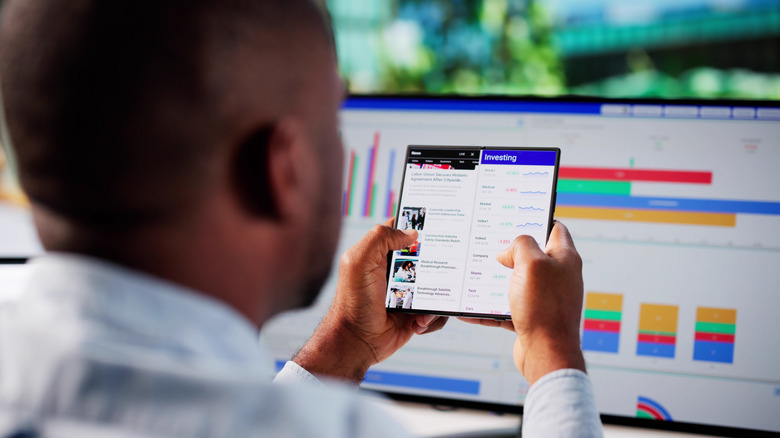
Multitasking is also better on Android, as users can run more than one app on the screen at the same time. The feature is especially handy on foldable phones where there's more screen real estate to use. Samsung's Galaxy Z TriFold even comes with a unique DeX mode that turns the device into a desktop-like experience when it's unfolded. File management is another experience that shines on Android. Users can access the entire storage partition, which makes managing data a lot easier than on iPhone. iOS features an improved Files app that's been updated in iOS 26, but Android has a wide variety of file manager apps to choose from that can be even more robust.
Sideloading apps is much better on Android
Power users are more likely to need specific apps that might not be available from the Google Play Store. This is where Android's sideloading support comes into play, a feature that has been a longstanding advantage of Google's OS. Android allows third-party app stores like the Galaxy Store. You can also install apps by downloading an APK from a third-party provider or website, whereas iOS requires a signed IPA, and sideloaded installs usually expire unless you re-sign them. Apple only allows third-party app stores in the European Union and Japan, and even that is a limited experience.
The downside of installing any app you desire, ignoring its provenance, concerns security. That's Apple's main point about restricting support for sideloading. If the App Store is the only place where you can get apps, and Apple manages that space securely, it's unlikely that iPhone users will install malware. Android users have similar protections when installing apps from the official Google Play Store, but for sideloaded apps, the responsibility is more on the user to safeguard their device.
That said, the ability to run any apps, including specific applications you may build yourself for home or work tasks, can be a key differentiator. Especially for the power user who knows how to protect themselves when sideloading apps.
Google apps shine in the era of AI and Android XR
Install Gmail, Google Maps, Google Photos, YouTube, Chrome, and other Google apps on your iPhone, sign into your Google account, and you can ignore alternatives from Apple already present in iOS. However, the Google apps work even better on Android, where Google controls the underlying operating system. For instance, Google can make app data available to the built-in voice assistant for deeper voice interactions. Now that we're in the Gemini era, Google's AI assistant is able to interact with your other Google apps to surface personal information when you need it. Ask the AI questions by voice about email or calendar data, and Gemini can respond.
Gemini is also built into apps like Google Maps, allowing users to have conversations tailored to travel or navigation. Google Photos lets you edit images with AI, including Nano Banana. Gemini serves as a camera coach on Pixel 10 phones to help you take better photos. Gemini also works in Google Search, via AI Mode, and is available as a standalone app. In addition to Gemini features, Android phones also support third-party AI solutions that smartphone vendors develop for their handsets, such as Samsung's Galaxy AI platform. iOS will eventually offer similar features via a planned Siri revamp, but you don't have to wait for those AI experiences if you're on Android.
Finally, Android XR is also relevant here; the AI-centric Android platform that Google developed for wearable devices, like spatial computers (Galaxy XR) and smart glasses. Android XR places Gemini on the user's face, giving the AI eyes and ears to see and hear everything the user sees and hears.
Android's 'Aluminium' future is poised for even more power
Apple introduced a feature called Continuity years ago that allows users to seamlessly switch between iPhone, iPad, and Mac when performing specific actions. Maybe you were reading or editing a document on the handset and you want to take advantage of the larger display of the Mac. While Google has worked to implement similar features in the years that followed, the company is now looking to turn Android into a desktop operating system. First, Google is merging ChromeOS with Android, which will mean future Chromebooks and other Android PC models will offer experiences more similar to Android phones. That's called Aluminium OS, with Google expected to deliver the Android-ChromeOS merge in 2026.
Android already offers PC-like features on smartphones. Running multiple apps side-by-side on a mobile phone, moving files with ease via a desktop-like filesystem, and installing any app you want, not just what's available on Google Play, is possible on a small-screen device. But to be more of a full-fledged desktop OS, Android needs a larger canvas, and Aluminium may deliver that. Also, many Gemini AI features available on Android phones should transition to Aluminium. When that happens, an Android user may be able to seamlessly switch to an Android desktop or laptop and run all the apps and tasks they had open on the handset, not just some of them. Add Gemini AI assistance on all these devices, and productivity may improve significantly on Android, but that's just speculation.
Even without Aluminium in place, Android users can connect their phones to Windows devices to manage the handsets from their computers. Separately, Samsung's DeX functionality lets users connect some Galaxy phones to displays and peripherals, which enables a desktop Android experience.