

Thinking About Buying A 3D Printer? Here Are 5 Things You Need To Know
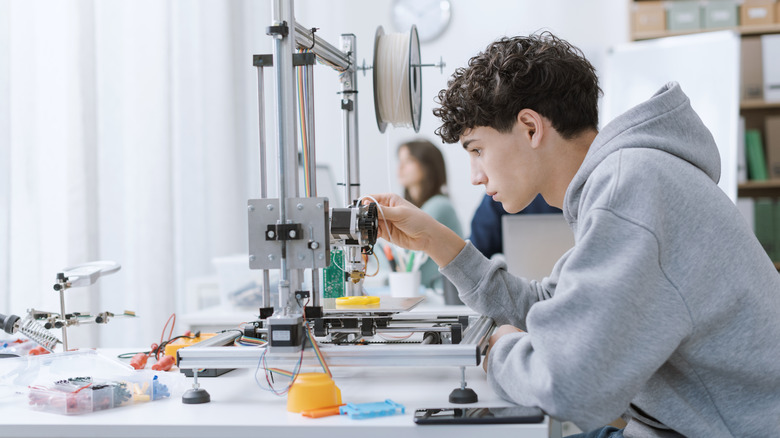
There's nothing quite like crafting your own gear, and 3D printers make that possible on a whole new level. There are plenty of useful 3D printer projects that can level up your home, and of course there are practical projects that can save you money. You can even find entire communities and online portals dedicated to sharing blueprints for a wide variety of items you can make.
But there's another side to the technology that many people overlook when getting started. If you dive in head-first without any prior research, you're likely to run into some of the common 3D printing mistakes that most beginners make, such as configuring the wrong settings or storing your filament and materials improperly. In addition, bed adhesion can make or break your project after hours or sometimes days of printing. It's something few think about before using a printer, but if you try to remove items too early, they might break or damage the bed.
Before you buy a 3D printer, there are some basics you should know. For example, 3D printing filament, the material used to create items, comes in several forms and ranges in prices from about $10 up to $25 per pound and beyond. If you're creating a large item that needs a lot of filament, it could end up costing much more than you'd expect, especially if you don't already have those supplies on hand. Moreover, certain projects utilize certain materials better, whether that's because they offer higher durability or other unique properties conducive to a successful print. In any case, before you begin exploring the vast, yet highly satisfying world of 3D printing, here are five things you need to know.
1. There are many different types of 3D printers
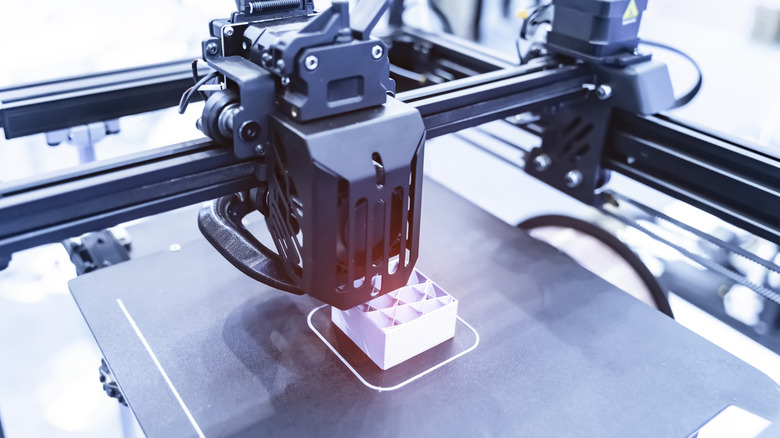
While there are two primary printer categories of 3D printers, Fused Deposition Modeling (FDM) and Stereolithography (SLA), there are subsets within them as well. For starters, some printers are enclosed and sealed off from the open air, while others are not.
FDM printers tend to be more popular with novice users because of their capabilities and affordability. They essentially melt filaments like plastic, layer by layer, to form objects based on a digital shape of the model you want created. Stereolithographic printers, on the other hand, cure liquid-based resins using a light and can be more precise and detailed, so they're excellent for hobbyist-style projects like making collectibles and figurines. There is a third type, called a Selective Laser Sintering (SLS) printer, but it's mostly used for commercial and industrial applications.
Typically, FDM printers are best for home use, but they do have resolution limitations and don't support projects with all materials. Because the prints are less finely detailed in some cases, you might have to do other work to complete the project, like sanding, grading, or painting. By comparison, SLA printers can be messy because they use liquids, are much more expensive, and can be limited in terms of build volume, so they're not ideal for large prints. But they're also more precise and more detailed and require less finishing work. You should choose your printer based on your budget, the type of system and its capabilities, and the kinds of prints you plan to complete.
2. Enclosed versus open: Which is better?
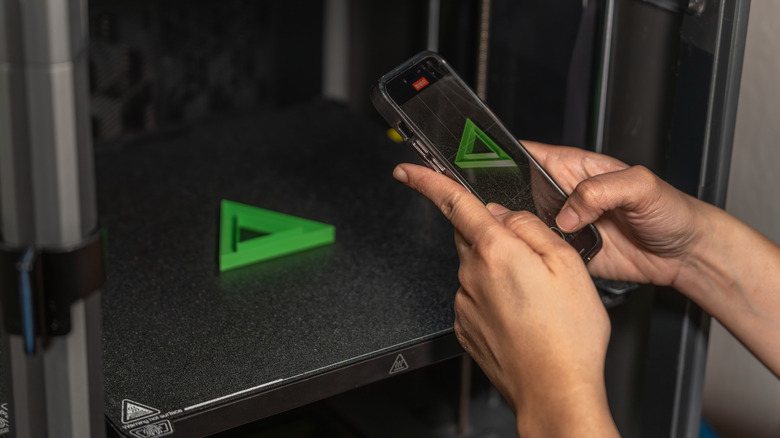
Many 3D printers are either melting or heating plastic materials in some capacity, which means they can release harmful fumes and strong odors. That's where enclosed versus open printers come into the equation.
Enclosed basically means there's a compartment where all the printing is done, whereas open printers, as the name suggests, are entirely open to the air. If you choose an open printer, you'll want a space with plenty of breathing room where the fumes can dissipate, such as a garage or workshop. If you're working indoors in a closed space like a bedroom or office, you would be better off going with an enclosed printer in most cases. You can also opt for an open printer and install an enclosure or put it inside one later when you have the budget. Now, some models do have advanced airflow systems or ducts to help remove some of these fumes, but that's something more commonly found in expensive printers.
There is a performance component to this choice as well. Projects created in open printers tend to cool faster because of the airflow, so to combat the potentially unwanted temperature fluctuations, many of these printers have a heated bed. When working with materials that warp easily because of temperature changes, open printers are less ideal. Naturally, enclosed printers tend to have an easier time making prints that are less prone to damage because they're shielded from temperature fluctuations.
3. Material compatibility and selections matter
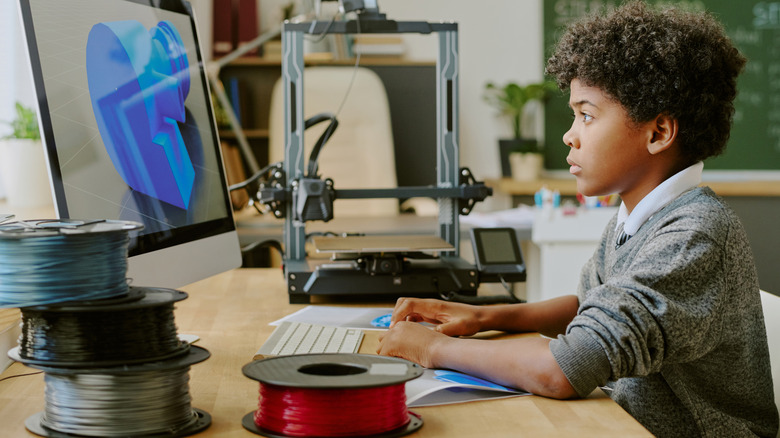
3D printers work with a variety of materials, but not all printers are compatible with all materials. PLA and ABS plastic are among the most common materials, and both are great options for beginners who want quick, easy prints. But there are also many different brands of PLA filament. Material quality also matters, and choosing correctly is one of the DIY printing rules you should always follow. Suffice it to say you'll be making lots of decisions. The good news is that there are many guides from expert printers on which types of filament and which brands work best for various scenarios. Outside of doing this kind of in-depth research for each project, it takes trial and error and you won't always get it right.
These issues can be mitigated to some extent if you select a printer that offers a wide range of compatibility so that you have more options and more flexibility. You'll need to verify the filament diameter matches your machine, and that the extruder type matches the material. Moreover, each filament has an ideal temperature range, so you'll want to make sure the printer you select can operate within that range. Some premium and high-end materials require much higher temperatures to work with, and there are printers that cannot achieve these. Once you've chosen a printer, you can't do much about compatibility after the fact, so definitely take some time to consider what kind of materials you want to work with before locking in your printer choice.
4. 3D printing is not a plug-and-play experience
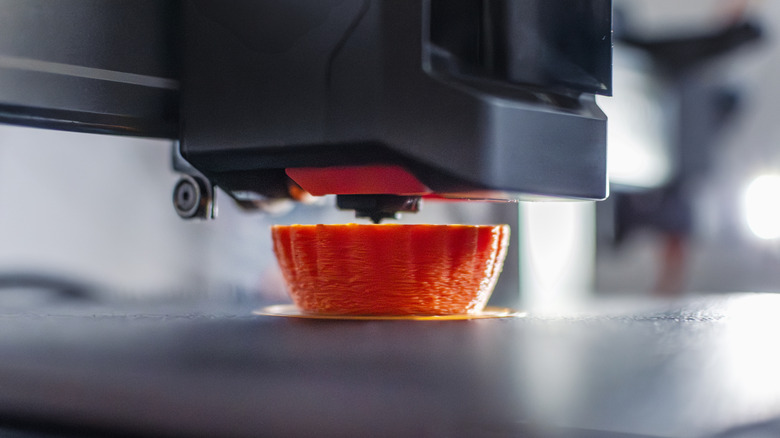
You shouldn't expect that any printer on the market will offer a truly plug-and-play experience. There are some that come close, yes — Bambu Labs printers are an excellent example. Creality makes some great printers for beginners that are relatively low-maintenance. But when things go wrong, it's all on you, so you'll need to troubleshoot and learn the ins and outs of your particular device. There are online communities and discussion boards where you can seek help, but you'll quickly find it's far from a plug-in-and-go type of experience.
To drive the point home, you can print for hours upon hours and still come up short because of minor complications, like warping, improper temperatures, poorly chosen filament, and more. That's not including design considerations you might have missed when creating or choosing a digital blueprint. For instance, because a system prints layer by layer, you may have to think about supporting structures to hold up top portions of the print, otherwise the final piece could warp, collapse, or fall apart. That is to say, it's a rewarding experience and everyone can certainly learn, but don't expect to have a 100% success rate and certainly don't expect everything to go as planned every time.
5. Making your own digital blueprints is challenging
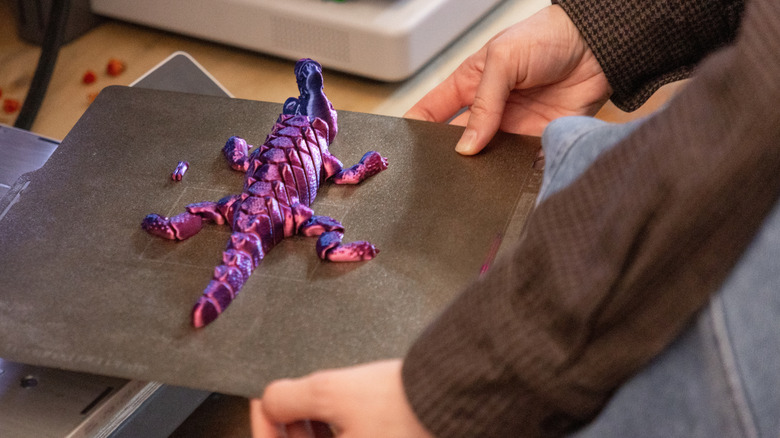
3D printers create objects based on digital blueprints, which are 3D models created in programs like Blender, Fusion 360, and other tools such as slicer software. If you're working with a new object, like creating a clone of an existing part or some design from your imagination, you'll have to model it in one of these tools. This can be challenging, especially if you've never done something like it before.
The good news is that there are a ton of online portals where you can use or riff off of models that others have created. Wonderful examples include Thingiverse, Printables, MakerWorld, and Creality Cloud, and prints are available free and in paid capacities, depending on the marketplace. They are always good to keep top-of-mind, but eventually, you may need to design your own model because it hasn't been created yet, or because what you want is too nuanced and unique.
Creating your first model will probably take many attempts and iterations, which could mean complicated design sessions, long prints, and several restarts. Again, it's rewarding when it works out, and the idea isn't to scare you away — just be aware that it's an experience you'll have to power through. Along the way, you'll also want to remain mindful of the types of 3D printer projects that would be a waste of your time.