

9 Things You Should Never Ask Your Google Home
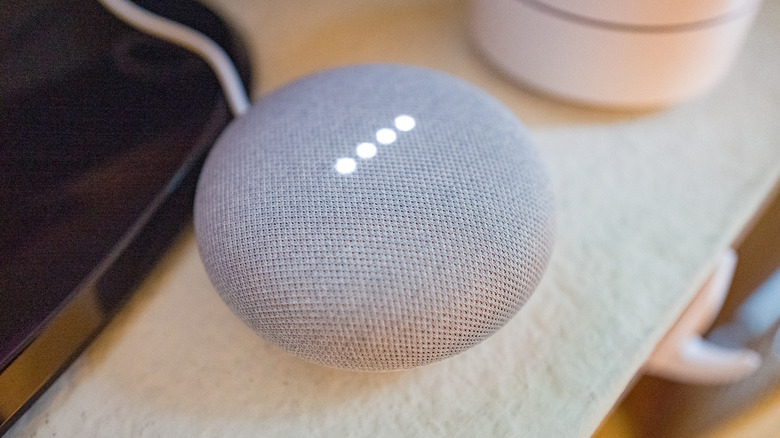
Having a Google Home device can be one of the best ways to integrate the convenience of smart home technology into your place of living. Beyond just playing music or connecting calls, the voice-activated query system means you can get instant answers without raising a finger. All of that power comes with a certain level of risk, however. And to stay safe and properly informed, there are things you shouldn't ask Google Home.
Some concerns lie in accuracy. Google Home is great for making your kitchen smarter and more efficient with timers and conversions, or giving a report of the weather. But depending on the complexity of the question, it can accidentally present inaccurate information as if it's fact. This can result in you being misinformed, potentially putting your health at risk by trusting its answers too much.
Other problems lie in security and privacy. Even seemingly harmless questions or functions might put your personal data into the wrong hands. Poorly managed details like passwords or contact information could be scraped by hackers. Or embarrassing questions asked in confidence might become the first pop-up ad on your next movie night. So, to avoid such incidents, it's wise to steer clear of these nine lines of questioning.
Legal advice

There are few things in life more complicated and potentially endangering than the legal system. Laws are complex, nuanced, and constantly evolving. It's so complex, in fact, that it's against the law to give people legal advice without a license. Since it's also a system that no one can avoid, having questions is inevitable. Maybe you want to know where you can't legally fly a drone in the U.S., or something as harmless as if you can legally throw batteries in the trash. Unfortunately, questions like these are often too complicated for a Google Home to answer reliably.
The law can vary between countries, states, counties, and even towns. There are different rules for public and private spaces, for residential and commercial areas, and so on. The law may change, as well, although records of old laws are often made available online. When you ask your Google Home for a legal clarification, it uses minimal context to find an answer online. This means that the odds are that any legal questions you may have will be answered with incomplete, outdated, or jurisdiction-specific information.
Medical help

The world of health and medicine is full of strange and surprising reactions, often depending on the individual person. It's also a rapidly advancing industry. Mankind is always making new breakthroughs in medicine, like creating a drug that turns human blood into mosquito poison to help fight malaria. While the right answer regarding an injury or illness can make a world of difference in recovery, the wrong answer can be hazardous. It might be tempting to ask your Google Home how to deal with a cold, or a bad case of poison ivy, but with how unpredictable the body is, you'll need safe and reliable answers. This is something only a doctor can provide, not a wall speaker.
Medicine is also a very old scientific practice, with evidence of medicinal plant use dating as far back as the Stone Age. Countless now-debunked home remedies have come and gone since then. The internet, being an endless wellspring of information, is home to many community-shared reports of how different people tackled their illnesses throughout time. Google Home, when searching for answers, may consult these amateur sources instead, providing you with a well-meaning but ultimately misinformed answer to your medical problem.
Your personal, sensitive information

With note-keeping functionality, Google Home can be a good way to help you remember important information. Google keeps a record of every question or command you have for your Google Home devices. It's not just a text record, either. Depending on your settings, it will save the actual audio of your request on Google's cloud servers, which you can access through your Web & App Activity settings. This introduces a new problem — hackers. If anyone gains access to your Google account, they could then access all of this information.
With that in mind, if there's anything you wouldn't want a stranger hearing, you shouldn't share it with your Google Home device. This includes passwords to other services like banking or social media, private phone numbers, addresses, and social security numbers.
The good news is that you can change your settings, and even manually delete these text and audio recordings yourself. The Web & App Activity settings menu offers the option to both delete old data and to no longer save data going forward. Doing that will help improve your overall online security, Google Home device or not. Nevertheless, regardless of settings, it's best to avoid sharing this kind of information with your Google Home, as a good security practice.
To control your home security system
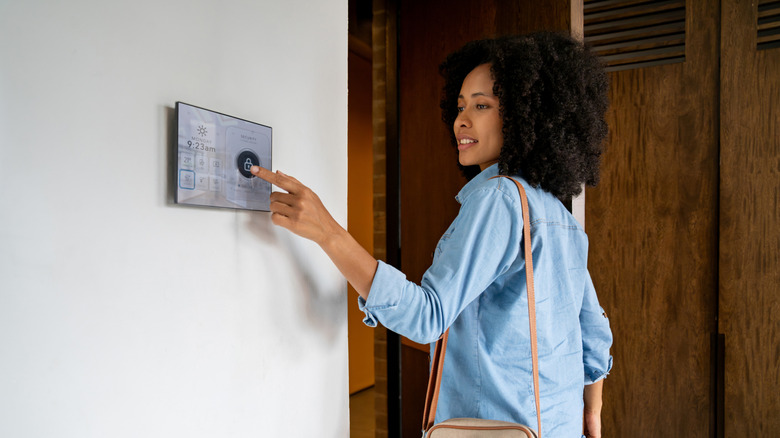
In a smart home you can link locks, windows, doorbells, and cameras to your Google Home system. This allows you to unlock the door or set a security alarm via a Google Home speaker. However, as voice-activated assistants grow in popularity, so does concern for abuse. Malicious actors can copy your voice in order to manipulate your Google Home system and breach your residential security. The U.S. Government even issued a warning against "Voice-Activated Fraud" in 2025, urging citizens to be mindful of what their virtual assistants are allowed to hear and do.
While efforts to strengthen voice recognition are underway, the most secure solution remains the simplest: Don't allow Google Home to entirely control your security system. Include at least one manual step that requires your own interaction, such as you would with two-factor authentication. All of this isn't to say you should avoid any kind of smart security. Some of the best smart locks you can buy offer fantastic functionality. Just beware of handing all responsibility to your Google Home, or any other system that could be a single point of failure.
Jokes about illegal activity

Everyone enjoys a good joke. There's nothing wrong with some harmless fooling around. But as the old saying goes, "know your audience." Google Home has a handful of quirky Easter Eggs that can get a good laugh. Our old favorite was the Google Assistant John Legend voice cameo. Asking the wrong kinds of questions, though, hoping for an entertaining answer, could potentially get you into some trouble. This includes questions about illegal activities, like violence, crime, or illicit drugs.
This is because Google receives thousands of requests annually by the U.S. Government to share its data. It complies with these requests about 80% of the time. Those questions about how to do certain crimes, even when given as a joke, could be taken seriously by the authorities looking into these reports. So, even though you may not have intended to commit any kind of crime, you could still end up with local law enforcement making a visit to check for themselves.
Overly adult content

Generally speaking, Google doesn't allow adult content to be accessed from its Assistant functionality. This includes topics like sex, drugs and alcohol, and gambling. An exception exists for content that is educational, scientific, or artistic. But due to the contextual nature of such things, making that determination can be difficult. And there's no shortage of litigation brought about by the topics of sexual content, alcohol, or gambling either. Furthermore, Google may not be allowed to promote certain material, depending on your location.
All of that comes together to create a very cautious approach by your Google Home device. If the question or prompt is flagged under these limitations, it may respond with "Sorry, I don't understand." There's no harm, per say, in asking something relating to these topics. Given the increased restrictions around them, however, there's a decent chance that whatever question you will have will either be outright declined or answered with heavily moderated information.
Embarrassing information

Google is one of the biggest names in advertising. It keeps track of things like your browsing habits, what's on your TV, and any personal information you willingly share with Google. It then uses that info to curate what advertisements it shows you. Your Google searches aren't actually private, and that includes what you ask your Google Home speaker. Any information provided to voice assistants via a Google Home device is collected and used to generate relevant advertising across your entire home.
This means that questions or prompts given to one Google Home speaker could result in targeted ads on a Chromecast or Google TV, on PCs, or smartphones and tablets of other people in your home. So, while there's nothing wrong with wanting to ask an embarrassing question to your Google Home when no one is around, you might find it uncomfortable when you pull up a YouTube video on the living room TV, only to see an ad for that exact embarrassing thing being shown to everyone in the room.
While you can increase your privacy via your Google account's settings, Google recently settled a class-action lawsuit filed over accusations that its Assistant abused the information available to it for advertising reasons. The lawsuit alleged that the company uses data collected without the users' consent to produce targeted ads.
Anything financial

Our lives generally revolve around making and spending money — so keeping it safe is especially important. Therefore, it's not wise to share your financial information with your Google Home. Whether that's keeping your bank details on record, or using Google Home to send a friend money, all of this information becomes at risk when managed by a smart home device.
One of the most common examples of this is when using a Google Home device to buy things online. Once set up, you can place purchases to be delivered to your door with minimal input. And while there's a convenience to asking your Google Home to order more dish soap while you're wrist deep in a sink full of water, this functionality opens the door for others. Hackers could discover your payment info, change the delivery address to somewhere else, or infiltrate the process some other way that is easily missed when buying things verbally.
Unauthorized spending isn't exclusively from outside forces, either. Voice activated technology also makes it easier for children to make online purchases. About 30% of all family homes experience digital purchases from one of the kids without permission. The best way to avoid that is to not make it an option in the first place.
If you're against AI: anything
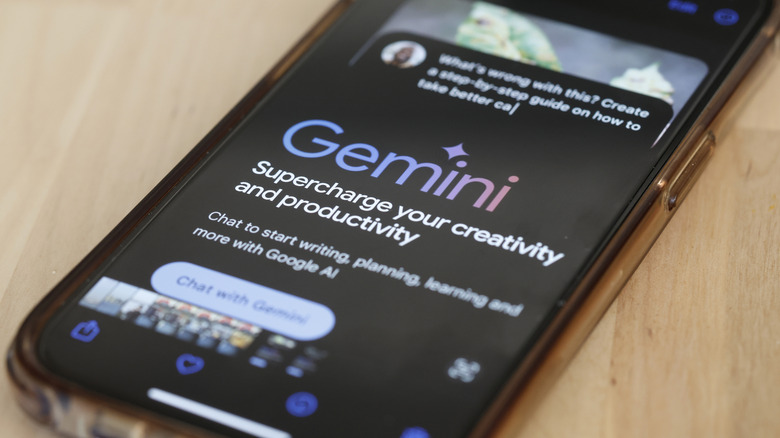
Generative AI is a controversial topic. While it can serve some impressive results, both accuracy and the ethics of how the AI is trained are continuously questionable. Not everyone is comfortable using such technology, and if that includes you then you won't like to know that Google started replacing the Voice Assistant in Google Home speakers with Gemini for Home – an AI powered alternative — in October, 2025.
Unlike the scripted system, Gemini for Home is meant to provide more detailed information or perform more complicated tasks. However, Gemini and Google's AI Overview system have both faced a backlash due to inaccurate or potentially harmful information provided to users. The AI Overview was found to be giving inaccurate medical advice, and Gemini's chatbot became involved in a lawsuit after allegedly encouraging one user to commit suicide.
Some forms of AI are amazing — doing things like detecting pancreatic cancer that doctors might miss. Nevertheless, that doesn't erase the fact that there are still flaws to the system. If you don't trust it to be correct, then you should avoid asking Google Home devices anything.