

Think Twice Before Plugging Your 3D Printer Into An Extension Cord
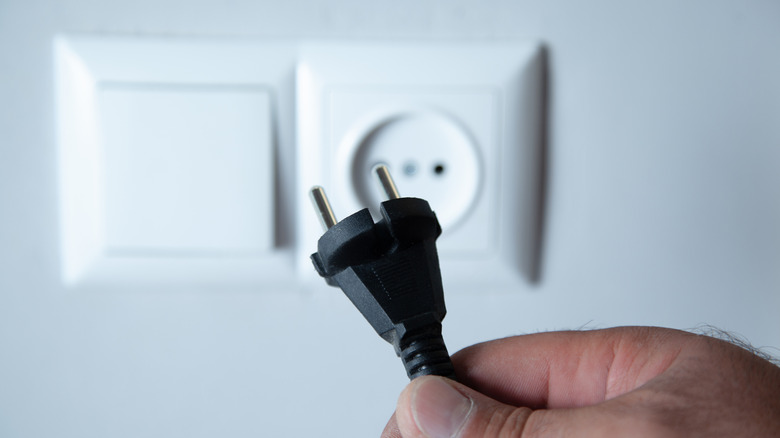
The internet is full of 3D printing projects, so why not buy a 3D printer? Countless designs can upgrade your laptop and help you paint miniature figures, but even the cheapest 3D printers worth buying are still expensive. If the plug can't quite reach the wall outlet, an extension cord could help. Or it could fry your freshly bought printer.
Regardless of a 3D printer's cost, it always houses precision electronics. Without these components, actuation motors can't make the fine adjustments needed to produce stable prints, especially when a project consists of multiple identical parts. Due to the sensitive nature of these electronics, 3D printers require a stable power supply, the kind you can only get with a grounded power cord. This is why many (if not all) use cables with ground wires. If you plug a 3D printer's cable into an ungrounded extension cord, it can accidentally add a potential point of current instability that messes with the precision electronics.
Of course, using grounded extension cables only increases the odds of providing a stable electrical current — there's no such thing as a completely safe cable. And the chances of something going wrong increases with every extension cord you add, which is why you should never daisy chain them together. Still, if you must use one extension cord, your 3D printer is probably safe so long as the cable's grounded.
When in doubt, use a surge protector
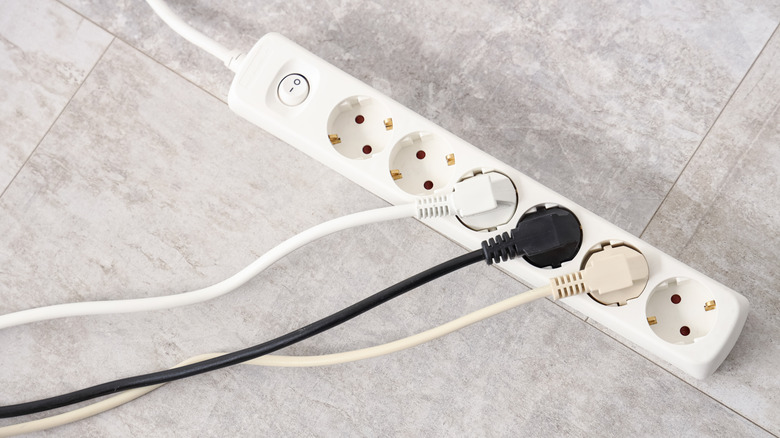
Surge protectors are the larger, more safety-oriented cousins of power strips. They provide multiple outlets to connect devices, and can cut off power in case of emergency. Sure, you should never plug high-wattage kitchen appliances or power tools into standard power strips, but devices such as 3D printers are made for surge protectors. Unless stated otherwise, of course.
Nine times out of ten, a surge protector has a built-in grounding wire — it wouldn't be able to function as advertised otherwise. Surge protectors rely on a grounding wire to divert additional electricity that could otherwise fry attached devices, so plugging a 3D printer into one kills two birds with one stone. Many 3D printer aficionados recommend using a surge protector, but only if it's a quality product. However, always read through support material first just in case.
While not a 3D printer, Glowforge's laser printers aren't supposed to be plugged into surge protectors. It's unclear if that's due to the electrical engineering of the printers or "catering to a wide audience," but laser printers also rely on precision electronics, so the devices aren't too detached from bonafide 3D printers. Moral of the story: always perform your due diligence before plugging in your 3D printer.