

The Actual Tradeoff Behind Buying Cheap Streaming Devices Instead Of Premium
We may receive a commission on purchases made from links.
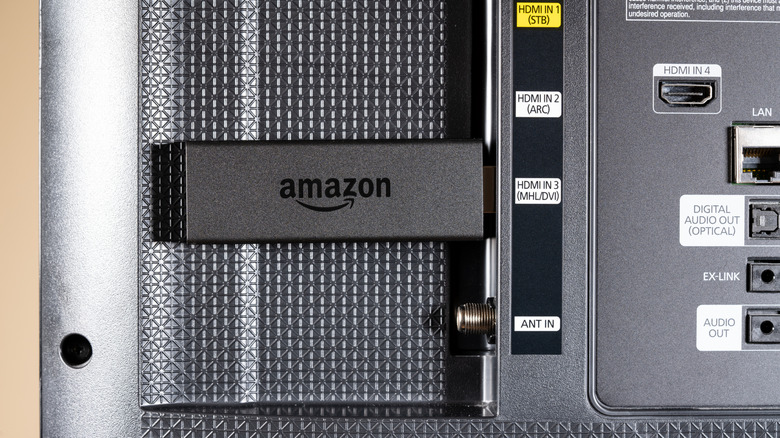
We wish the validity of "you get what you pay for" didn't apply to consumer tech, but we're pretty sure that's the product category the saying was invented for. When we're talking about what gets plugged into your living room smart TV or AV receiver, major streaming devices are an excellent example of hardware that sometimes costs very little or quite a lot.
Brands such as Amazon, Roku, Google, and Apple are behind some of the leading streaming boxes sold in stores and online. While these manufacturers usually stick with a core operating system across all devices, Device A, which only costs $15, is not going to perform the same as Device B, which costs $100, even if they're both powered by Fire TV or tvOS. This is because there are a handful of features and settings that only premium streaming devices can grant you access to.
You might be wondering what some of these tradeoffs between an inexpensive and pricey streamer actually are. Based on our experience and research, we were able to break the answer to that question down into four sub-answers: performance and storage, life expectancy and long-term support, picture and audio capabilities, and fringe features.
Performance and storage
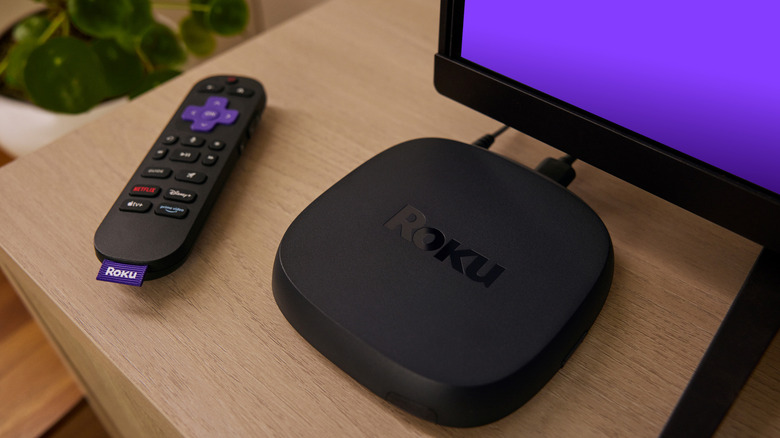
Much like the average computer, a streaming device has a processor, RAM, and built-in storage. What type of processor, and how much memory and storage the device has to work with are three core differentiators between budget-friendly streamers and more advanced hardware. Lower-cost gear — such as the Amazon Fire TV Stick lineup and Roku Streaming Stick 4K Plus — use more basic processors.
If you only use one or two apps for streaming movies and shows, a more basic CPU shouldn't disappoint. It's when you get into app multitasking and smart home controls that a slower chip can start to falter. Symptoms may include interface lag, additional buffering, and even the occasional app crash or device freeze-up. When you spend more on a premium streaming device — such as the Amazon Fire TV Cube or the Roku Ultra — you're investing in a more powerful CPU, as well as additional RAM and storage.
Not only should this allow streaming content and other processes to run faster and more efficiently, but additional storage means more space for apps and downloaded media (such as movies and shows you bought or rented). You may also find that premium devices can maintain their performance for longer than an entry-level streamer, especially as developers start putting out software updates.
Life expectancy and long-term support
Most consumer tech isn't built to last forever, and streaming devices are no exception. While cheaper streamers will save you a chunk of change upfront, you may find that as time goes by, a device that worked great on the first day begins losing its power. Slower app launches and an uptick in buffering are a couple of signs your device may be past its prime.
Another bad sign is when the developer stops releasing semi-regular updates. While it's not abnormal for a device to go a few months without a software patch, a gap of a year or more could be a sign that the manufacturer doesn't support a particular product any longer, or plans on ending support in the near future. Spending more on a premium device doesn't guarantee longer device support, but there is usually a better shot.
For example, both versions of the Apple TV 4K have been on the market since 2022, and the Nvidia Shield TV Pro (which is considered to be one of the top streaming devices you can buy) has been around since 2019. The Apple TV 4K and Shield TV Pro are two of the priciest streamers you can find, but both Apple and Nvidia continue to provide updates for these golden gadgets.
Picture and audio capabilities
TVs are brighter, more colorful, and better at image upscaling than ever before. The 4K HDR craze is still ongoing, and what better way to indulge in your favorite movies and shows than with a streaming device that checks all the most important boxes for picture and sound? Unfortunately, not all streamers are created equal, and codec support from one device to the next can be pretty different.
Cheaper streaming devices often nail the basics, so support for formats like HDR10, Dolby Digital, and DTS shouldn't be too difficult to find. It's when you start looking for a streamer that supports all mainstream HDR codecs, as well as Dolby Atmos and DTS:X that the tradeoff of cheap versus premium begins to show. If your TV and home theater equipment can handle premium formats, hooking up a cheaper streaming device without them may prove disappointing.
It's also worth mentioning that streaming devices with built-in USB ports can often decode advanced audio files, including WAV, FLAC, and other hi-res formats. If you love listening to music and can definitely tell the difference between a basic MP3 and higher-quality tracks, device compatibility could very well be a deal-breaker.
Fringe features and exclusives
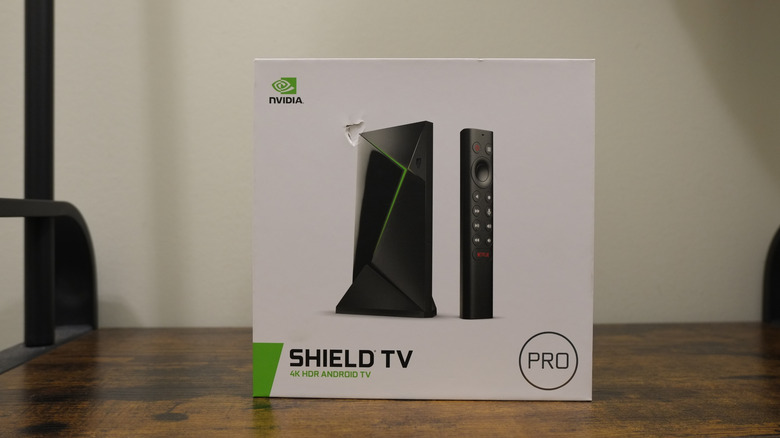
Moving past the streaming tech fundamentals, there are several fringe features and exclusives that you might be trading to save cash. For example, the $200 Nvidia Shield TV Pro is the only streaming device that can function as a Plex media server. The Plex client app is available on most streamers and smart TVs, but the ability to host and share your archive of movies and shows can only be done with the Shield TV Pro. Otherwise, you'll need to use a computer or network-attached storage for content hosting.
We touched on USB ports already, but there are more inputs and outputs that may only be found on a premium streamer. The Roku Ultra and Fire TV Cube both contain USB ports for connecting external storage devices, but both also feature Ethernet ports. If you're already dealing with slow Wi-Fi, and your TV isn't too far from your router, using Ethernet is a great way to free up bandwidth for your Wi-Fi-only gear. It's also a great way to improve buffering and playback on your streaming device.
The Amazon Fire TV Cube is one of the only streaming devices with an HDMI input, instead of just an output. This means you'll be able to hook up a cable box or other AV component directly to the Fire TV Cube, and the Cube will pass the component's video and audio to your TV. Higher-tier streamers also tend to be the better choice for cloud-based gaming services, such as Xbox Game Pass and GeForce Now.