

There's No Point In Unplugging Your Smart TV - Here's Why
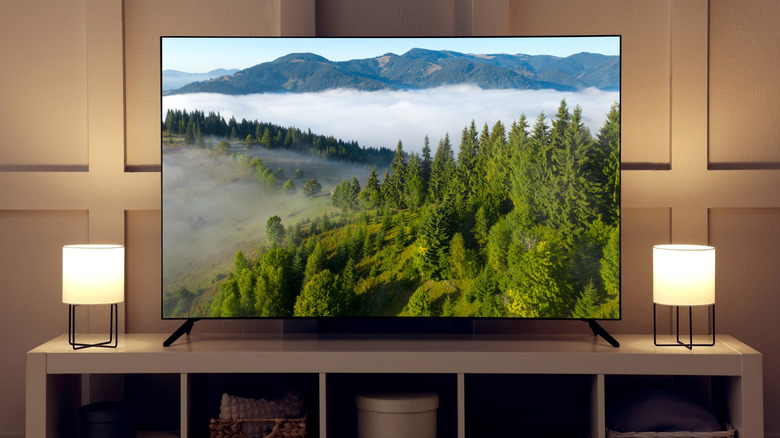
Many tech devices and appliances in the home constantly draw power because they remain plugged in, from your refrigerator to your washer and dryer, and yes, your smart TV. None of these are products you'd typically unplug, the first two for obvious reasons. But you might wonder if there's value in unplugging your TV, especially if you won't be using it for an extended time. Maybe you're going away for a long vacation, or it's a bedroom TV you only watch sparingly.
The short answer is no. The latest TVs are designed to run efficiently, and many include standby mode, one of the cool things you maybe didn't realize your smart TV could do. This mode still draws what's called phantom power, a load that's drawn when a device is plugged into an outlet, even when it's off and/or not in use. But it's very little power. Some of the latest TVs use standby mode to display art, making them look like paintings on the wall. One such model is the Samsung The Frame TV, along with other cheaper alternatives. If you want to be extra energy-conscious, fully turn off the TV rather than leave it in standby, which you can adjust in settings. But there's no need to unplug it fully. So, don't worry about squeezing behind a wall unit to reach the plug whenever you want to enjoy extended screen-free time.
Turn off standby mode
If you're pinching pennies or really concerned about non-essential energy use, you can easily turn off standby mode on virtually any smart TV (one notable exception is Amazon-branded Fire TVs, which do not include options to adjust for Standby Mode). This will still draw some phantom power when it's off, but less than in standby mode. You'll find this option in the Settings menu, usually under System, Power and Energy (Samsung TVs) or under a menu option like additional settings, advanced settings, preferences, power, or device preferences. Search menus until you find it. From there, you can turn off the standby light or power indicator.
Keep in mind that standby mode doesn't draw much power anyway. TVs like the 55-inch LG G5 OLED, for example, draw less than 0.5W of power in standby mode. This would amount to about $30 per year, or $3 per month, in savings at most, which is not much. It's tough to argue that such minimal energy usage is worth the annoyance of constantly unplugging the TV and plugging it back in. If you are insistent on unplugging, however, consider using a surge-protected power strip for the TV, speakers, and other home theater devices so you can simply unplug that to disconnect everything at once.
What happens when you unplug
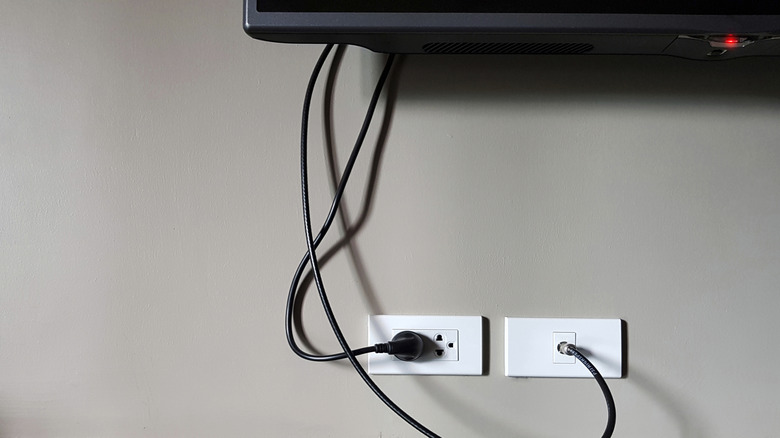
Be mindful that unplugging the TV and turning off standby mode might reset certain features, like the internal clock. It could also remove network connections and prevent potentially essential background software updates from running. Unplugging your TV can contribute to significant energy and money savings, alongside larger strategies to unplug other devices that draw phantom power, with overall potential savings of as much as $165 annually. But unplugging the TV itself won't contribute a ton to that. You're better off unplugging other energy-consuming devices like your desktop monitor and laptop, phone chargers, coffee machine, toaster and even power strips, to save a few bucks.
So, technically, you can save both money and energy by unplugging your TV whenever you won't be using it. If you're going to be away for an extended time and you're worried about a potential power spike or want to minimize energy usage as much as possible while you're gone, go ahead and unplug. Otherwise, it's not really worth it. Standby mode on the latest TVs is designed to consume very little energy, or you can disable it so the TV turns completely off. Even though it's still drawing a bit of power when plugged in, it's not enough to bother unplugging unless you have a really compelling reason to do so.