

10 Clever Ways To Use Door Sensors Around The House
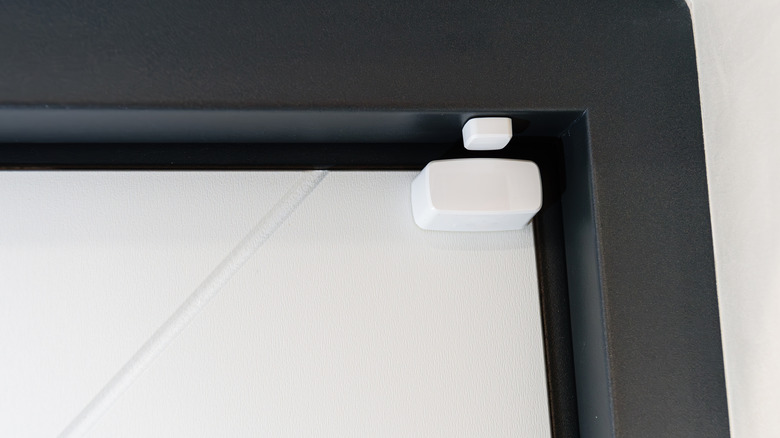
Door sensors are some of the simplest smart home devices you can get. Instead of anything fancy like measuring the heat or motion, all they do is detect when their two halves are separated. Yet, that simple function can be the basis for many interesting applications. From smart lights to smart heating, all sorts of home-automation devices rely on sensors to trigger their behavior. A door sensor is the simplest mechanism to drive these devices.
A common misconception is to confuse them with motion sensors. A motion sensor uses IR beams to detect movement. This makes it great at detecting passage over a general area, but it also makes it less precise and somewhat more expensive. A door sensor, on the other hand, just uses magnets. It can be used to detect the opening and closing of any hinged mechanism, be it a door, window, or something similar.
It doesn't have to be a hinge. Any component that twists or turns in its operation — say, a knob or a handle — can be outfitted with a door sensor. This makes it one of the cheapest ways to turn your house into a smart home. The information it provides may be simple, but once paired with a smart hub and a Wi-Fi network, it can be factored into many complex behaviors. Here are some clever applications that use door sensors in unusual ways.
Light up closets
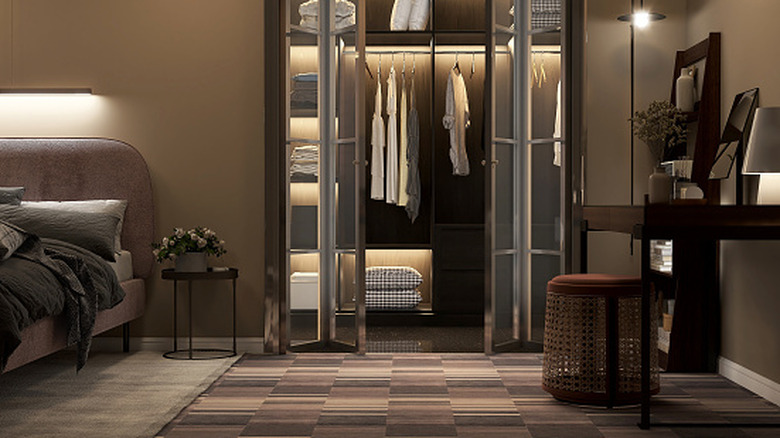
Walk-in closets are convenient for storing and displaying your clothes, without taking up space in your bedroom. But this additional area that's not quite a room is a tricky situation for lighting. It doesn't need to be lit throughout the evening as it's not a hallway or a room anyone lives in. Yet you still do need a light, if only for the few minutes you spend picking out your clothes.
You can, of course, just install a normal light and be done with it, using a switch to manually turn it on and off every time you visit the closet. A better solution is to install a smart light that automatically activates when needed, without a switch. As to the trigger condition, it can be paired with a door sensor. Using a door sensor for room or hallway lights is generally pointless, as you don't want the lighting there tied to the closing of the door, but rather to your actual presence. For a closet, though, it is ideal, since it is only opened when needed.
You can extend this setup to other such large storage spaces as well. Pantry, attic, basement, storage sheds — any small room or closet that you use for storage but don't visit frequently just needs conditional lighting. This saves power because you don't have to worry about forgetting to switch off the light when leaving, and it conveniently switches it on when you walk in.
Control the HVAC system
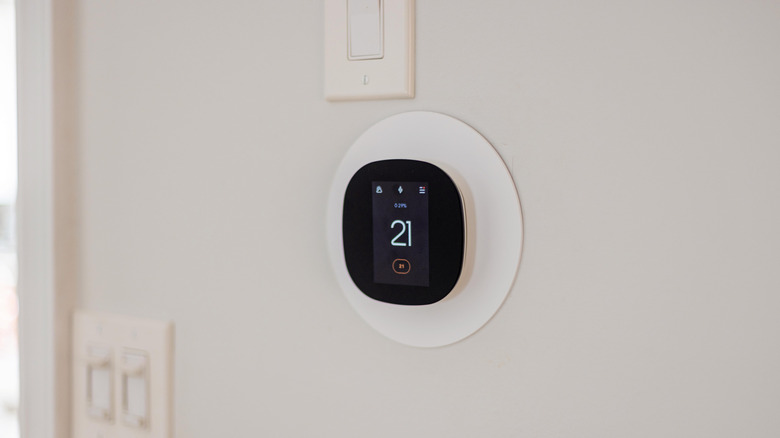
One of the most common and useful smart home devices is a smart thermostat. A device like this monitors the temperature of the house, switching the heating or air conditioning on and off to keep it at a fixed preset level. Many think that's enough, but there are many ways to get the most out of your smart thermostat. Ensuring there are no open windows, for example. A gap like that will keep heat leaking out, making the thermostat heat up constantly without addressing the core issue and wasting power.
If you have separate heating for each room, open doors can be a factor, too. You don't want your bedroom system to keep running pointlessly, heating the hallway as well, because the door is ajar. The solution? Integrate a network of door sensors into your smart heating plan. Instead of relying solely on the thermostat to adjust based on the measured temperature, you can factor in the state of the surrounding doors and windows as well.
When a room being heated has any open windows, you can get an alert, reminding you to close them for improved efficiency and reduced wastage. You can even have the heating shut off if any doors or windows are opened, saving power and reducing bills. And not just heating, if you have active ventilation systems, these can be tied to this data as well, kicking in when the natural ventilation options are closed.
Monitor the fridge
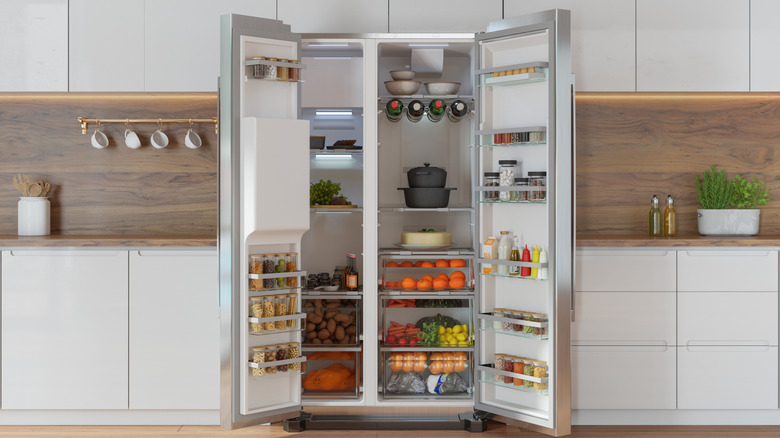
If you go looking for doors in your house, wooden doors to rooms aren't the only candidates. The refrigerator has a door too, so it can be outfitted with a door sensor. For what purpose, though? Surprisingly, there are multiple reasons to do this.
The first is simply an indicator. A sensor on the refrigerator door can alert you if it is left open for too long, preventing the common mistake of accidentally leaving the door ajar. With this setup, you no longer have to worry about waking up to see all the ice cream melted because someone forgot to shut it properly. But that's not all. A door sensor on the fridge can also serve as an alert system. You can set up your smartphone to keep track of when it is opened, alerting you to any late-night snacking. This is a foolproof way to curb oversnacking and meet fitness goals.
This approach also works for keeping an eye on access to things more important than snacks. A gun safe, for example, may have a sensor like this to keep accurate records of when it is opened. Even a medicine cabinet can use monitoring like this to ensure that sensitive meds are not taken without your knowledge. For parents, simple tools like this can help raise awareness and serve as a safety net of sorts.
Keep an eye on the mailbox
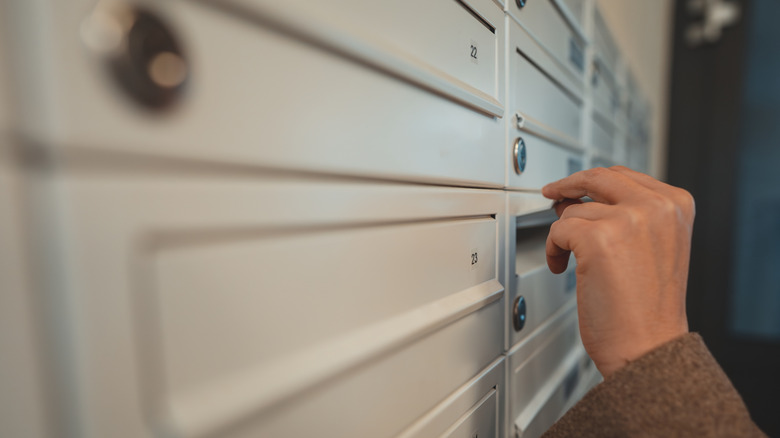
A mailbox is nice for receiving mail and packages without having to deal with doorbells, but it also means you never actually know when a package is dropped off. You may have a set routine to check it once a day or something, but that feels like an unnecessary chore. Mail is not received as frequently these days, and when you are specifically waiting for something, you would rather receive it immediately than the next day.
One easy fix is to install a door sensor. That way, you will get a notification every time the mailbox is opened, so you know exactly when you have received new mail. This also helps prevent your packages from getting stolen, as you can remove them quickly after getting an alert.
This method can be used on the trash bin too, since it has a lid that can accommodate a door sensor. This alerts you when the trash bin is emptied every morning, letting you know when you can go out to pick it up. It may also alert you to the fact that some critters are feasting in your back alley. The only potential pitfall of installing door sensors on outdoor objects like this is that they can get damaged or vandalized. For this reason, it is recommended to install a sensor like this inside the mailbox or trash bin, where it will remain hidden and receive some protection.
Detect if oven knobs are on
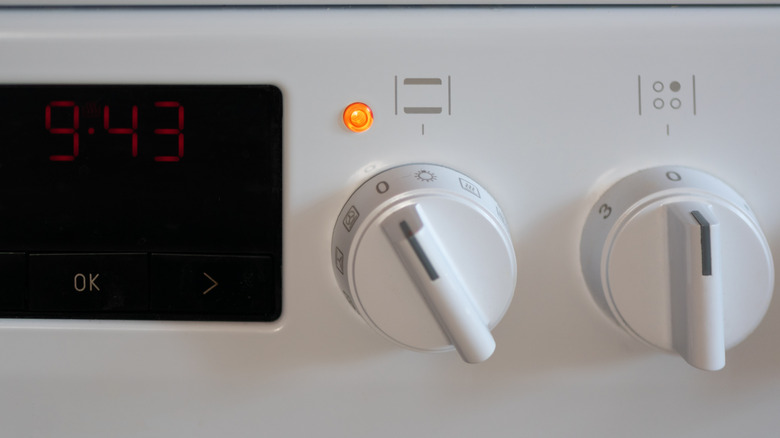
Leaving your oven running without anything in it is a common mistake. After all, there is often no clear indicator from the outside apart from a slightly turned knob, so it is easy to accidentally leave it on and walk away. This is a possibility with gas stoves as well, where the consequence can be even more severe, possibly causing a fire or gas leak. And there is no easy way to fix this — ovens and stoves aren't always designed to be smart, with an easy WiFi link to your phone to check their status.
If your oven isn't smart, you can educate it. Your instinct might be to use temperature sensors to detect when it is heating up, but that approach can be inconsistent and difficult to implement. An easier method is to detect the knob's position instead. At the off position, the oven knob is straight, so placing a door sensor in this position can track it when the knob is turned.
You can build on this to get the oven's status in many different ways. For example, you can set up an alert that goes off if the knob stays on for too long, reminding you before it becomes a disaster. You can also pair the sensor output with a smart light or an LED strip to glow whenever the knob is on, providing a clear visual indicator of the oven's status.
Know when the washing machine is done
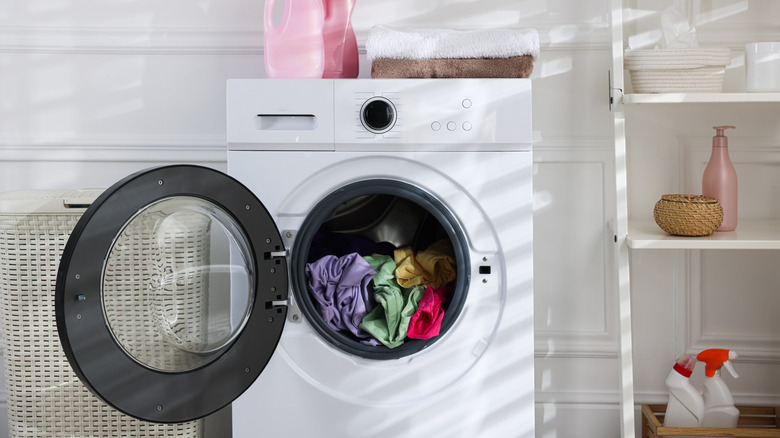
Washing machines make laundry easy, but it's easy to forget to take your clothes out when they're done. After all, it's not like you hang around in the laundry room all day. Now you can use many manual tricks like setting alarms or reminders, but nothing works more smoothly than an automated smart sensor. The washing machine has a door too, so simply installing a door sensor lets you know when it is opened. Once it closes again, you can have the system alert you after a set time, signaling the end of the wash cycle.
This is all unnecessary if you buy a smart washing machine that's connected to your home WiFi. But unless you were already looking to upgrade or want the rest of the extra features this comes with, it is a waste of money just to get notified when the washing is complete. Smart washing machines are sometimes regarded as one of those smart home upgrades that are a waste of money.
A cheap door sensor on the lid can detect its status and pair wirelessly with your smart home hub. This means you can check it on your phone, set an automated alarm, or even have a smart light flash as an indicator. Just make sure to install the sensor on the outside of the door to protect it from water damage.
Track door locks
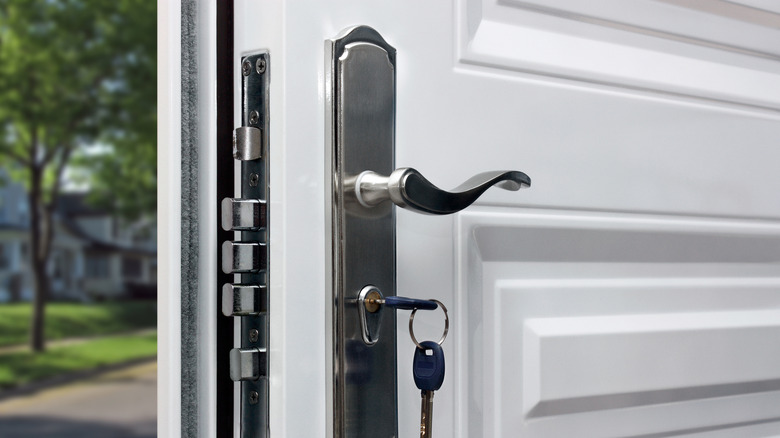
The intended purpose of door sensors is to track door openings and closings, but sometimes that's not enough. This is because a door sensor used this way can only tell you whether the door is ajar, but how can you tell whether the door is locked? It might not be important for internal doors, but for any doors leading outside, you want that extra layer of security. A smart way to track this saves you from manually checking the door locks every night.
The usual way to do this is to just get smart locks. But smart locks might not be right for you, and they are not easy to install on many doors. If you want to keep your existing door locks but make them smart, door sensors can actually be used for this, too. The two-part sensor can be placed on the lock itself and on the latch that fits into it, detecting when the lock is in place.
You can set it up to alert you if the doors remain unlocked past a certain time, or to alert you every time someone unlocks them. A smart lock still has some advantages over using a door sensor on the lock, though. This method cannot actually lock or unlock the door remotely; it only detects it. On the other hand, you can consider it an advantage if you dislike the idea of a lock that can be opened with digital signals.
Build a rain gauge

One of the more creative uses of a door sensor is to make a DIY rain gauge. This can both detect rain and even measure its intensity and duration. You can always buy a proper rain meter too for this, but it isn't the cheapest device, and it can be more fun to put together your own project.
As to why you may even need a rain gauge, there are many uses. If you use an automated irrigation system, a rain gauge can be used to shut it off when it's raining, preventing overwatering. You can also use these readings to determine when to close the windows, with an alert triggering during heavy rains. If you have door sensors installed in the windows as well, you can pair sensor data to trigger an alarm only when any window is open.
How exactly to achieve a rain gauge with a door sensor, though? It is a simple idea. A rain meter uses a plastic tipper that turns when it fills with rainwater, draining the water while also creating an indication that can be measured with a door sensor. By attaching a sensor to its default position, you will know whenever it tips over, giving you an instant alert for rain. And the duration it remains tipped will determine the intensity. Calibrate the exact levels, and you have a smart rain meter in your hands.
Activate movie mode

A full smart home setup can be very convenient. You can control so many aspects of your house with smart commands, from the lights in your room to the window blinds. Manually controlling them is still a bit of a chore, especially if you have invested in specialized smart lights for your home theater. What if you could have a smart trigger for a movie mode as well, taking care of these details when you put your feet up?
With a door sensor installed on your recliner, you can do just that. On the footrest of the recliner, to be more specific. The design of the footrest means it remains folded beneath the recliner when not in use and extends when you need it. This means a door sensor attached exactly where the footrest and the recliner meet can detect when it is deployed and trigger any smart action you want.
In a full smart setup, you can have an automation scene that triggers based on this sensor, combining multiple actions without a single click from you. Dimming lights, drawing up blinds, switching on the TV — everything can happen right when you relax on the recliner. It doesn't have to be linked to the recliner either. You can add a door sensor to your gaming controller to detect when you pull it out of the charging station, triggering all your gaming accessories.
Sense chair occupancy

A door sensor can detect many things indirectly, but can it detect if a person is sitting in a chair? Not by itself. But if you are willing to tinker a bit, you can combine a car seat sensor to do so. This is because a car seat sensor can detect pressure, determining whether a person is seated. Normally, it only uses this data to trigger car functions, but by combining it with a door sensor, you can turn it into a smart signal.
You will need a little bit of soldering to achieve this, but if you can get past that hurdle, you will have a very cheap way to detect seat occupancy. Simply place this combined sensor below your office chair's cushions, and it is ready to work. As to its use, there are many creative applications. There are many smart gadgets that can transform your home office, but there is no uniform way to control them.
Motion sensors are inconsistent since you are not moving around once seated. A chair occupancy sensor is much more effective at detecting your presence and giving a consistent signal while you are there. This logic can be used by things like thermostats and lights as a trigger condition. And this is not limited to the chair occupancy either. You can also use the same sensor to detect bed occupancy, ensuring your smart devices know when you are sleeping and act accordingly.