

The 8 Best New Features Added To iPadOS In 2026 (So Far)

While Apple is almost ready to introduce iPadOS 27, which should come with an all-new Siri and several upgrades to Apple Intelligence, iPadOS 26 has been one of the most notable software updates for iPad users to date. With it, Apple upgraded the multitasking experience by offering a new Window Tiling feature that lets users open many apps simultaneously, while later updates continued to improve the multitasking capabilities by re-adding Split View and Slide Over. These are all features that further distinguish the iPad from the iPhone, while still relying on touch controls and the benefits of accessories like the Apple Pencil Pro, with hover, pressure, and other smart features.
So far this year, with the release of the M5 iPad Pro, Apple has focused on more systemwide upgrades for iPad users, including tweaks to location tracking, Apple Music functions, and the rollout of more Mac-like features. For a deeper look at these and other updates released this year, check out this list of the best new features added to iPadOS in 2026, so far.
Limit Precise Location
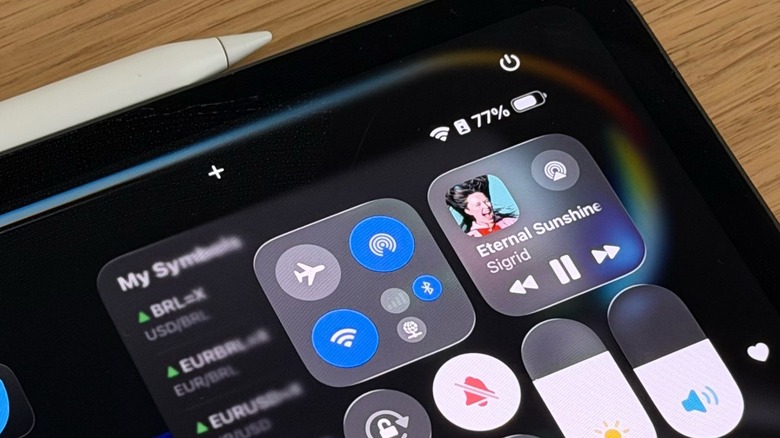
With iPadOS 26.3, Apple introduced a new privacy setting that lets you hide your exact location. At this moment, this feature is only available to Apple products with its own 5G modem, like the iPhone 16e, iPhone Air, iPhone 17e, iPad Air M4 and iPad Pro M5, as they feature the company's C1 and C1X chips. While more products are expected to get this feature, as all iPhone 18 models should get the company's future C2 modem, this extra privacy layer makes it harder for cell service providers to precisely identify where you are at any given time.
For example, if you have an iPad Pro M5 with cellular connection and a compatible carrier — so far it includes A1 in Austria, YouSee in Denmark, Telekom in Germany, EE and BT in the United Kingdom, Boost Mobile in the U.S., and AIS and True in Thailand — you can add an extra privacy layer that instead of letting carriers identify exactly your address, they will only be able to identify your approximate neighborhood. And you get all of that without interfering with apps that you intentionally share your location, like the Find My experience. If you have one of the latest iPad models with a compatible carrier, you can change your location preferences by going to Settings > Cellular > Cellular Data Options, and from there, you'll find the option to Limit Precise Location.
Apple Music gets 4 new features
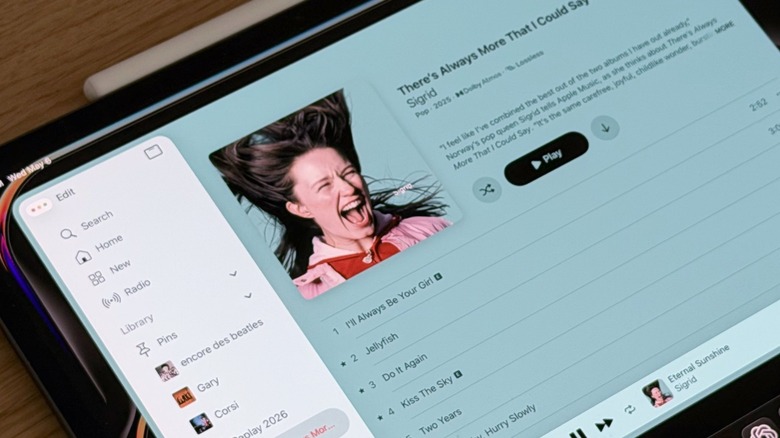
For Apple Music users, iPadOS 26.4 was full of new features. The most important is focused on American users, which can now use Apple Intelligence to create playlists. With the Playlist Playground feature, you can ask the AI to create a list with the songs you like the most or that match your current vibe. While ChatGPT recently introduced an integration with Apple Music, OpenAI's chatbot can't access your listening data the way Apple Intelligence can, so the results might not be as precise.
That said, the second feature introduced with iPadOS 26.4 was a new UI for playlists and albums, as users now get matching backgrounds. More interestingly, animated playlists or albums display both the animation of the cover and the colored background. With that, the icons also change color thanks to the Liquid Glass design, looking very fresh.
The third improvement is a new Upcoming Concerts tab, which connects users with their favorite artists. You can choose the city you're or you're planning to travel to, and you can see the artists performing there. Apple Music gives preference to the ones you like the most but also shows similar artists that might be of your interest. From Apple Music, you can tap to the official platform to buy tickets. Finally, the fourth feature is a revamped Profile settings page, as it makes it easier to access your profile, subscriptions details, and even transfer music from other services to Apple Music.
New Emojis
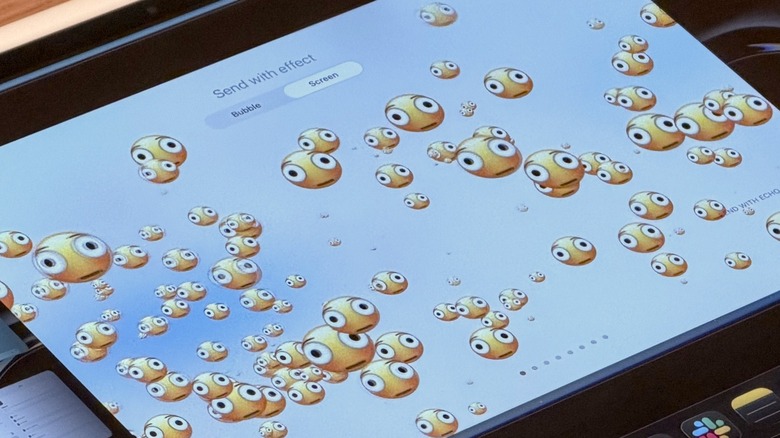
Following Apple's pattern of releasing new emojis on version x.4 updates of its software (such as iPadOS 17.4 and iPadOS 18.4), iPadOS 26.4 added a new assortment of options. For this update, Apple added eight fun new emojis, in addition to a gender neutral option for the ballet dancer and skin tone modifier for people wrestling and dancers with bunny ears. The last time we saw a significant number of emojis introduced at once was as part of iPadOS 16.4 update, which introduced over 30 new figures.
With iPadOS 26.4, Apple included the now popular distorted face emoji, fight cloud, ballet dancer, orca, hairy creature, trombone, landslide, and a treasure chest. Even though the company is not the one to blame, as it only adopts the emojis announced by the Unicode Consortium, the company has been touting for over a year the ability for users to create their own emojis with Genmoji, which can also be used as stickers in other platforms like WhatsApp. Genmojis continue to be improved by Apple, as the prompts generate more reliable figures, but only iPhone and iPad that support Apple Intelligence can take advantage of creating new figures, while everybody else can save and use them as stickers.
Hidden Windows
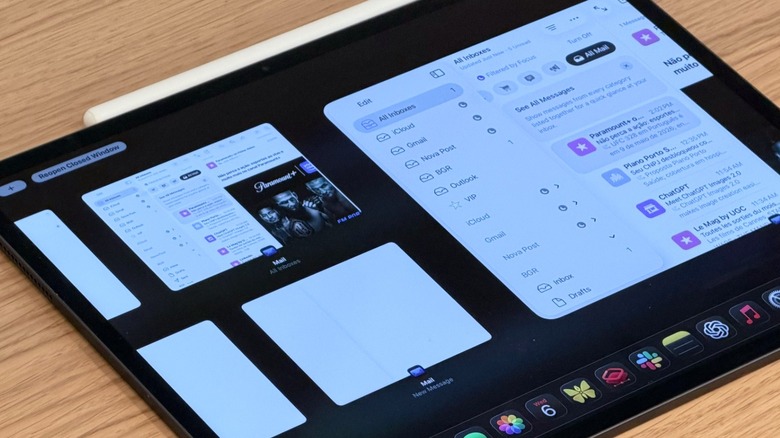
One of the best features introduced with the iPadOS 26 cycle so far is Hidden Windows. This comes alongside a new windowing system for apps with Window Tiling, the ability to have apps still working in the background, which is great for exporting photos and videos, and improvements to Slide View and Split Screen. The new Hidden Window function is pretty straightforward; When you have multiple windows of an app open at the same time, some might be hidden, and you'll see a new popup on-screen when you open the app. However, it's limited to software that can actually have pop-up windows like Mail, Notes, and Messages.
What's interesting about this feature is that when you tap on an app that has several pop-up pages opened, you can slide through them like in a multitask control view, so you can choose to close them or select the one you want to use. Apple will even display a "Reopen Closed Window" for the recent closed ones. Last but not least, there's a "+" button that opens a new tab of the app's main page.
Suggested Places in Apple Maps
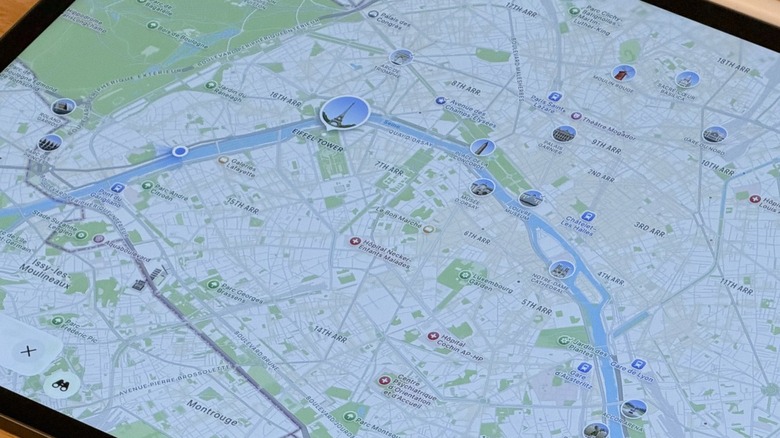
iPadOS 26.5 introduces an all-new Suggested Places feature in Apple Maps. According to Apple, this new tab offers suggestions of popular locations in the area, while also using information derived from where you usually go as well as ad-based suggestions. This feature has been introduced as part of Apple's new push into ads in the U.S. and Canada, allowing it to better compete with Google Maps.
Speaking of Google Maps, this map service recently got a revamp with an improved route overview and Gemini integration, which helps you create a better route, add places of interest, and even discover new business by asking Gemini to analyze thousands of users' review in real time. At this moment, it's unclear if the upcoming partnership between Google and Apple for the new Siri could unlock more possibilities for iPad users, like the one Google just unveiled for its Maps.