

Never Do These 5 Things On Your PlayStation 5
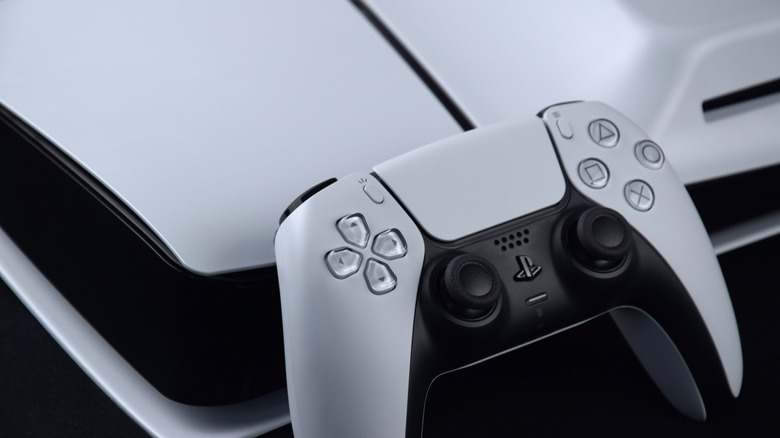
Typically, a PlayStation console can last over half a decade, give or take a year or three. No one really knows how long the average Sony PlayStation 5 will last (it isn't that old yet), but the PlayStation 4 lasted somewhere between 5 and 7 years. Of course, as anyone who's sinking money into a system, you want to aim to be in the upper echelon for how long your system lasts, and that's usually influenced by how well you take care of your console.
The same principle applies to your DualSense controller: you can extend its life by cleaning it properly on a regular basis, practicing good charging habits, and turning off settings that can wear out its internal components. Beyond those tips, there are a few other unspoken rules for what not to do when handling your PlayStation 5 and its controller that you'll want to follow if you plan to keep it around long-term.
Place your PlayStation 5 console in an enclosed area
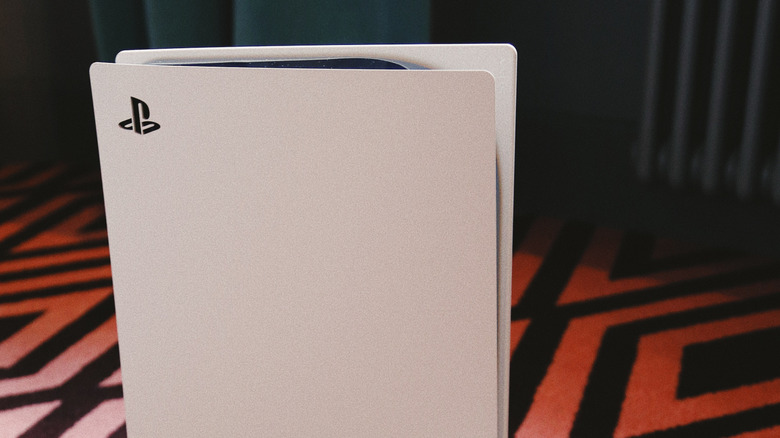
Your PlayStation 5 console gets very hot and needs proper airflow to function. Placing it in an enclosed space, like on a shelf in a cabinet, can impede that airflow. Generally, you should treat your PS5 like a computer: you wouldn't want to put your desktop and all its components in a tightly sealed box like an open-faced shelf, or the heat won't dissipate properly. If you're limited on space, make sure the console has at least 10 cm (3.9 inches) of clearance in the back to allow for airflow. If you must use a shelf to store the unit, remove the back of the cabinet if possible so the space can be sufficiently ventilated.
You will also need to be mindful of dust, ensuring there isn't any in the vicinity and that the system is not sitting on any cloth or being covered. Parking your PlayStation 5 in a place you can't easily reach is also not advised, since you will still want to monitor the vents for any dust buildup. And of course, to be on the safe side, you should try to clean your console every 3 to 6 months. If you have pets or it is in a place that gathers more dust, like the floor, you will want to do a routine monthly cleaning to avoid unnecessary overheating.
Leave an active DualSense controller on a flat surface corner
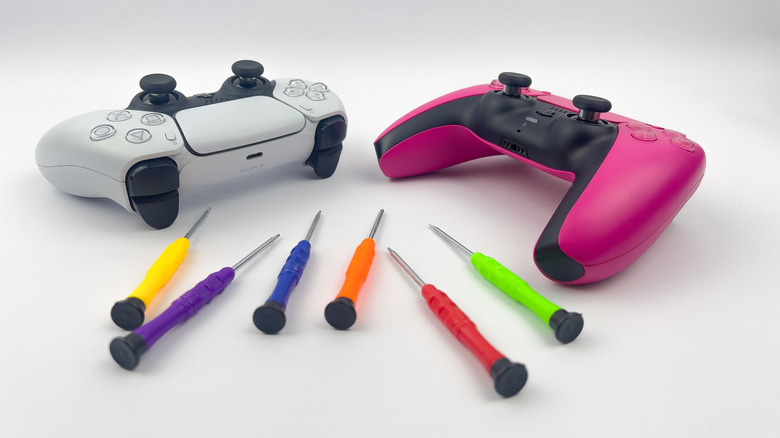
It might sound silly, but leaving a DualSense controller on the corner of a table with the vibration on could lead to an unfortunate crash to the floor. Of course, there's always a chance that you can accidentally knock the controller down with your hands and slide it off the surface. While these devices are meant to be durable, they are nowhere near invincible.
The vibration triggers on these gamepads are intense, and sometimes they can slightly drift on your table — and if your table happens to be a bit slippery, they could fall off of it. That's why you should take a pause when you need to be hands-off, or more importantly, reduce the haptic feedback intensity to prevent these accidents. If you have an even more expensive PlayStation 5 controller, the DualSense Edge Wireless, you'll want to take great care of it. It's true that not every repair is too expensive (the stick modules can be easily swapped out), but you'd rather avoid it if you can.
Use a third-party base or cooler
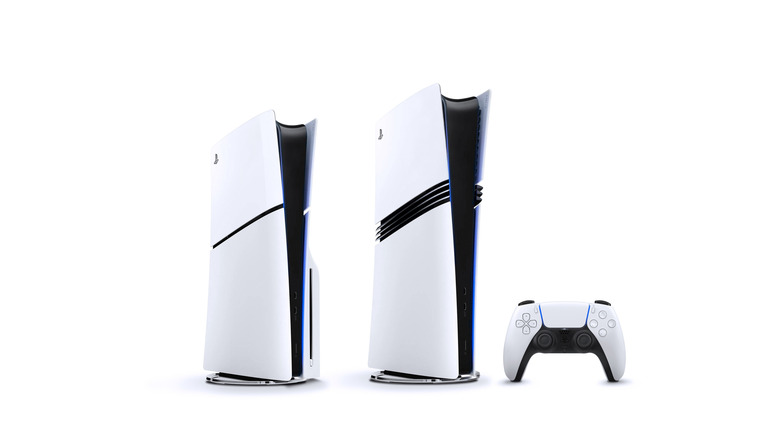
The general rule of thumb is to only use the base that comes with your PlayStation 5 console. After all, these are designed to fit your PlayStation console perfectly. Another thing is that you might be tempted to buy a different cooling solution than the one that comes internally with your console to help overcome its overheating issues, but that may not always be the best idea.
Even with some inherent heat issues, the third-party coolers are a bit of a trap. One is that the installation and compatibility of some coolers don't properly align with the console, or may even overwork its fans to accommodate them — this could damage the game system in the long term. Plus, some of these fans are louder than the PlayStation 5's natural noise, which is really disruptive to your gaming. Just remember that Sony engineered these consoles with built-in fans and a heat sink to dissipate the heat they generate, so when you modify them, you risk obstructing the natural airflow.
Ignore an overheating notification

Even if you think this is a false alarm, do not ignore it. It's hard to know exactly what the actual temperature of your system is; remember, you don't know what is going on internally without doing a complete teardown of your console. This notification (the "too hot" notification) is a built-in safety measure to prevent your console, and more importantly, the CPU, from being damaged; this will trigger a system shutdown.
So when you see that notification pop up on your screen, you'd be better off waiting at least 30 minutes to an hour (or however long it takes to cool down) before continuing to use it. You'll mostly only see the "too hot" notification occur when the heat sensors detect that the console is actually overheating internally. The primary cause is usually dust buildup on the fans or improper ventilation. If the warning keeps coming back even though you've taken care of those issues, though, something might be going wrong with the internal fans, and you'd need to investigate the cause to see if there's been permanent damage dealt to the fans.
Use vertical placement for launch consoles
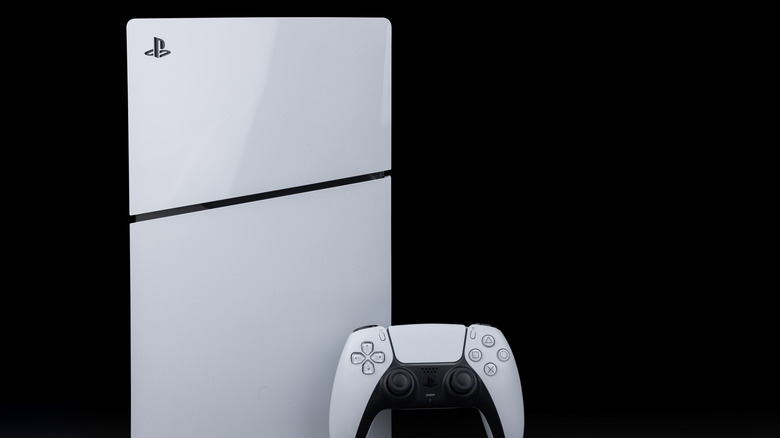
Vertical placement of old PlayStation 5 consoles was always a worry due to the liquid-metal thermal conductor potentially spilling or being displaced. This component helps keep your PlayStation 5 effectively cooled, and if it isn't properly placed between the APU and heatsink, it could cause overheating issues with your console.
While this was a popular concern, just remember that it isn't necessarily a proven cause of liquid-metal leaks. Still, it's been heavily debated: if you place your PlayStation 5 console vertically (and you bought one near launch), you theoretically risk leakage due to gravity. Unfortunately, if this were to happen, you would need to send the console in for repairs or perform a more hefty DIY fix. Reportedly, not all PlayStation 5 consoles have this issue. Specifically, if you own CFI-2100, CFI-2200, and the 2025 Slim CFI-2116 B01Y models, and many of the newer models released in the last few years, it shouldn't be a problem. But if you have a launch console, you might want to be extra diligent with its placement.