

4 Essential Samsung TV Apps You Should Be Using In 2026
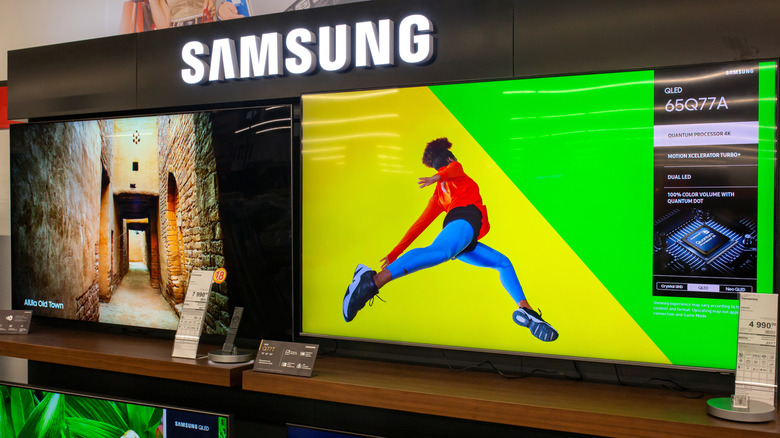
Samsung TVs are pretty popular among consumers, and the company is even considered the best major smart TV brand in terms of customer satisfaction, according to the American Customer Satisfaction Index (ACSI). A lot of this has to do with the availability of Samsung TVs across price segments and the use of both OLED and LCD technologies in its televisions. However, the presence of the Tizen smart TV OS, which powers all Samsung TVs, is also an advantage, as it comes with several exciting features that you don't get with Google TV or other smart TV operating systems. Moreover, Tizen offers access to a massive selection of smart TV apps that you can enjoy, including Samsung TV Plus, which you can use to watch hundreds of channels for free.
While most folks are familiar with popular streaming apps like Disney+, HBO Max, Netflix, and Prime Video, there are a host of other useful smart TV apps that often get overlooked. Here are some such apps that provide unique and interesting features, adding value to your TV viewing experience. You can download each of these apps from Samsung's built-in app store, so there is no need for any sideloading.
JustWatch
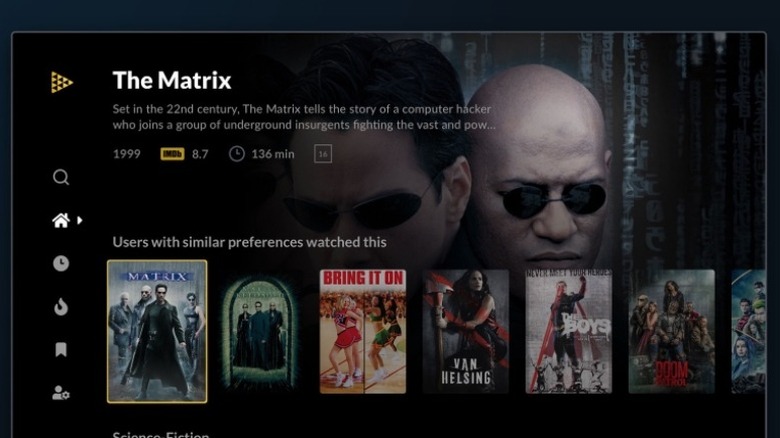
It can be tough to track content across so many streaming services and apps, but JustWatch is here to help. You can think of JustWatch as your streaming search engine. It can tell you which piece of content is available on which service, whether you have subscribed to that service or not. This saves so much time when you get a recommendation from somewhere or from social media and want to watch it. Rather than spending time opening each service and searching for it, you can simply search for the content on JustWatch and immediately find out exactly which services carry that content. In a world where streaming services change their catalog every month, JustWatch has become a necessity for anyone who likes to consume a lot of movies and TV shows.
You can also use JustWatch to track the latest additions to any of your favorite streaming services on a daily basis. More importantly, it lists popular shows and movies on specific services in your region, which is excellent for content discovery. JustWatch is free to use and free to download from Samsung's app store.
Copilot
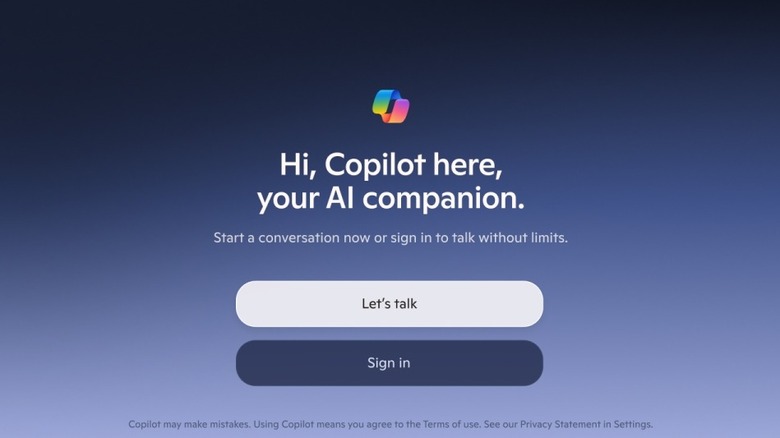
While smart TVs powered by Google TV have started getting access to Gemini, Samsung TVs haven't been so lucky to this point. However, if you're looking for your AI dose on your Samsung TV, Microsoft's Copilot, which uses ChatGPT, is there to help you out (on some sets, at least). You use the microphone built into your Samsung TV's remote to communicate with Copilot, and the process is as seamless as talking to any voice assistant. Besides English, Copilot on Samsung TVs supports nearly 60 languages. You can use it to recap the last season of your favorite TV series before jumping into a new season, get recommendations on something to watch, get information about the cast and characters, and pretty much do anything else you would normally use AI chatbots for.
While you don't need to sign in using your Microsoft account to use Copilot, logging in does personalize your conversations with it, and it uses any preferences that you might have set on Copilot on other devices. It's important to keep in mind that Copilot may not be available on all Samsung TVs, and if it doesn't show up when you search for it in apps on your TV, it likely doesn't work on your TV.
Google Photos for Samsung TV
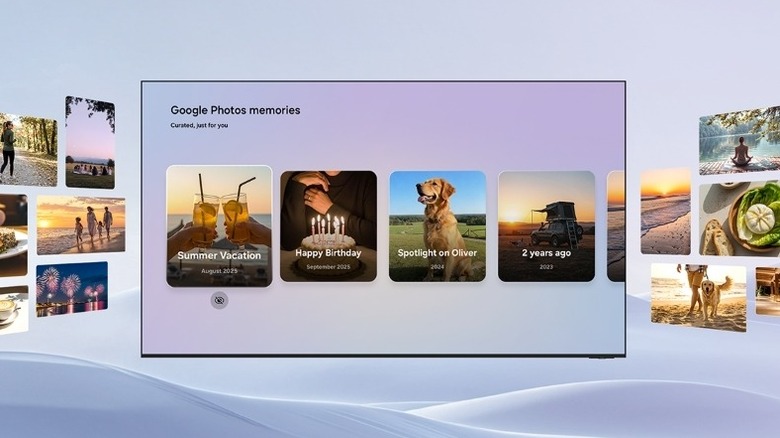
The Google Photos for Samsung TV app is a relatively new addition to the company's TV app portfolio, having come online at the end of March 2026. While it's not the full-fledged app that you see on your phone, it brings quick and easy access to your Google Photos memories, which are automatically curated private collections that you typically see at the top of the Google Photos app on your phone or the official website. The memories will help you and your family rediscover moments from your saved photos and videos.
With the app installed, you can also view your Google Photos memories as part of your Samsung TV's Daily+ and "Now brief" sections on the home screen. The app gives you the choice to select what kind of memories you want to appear and whether you want to hide any sensitive memories. For example, you can skip showing specific people, pets, or dates in your memories. You can also hide specific memories while you are browsing them on your TV. This is just the initial version of the app on the Samsung TVs, and Google and Samsung plan to expand the feature set in the coming months.
The Weather Network
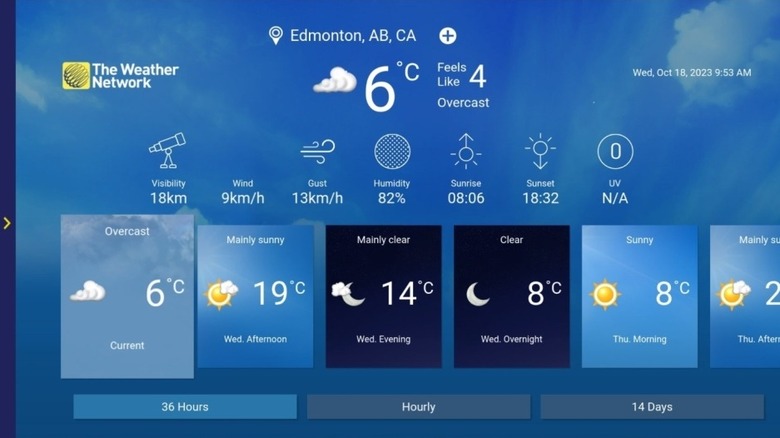
If you're looking to get your weather information on your Samsung TV and don't want to be limited to local news broadcasts, the popular weather source, The Weather Network, has an official app for Samsung TVs. It can offer hyperlocal forecasts for your location, as well as any other locations you want, with just a couple of taps. You get access to hourly, 36-hour, and 14-day forecasts. Besides forecasts, the app also provides weather warnings and alerts to help you better plan for severe weather.
In addition to weather, The Weather Network app has free on-demand video content about animals, science, climate, health, local news, and a lot more. Although The Weather Network app is free to use, you may see advertisements. If you're more into video weather forecasts, The Weather Channel also has an official app for Samsung TVs, and it delivers live weather forecasts across the U.S., as well as interactive maps and more. However, unlike The Weather Network, you have to pay $3 a month to access The Weather Channel via the Samsung app.