

5 Speaker Mistakes That Can Kill Your Audio Quality (And The Easy Solutions)
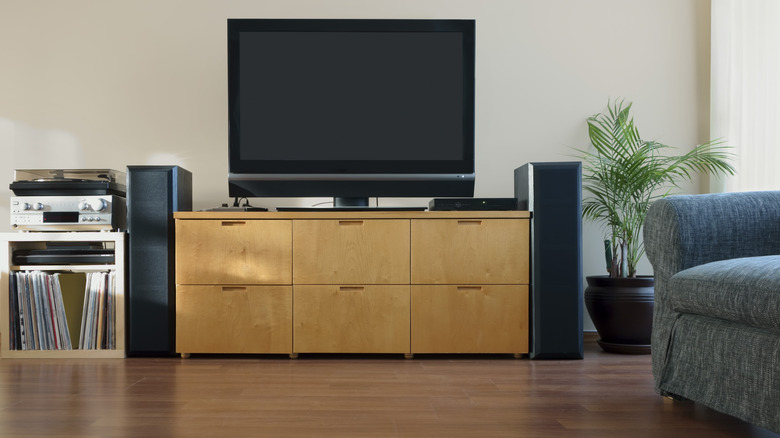
If your speaker's audio doesn't sound as crisp as it should, it could be the setup to blame and not the speaker itself. There are several common mistakes people make with speakers that completely ruin the overall listening experience, starting at the very beginning by choosing the wrong models for your budget and space. Buy something too big or powerful for a small room, and the audio can feel overwhelming. On the other hand, buying small bookshelf speakers for large living rooms can result in weak sound.
Speaker placement and audio levels are two other important aspects people often ignore. You don't place the speakers based on convenience, but for the best sound quality. To achieve that, you have to consider several things, from the room's layout to the distance between the speakers. At the same time, setting the volume levels too high and irregular maintenance can also affect audio clarity and quality.
Most of these problems are easily fixable with some quick changes. These small adjustments don't take more than a few minutes and can instantly improve overall audio quality, while saving you a lot of trouble. And the best part is that this works across different speaker categories, whether it's tiny Bluetooth speakers, bookshelf speakers, or sound tower speakers.
Buying the wrong speakers
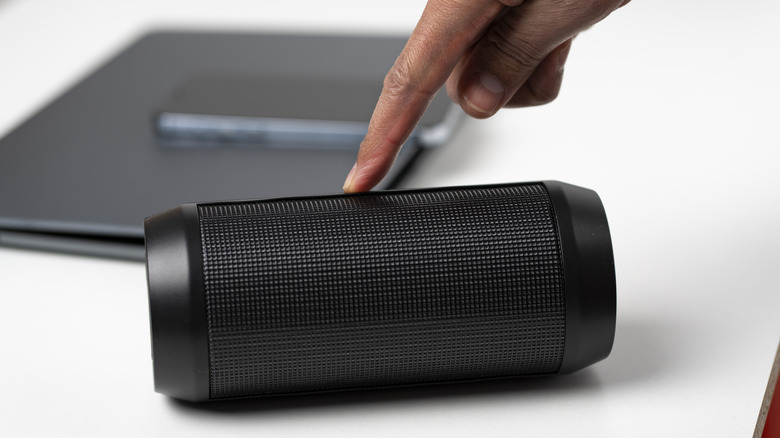
The biggest mistake people make is buying the wrong speakers based on brands, specifications, or online reviews. When it comes to speakers, the right choice depends just as much on the room they are going to be placed in as it does on specifications, wattage, or pricing. Sometimes, even the more expensive option may not be the right pick, while simpler budget speakers may deliver a better experience.
First, you need to take into account the room size, ceiling height, and the distance between the listener and the speaker. And remember, bigger is not always better. Tower speakers, though ideal for larger spaces, can overwhelm the listener in a small room due to the excessive bass. Second, you need to understand the room acoustics. If there are too many reflective surfaces, the sound quality will take a hit. You can use rugs and heavy curtains or rearrange furniture to reduce reflections. The shape of the room matters too. In rectangular rooms, it's simpler to predict the behavior of sound waves, making it easier to pick a speaker. In an oddly shaped room, the choice is more difficult since this behavior can't be easily predicted. Apart from that, you need to consider compatibility with the existing system.
If you are not familiar with speaker setups, it's best to consult the manufacturer, seller, or a professional. They will help you pick the right set of speakers depending on the room size, shape, and acoustics.
Improper speaker placement
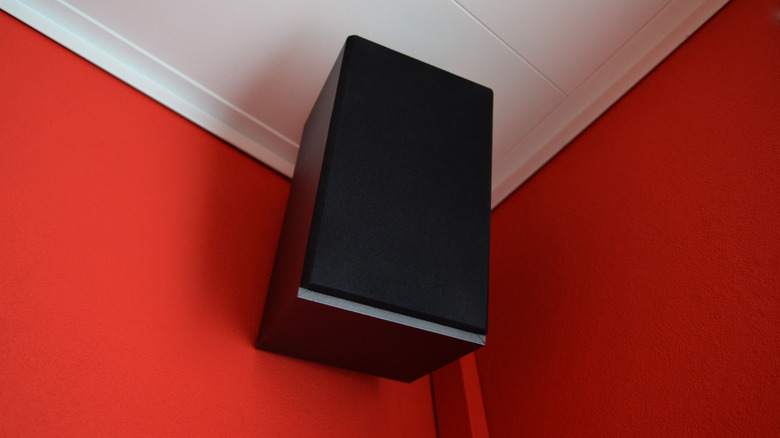
Improper speaker placement is another extremely common mistake, and one where the effects on audio quality are immediately noticeable. Remember, even the best speakers can sound terrible when placed incorrectly. To start with, never place your speakers against a wall. There should ideally be a six-to-12-inch gap between the two. Otherwise, you may hear distorted sounds. If that's not possible, consider getting wall-mounted speakers. The same applies to bookshelf speakers: They shouldn't be placed at the back end of the shelf, but at a small distance from the wall or back of the shelf casing.
Also, it's important to make sure that nothing sits right in front of the speaker, especially furniture or large items that can reflect sound waves. Another aspect you need to consider is the distance between the speakers, which shouldn't be placed too close together. There are several recommendations for optimal speaker placement, including the 2:3 formula. The idea is that, if the distance between the speakers is two feet, the ideal listening distance is three feet in front of the speakers. As the distance between you and the speakers increases, so should the gap between them. Some experts recommend flipping that ratio, so that you sit two-thirds as close to the speakers as they are to each other, but the basic idea is the same: The farther you plan to sit from your speakers, the farther apart you should place them. As with most speaker adjustments, you'll have to experiment to get the absolute best sound for your setup.
Listening at high volume levels
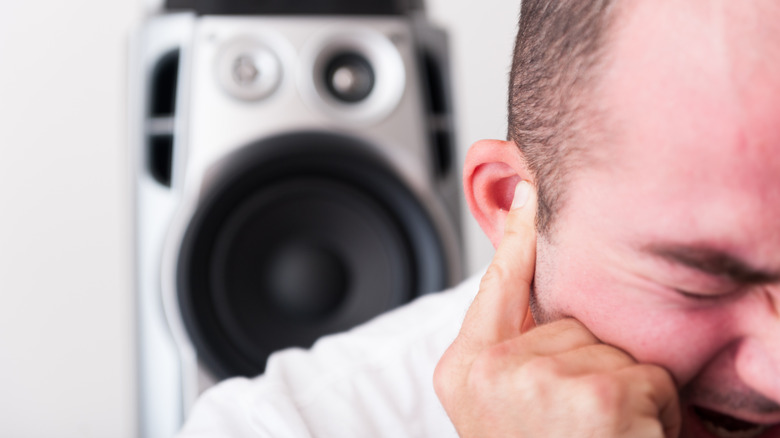
Many of us assume that louder automatically means better, but that's far from true. Listening at extremely high volumes beyond what the speaker is designed for can reduce sound quality, damage the speaker, and increase the risk of hearing loss. At excessively high levels, the sound starts to feel distorted as the speaker drivers are pushed beyond their safe limits.
Additionally, listening to loud audio for prolonged periods has a major impact on your hearing, which is a serious health concern. It also affects your listening experience, since high volume levels will cause listening fatigue after a certain period.
To fix this, you should ideally have the audio levels set to 70-85 decibels (dB). Of course, bigger speakers are capable of producing clearer sounds even at high volume levels, but you should avoid those extremes unless absolutely necessary. Keep in mind that you should never push your speakers to their limits for extended periods, since doing so can damage key internal components and degrade sound quality.
Improper use of cables
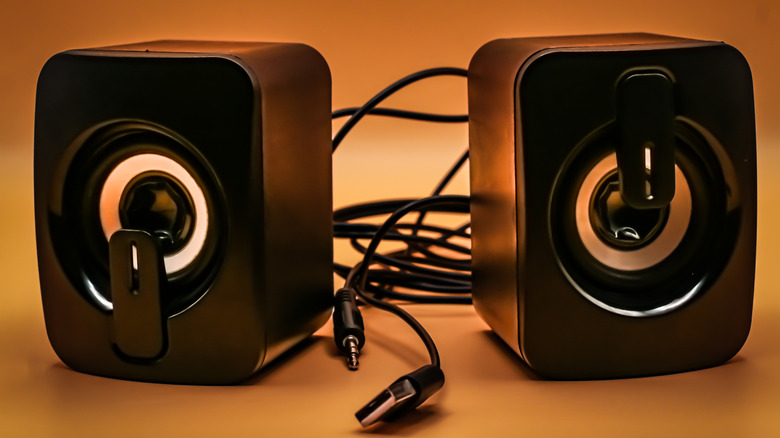
For a long time, there has been a debate on whether cable quality matters. There are companies selling overpriced cables promising superior sound quality, and in many cases, there's no noticeable improvement in performance. As a result, the effects of premium cables on sound quality have often been dismissed as myths by audiophiles. Even so, it's also important to realize that using low-quality or damaged cables can negatively impact your experience due to increased signal loss and noise.
Also, avoid using long cables, especially when the setup doesn't require them. When the cable length increases, so does the resistance, and that has a direct effect on sound quality. For longer runs, you should ideally go with thicker cables due to their lower resistance. You shouldn't ignore the cable's placement either. Don't place cables near electrical lines or motors, as this can lead to interference and degraded sound. If that's unavoidable, use properly shielded cables.
Always remember that the cable is an integral part of your speaker's setup. That's why it should get the same attention as the rest of the components. You shouldn't always go with the most expensive option just because it costs more, but cheaper ones are not always the best choice either. So analyze your setup, identify what it needs, and pick a cable that suits it best.
Ignoring speaker maintenance
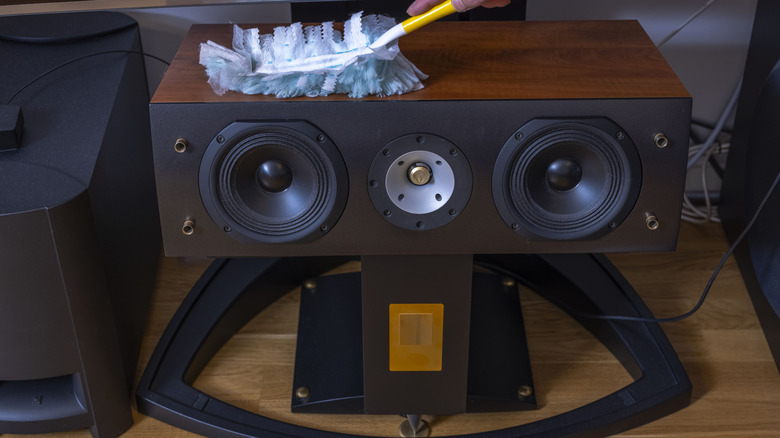
Last on the list of mistakes is ignoring regular maintenance, something many of us are guilty of. It's not just about wiping down the exteriors from time to time, either. There are other aspects to cleaning and upkeep that directly impact sound quality and clarity. The most important one is clearing dust buildup in grilles and speaker drivers.
You can use a can of compressed air to blow off dust particles lodged in the drivers, and then use a soft brush to clear anything that remains. For the grille, use a soft cloth and simply wipe the surface. That does the job in most cases. As for the speaker's exterior, a damp cloth is usually all you need for regular upkeep. Also, make sure to clean the connectors, as dust buildup there directly impacts the audio quality. Too much dust buildup can also loosen the connections. And don't forget to tighten the screws, as these can slightly detach due to continuous vibrations.
Periodic cleaning is integral to your speaker's proper functioning. It's all the more important for portable Bluetooth speakers since those are often moved around and used in open spaces, increasing their exposure to dust. Lastly, avoid placing your speakers under direct sunlight or in extreme moisture conditions, as both can damage internal components. These simple changes won't just improve your speaker's sound quality but also extend its lifespan.