

5 Signs You Should Replace Your Smartwatch
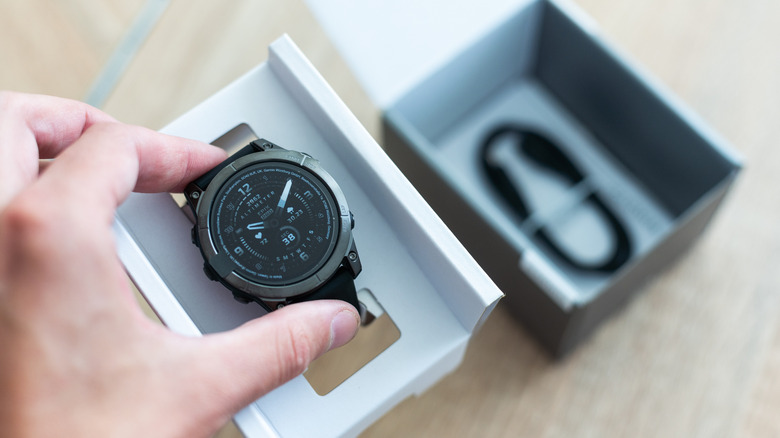
Smartwatch sales have been booming in recent years, with over 127 million units sold in 2021. The years that followed showed continued growth with the exception of a minor dip in 2024, which indicates many first-time and returning customers are buying smartwatches each year. Whether it's an Apple Watch, Pixel Watch, Galaxy Watch, Garmin device, or a different wearable, the smartwatch isn't the kind of product that needs to be upgraded every year, especially if you buy higher-end models that offer advanced health-tracking features and good battery life. Over time, signs will emerge that the device needs replacing or servicing. For example, battery life may disappoint after a few years as the battery health degrades.
A lack of software updates is another reason to go for a newer device. Even if the vendor keeps supporting an older model, users may still want newer models that can offer more advanced health and fitness tracking features. Other buyers may be switching mobile platforms, which can force them to change their smartwatch. Finally, there's accidental damage as well as wear and tear to consider. You may end up choosing a new model instead of paying for extended repairs for an old device.
The good news is that smartwatch vendors release new models every year, improving various aspects of the smartwatch experience, from design changes to new software features, which may include built-in AI capabilities on some platforms. There's no shortage of options in an industry seeing continued growth. Additionally, some mobile operators may run smartphone promotions that include free or discounted smartwatches. That said, here are the signs that indicate a smartwatch replacement may be needed.
Worse battery life
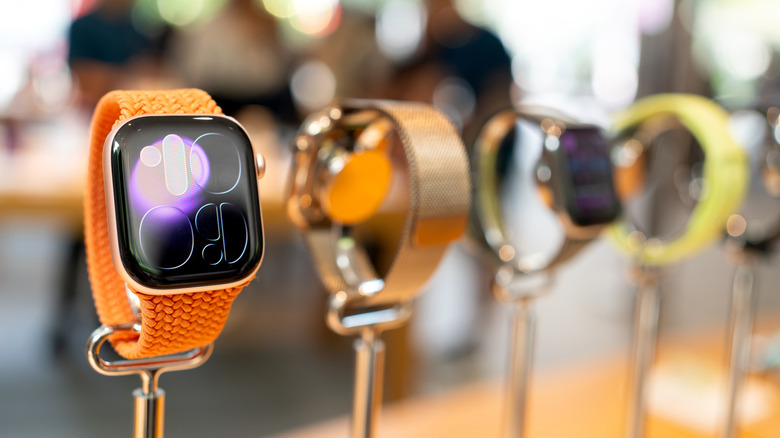
Depending on the model, smartwatch battery life can range from a full day to more than a week. For example, the Apple Watch Series 11 offers 24 hours of battery life, compared to 18 hours for the Apple Watch SE 3 and 42 hours for the Apple Watch Ultra 3. The Pixel Watch 4 lasts up to 30 hours or 40 hours on a charge (depending on size) with always-on display functionality turned on. The Galaxy Watch 8 also reaches 30 hours of battery life with the always-on display enabled. The Garmin Venu 4 models offer between 10 and 12 days, while the Garmin Forerunner 970 lasts for 15 days. The 51 mm Garmin Fenix 8 Pro (AMOLED display) lasts for up to 13 days (with always-on display enabled).
Since health and fitness tracking may be priorities for smartwatch owners, they'll want to wear their devices for as long as possible, including nighttime. After years of use, battery life may drop faster than when the device was new, forcing users to recharge the wearable more often. Worse battery life isn't a problem on wearables that last several days, but Apple Watch, Pixel Watch, and Galaxy Watch users will notice the change. Some owners may need to recharge the device multiple times a day, which may impact certain features. Sleep tracking may suffer if you need to recharge the device overnight. The battery may drain faster during use, preventing some users from tracking long training sessions like running marathons. Some users may revert to using Low Power Mode on devices that support it, but the battery-saving feature may reduce functionality.
If a smartwatch is several years old before showing battery issues, it may be a better idea to get a new model than to replace the battery.
Software support ending
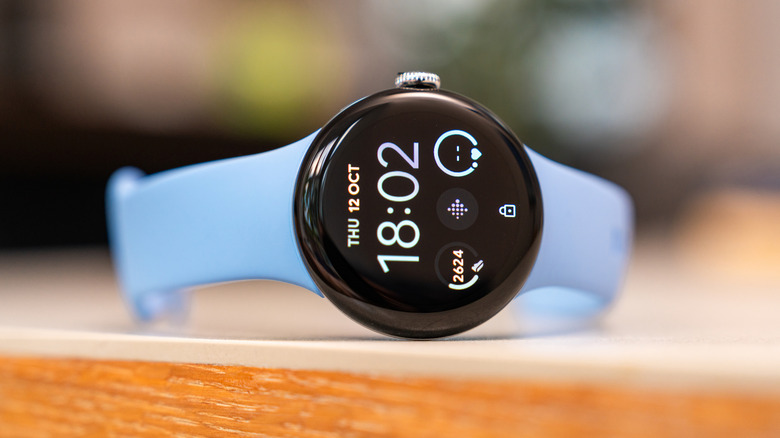
Buyers don't have to buy the most expensive smartwatch to get a dependable experience. For example, you can buy a $249 Apple Watch SE 3 instead of the $399 Apple Watch Series 11 or $799 Ultra 3. Even the 2022 Apple Watch SE 2 model is still a good purchase. But the first-generation Apple Watch SE model no longer supports the latest watchOS release, which means buyers would be deprived of some of the newest features. The same considerations apply to other brands. For Google smartwatches, buying a Pixel Watch 4 ensures you can run the latest Gemini AI features on the wearable.
Put differently, smartwatch owners who are still using older hardware may want to upgrade to a newer device once the vendor stops supporting that old wearable, even if battery life is still solid. Access to the most recent software updates ensures the smartwatch can offer new and improved features and receive security updates. New software releases may also improve algorithms for the health-tracking features, add new fitness features, and fix bugs.
Software updates may also enable new features on wearable devices that aren't related to health tracking. Google's Pixel Watch 3 and Pixel Watch 4 support Smart Replies in the Messages app, a feature that allows users to use generative AI models to create replies to text messages. Pixel Watch 2 owners will need to upgrade to one of those two devices to take advantage of the feature.
Improved health features
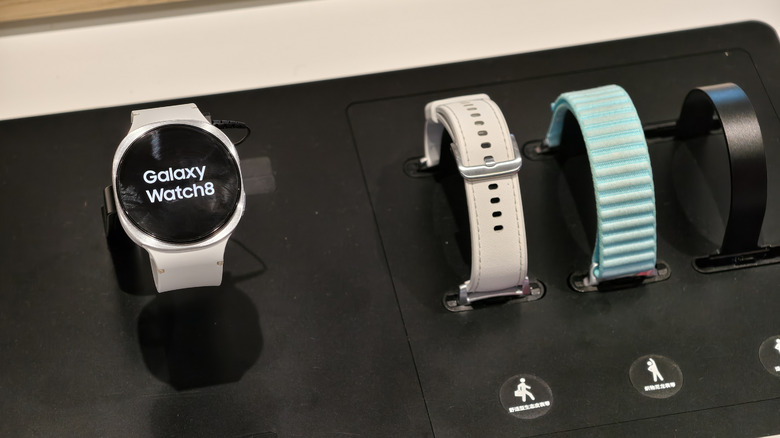
Even if your smartwatch can run the latest operating system, there may be a different reason to replace your smartwatch with a newer model. You may want access to improved health tracking features that are available on a specific model. For example, the Apple Watch SE models offer more limited health features than the premium Apple Watch Series 11 and Ultra 3. The Apple Watch SE 3 lacks support for hypertension notifications, a feature some owners may want to take advantage of. Similarly, the device doesn't support temperature and blood oxygen readings. The older Apple Watch SE 2 can't offer sleep apnea notifications, which are available on the Apple Watch SE 3 models.
For Pixel Watch models, the Pixel Watch 3 brought improved training features and a Loss of Pulse Detection feature. The Pixel Watch 4 offers better sleep tracking, automatic activity detection, and skin temperature. On top of that, Pixel Watch 4 supports AI coaching features that some users may want.
In addition, some smartwatch models may offer extra connectivity options that were not available on the older devices, including cellular and satellite support, which could become priorities for smartwatch users who want to spend more time outdoors, especially in remote places. The ability to connect with emergency services via satellite may be a big reason to upgrade to a different smartwatch model.
The inevitable wear and tear
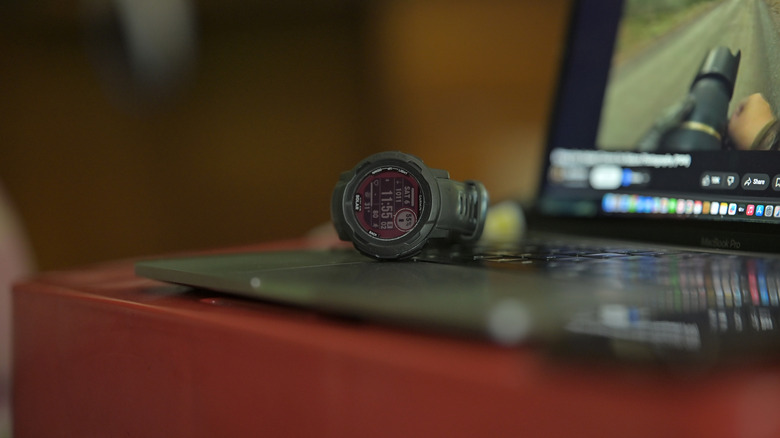
Smartwatches may feature good build quality, including a strong glass display cover and a chassis made of durable materials. They may be dust- and water-resistant, so they can work in harsher conditions and allow users to track vitals while they're exploring the depths of the ocean or in rugged conditions. But that doesn't guarantee their structural integrity will not show signs of wear and tear. The screen can be scratched and broken, which then becomes a risk if the device is spilled on or submerged. Similarly, the buttons may be damaged or stop working as intended. Other components, like the microphone and speaker, can malfunction, while internal hardware can fail. The list includes the battery, which can overheat while charging, and the various chips that can malfunction, including cellular and Wi-Fi components.
You should also pay attention to the device overheating while in use, sticky buttons, sensors that don't register health metrics as expected, and even the device shutting down without warning. If the smartwatch is physically damaged or stops working correctly and software patches do not fix the problems, you'll want to take it to an authorized repair shop for inspection. At that point, you'll have to decide whether it's worth paying repair fees to replace the damaged or broken components, including the battery, or if purchasing a brand-new device that features improved hardware and new software features makes more sense.
Switching phone ecosystems
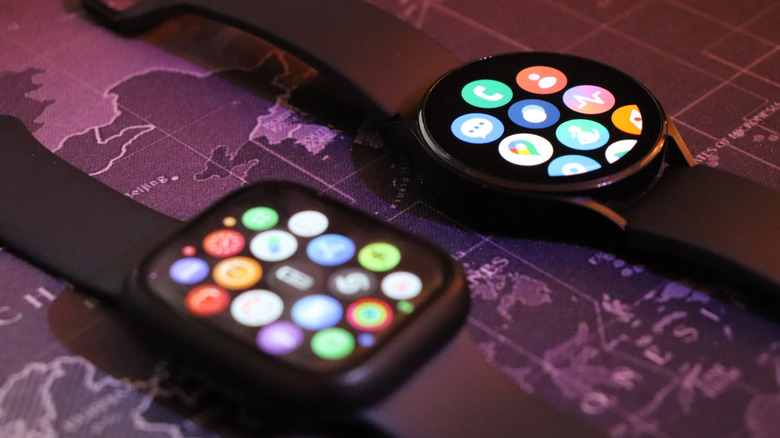
No matter the brand, the smartwatch isn't a standalone device, even if it comes with built-in cellular connectivity. It's meant to be paired with a smartphone. This means that smartwatch purchase choices are limited to your mobile platform. iPhone buyers can purchase Apple Watch models and non-Android smartwatches, like the various smartwatch models that Garmin makes. Android users can choose a Wear OS device, like a Pixel Watch, Galaxy Watch, or similar smartwatch models made by other Android vendors. Garmin and other smartwatches that do not run a version of watchOS or Wear OS would also be compatible with Android phones.
Switching from iPhone to Android, or the other way around, would require a smartwatch upgrade in many cases. Users would have to replace a Pixel Watch with an Apple Watch to get the best smartwatch experience after switching to an iPhone. That's because watchOS and iOS are designed by Apple to work hand in hand. The same applies in the other scenario. An Android watch would work better with an Android phone.
If you want to switch mobile platforms or need to do it for work or personal reasons, that will also be a sign that you may need to replace your current smartwatch with a compatible model.