

11 Things You Didn't Know Your Nest Thermostat Can Do
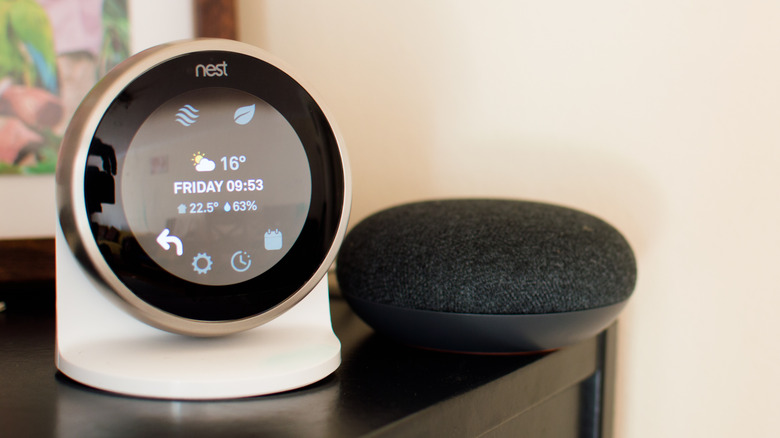
Most people use Nest like a basic temperature dial. Of course, it can keep your home warm and lower your energy bills. That little disk sitting in your wall is capable of doing a lot more than these basic tasks. Over time, Google has added some clever features that go beyond heating and cooling. In fact, your Nest thermostat can act as a tiny brain for your home. It can learn your daily routine, protect your home from frozen pipes, turn itself into a piece of art, and make AI adjustments even without you noticing.
Some of these features are so subtle that many owners don't even realize that they are there. When you've paid good money for one of the smartest devices in your home, you must take full advantage of everything it can do for you. We'll talk about things that most people either ignore or don't know their Nest Thermostats can do.
1. Learns and adapts to your schedule/routine
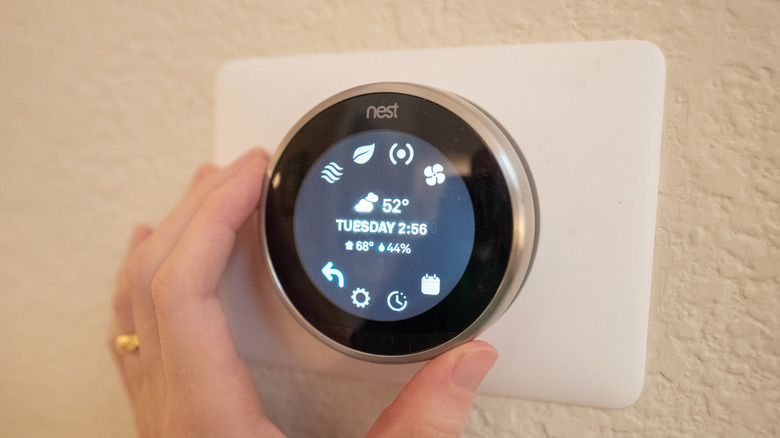
Most people treat their Nest like a fancy programmable thermostat. They set it once and forget it. One of the most impressive tricks of the Nest Thermostats is that you don't need to program complicated heating and cooling schedules manually. Your thermostat is actively studying you. In fact, it can build or adapt a temperature schedule based on how you actually live. With auto-schedule, Nest learns what temperatures you like at different times of day. After learning it for a few days, it will prepare a full schedule for you. No programming necessary or setup wizard to sit through. You just live your life and your thermostat figures you out.
Let's say you start waking up half an hour early in the morning and turn off the AC. Or, you lower the temperature right before going to bed. Your Nest thermostat can recognize these patterns and make changes automatically over time. The newer Nest Learning Thermostat models take this a step further with AI-powered Presence Sensing and Home/Away routines. If you come home early from work, your house is already at your preferred temperature. That's because Gemini AI tracks motion detected in your home and anticipates temperature adjustments based on your behavior. This way, the Nest thermostat turns into a predictive assistant.
2. Switch to Eco mode when nobody is home
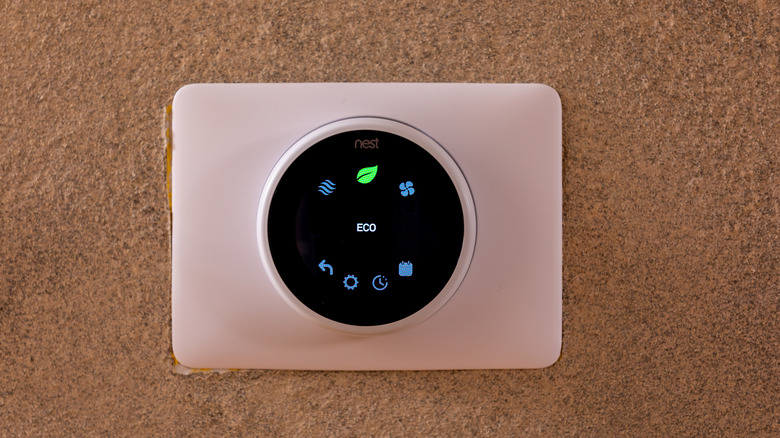
It's very common for anyone to leave their AC running all day while nobody's home. This is one of the fastest ways to waste energy and increase your bills. Most people don't know that their Nest Thermostat can help them save some serious money on electricity bills, but only if it knows you've left the home. Honestly, most users set up a schedule for their thermostat and forget it. Interestingly, your Nest Thermostat can make some adjustments that can help you save energy. The Home/Away Assist feature adjusts the behavior of your thermostats based on whether you're home or away. It does this with the help of built-in motion sensors and your phone's GPS location, and connected Google smart home gadgets.
When the last person leaves, the Nest thermostat waits a few minutes and turns on the Eco mode. This will stop your HVAC system from heating or cooling an empty house. You can set up an upper limit for cooling and a lower limit for heating. Your thermostats will trigger Eco mode only when your home goes beyond that threshold. This is a fantastic feature if you have unpredictable or dynamic schedules. Let's say everyone in your home leaves for work or school at different times. A "dumb" programmable thermostat might not know the difference. Whereas your Nest thermostat can adjust accordingly. To make this feature work, everyone in your home must install the Google Home app and enable location permissions on their phones.
3. Your Nest knows when sunlight is lying to it
This is one of the most underrated features of Nest. Traditional thermostats are pretty easy to fool. In several homes, the thermostat might be installed on a wall that catches the afternoon sun or a hallway that heats up dramatically during the day. If direct sunlight hits the thermostat, it reads the temperature on its surface rather than the house. Of course, it would be much warmer than your space. As a result, your thermostat forces your AC to work harder unnecessarily. Thankfully, your Nest Thermostat can fix this with Sunblock. This feature uses built-in ambient light and temperature sensors to detect heat spikes caused by direct sunlight.
Sunblock also uses your WiFi to pull local sunrise and sunset times. So, your thermostat can understand exactly when the sun hits your wall. After learning, your thermostat automatically adjusts its temperature readings to compensate for the false readings. Of course, this might sound like a tiny feature. But it can make a huge difference on summer afternoons. You'll find this feature under Settings > Temperature Preferences > Nest Sense > Sunblock. You will see a small sun icon on your thermostat's display, an indication that Sunblock is active. Now the environment can't fool your thermostat.
4. Prioritize the room you actually use
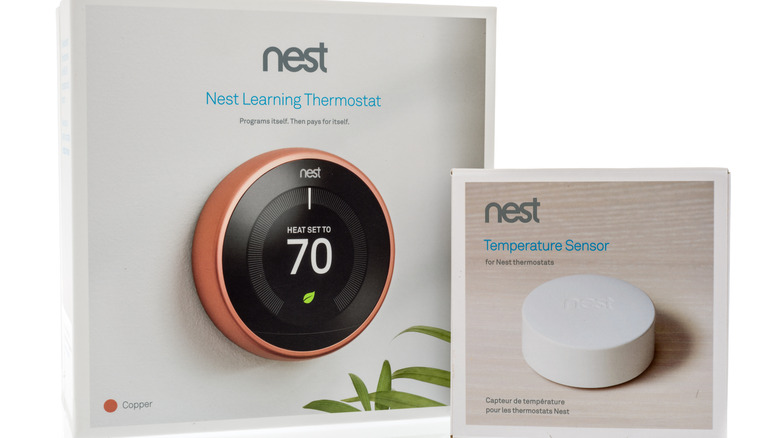
In a multi-room home, there's a common problem and most people don't even talk about this. Your thermostat is mounted in the hallway, and you spend most of your time in your bedroom and living room. While your hallway may already feel warm enough, your bedroom or living room could still feel freezing because the heat shuts off too early. Nest solves this issue with the Nest Temperature Sensor. These are small, wireless devices that sit on a shelf or mount on a wall in any room you choose. Wondering what they do? They monitor the local temperature of that room and communicate with your Nest thermostat. This will help you get the right temperature in the right room.
That's not all. You can also schedule which sensor is active at which time of day. For example, you can prioritize your living room in the evening and your bedroom at night. It gives you zonal temperature control, without investing in a zonal HVAC system. Your Nest thermostat will adapt to how your household actually lives, rather than just treating the entire home like one giant room. It is especially useful in larger homes where the thermostat doesn't accurately reflect the temperature in the rooms people actually use most.
5. Make small temperature adjustments to help you save
This is probably one of the smartest things your Nest thermostat can do. Also, it's the hardest thing you'll notice. Your Nest Thermostat can make subtle temperature adjustments behind the scenes to improve energy efficiency without dramatically affecting your comfort. It has several layers, and they all work simultaneously without asking you for anything. When you turn on Seasonal Savings, your thermostat will make small temperature changes each summer and winter. For example, your thermostat may slightly reduce cooling by one degree or optimize runtime based on weather conditions. No, it doesn't compromise with your comfort. These tweaks are too small to feel uncomfortable.
That's not all. Your Nest thermostat can even put actual money back in your pocket. It offers Rush Hours Rewards that encourage users to decrease their energy usage during peak demand periods. By reducing energy use during peak hours, users essentially create a "virtual power plant." This helps ease pressure on the grid and lowers overall energy demand. During these "Rush Hour" events, Nest can pre-cool your home ahead of time. This will create a comfortable buffer so the thermostat can reduce energy use later without you really noticing a change indoors. Furthermore, there's a Nest Renew program that helps your Nest thermostat automatically make small adjustments to use energy when the grid is cleaner or cheaper.
6. Act like an emergency protection system for your home
There are certain situations nobody thinks about until it's already a disaster. Let's say you've left for a two-week vacation and turned the thermostat way down to save money. After three days, the boiler starts acting up. The temperature in your home drops below freezing. Your pipes burst or crack. You come home to a flooded kitchen and a five-figure insurance claim. Fortunately, you can avoid such situations with your Nest thermostat. It offers safety temperatures, a feature you hope you never need but absolutely want to have. With this feature, your Nest Thermostats can kick on heating or cooling if your home reaches dangerous limits, even when the thermostat is off.
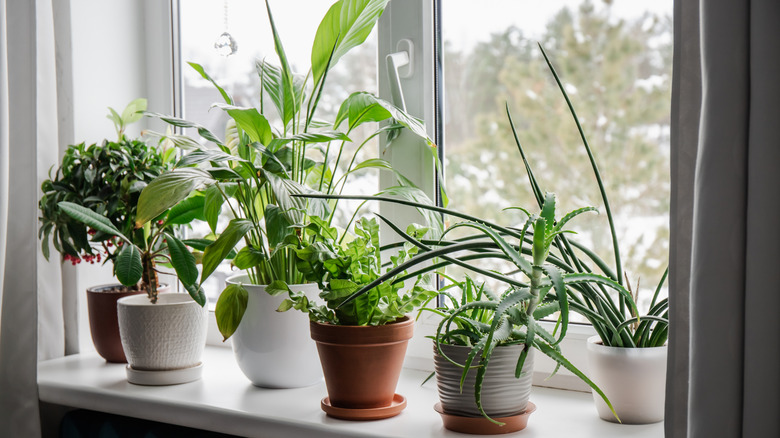
It can also protect your pets, server rooms, wine storage, and houseplants. Your thermostat will not allow these spaces to drift into extreme conditions. This differentiates Nest from other thermostats. Nest doesn't just optimize for people in the house. It is also acting like a guardrail for the entire home, especially during winter cold snaps, summer heat waves, or when you're traveling. You can set the temperature that your home should never reach. You will find this option under Settings > Safety Temp on the thermostat, or Settings > Temperature Preferences in the Google Home app.
7. Warn you before your AC or furnace fails

Let's face it. Your furnace or AC don't fail overnight. They will definitely give you small warning signs before a major breakdown. The issue is that you cannot notice these signs sitting in your living room. They show up in data in the form of unusual shut-off patterns and longer-than-normal run cycles. Nest thermostat can flag unusual patterns before they turn into expensive breakdowns. It can detect issues such as unusual heating and cooling behavior, longer runtimes, airflow issues, or performance inefficiencies.
With Furnace Head-Up and System Health Monitor features, your thermostat can work as a diagnostic tool. Let's say your furnace constantly overheats and shuts itself down. In such a case, your thermostats may warn you for things such as dirty air filter, blocked airflow, or a failing fan. If your AC is taking much longer to cool your home, your thermostat may alert you about refrigerant leaks and compressor trouble. It even considers outdoor weather conditions before giving any alerts. So it doesn't mistake a heat wave for a broken air conditioner. So you see, your Nest thermostat can work as an early-warning maintenance assistant, rather than a regular temperature controller.
8. Track outdoor air quality and automatically pause ventilation

This is one of the clever features of the Nest Thermostat, and most Nest users don't even know about it. If your HVAC system has a ventilator, Nest's Smart Ventilation feature can bring in fresh air when outdoor conditions are clean and cool. It monitors outdoor air quality data from weather services and pulls in real-time AQI (Air Quality Index) readings for your location. When outdoor air is clean and the temperature is favorable, your thermostat runs your ventilation system to bring in fresh air and push out stale indoor air. This helps maintain an optimal air quality in your space.
When air quality becomes unhealthy due to smoke, wildfires, high pollen, or pollution, Smart Ventilation pauses the ventilation system. This makes sure those unwanted particulates aren't pumped to your home. If you live in areas with seasonal wildfires or rising pollution levels, this feature is a lifesaver. Your thermostat will use environmental data to make smarter decisions about when fresh air is actually beneficial. The outdoor air quality data is also surfaced on the Dynamic Farsight display. So, you can check outdoor air quality every time you walk past the thermostat without picking up your phone.
9. Coordinate with your smart blinds to fight heat

Did you know your Nest thermostat becomes smarter when you pair it with other smart home devices? It can work with compatible blinds, shades, ceiling fans, and other smart home devices. Well, Nest can't control blinds on its own. That said, it can work through Google Home automations and third-party smart-home setups. Let's say you're sitting in a west-facing living room at 3 p.m. on a June afternoon. The sun is hitting the windows and heat is pouring in. When this happens, your AC will start working overtime to maintain a comfortable temperature. In such a case, everyone thinks about ways to increase the cooling. Whereas the smarter move is to block the heat source. You can lower the blinds before your home becomes an oven. When you own a Nest thermostat, you don't have to do this manually all the time.
You can use Google Home Routines and create an automation where your thermostat and smart blinds can act together. For example, when your thermostat detects the temperature crossing a threshold, let's say 74 degrees Fahrenheit, it lowers your blinds. This will reduce the load on your AC. With this kind of automation, Nest becomes more than just a thermostat. It becomes the brain of your smart home.
10. Turn into a piece of digital art
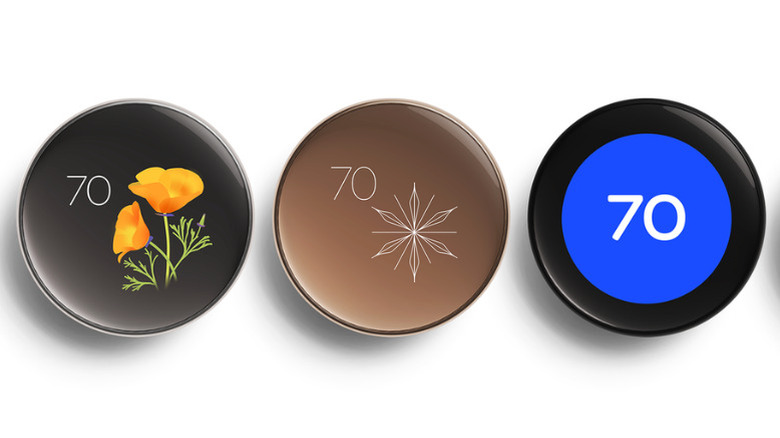
Your Next Thermostat doesn't look like the traditional HVAC hardware, and that's by intention. If you're still using that 2.7-inch screen to just display a number, you're wasting one of the most beautiful displays in your home. That's because your Nest Thermostat can transform into an ambient display that shows custom clock faces. And, Dynamic Farsight takes this feature to a whole new level. It's one of the biggest design flexes for your Nest Thermostat.
Rather than sitting like a boring appliance on your wall, the 4th Gen Nest's display can activate when it detects movement roughly 10 feet away, showing curated information at that distance. This includes clocks, weather, temperature, and newer display faces. When you get closer within 3 feet, it automatically shows you the date and time, current temperature, target temperature range, or indoor air quality. It depends on which settings you've chosen.
Your thermostat is a visible part of your home. With custom clock faces, your thermostat might make your guests stop mid-way as they pass by it. At the moment, you can choose from eight Farsight face options. This includes Nest classic, Minimal, Seasonal art, Temp controller, Indoor temps, Analog clock, Digital clock, and Weather. You can try different faces by going to Settings > Display > Farsight on the thermostat or via the Google Home app.
11. Work with any smart home app
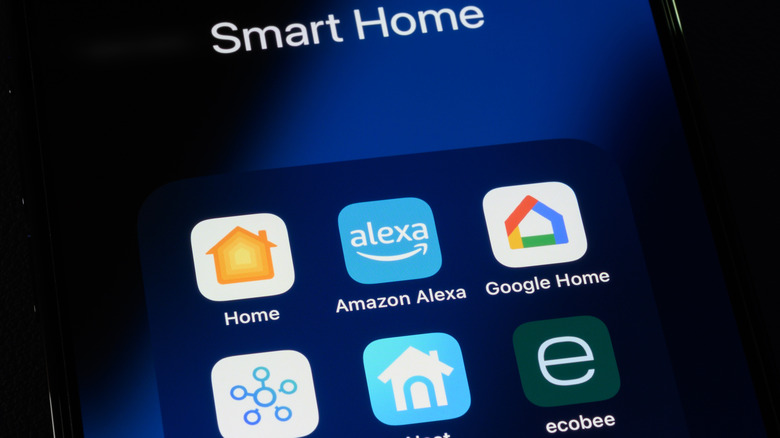
For the first decade of Nest's existence, buying a device meant choosing the Google ecosystem, full stop. Alexa users had to deal with limited integration. Samsung SmartThings users looked for workarounds, whereas Apple HomeKit users were mostly locked out. Thankfully, that's the thing of the past now. In December 2022, Google added Matter support to its Google Home platform and Nest devices. Today, Nest thermostats can connect with platforms like Alexa, SmartThings, Apple HomeKit, and other systems.
This gives you flexibility. And, it matters a lot. After all, you may not want to build a smart home using devices from a single brand. You might have got Apple devices, Amazon speakers, and Google displays at the same time. If you've got a thermostat with Matter support, like the Nest Learning Thermostat (4th Generation), you don't have to make any compromises. Got an Apple device? Ask Siri to set your thermostat to 70 degrees Fahrenheit. Invested in a Samsung SmartThings security system? Ask your thermostat to drop to Eco mode when your security system detects nobody is home. You can also build an Alexa routine that adjusts the Nest when your Echo detects you've fallen asleep. Your Nest thermostat is no longer tied to Google. It's a universal smart home device that works across ecosystems. As a result, Nest thermostats are amongst the best thermostats according to user reviews.