

What's The Best Streaming Stick To Use In A Hotel Room?
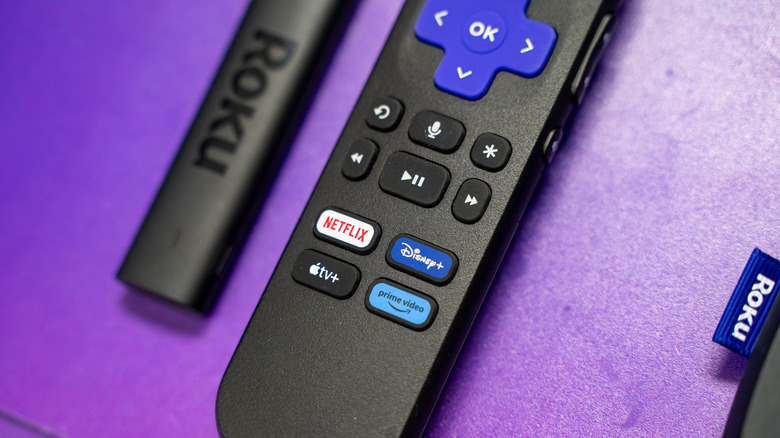
You've been waiting for months to go on this vacation, and the paid time off has finally arrived. You'll likely be traveling with numerous TSA-approved gadgets, one of which may be a streaming stick. This means you probably have plans to connect said streamer to whatever hotel room TVs you'll encounter on your journey, which begs the question: What's the best streaming device to use in a hotel room? Honestly, if you asked three different people, you'd probably get three different answers.
If you're asking your friends at BGR, our vote goes to pretty much any Roku streaming device you can fit in your luggage. Why, you may be asking? Because all Roku streamers have a built-in feature called Hotel & Dorm Room Connect. Certain resorts require a browser-based sign-in (also known as a captive portal) before you're able to start using Wi-Fi, and Roku makes this part of the network setup relatively easy and painless. I personally use Roku devices when traveling, and you couldn't get me to switch to another streaming gadget if you paid me.
With Hotel & Dorm Room Connect on Roku OS, you'll first need to connect your device to the hotel room TV. If you're able to, you'll also need to select whatever HDMI input your Roku device is connected to using the hotel TV's remote control (unfortunately, many hotels will lock guests out of connecting HDMI and USB devices). For the next step, you'll need to have access to a smartphone, tablet, or laptop.
Roku makes it a snap to connect to hotel Wi-Fi networks
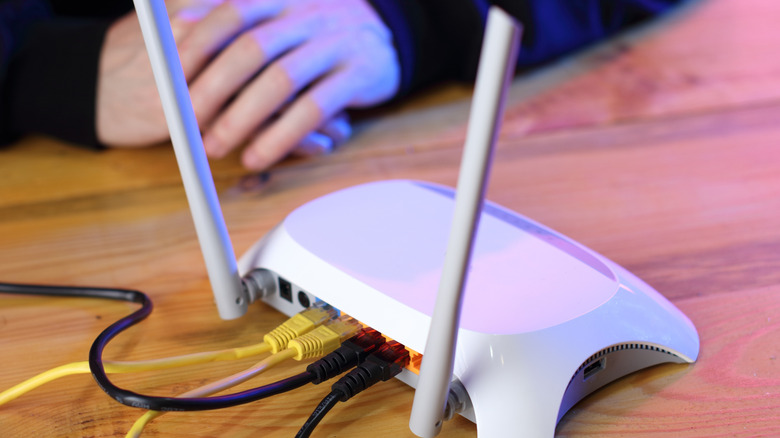
As part of Roku's Hotel & Dorm Room Connect feature, you'll need to choose whether you're at a hotel or a dorm. When you select hotel, you'll be prompted to head into your phone's Wi-Fi settings. You should see a crazy-looking network name with "Roku" buried somewhere in the text — this is your Roku device's temporary hotspot. Connect your phone to this network and follow the on-screen instructions to finish onboarding your Roku device to the hotel's Wi-Fi network.
As a side note, but an important one, you should remember that public, or even semi-private (like at a hotel), networks are rife with threats to your online privacy. For additional security, it's always a good idea to pack a travel router. Many models are equipped with built-in VPN services to protect you from the many hazards and malcontents of public Wi-Fi. Some of the devices even allow you to bypass captive portals by configuring your gadgets through the travel router.
That setup can make you feel a bit more secure in using your Roku on the road, or in using any other streaming stick while you're traveling. We're not here to dissuade you from using an Amazon Fire TV Stick or Google TV Streamer when you're traveling. Fire OS and Google TV (both of which are Android-based) are intuitive platforms that can be connected to hotel Wi-Fi, too, but for plug-and-play connectivity and ease of use, Roku is in a class of its own.