

5 Useful iPad Accessories Cheaper Than Apple Brand Products

We may receive a commission on purchases made from links.
The iPad is a powerful device you can use for just about anything you use a computer for, ranging from work to play. Whether you have the standard model, iPad Air, iPad Mini, or iPad Pro, the right accessories can add functionality to your tablet and keep it in good condition for longer, which is important since iPads can last for quite a few years. Apple offers a lot of great options like the Apple Pencil and Magic Keyboard, but while the official products are generally the best at what they do, they also come at a premium price.
Fortunately, there are plenty of comparable alternatives to Apple's most popular iPad accessories that you can find at more affordable prices. From cases to pencils, these are the kinds of add-ons that improve your daily use rather than, say, Bluetooth gadgets for your iPad that are cool but nonessential. We've selected products that are cheaper than what Apple offers (by a significant amount in some cases) without making major sacrifices where quality is concerned.
Metapen Pencil A8
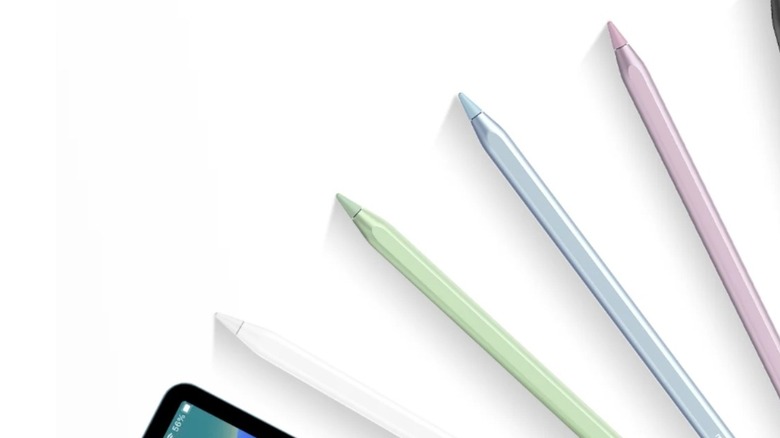
If you're an artist, the Apple Pencil delivers unmatched precision thanks to its pressure sensitivity. It's an impressive device, but for many, that's not worth the $79+ that Apple's official stylus costs. There are plenty of cheaper alternatives to the Apple Pencil, and my personal favorite is the Metapen Pencil A8. With a list price of $24.99 on Amazon (which often goes down to around $16), the Metapen is significantly cheaper. That doesn't translate to lower quality, though.
To start, setting up a new Metapen A8 is instantaneous — just tap the top twice, and you're ready to go. Even without pressure sensitivity, the device's tilt sensitivity and palm rejection make it perfect for anything that doesn't require super precise strokes, such as taking notes on your tablet. The A8 also has great battery life and fast charging. Just four minutes plugged in gives you enough power to last through two hours of consistent use, and a full charge takes about 30 minutes and lasts 10 hours.
My only issue with the A8 is that, while it does magnetically attach to the side, it doesn't lay flat against my iPad (I have a 10th generation). Other than that, I've been very happy with my Metapen, and I'm not the only one singing its praises. It has 4.5 stars on Amazon and over 10,000 five-star reviews from customers who say it's a great value that holds up against the Apple Pencil.
Logitech Combo Touch
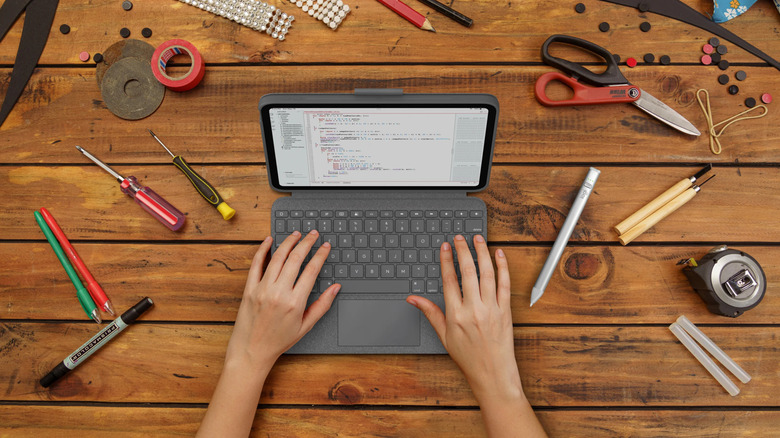
If you want to use your iPad as a laptop alternative, the first thing you need is a keyboard case. Apple's Magic Keyboard is great, but it starts at $249 for the Magic Keyboard Folio and goes up to $299 for the iPad Pro model. The Logitech Combo Touch is a great alternative that's significantly cheaper and available for most iPad models (everything but the Mini). They range in price from $159.99 for the standard iPad to $229.99 for the Combo Touch for iPad Pro, though the latter is often on sale for under $190, making it over $100 less than the Magic Keyboard for iPad Pro.
What makes the Combo Touch such a good alternative to the Magic Keyboard is that it has a trackpad, better matching the laptop experience. Its Amazon rating ranges between 4.1 and 4.5 stars (the Combo Touch for iPad Air being the lowest rated), and reviews say it's responsive and durable. Many say it offers good protection for your tablet while being more affordable than Apple's keyboard case, which makes it a great option for those who still want the Magic Keyboard experience.
MoKo iPad Case
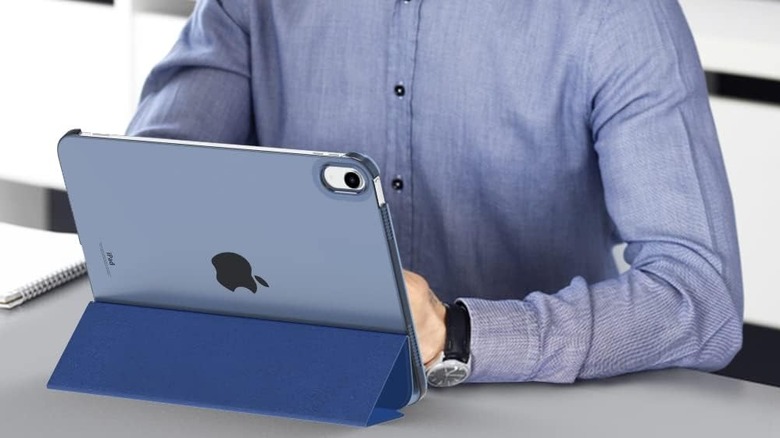
Depending on how you use your iPad, a basic case like the Smart Folio might be all you need. However, they range from $59 for the iPad Mini to $99 for the iPad Pro, which is a lot to pay for a case that offers surface-level protection and a way to prop up your tablet two ways using the front cover, especially when you can get basically the same case for a fraction of the price. The MoKo case available on Amazon is a great alternative with a near-identical design that starts around $10. It's available for all iPad models, and while the base model gets the most options, the iPad Pro, iPad Air, and iPad Mini versions also come in different colors and patterns.
I've used the MoKo case since I got my iPad, and it has lasted me for around three years of moderate use. The open side design means it won't provide much fall protection, but that's also true of the Smart Folio. What it will do is protect your tablet from surface-level damage while giving you different ways to angle your iPad for more comfortable use. It isn't fancy, but MoKo's case accomplishes everything Apple's case does at a fraction of the price.
IFEART USB-C Cable
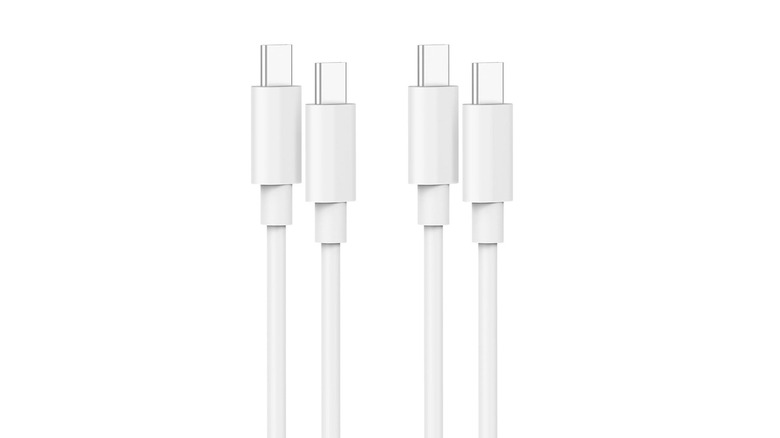
Since iPads use USB-C, there's no shortage of affordable charger offerings out there. Apple provides two options: a 60W cable that's a meter long for $19, and a 240W cable that's two meters long for $29. That's a lot compared to options on Amazon like IFEART's USB-C to USB-C cable. These start at just $9.99 for a single 1m cord (though all of the products are often available for cheaper), but the real savings come from their two-packs.
You can get a pair of one or two meter cables for $11.99 (under $10 on sale) or three meter cables for $16.99. These are 60W, so they should work just as quickly as Apple's one meter cable and for far less than the $38 or $58 two first-party ones would cost you. With 4.6 stars on Amazon based on over 23,000 ratings, IFEART has earned some overwhelmingly positive reviews that praise the product for its speed, durability, and overall value. Some even found it better than Apple's own cord. If you're looking for a replacement or extra charging cables for your iPad and other devices, IFEART is the best deal out there.
RAPIQUE Bluetooth Wireless Mouse
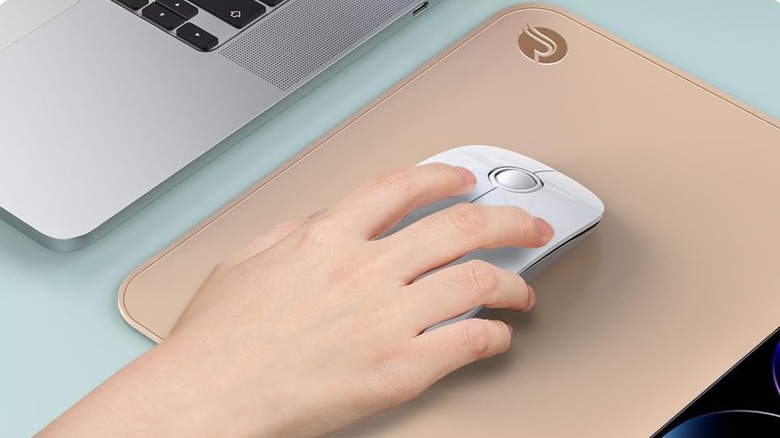
Since the iPad can connect to Bluetooth or USB-C devices, you can easily connect a mouse or trackpad to better recreate the laptop or desktop experience. Though, not every Bluetooth mouse is compatible with iPad, often because of the USB-A receivers many of them use. Apple offers both a Magic Mouse and Magic Trackpad, but at $79 and $129, respectively, they aren't cheap. Unfortunately, there aren't great alternatives for standalone trackpads (if you don't want Apple's, your best bet is a case like the Logitech Combo Touch that has one built in), but there are plenty of options if you're looking for a mouse that works with your iPad.
If you like the sleek design of the Magic Mouse, Amazon sells the RAPIQUE for $15.99–$18.99 depending on the color. The RAPIQUE mouse doesn't require a receiver, though it does come with a dongle that you can use to connect it to a computer (or your iPad with a port extender). It uses a single AA battery that the manufacturer claims can last through up to 480 hours of use, with an auto-sleep function and an on/off button helping extend the battery life.
Reviews for the mouse are generally positive, earning 4.3 stars on Amazon based on 3.8k ratings, with many iPad users praising its quiet clicks and overall value, though some reported connection issues. For most, though, RAPIQUE's mouse is a reliable, lightweight, and responsible device that works like the Magic Mouse at a much more reasonable price.
Methodology

For this list, we focused on alternatives to iPad accessories that Apple itself offers, such as the Magic Keyboard and Apple Pencil, that are useful or even essential for getting the most out of your tablet. We also looked for cases with sizes for multiple iPad models to ensure there was an option for most users. Specific items were only considered if they were both cheaper and of comparable quality to the official product, using reviews from customers ratings, reviews from users and trusted sources, and (wherever possible) from hands-on experience with the product.