

Cloud Storage Vs. Local Storage: Which Is Cheaper?
We may receive a commission on purchases made from links.
You should always back up your data. Not only can you access your files when away from your computer, but you could potentially lose all your data if you don't regularly back it up. However, deciding exactly how to back up your files is another matter.
Previously, if you wanted to take your files with you (and keep them safe in the event of malware), old-school computer accessories such as floppy and zip discs were essential. Today, cloud storage and external drives fight for supremacy. Each has their own advantages and disadvantages, specifically that one requires an internet connection and the other is at risk of being damaged if it falls out of your pocket. The arguments for each almost mirror "physical vs digital video games" discussions, but unlike those products, monetization differs wildly between cloud and local storage. For many people, picking between cloud and local storage is decided less by their preferences for physical vs. digital media and more by the impact each has on their wallet.
We've crunched the numbers and figured out just how each storage solution impacts your budget. Read on to learn our findings.
Cloud Storage: Cheaper in the Short Run, But Storage Is Only Temporary
We can't deny that cloud storage is way more convenient than local storage. You don't have to carry any physical items, and cloud services often upload your files automatically, so your files are safe even when you forget to back them up. However, most plans will chew through your wallet if you're not careful.
Cloud storage solutions offer plans to fit just about every budget. For people who have little to store, many start off with a free plan. For instance, Amazon CloudFront and Microsoft OneDrive let you back up 5 GB worth of data for no money, but if you need to keep more info safe, you'll have to pay increasing amounts of money depending on your needed space. For $15 a month, you can buy 50 GB of cloud storage from Amazon, whereas OneDrive provides 100 GB for only $19.99 a year. But while OneDrive caps out at $99.99 a year for 1 TB, Amazon sells 5 TB of storage at $1,000 a month. And then there are popular alternative cloud subscriptions such as pCloud: $4.99 a month gets you 500 GB, whereas $299.99 a year will provide 10 TB of storage.
While many of these prices seem reasonable, they add up over time, and you lose your data if you can't pay. Yes, pCloud's $300 annual price tag for 10 TB provides more storage for less than most physical drives, but that's still $300 a year. In two years, that's $600 for the same 10 TB, and in three years, you will have spent $900. Unless you want to store all the data for a next-gen game you're developing, you neither need that much spare space or need to spend that much money on it.
Local Storage: High Upfront Cost, But Keep Your Files Forever
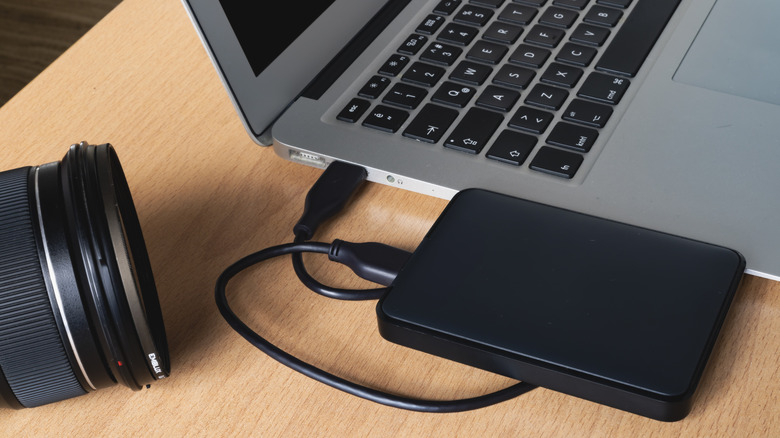
If you use a local storage solution such as an external HDD or SSD, you have to slot it into a computer and manually pick what files you want to save. That takes time, but provides a tangible sense you don't get from cloud drives, especially if you buy an external drive that lights up. Plus they have the advantage of "pay once, keep forever."
While local storage solutions are always more expensive than cloud storage plans, prices vary by size. You often have two options: USB flash drive and external hard drive. While you'll never find a free drive with 5 GB of storage (and be suspicious if someone offers you one), you can often purchase a 1 TB HDD, such as Western Digital Elements Portable, for under $150. If that's not big enough, LaCie sells a massive 10 TB external HDD for $379.99.
What external drives lack in price they more than make up for in permanence. Just look at LaCie's 10 TB HDD. Sure, it's $79 more than pCloud's 10 TB subscription, but that's 10 TB you get to keep forever. If you want to access your 10 TB of data on pCloud's server, you'll have to fork over $300 every year. Honestly, local storage solutions pay for themselves after you get over the payment hump. If you're really hurting for cash, buy an external drive with a "buy now, pay later" plan — just make sure you pick a plan you can afford without any additional APR.