

10 Alexa Commands You Should Know For Controlling Your Smart Home
We may receive a commission on purchases made from links.
Alexa is an excellent tool for helping you with everyday tasks throughout your home, be it controlling your music player, providing weather updates, or instantly connecting you to the internet without having to reach for your phone. For those gradually putting together a smart home, Alexa can do more by connecting devices to perform multiple tasks at once via routines. Routines are something you can set up through the Alexa application by creating a voice trigger and then having specific actions follow that voice command. For example, saying "Alexa, it's time to wake up" can turn on all the lights in your room as you get ready for the day. You can get more advanced features from Alexa with Alexa+, and smart home integration is one of the big reasons we think it's worth getting, as it is ideal for creating complicated routines.
Alexa Routines are an excellent way to connect to other smart devices in your house. We'll be breaking down some specific Alexa Routines that you can make and use throughout your smart home, although these other devices do need to work with Alexa. These are the eight Alexa commands that you can make into routines to help control your smart home.
Alexa, review my security
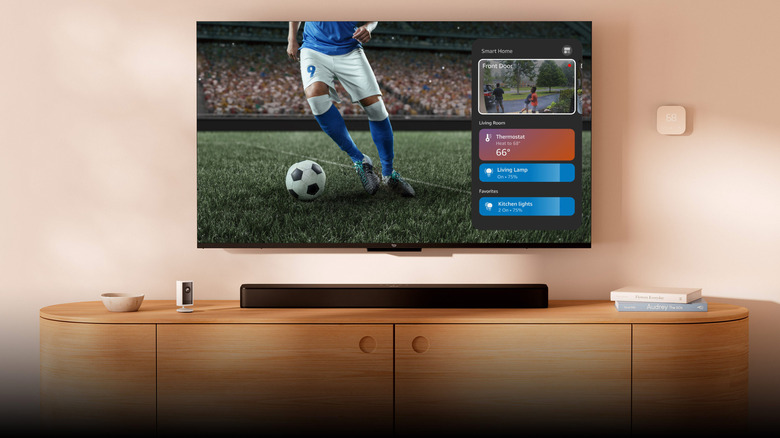
When you have smart cameras in multiple locations in your house, being able to quickly switch to them to make sure everything is okay can make your life much easier. A command you can have for Alexa is to ask to bring up your security cameras so you can take a look through them while you're at home, and if you hear a noise somewhere or want to see where your kids are during the day. Asking Alexa to bring it up on your smartphone or on another device is a simple command so you can see everything instantly. You can choose to have a set series of cameras brought up when you use a certain command (depending on your routine). You can also get them through your Amazon Fire TV, which is a great addition to your home security system.
You can get even more specific by having a range of cameras for certain areas. For example, you can say, "Alexa, bring up the backyard security," and have it set up so that this command shows all the backyard cameras. The same goes for the front yard, or the one at your front door when someone knocks. Creating a routine specifically for your cameras makes it easier to keep track of your entire household whenever you want to take a glance. You can also set a routine for specific devices to display if they detect motion.
Alexa, it's time to work out

When you want to stick to a strict workout routine, Alexa can help. You can create a routine where, when you tell Alexa you want to work out, the program starts by playing your favorite playlist, sets a timer for how long you go, reminds you to hydrate at certain times, and even says what you need to do next. Adding workouts that Alexa can let you know what's next while you're working out is a good way not only to avoid thinking about what you want to do while working out, but also to move seamlessly between activities without putting strain on yourself.
You can go further by creating additional methods for Alexa to motivate you during these workouts. The program can offer helpful tips for whatever exercise you're doing, with an audio method to drive you closer to your goal.
Alexa can follow a weekly schedule, or when you initiate the workout routine, the first thing it asks is what type of workout you want to do. You can then choose from a curated list you've already made and downloaded to Alexa, ensuring you have to do as little work as possible to get your workout going.
Alexa, what's the temperature outside?
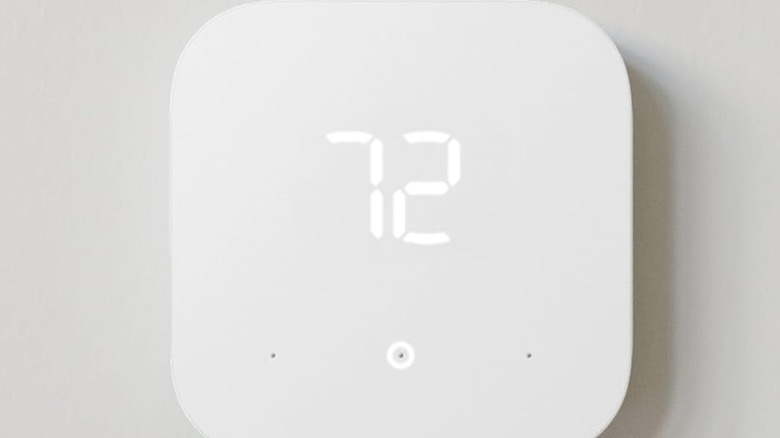
You can have Alexa help you maintain a warm or cool home, depending on the time of year. You can ask, "Alexa, what's the temperature outside?" to get the weather, and after that, Alexa can tell you the indoor temperature using your Echo device. Based on that temperature, the program can then ask whether you'd like to adjust the thermostat. Your response asking for it to be warmer or cooler gives Alexa the option to automatically adjust it for you. You'll be able to adjust to how you're feeling for the day, rather than maintaining the normal temperature you have set.
You can take it a step further and set preferences in Alexa for a set temperature when you're home, away, or asleep. You can add these routines together alongside the other ones you have for whenever you tell Alexa you're leaving and lock up the house, you've told Alexa you're locking up for the night, or when you have Alexa set to wake you up in the morning with a friendly greeting. You'll be able to set temperatures for each of these instances and save energy by using less power for your indoor heating and cooling. There are several smart thermostats for under $100 that work with Alexa that you can hook up.
Alexa, I'm turning in for the night
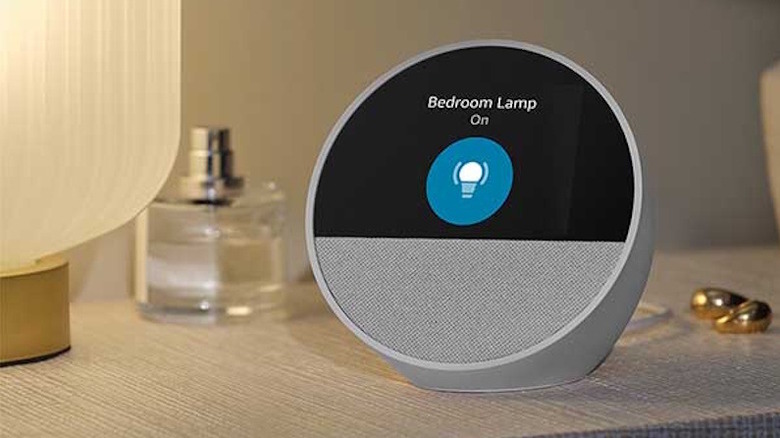
A lock-up-and-turn-off-all-lights routine is a great way to wind down everything in your house as you get ready to settle in for the night. You can do this with a simple command by telling Alexa to turn off all the lights and lock your front door, or you can issue a more straightforward command with another phrase, like "Alexa, good night."
For those who regularly use routines, telling Alexa good night could be a way for all of your locks to activate, your alarm to turn on, and your lights to dim down as you get ready for bed. It's a quicker, more specific response rather than asking Alexa directly what you want from it. You can also set it so that when you're falling asleep, Alexa plays a white-noise playlist to help you settle into bed. You can also sync a smart air purifier with Alexa to add to your nightly routine.
Similar to having smart devices display security camera feeds when they detect motion, you can have Alexa send you an alert if those cameras detect motion at night. The type of notification you receive can vary from a simple display to an alert or an alarm that could wake you up during the night.
Alexa, good morning.
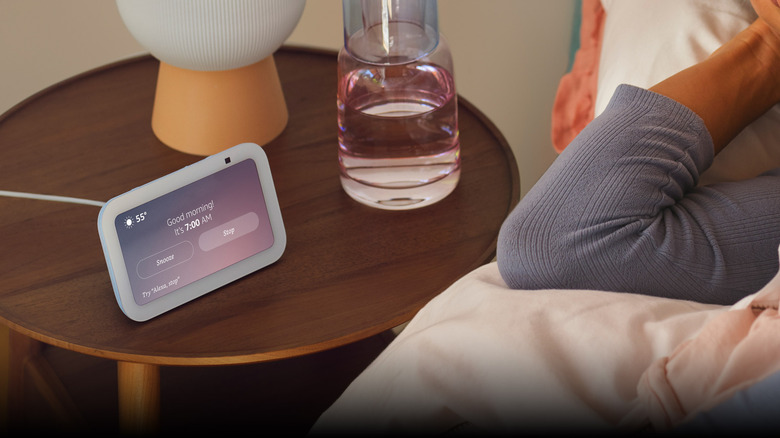
There's a lot for you to do in the morning when you first wake up. With Alexa, a good routine is to say "good morning" and have it help you start your day. You can have it so Alexa turns on the lights in various parts of your house, the program begins playing a playlist of music that you want to hear in the morning, and it begins to list out the weather, followed by any planned events you have on your calendar or important emails and notifications you received during the event.
If you want to get up at a specific time, rather than waking Alexa with a phrase, you can set an alarm. You can set it so Alexa turns on a soft light before your alarm goes off, and then plays a wake-up playlist or the local news 10 minutes later, followed by brighter lights. If you're still not up at this point, or you told Alexa that you're up, the program can start trying to have a conversation with you, asking if you're up yet, followed by receiving your schedule for the day.
Alexa, what's playing tonight?

When you're trying to settle down for the day and get ready to sit down to watch television, you may want to check whether something you want to watch is on. You can create a routine where Alexa asks and then lists what's playing on that channel. You can add to this by having it so Alexa asks if you want to watch a movie or TV tonight, if there's a show playing on a specific channel, or if you want to quickly see what's popular on a streaming service you regularly use.
You can also set it up so that when you tell Alexa that you have to get up, the routine pauses what you're watching or adjusts the volume, so you don't miss anything while you're gone.
Additionally, if there's a show you like to watch at a certain time every day (or weekly), you can create a custom routine where Alexa automatically turns on your television and goes to that program at a certain time. You can do this without asking Alexa, or if you're in the middle of doing something else, making sure you never miss a program when you want to watch it.
Alexa, let's move the music to another room
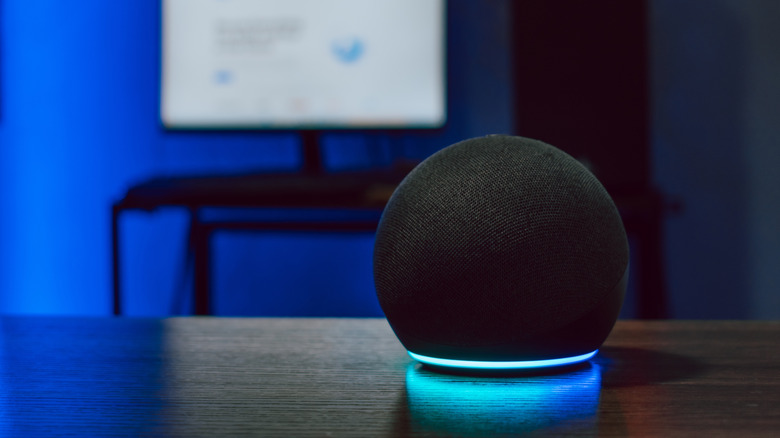
A great routine to utilize is moving music from one room to another. You can do this when you have multiple speakers set up throughout your house, and if you're playing music in your kitchen as you're cooking, you'll be able to switch it back over to the living room or dining area as you finish. Asking Alexa to move the music with you is a good way to keep listening to your favorite playlist without having to start up another set of speakers when you already have some in use. One of the many essential tips for new Alexa users is to change the default music streaming service to your preferred one.
You can add a routine for it to ask if you want to change music, or have a set playlist set up for every room. This way, you can set an Alexa routine to track where you are in the house, and then it plays a certain playlist based on your location.
You can also create a routine where Alexa plays music on a schedule without you asking for a playlist. You can have it play songs on specific days at set times, or, if you want to make sure you're not surprised, have Alex activate at a set time to ask if you'd like to start listening to a soundtrack.
Alexa, I'm busy

In a busy household, it can be difficult to let everyone know when you don't want to be disturbed. A good way to do this is with Alexa. You can create a routine where you say, "Alexa, I'm busy," and when that happens, you can provide visual signals for everyone in your house to see thatyou're occupied.
When you say this command, Alexa's routine could trigger your nearby lights to turn red, quickly letting everyone know you're on a call in your office or that you don't want anyone coming in unannounced. This routine could also announce to other Alexa devices in your house, letting those in those rooms know you don't want to be disturbed. To ensure this doesn't stay on forever, you can create a routine that says, "Alexa, I'm no longer busy," to turn off all the lights and send another announcement to your household that you're free.
You can also create a series of routines with Alexa to help you stay busy, such as saying, "Alexa, I need to lock in." When this happens, the program can set your lights to a tone that helps you concentrate and start playing your favorite playlist to stay focused.
Alexa, what's on my chore list?

Housework can become a daunting challenge to stay on top of throughout a busy day. A good routine to make when having an Alexa in your house is to have it assist you in knowing what house chores you need to do. You can have it so when you tell Alexa you want to start cleaning, it lists out what the last thing you cleaned was, how long ago it was, and what you should work on first (based on what you tell it from the routine). If you have a robot vacuum cleaner, you can also add that you want it to clean certain parts of the house, which Alexa can activate on your command, on top of reminding you of your cleaning checklist.
When you have multiple members of a household, you can create a chore chart for everyone in it. The routine can consist of everyone in your house, a list of the weekly chores, and assigning each member of your household to those chores. You'll have to go through and edit these out based on the frequency you plan to clean, but this can be a good way to make sure everyone stays on top of their household work, with Alexa tracking who does what and if they've completed it for the week. You can also set reminders on a schedule.
Alexa, it's movie night

For those who want to get into the mood for an authentic movie night, you can create a routine where Alexa helps. When you tell Alexa it's a movie night, the routine can be that the lights in your living room are set to a certain hue and dimmed, followed by Alexa listing out the various movies from your favorite streaming services. Alexa can start by asking you where you want to watch movies, then list the genres you're in the mood for that night. Automating your movie night is one of the several clever ways you can use Alexa with your Fire TV Remote.
You can also modify a movie setup by taking it outside and using Alexa to connect to a mobile projector and sound system for outdoor viewing. By saying, "Alexa, let's have a movie night outside," you can have it so that this routine activates your exterior light system to enhance the experience, then activates the projector and goes to your preferred streaming service. This routine can also activate all the outdoor speakers connected to the projector, creating an ideal landscape for an outdoor movie.