

What Makes Netgear 'Nighthawk' Routers So Expensive?
We may receive a commission on purchases made from links.
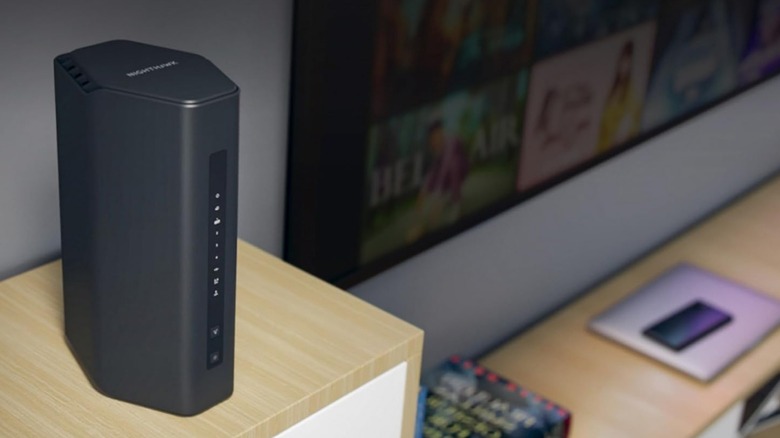
Want to know if Netgear's Nighthawk gaming routers are worth it? Well, I've been using the entry-level RS200 and ultra-premium RS700S for a few months now, so I know a thing or two about these routers. Spoiler alert, they're great! There are solid reasons why Nighthawk routers regularly show up on lists of the best Wi-Fi routers. For those who are tired of sluggish, unreliable performance streaming out of their standard internet service provider (ISP) box, this is a serious upgrade for signal reliability and accurate speeds. But before making a big investment like this, its good to know why these internet boxes are worth the money.
After using these routers to run a four-floor smart home with high-demand multiplayer games, backlog downloads, and endless content streaming, I've found Netgear Nighthawk routers are far from snake oil. Netgear has positioned its Nighthawk line as a premium flagship ecosystem with high-end hardware, which means it commands a higher price point than basic consumer models. While casual web surfers may find that high-end routers aren't worth it for checking emails, power users benefit from the tri-band architectures, low-latency data routing, and long-term firmware reliability that Nighthawk offers. I have one router positioned on the top floor and one on the first floor, thanks to running ethernet cables through my home (highly recommended), and I have zero Wi-Fi 7 coverage issues.
Elite hardware specifications
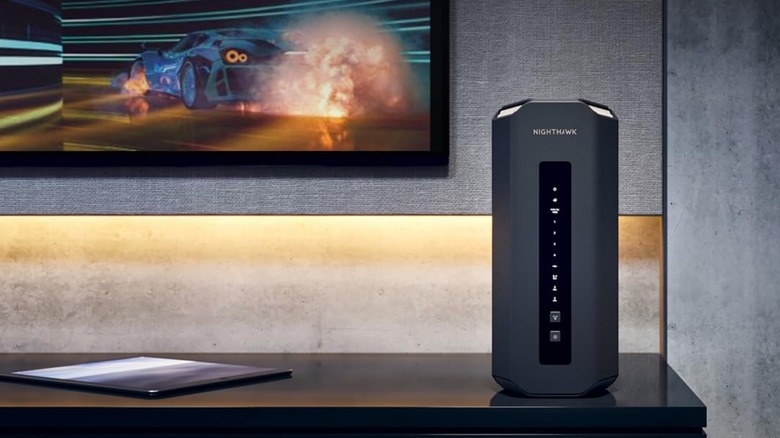
The primary driver for Netgear Nighthawk router pricing is the top-shelf hardware packed inside their sleek, internal-antenna towers. For instance, the top-of-the-line Netgear Nighthawk RS700S operates on the latest Wi-Fi 7 standard, offering massive tri-band speeds of up to 19 Gbps alongside a powerful quad-core 2.6GHz processor.
Even the more accessible dual-band Netgear Nighthawk RS200 router delivers up to 6.5 Gbps for less than the competition while providing the core features gamers and power users need on 1 GB+ fiber broadband packages. These components allow the router to comfortably handle up to 80 concurrent devices without dropping a signal.
In addition to strong wireless performance, high-end Nighthawks feature multi-gigabit physical ports, such as the massive 10-Gbps internet port on the RS700S, which allows users to fully utilize ultra-fast fiber connections. While these fantastic specifications are great for heavy households, budget-conscious buyers can easily find underrated router brands that compete with Netgear without the steep markup. For users not pushing their bandwidth to the absolute limit with multi-gigabit fiber, paying for these ultra-premium internal components doesn't make much financial sense.
Advanced traffic prioritization and long-term support
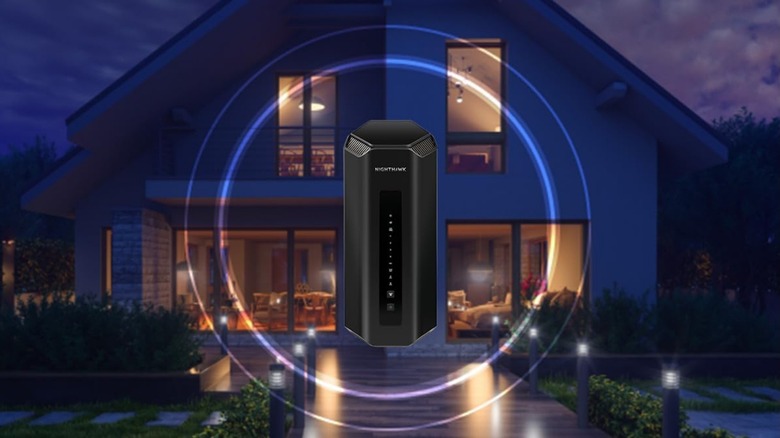
Beyond raw hardware, the software suite running on Nighthawk routers represents a massive portion of their retail value. Netgear outfits its gamer-centric models with advanced features like Quality of Service (QoS) bandwidth allocation, which actively prioritizes gaming traffic to lower latency during busy household hours. These intelligent software integrations are a major reason why gaming routers are worth buying for players looking to eradicate network congestion. The accompanying Nighthawk app further simplifies this, giving users absolute control over their network directly from a smartphone.
The brand's long-term software ecosystem prevents these routers from becoming obsolete. Unlike cheap generic routers that lose firmware support after a year, Netgear maintains its Nighthawk products with consistent security patches and feature updates.
Optional integrations like Netgear Armor, powered by Bitdefender, provide real-time protection against digital threats directly at the gateway level. When buying a Netgear Nighthawk router, players are paying for peace of mind, continuous support, and premium network control that budget routers can't replicate — not to mention getting some of the best download and upload speeds I've ever seen on my 900-Mbps connection, via ethernet connection or through Wi-Fi 7. For example, I have just performed a speed test via Wi-Fi 7 connection while writing this article, and I'm getting 917 Mbps download and 112 Mbps upload speeds. Via ethernet, the speed test results are 883 Mbps download and 110 Mbps upload. The results speak for themselves.