

5 Things To Stop Doing If You Have An OLED TV
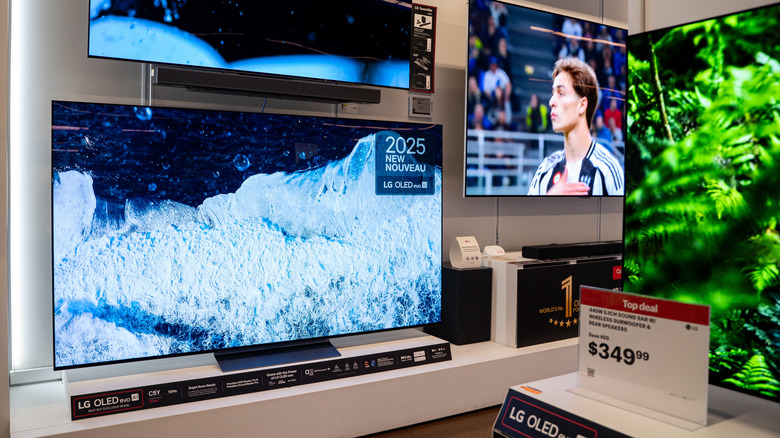
Although they offer great quality, the best OLED TVs you can buy are delicate, and there are certain things you should never do with them. The technology used in these screens was engineered to make what you watch look sharper, but at the same time, it also requires special care. This is why OLED ownership might feel a little different, especially for anyone coming from an LCD or LED screen.
OLED technology is fundamentally different from previous screen types that used a separate layer for lighting. Your new OLED TV has millions of pixels that can each create their own light, but their ability to do this can degrade as you use them, which could lead to individual pixels becoming dimmer. This wear is unfortunately natural and will happen with any panel using this technology, but the process can be sped up or slowed down depending on how you use your TV, meaning some habits are worse than others.
The good news is that you don't need to be a tech wizard or pay extra to keep your OLED TV safe — it's simply a matter of adjusting a few behaviors. There are some things you should absolutely never do on an OLED TV, and other things you can do but should avoid.
Leaving static images on your OLED TV for hours
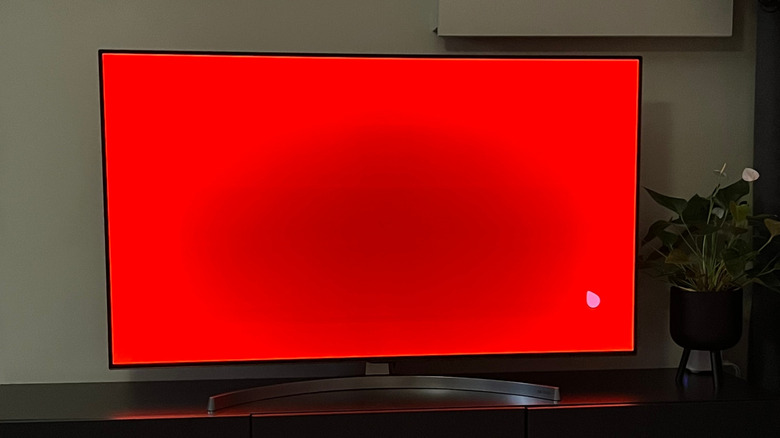
Burn-in is one of the biggest problems with any OLED screen and also a nightmare for many users, since modern OLED screens still suffer from burn-in even after many improvements. Image retention can happen over time, since each pixel generates its own light and all pixels do not degrade in the same way over time. So, if you play the same game for too long, or anything else that has fixed interface elements appearing in the same place, burn-in is more likely to happen.
The best thing to do is avoid leaving the same channel or game on for hours, since this increases the risk of damage to your OLED TV's pixels. It's also important to enable any screen protection technology that your TV might have: features like Screen Shift, which moves the image slightly at regular intervals to help maintain quality, and Pixel Refresher, which helps redistribute pixel wear and reduce the risk of permanent marks appearing on the screen.
Handling the TV by pinching its thin screen
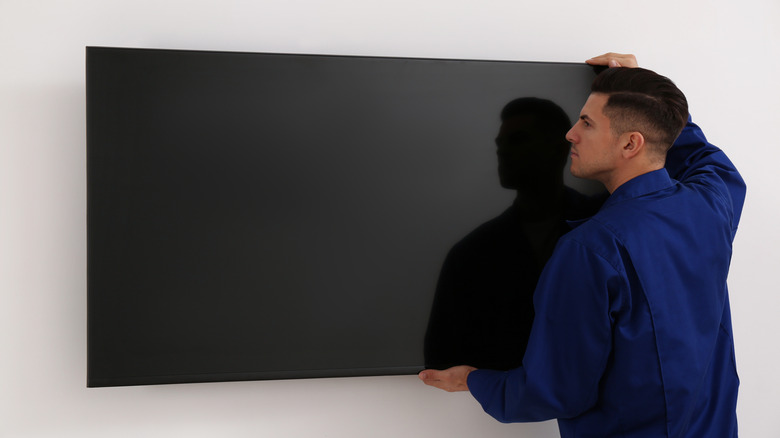
In addition to better image quality, OLED panels are also much thinner than other types of screens, especially at the top. This is possible because screens with this technology do not use a backlight layer like LED TVs do — only organic pixels on a flexible substrate. Although this gives these screens an elegant design, it also makes them more susceptible to damage.
For that reason, when moving the TV for cleaning or changing its place at home, never lay it with the screen facing down on uneven or rough surfaces. Also avoid pressing the glass with your fingers in a pinching motion to lift the device, since these pressure points can damage the pixels. Ideally, always hold the TV by its base or thicker edges.
If possible, it is also recommended to keep the TV box and its foam packing material. Although this takes up space, the foam was molded to fit the panel's shape, making the original packaging ideal for transporting the device over long distances. If you no longer have the box, it is best to wrap the screen in a soft cloth or bubble wrap before laying it on a flat surface to avoid internal damage, which can take time to appear.
Unplugging the TV
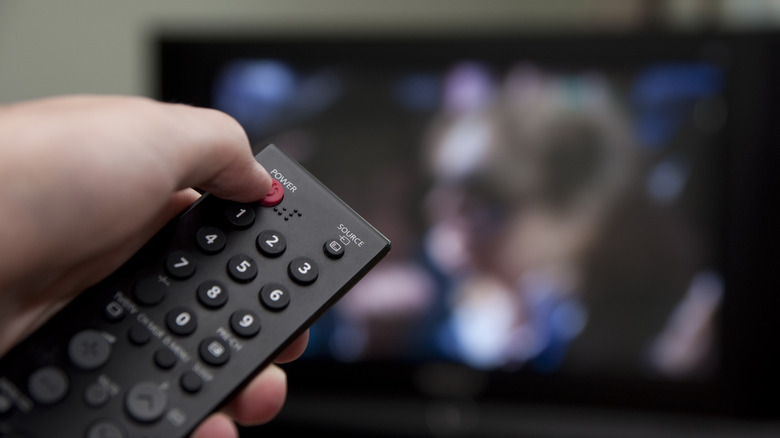
Interrupting the TV's power often, whether by unplugging it from the outlet or turning it off through a power strip, prevents the pixel compensation cycles we mentioned in the burn-in section above from finishing. These processes keep running during standby, and they play an important role in helping the TV equalize wear among the pixels and reduce the chance of burn-in over the long term.
Although many users do this to save money, the money saved by unplugging the TV in these situations is negligible. TV models with Energy Star certification consume no more than 1 W in standby — compare that to somewhere in the range of 120 to 170 W when they are operating. Ultimately, this habit might result in saving only a few cents on the bill at the end of the month. Even models with higher standby consumption represent only a few extra dollars per year.
In other words, any cost savings from unplugging your TV likely aren't worth the risk of damaging your screen, even if you consider that users say OLED TVs are reliable when properly cared for. The better choice is to leave it in standby mode and use only the remote to turn it on or off, allowing the automatic cycles to work without interruptions and preserve the image for longer.
Keeping the screen brightness at maximum all the time
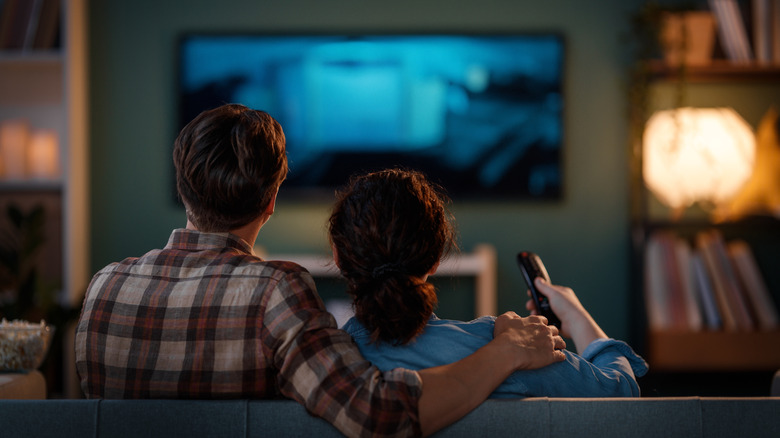
It's tempting to have an OLED TV and want to enjoy everything it can offer all the time, especially because maximum brightness helps make images look even better. However, just like static images, brightness can be another factor that greatly affects how long your TV takes to start showing burn-in. So, if you want to keep your screen in good condition for longer, reducing the brightness is one of the simplest ways to avoid OLED burn-in.
That is because maximum brightness demands more from each pixel, with the organic light emitters requiring more energy and generating more heat to work at full capacity. These two elements, when combined for long periods, contribute even more to screen degradation, reducing a TV's useful lifespan and increasing the chances that problems appear sooner. So, only using maximum brightness when it's truly needed is a precaution every OLED owner should be taking with their TV.
The ideal option is to adjust brightness according to the room lighting, reducing it at night or in darker rooms where higher brightness levels do not translate into a better experience. Depending on your model, it may also be worth turning on the TV's automatic light sensor.
Using your OLED TV in a room that has too much ambient light
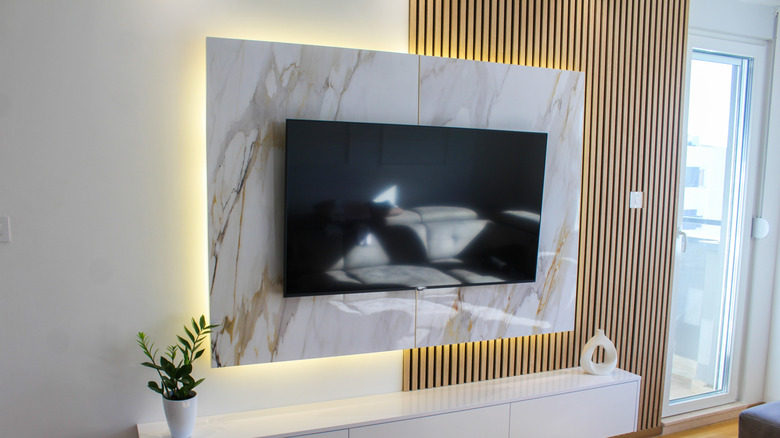
The biggest advantage of an OLED TV is near-infinite contrast, as each individual pixel can be completely turned off to produce true black, which is great in movies and gaming. But in very bright rooms, this advantage disappears, since the external light might mix with the image being displayed, increasing the perceived black level and making the scene look grayish, with less depth and definition between bright and dark areas.
Also, most OLED panels have a slightly reflective finish, even with anti-reflective layers, which can also degrade contrast quality when there's lots of ambient light. In a bright room, reflections from windows, lamps, and even light-colored walls can show up on the screen and compete with the content. This leads to an image that looks washed out, with less-saturated colors and a weaker sense of depth, even for scenes with good calibration.
The best way to get the most out of an OLED TV is to use it in a room with controlled lighting, not one with direct sunlight on the screen during the day. Blackout curtains, blinds, and indirect lighting help a lot. If you can't control the room lighting, look into some of the best TVs for bright rooms, as other technologies are better suited to this type of environment.