

How To Improve Your Phone's Signal Without Switching Carriers

If you've been dealing with a poor cell phone signal, you might be considering a switch to a different carrier. After all, each carrier has its own service network. Maybe one of the most reliable phone carriers will have a cell phone tower closer to your home or place of work, right? Well, it's certainly possible, but there are some simple ways you can improve your phone's signal without making a big leap to a new cellular plan.
Sometimes, the problem is that your phone is trying to communicate with a very distant tower. Try the classic airplane mode trick to get a stronger signal; turning airplane mode on and off will force your phone to reconnect to the nearest tower instead. You can also reset your phone's network settings for the same effect. If these tricks don't work, check for important software updates from your phone's manufacturer or your service provider.
The SIM card could actually be the source of your signal issue if you've had your phone for a while. Android phones are getting rid of SIM cards, but for devices that still use them, wear and tear can cause connectivity issues. Try cleaning the SIM card, and if it looks damaged, you can request a replacement from your carrier.
Wi-Fi calling can overcome a poor phone signal
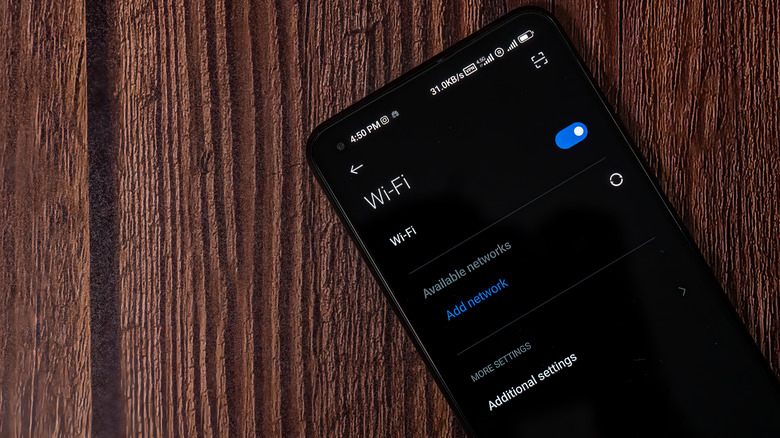
Having bad reception at home or at work — the places where you spend most of your time — can be extremely frustrating. But if those are the primary places where you're experiencing poor phone signal, you can work around the issue with Wi-Fi calling. As long as you have access to a reliable Wi-Fi network, you can use an internet connection to make calls and send text messages just as you normally would. As an added benefit, Wi-Fi calling is more battery-efficient than cellular.
Admittedly, Wi-Fi calling won't fix every problem. Maybe you frequently make hands-free calls from your car, or you're constantly on the move for work or personal errands. Wi-Fi isn't always an option when you're away from home, so if you're still struggling with phone signal issues after troubleshooting and upgrading your hardware, switching phone carriers might be your only option. Be sure to look for a phone carrier that leads in customer satisfaction. This is a solid indicator of how good the carrier's mobile network might be. You can also check the carrier's official coverage maps or use third-party tools to confirm whether you'll receive a strong signal in your area.