

5 Perks Of Switching To A Galaxy Z Fold From A Galaxy S26
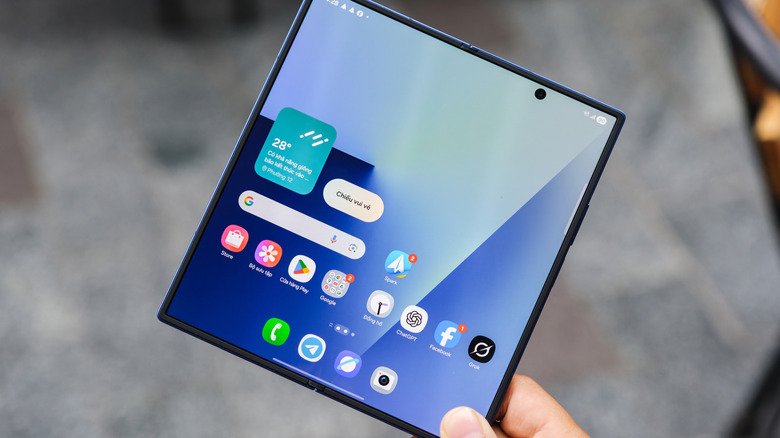
Samsung's Galaxy S26 is one of the best smartphones you can buy. That is because the device combines a good camera, a strong battery, and powerful performance with the Snapdragon 8 Elite Gen 5, which is more than enough to satisfy most consumers. Still, switching from the same S26 to a Galaxy Fold comes with several perks, especially with the latest versions of the foldable phone.
Part of this strength is longevity. Like the entire S26 line, the new Fold devices also come with long-term support for security updates and software versions, placing them among the Android phones with the longest software support available. So, for anyone afraid of buying a phone and then losing these updates, it is possible to consider the jump to a Fold without concern.
Even though the Galaxy S26 remains an excellent phone, anyone who already likes it can get even more from it by switching from a single screen to a foldable one. You gain more than just space, since you also get several other features that a traditional model cannot deliver due to its format. For that reason, we separated this and several other perks.
One of the biggest Galaxy Fold perks is replacing your tablet
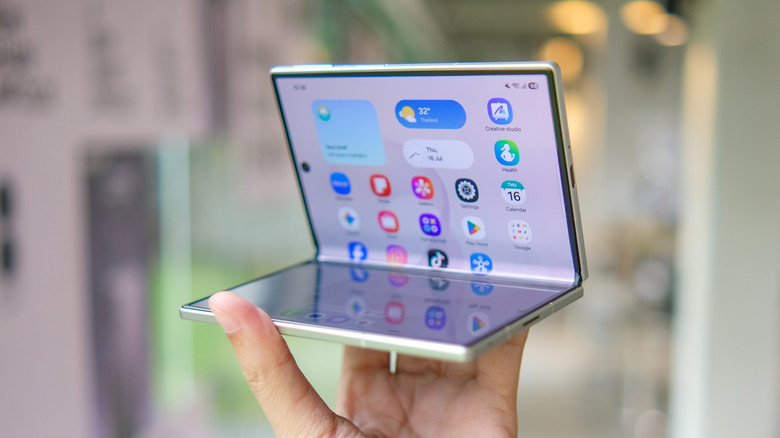
One of the main exclusive features of foldable phones is that they, especially the Galaxy Fold, have a much larger screen than traditional models. The S26 Ultra has a 6.9-inch size, while the Fold8 Ultra opens to 8 inches and the Fold8 to 7.6 inches. This extra space is great for users who want a tablet but dislike the extra size these devices have.
So, when buying a Galaxy Fold, you end up combining the portability of a phone with the space you would find only on a tablet. When closed, the device continues to function normally as a traditional smartphone for simple tasks, such as replying to messages or checking notifications. If you need to do something different, you can open the screen to gain more space to browse the internet, stream, or edit a document.
This type of combination also helps avoid a double expense. Instead of buying a tablet for these activities and a smartphone for everyday tasks, a Galaxy Fold handles both functions. So, you do not need to think about organizing space in your bag or even paying for two different devices.
Split-screen multitasking is actually practical on a foldable
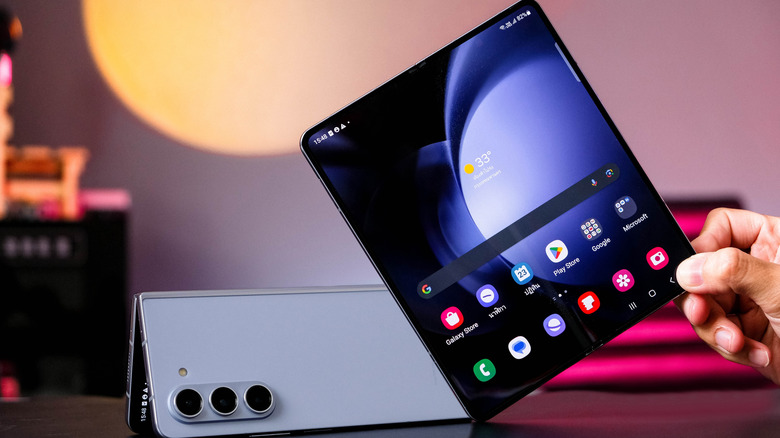
Although it is not an exclusive feature of Galaxy Folds or other foldable phones, multitasking on one of these devices is much more satisfying. Using the Multi Windows feature on an S26, you can split the screen between two apps, but a common problem is that doing so on a 6.9-inch screen leaves each one in a very tight space.
Depending on what you plan to do, you can multitask on a Galaxy S26, but it will not be one of the easiest tasks, especially if you need to copy information from one place to another while still using the keyboard. So, if you need to work this way, upgrading to a Galaxy Fold is one of the biggest perks, allowing you to open up to three windows at the same time.
If you combine this multitasking feature with some of the best useful accessories for foldable phones, the use becomes even more satisfying. A Bluetooth keyboard, for example, helps you keep more information on the screen without leaving space for the phone's virtual keyboard, making use even easier.
Reading books and comics is much more comfortable
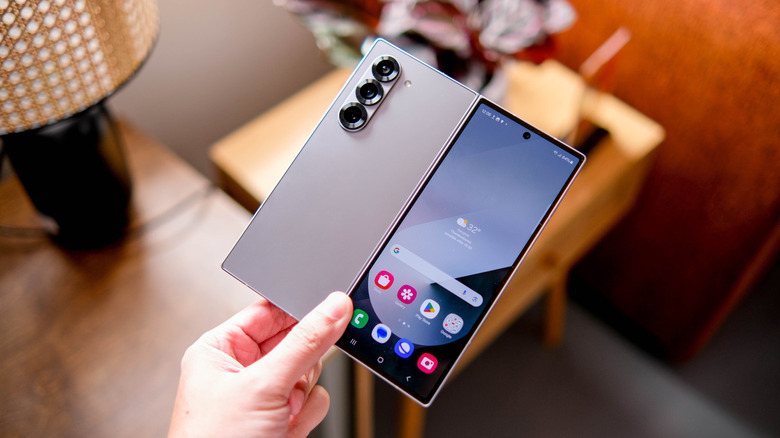
Many of the biggest perks of the Galaxy Fold stem from its larger screen. If you're a Galaxy S26 user who usually reads books or manga, you have probably felt that the smaller display space makes everything a little too cramped and hurts your experience. On the Fold, the open screen comes close to the size of a larger e-reader, making everything more comfortable.
So, if you do not want to buy one of the best e-readers on Amazon or elsewhere and prefer to use your phone for everything, upgrading from an S26 to a Galaxy Fold makes sense. Although it does not have the e-ink screens of Kindles, the extra display space makes pages look better, especially for anyone who likes comics.
Fortunately, this Galaxy Fold gain is not limited only to reading books. Other documents you can open on your phone, such as longer news stories or work PDFs, also become easier to read without constant zooming on the screen. For anyone who likes to read a lot on a phone screen, this size makes a total difference in comfort.
The foldable design acts as a built-in tripod for photos
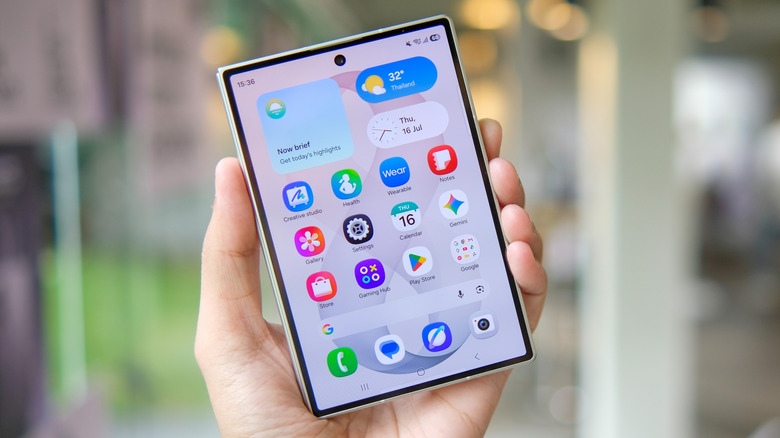
Although it does not have a better camera than the Galaxy S26, one of the features foldable phone owners like most is the phone's form factor for taking photos. Since you can place the device partially open on a surface, the Galaxy Fold Ultra model does not need a tripod for support. So, to find new angles or take a group photo without one person staying out, you do not need a separate stand.
Another advantage of these screens is Dual Preview, which uses the smartphone's external screen to show the framing to the person being photographed, while the user controls everything through the main screen. So, everyone can check the composition and other details before the shot. In addition, for anyone who likes to retouch the image before posting, editing is easier on the larger screen, streamlining the whole process.
Hands-free video and Flex Mode are top Galaxy Fold perks
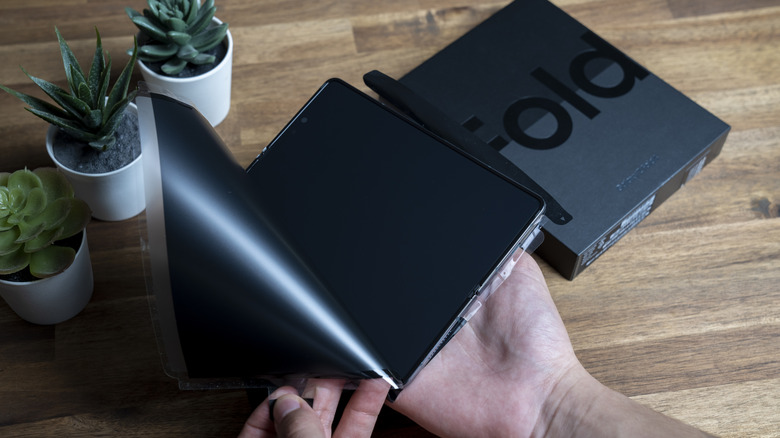
Another perk of getting a Galaxy Fold is that you don't need any extra stand to use the phone hands-free, thanks to the foldable screen. It's possible to fold it partially and then place it on a surface so it stands on its own, allowing you to watch videos or movies, or even make calls while doing other activities without needing to hold the device the whole time. This feature, also known as Flex Mode, works well thanks to the hinges, though it's worth noting that Samsung removed it from the standard Fold8 this generation, keeping it exclusive to the Fold8 Ultra.
For traditional smartphones, such as the S26 itself, you need to buy a tripod or another accessory that you have to carry separately to get similar results. So, since this function already takes advantage of the format a Galaxy Fold uses, it is an extra perk for users, making many day-to-day activities easier without needing to rely on any extra gadget.